
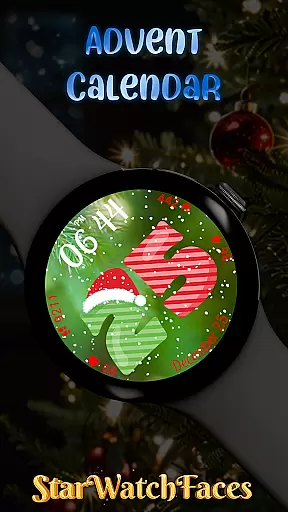
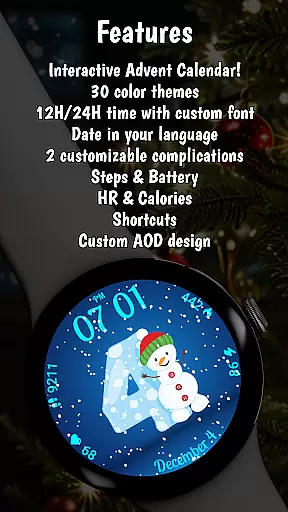
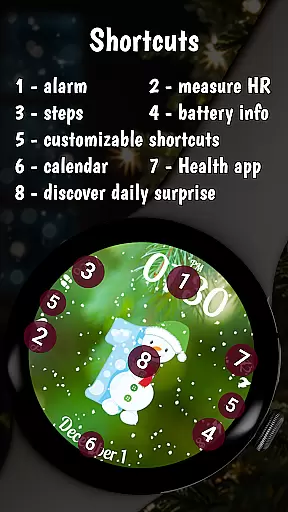
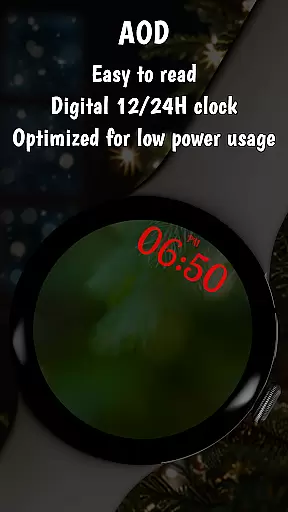
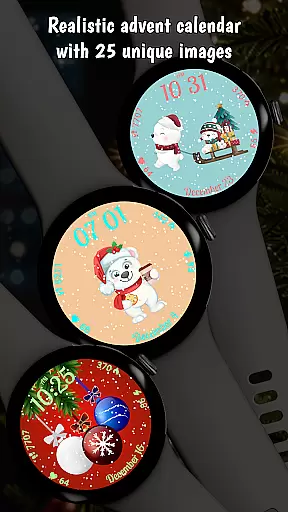
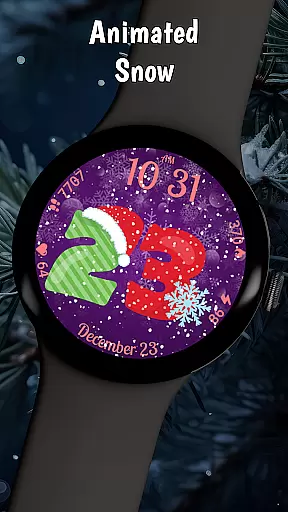
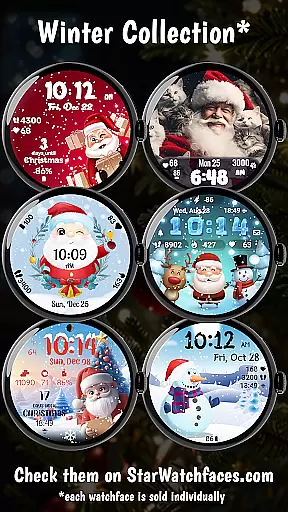

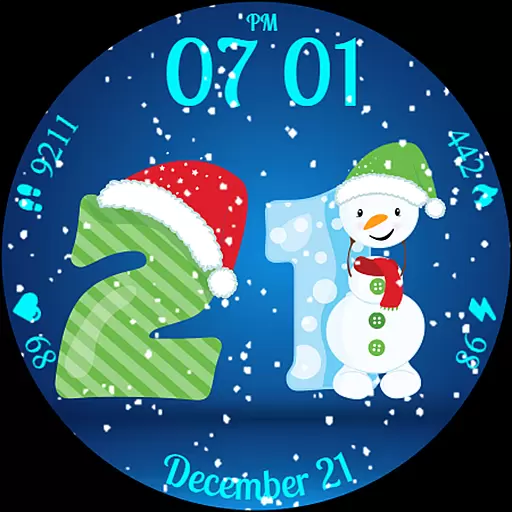
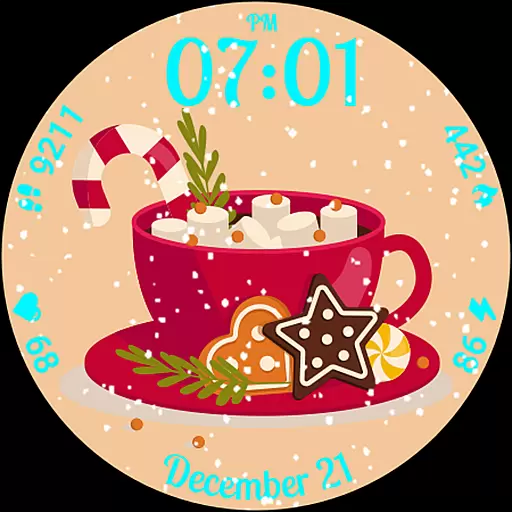
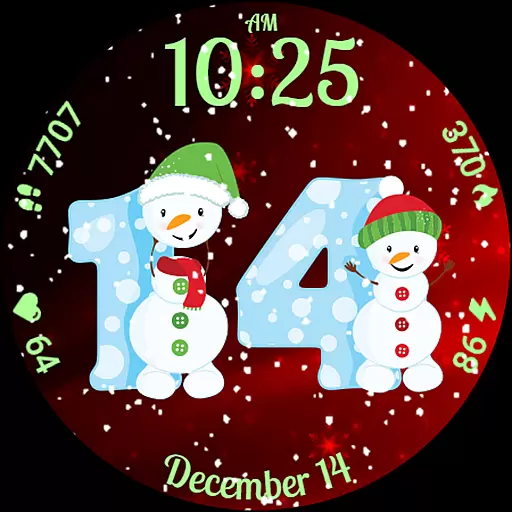
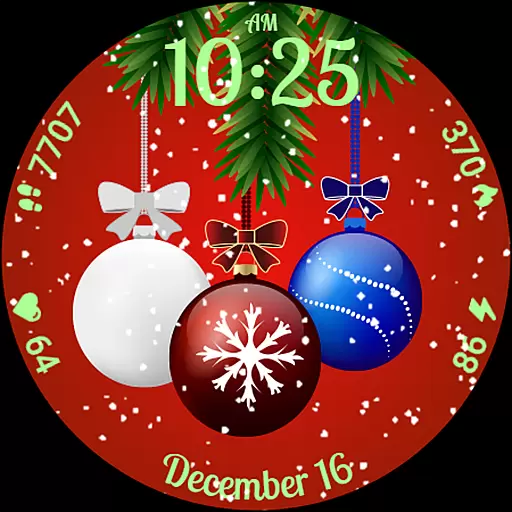
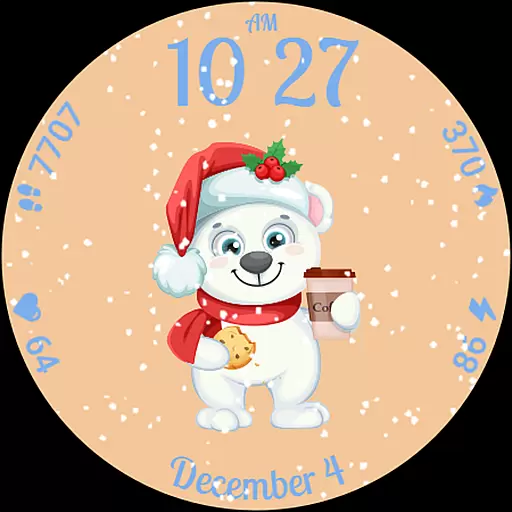
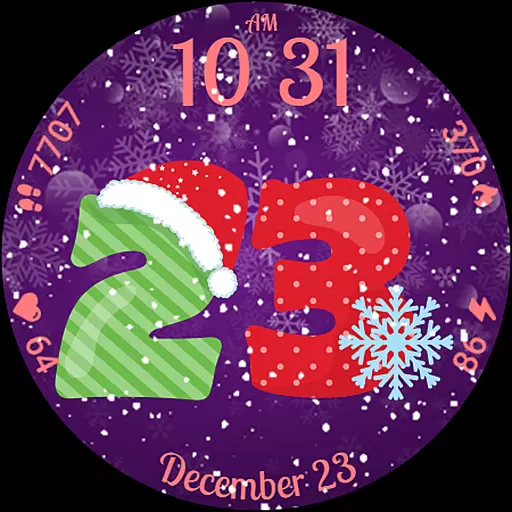
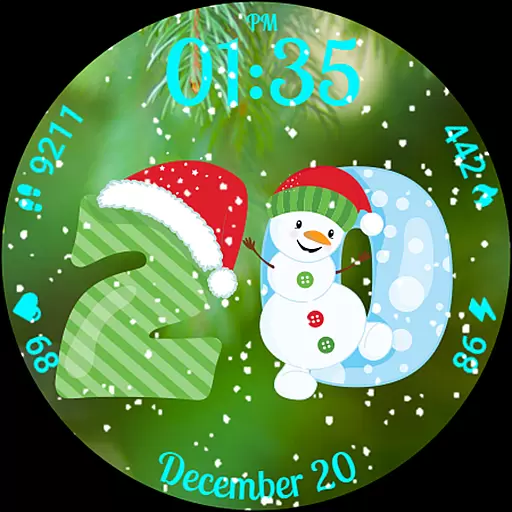
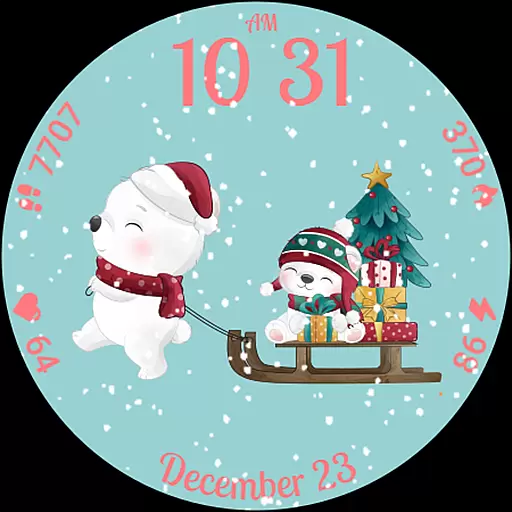
Advent Calendar is a festive watch face designed specifically for Wear OS devices, bringing holiday cheer directly to your wrist. This interactive app allows users to count down to Christmas by revealing a unique surprise photo each day from December 1 to 25. The watch face features customizable backgrounds and color themes, animated snow effects, and essential health statistics.
Beyond its primary countdown function, Advent Calendar serves as a fully-featured smartwatch interface. Users can view their daily fitness metrics including calories burned, heart rate, and step count while enjoying the holiday-themed design. The application supports both 12-hour and 24-hour time formats and maintains optimal performance through its compatibility with the latest Wear OS versions.
This lifestyle application particularly appeals to those who want to maintain their fitness tracking during the holiday season without sacrificing festive spirit. Its combination of functionality and seasonal charm makes it an ideal choice for smartwatch users looking to celebrate Christmas in a unique, interactive way.
The Advent Calendar watch face stands out with its innovative combination of holiday-themed surprises and practical smartwatch functionality. Each day in December reveals a new Christmas-themed image, creating an engaging user experience that builds anticipation for the holiday season. The interactive element extends beyond simple visuals, incorporating animated snow effects that bring the watch face to life.
Customization options are extensive, allowing users to personalize their watch face with multiple background choices and color themes. The application displays crucial health metrics including calories burned, heart rate monitoring, and step counting alongside battery life indicators. These features are presented in a visually appealing manner that doesn't compromise readability or functionality.
Technical excellence is demonstrated through its optimization for Wear OS 4 and 5 using the latest WFF format, ensuring smooth performance and compatibility with modern smartwatches. The watch face also supports various complications and settings adjustments through simple touch gestures. This combination of festive features and technical sophistication creates a unique product in the lifestyle category.
Advent Calendar offers a delightful blend of holiday spirit and practical functionality, making it an ideal lifestyle companion for the festive season. This Wear OS watch face brings December to life with daily surprises from December 1 to 25, featuring charming Christmas-themed images that add a touch of magic to your routine.
The app goes beyond aesthetics by integrating essential health and battery stats such as calories, heart rate, steps, and battery life. These features ensure users stay informed about their wellbeing and device status while enjoying the holiday cheer. The time display supports both 12-hour and 24-hour formats, catering to personal preferences and enhancing usability.
With multiple background options, color themes, and a snowing animation, Advent Calendar provides extensive customization possibilities. Users can personalize their watch faces to match their unique style, ensuring a perfect fit for every personality. This level of personalization enriches the user experience and keeps the content fresh throughout the season.
The Advent Calendar watch face stands out through its authentic and expertly crafted content, designed to offer a genuine holiday experience. Each surprise image revealed from December 1 to 25 is meticulously created with seasonal charm, ensuring users receive a true sense of Christmas magic on their Wear OS devices.
Built using the latest WFF format, this watch face is fully optimized for Wear OS 4 and 5, guaranteeing advanced performance and compatibility. The technical excellence behind Advent Calendar ensures a smooth, flawless experience, reflecting the expertise invested in its development. This optimization underscores the app's commitment to delivering high-quality, reliable content.
In addition to its visual appeal, Advent Calendar incorporates practical features like health and battery stats, reinforcing its credibility as a lifestyle tool. By combining festive elements with functional data displays, the app demonstrates a deep understanding of user needs during the holiday season. This thoughtful integration establishes Advent Calendar as a trustworthy and valuable addition to any Wear OS device.
Festive holiday theme
Daily surprise images
Health metric tracking
Customizable interface
Optimized performance
Limited time usage
Seasonal only appeal
Premium price point
Complex customization
Specific platform support

The Work of Byron Katie— the mobile app for inner peace.
 4.40
4.40
Digital watch face design. Modern looking, hi-res & battery friendly.
4.00
Stay connected with your loved ones & vehicles | Share live GPS location updates
4.60
Paranormal Spirit Bell Trigger Device
4.30
Kasa Smart is your portal to your TP-LINK Smart Home.
4.70
Colorful minimal digital watch face for Wear OS
4.60
An Eerie Musical Trigger Toy for Spirits to Play with!
3.50
LineLearner, the quick way to learn lines.
2.90
Remotely monitor the time and temperature of food cooking on your grill.
4.60
Discover the "To Be a Christian" App: Your Guide to Deepening Faith!
5.00
Daily lessons from A Course in Miracles with scheduled reminders
4.80
Get the news, events and savings that matter to you with AARP Now.
4.80
Pay your rent, submit work orders and much more with the RentCafe Resident App.
4.70
Made To Order Faves
4.70
Digital smart watch face made for Wear OS.
4.70
The App can control Roborock vacuum cleaners from anywhere with rich features.
4.60
Easily manage your child's playtime, spending messaging and more.
3.50
Smart home security protection
3.20
The Miracle Box includes methods used by Steve Huff of Huff Paranormal.
3.20


User Reviews