
Visual Attention Therapy is a specialized medical application designed to assist individuals with visual attention deficits, particularly those recovering from brain injuries or strokes. The app focuses on retraining the brain to correctly move the eyes across the screen from left to right, which can significantly enhance skills such as reading, concentration, memory, and attention to detail.
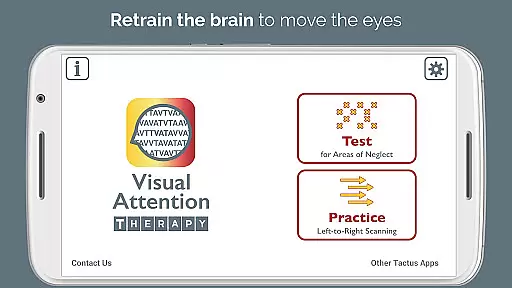
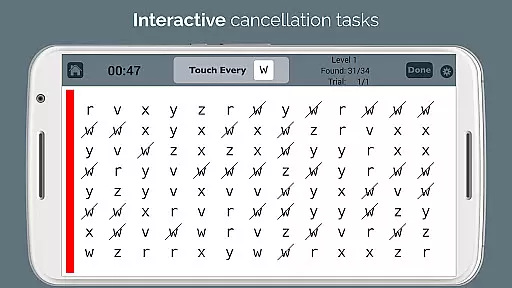
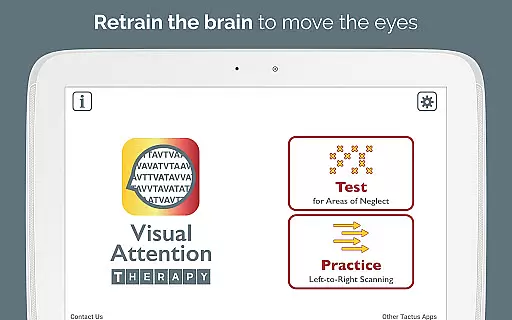
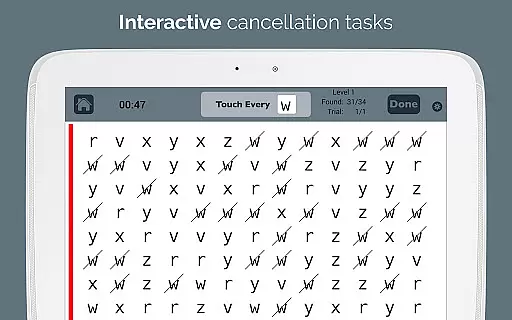
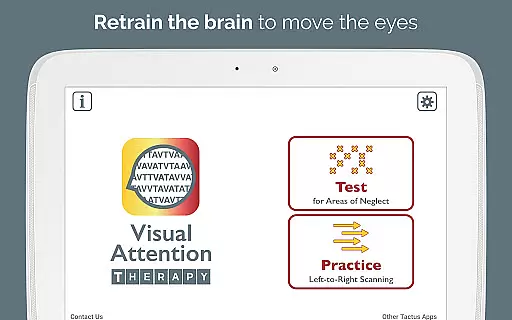
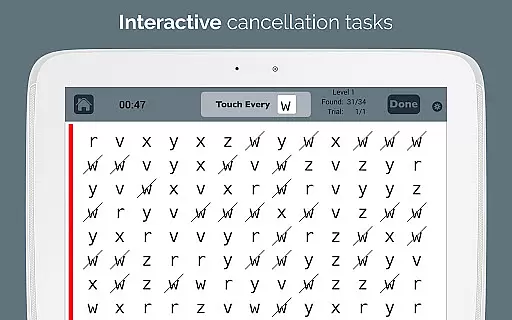
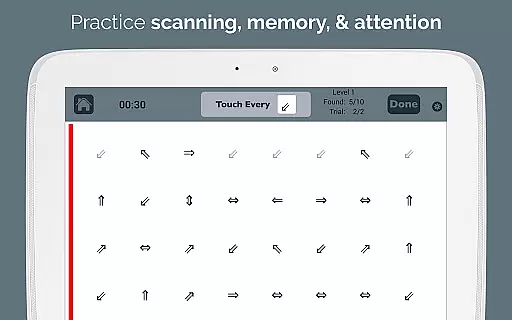
The app offers two primary modes of operation: Test mode and Practice mode. Test mode helps in determining the presence and location of any visual attention deficit, while Practice mode trains users to scan by identifying targets in sequence. This dynamic tool is suitable for all ages and transforms traditional cancellation tasks into an interactive experience that keeps users engaged through immediate feedback and timed exercises.
Occupational therapy (OT) and speech therapy (SLP) professionals can utilize this app to efficiently assess and treat right or left neglect, making it an essential component of effective rehabilitation programs. By downloading Visual Attention Therapy Lite for free, users can explore its capabilities and understand how it can aid in their recovery process.
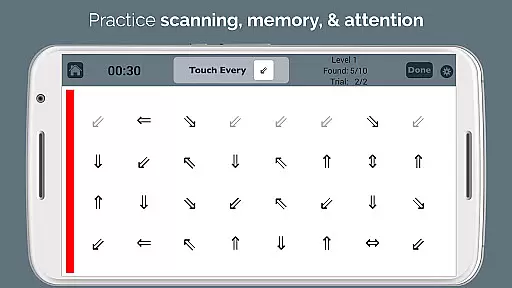
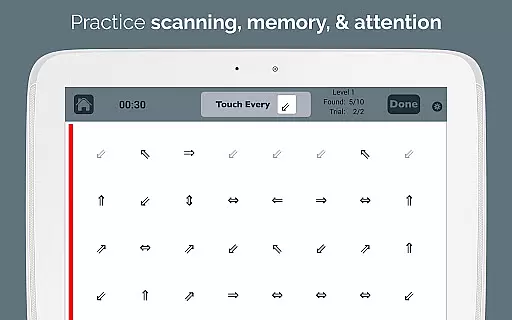
Visual Attention Therapy stands out due to its innovative features tailored to improve cognitive and reading skills. One of the key aspects is the requirement for users to tap targets from left to right and top to bottom in Practice mode, training them to slow down and thoroughly scan the entire screen before proceeding. This method ensures comprehensive visual coverage and attention to detail.
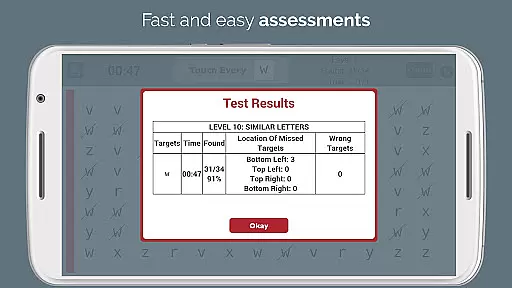
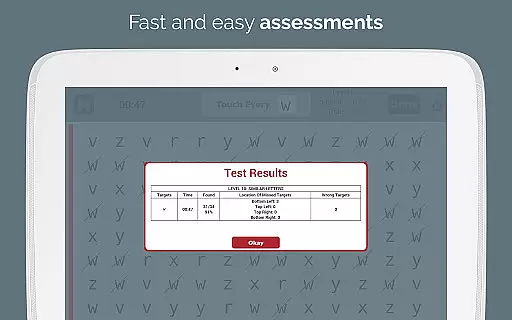
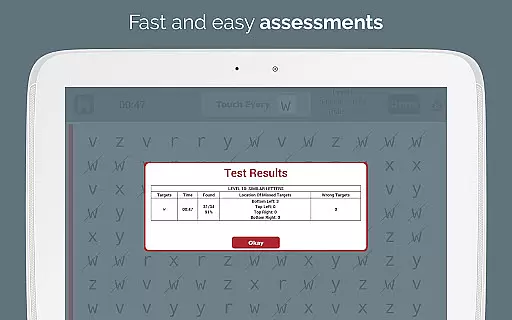
The app provides immediate feedback through visual and auditory cues, maintaining user engagement and motivation. Timed exercises encourage working quickly and accurately, enhancing both speed and precision. Automated scoring eliminates manual error counting, offering detailed reports on accuracy by quadrant, completion time, and mistakes, which can be emailed directly to professionals.
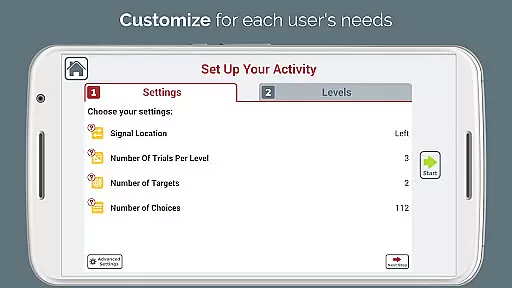
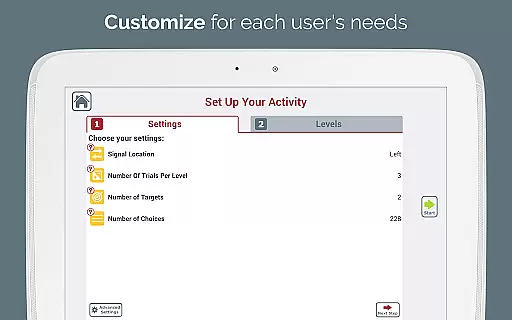
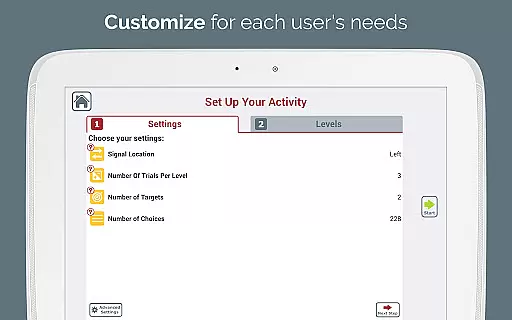
With adjustable layouts and ten levels of difficulty, the experience can be customized to meet varying needs and multiple users. A sidebar signal that flashes in different colors draws attention to specific areas, aiding in the treatment of left neglect. Additionally, the endless variety of combinations reduces the need for photocopying exercises, with the option to print screenshots for traditional practice. These features collectively make Visual Attention Therapy an indispensable tool for modern occupational and speech therapy exercises.
Visual Attention Therapy stands out for its strong foundation in medical expertise and professional validation. Developed by a certified Speech-Language Pathologist (SLP), the app is designed to address critical cognitive challenges such as left neglect, which often occurs after strokes or brain injuries.
The app's content is meticulously crafted based on proven therapeutic techniques used in occupational therapy (OT) and speech therapy (SLP). This ensures that users receive scientifically-backed interventions aimed at improving essential skills like reading, concentration, memory, and attention to detail.
Professionals worldwide trust Visual Attention Therapy due to its rigorous development process and alignment with clinical practices. The inclusion of features like immediate feedback, timed exercises, and automated scoring reflects a deep understanding of effective rehabilitation strategies, making it an invaluable tool for both therapists and patients.
While Visual Attention Therapy does not offer traditional teleconsultation services, it enhances remote therapeutic interactions through its dynamic and interactive tools. The app allows occupational therapy and speech therapy professionals to efficiently assess and treat right or left neglect without needing in-person sessions.
Features such as adjustable layouts, 10 levels of difficulty, and professional e-mailed reports ensure that therapists can customize treatment plans according to individual needs. These capabilities facilitate high-quality remote consultations by providing detailed insights into patient progress and areas requiring further attention.
Moreover, the appu2019s ability to generate endless combinations of exercises eliminates the need for photocopying materials, streamlining the therapy process. By integrating technology into stroke and brain injury rehabilitation, Visual Attention Therapy modernizes traditional methods, offering a comprehensive solution that supports both therapists and patients in achieving better outcomes.
User-friendly interface
Customizable difficulty levels
Immediate feedback mechanism
Automated performance reports
Suitable for all age groups
Limited free version features
Requires consistent practice
Premium version can be costly
May not suit severe cases
Dependent on device compatibility

The NightOwl Companion app allows you to interact with the NightOwl sensor.
 4.70
4.70
Beat alcohol and drug addiction with a revolutionary treatment program in an app
4.50
ECG modules improve rhythm ID. ACLS is a simulator for cardiac arrest scenarios.
4.3
Medication reminder, Medicine list, Trackers for BP, glucose, weight, water, etc
4.70
Voice pitch monitor for speech therapy, LSVT, Parkinson's, singing & trans
4.30
A comprehensive 3D atlas of the human body
4.80
ASCCP Management Guidelines- There’s an app for that!
4.60
Manage your health care in one easy place
4.40
Update medical records, view upcoming appointments, message your provider & more
3.80
myVCA is your tailor-made guide to raising a healthy and happy pet.
4.90
Be more confident prescribing homeopathy at home for your family.
4.80
Access health information and communicate with your care team anytime, anywhere.
4.80
Take your aphasia therapy to the next level with 4 evidence-based advanced apps
4.70
Discover the source of pain with Muscle Trigger Point Anatomy.
4.70
Log your symptoms in the MyZio app — the perfect companion to the Zio monitor!
4.60
Radiographic Positioning Guide for Medical Imaging Professionals and Students
4.50
The official DSM-5-TR® app
4.50
A rapid reference for healthcare professionals caring for pediatric patients.
4.30
Good for You. Great for Life.
4.00


User Reviews