
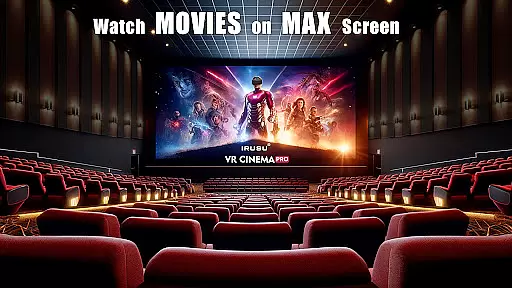
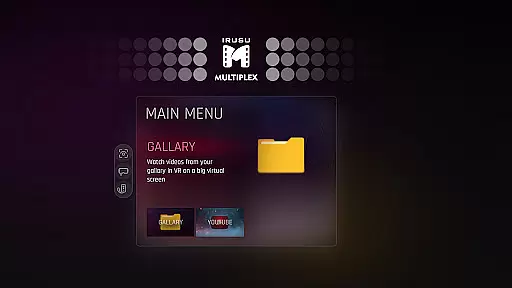
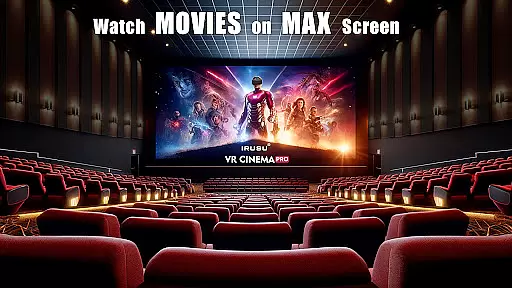
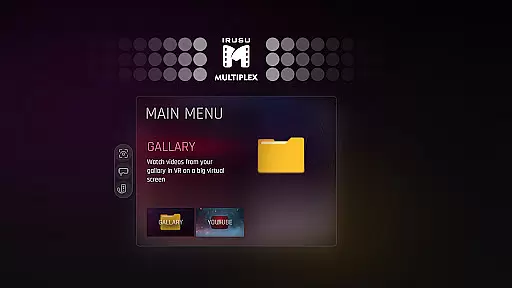
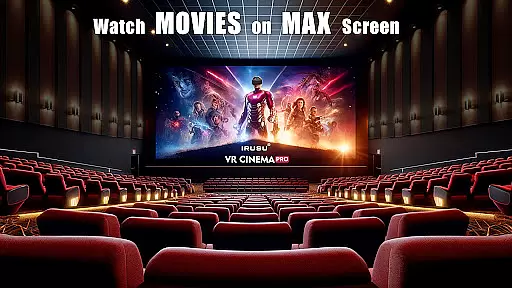
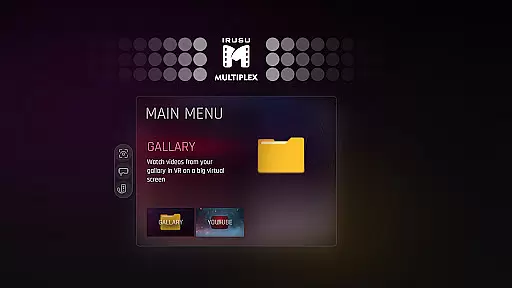
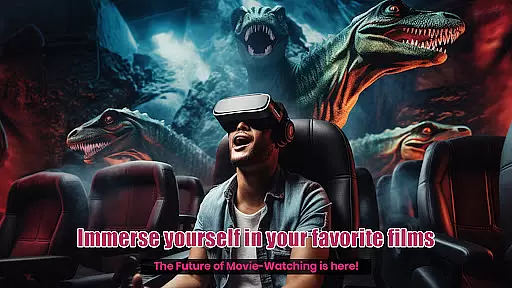
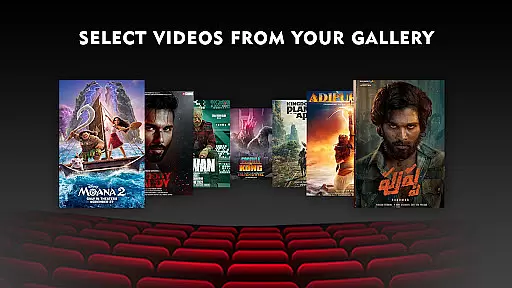
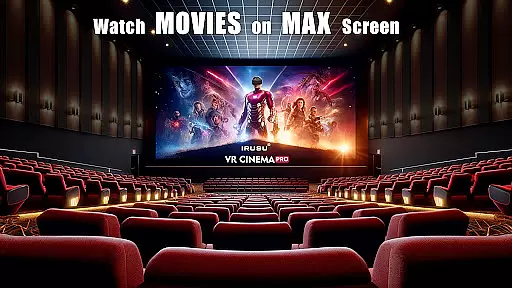
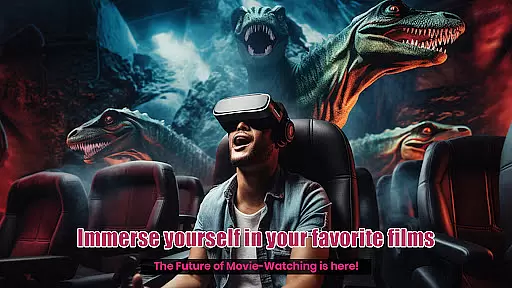
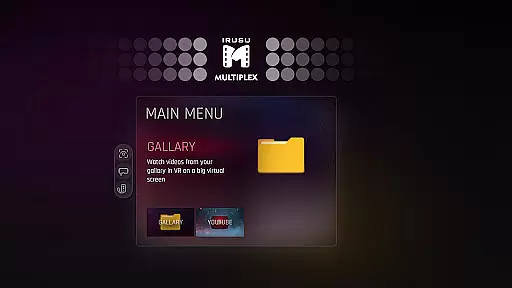
VR Player Pro is a premium VR video player app that transforms your smartphone into a private virtual theatre. With support for 2D, 3D SBS, and 360° videos, it offers an immersive viewing experience on massive virtual screens. Compatible with Google Cardboard, Irusu headsets, VR Box, Shinecon, and most mobile VR headsets, the app supports up to 4K & 2K video playback (hardware dependent).
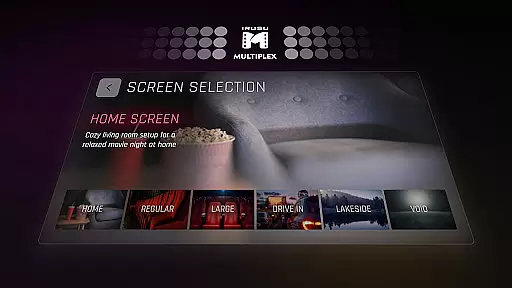
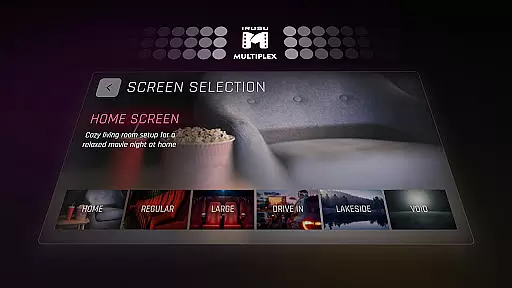
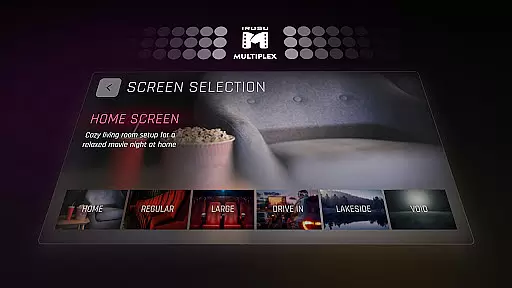
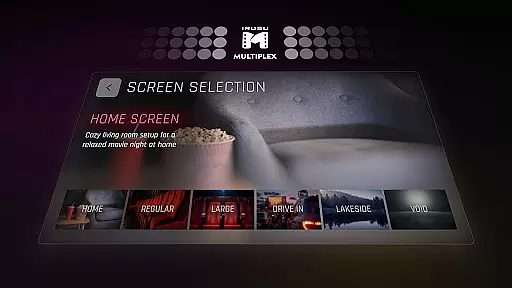
What sets VR Player Pro apart is its customizable environments and unique features like dynamic lighting, seat selection, and angle adjustment. Whether you're watching movies or YouTube videos, this app creates a realistic cinema-like atmosphere with multiple viewing locations such as Classic Movie Hall, Drive-in Lot, Winter Lake View, and Home Theatre.
Ideal for movie enthusiasts who want a personalized cinema experience at home, VR Player Pro combines advanced functionality with user-friendly controls, making it one of the best entertainment tools for VR users.
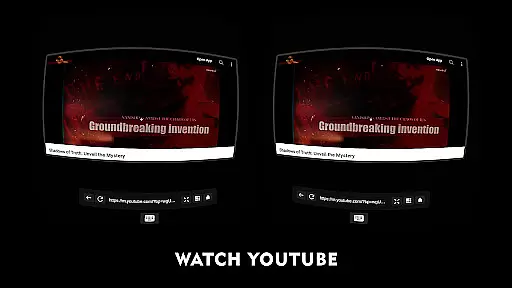
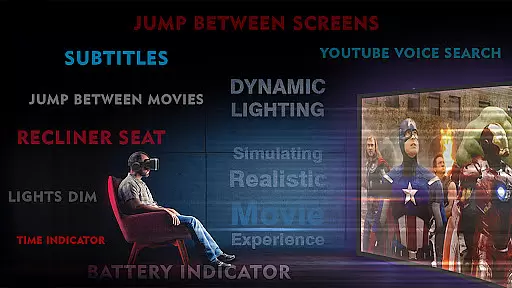
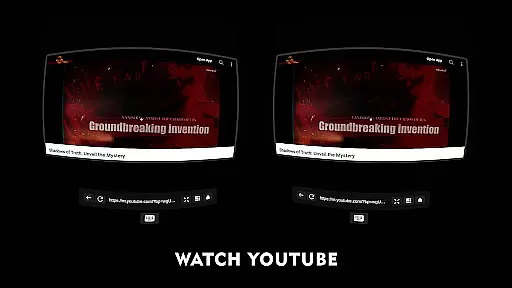
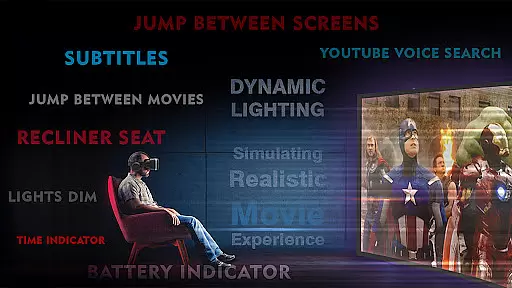
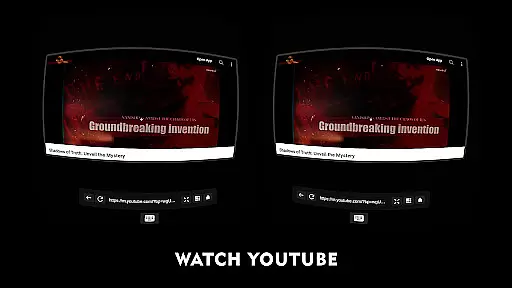
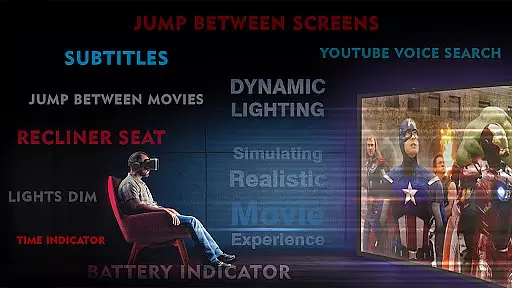
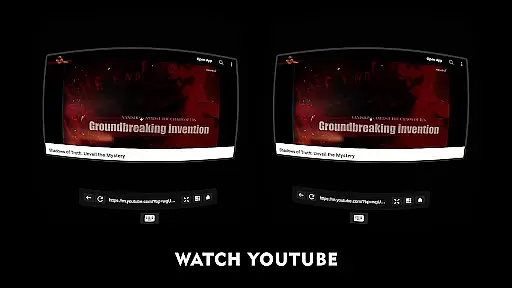
VR Player Pro stands out with its innovative features designed to enhance your virtual reality experience. The app includes a built-in browser with YouTube VR playback and voice search support, allowing you to stream online content without leaving the VR environment. Its dynamic lighting system adjusts ambient illumination based on video content, creating a truly immersive atmosphere.
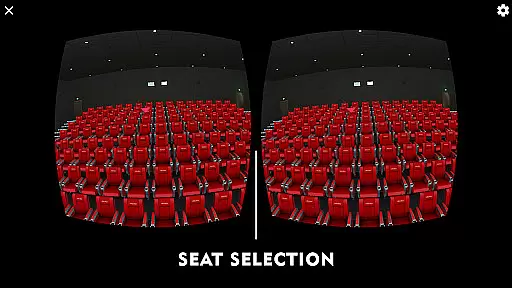
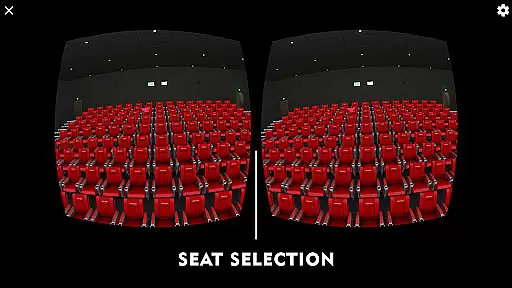
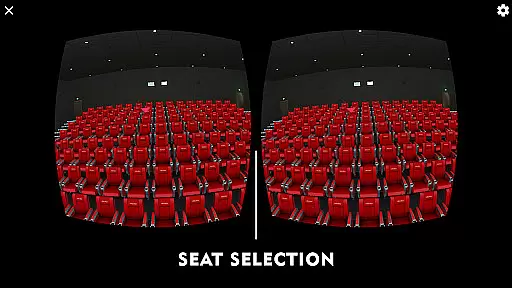
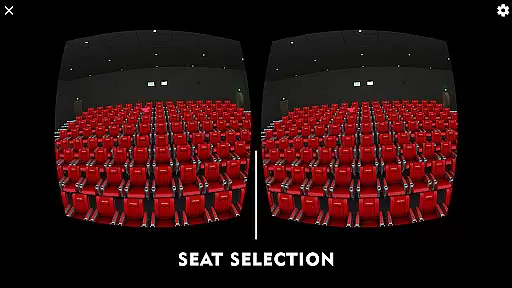
The seat selection system lets you choose from multiple viewpoints, simulating the experience of picking your favorite spot in a real theatre. You can also fine-tune your viewing position using the angle adjustment feature for maximum comfort. Additionally, VR Player Pro offers various immersive scenes like Winter Lake View and Drive-in Lot, giving users more options than just a standard movie hall setting.
With compatibility across popular VR headsets and support for high-resolution videos, VR Player Pro ensures smooth performance while delivering stunning visuals. These features make it a versatile tool for both casual viewers and tech-savvy VR enthusiasts.
In the realm of virtual reality entertainment, content diversity is key to maintaining user interest and satisfaction. VR Player Pro rises to the occasion by offering an extensive range of viewing environments that cater to different moods and preferences. From classic movie halls to serene winter lake views, users can select scenes that best match their current vibe.
What sets this app apart is its dynamic lighting feature, which adjusts the virtual environment's illumination in real-time based on the video content being played. This not only enhances visual appeal but also deepens the sense of immersion, making each viewing experience feel fresh and engaging.
Additionally, with compatibility across various VR headsets like Google Cardboard and Irusu headsets, VR Player Pro ensures that users have access to high-quality 2D, 3D SBS, and 360u00b0 videos regardless of their device. The inclusion of a built-in browser further expands content options by allowing direct YouTube playback within the app.
User engagement is critical for any entertainment platform, and VR Player Pro excels in keeping viewers captivated through innovative features designed to extend session times. One such feature is the seat selection system, enabling users to change their virtual seating position relative to the screen. This flexibility allows for personalized comfort and encourages longer viewing periods as users experiment with different perspectives.
The angle adjustment tool adds another layer of customization, ensuring optimal clarity and reducing strain during extended use. By providing multiple immersive locations, including drive-in lots and home theatres, the app keeps the novelty factor high, prompting users to return frequently to explore new settings.
Moreover, regular updates and active support channels demonstrate the developers' commitment to continuous improvement. Users are more likely to remain engaged when they see their feedback shaping future iterations of the product, fostering a loyal community around VR Player Pro.
User-friendly interface
Dynamic lighting effects
Multiple viewing angles
Voice search integration
Wide device compatibility
Premium price tag
Requires compatible headset
Limited free features
High-end hardware needed
Occasional bugs reported

Heroclix search units with multi filter , team builder, collection manager.
 4.40
4.40
Create melty bead designs by numbers, photos or your imagination
4.40
Collaboration with popular VTubers
4.1
NFL, NBA, NHL, MLB, local sports coverage, shows, movies & news!
3.20
Necrophone is spirit box ghost hunting app made for spirit communication.
3.70
Alice Box is an Instrumental Trans Communication app.
3.80
Watch Reels, Drama Shorts & TV Series Anytime. Download DramaWave Now!
4.70
Connect. Discover. Control.
3.60
Earn big rewards like PayPal & Amazon gift cards by playing games you love!
4.30
Stories that spark in seconds.
4.80
Fun brain twisting challenge with trending Whirlpool Filter.
4.70
Fire effects for your Philips Hue lights
4.20
Experience the video editing experience brought by our intuitive interface
4.10
Start EVP/Spirit Box tonight: real EMF, offline, recording. One-time purchase.
4.10
Explore the unknown!
3.00
With the credits you earn play more games
2.90
Air Horn - Siren Sounds Prank, Fun way to wake up your Friends and Family
4.1
EVP Recorder / Voice Recorder for ghost hunting, to communicate with ghosts.
4.4
Stream over 80 hours of exclusive mashups and remixes by DJ Rehab.
4.1


User Reviews