
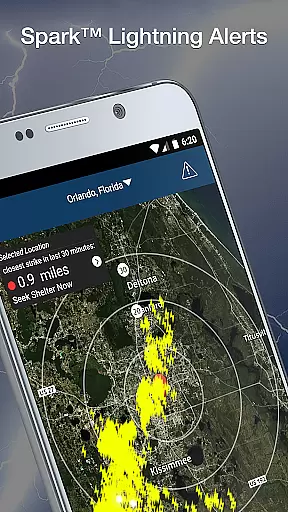
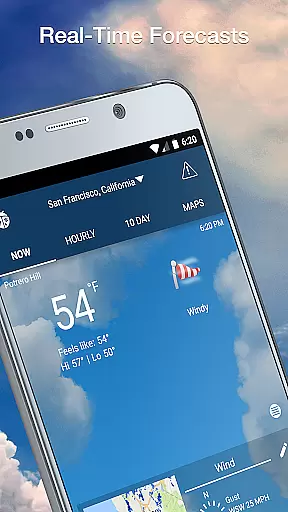
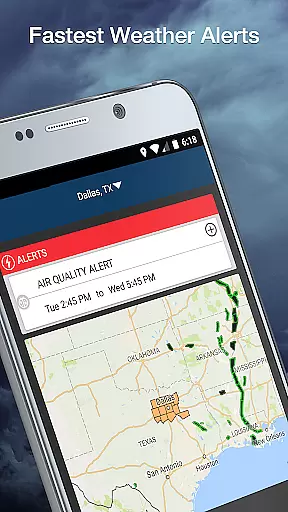
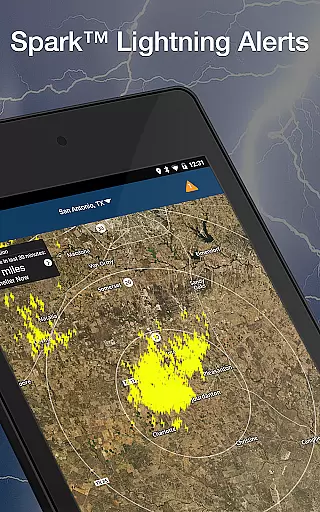
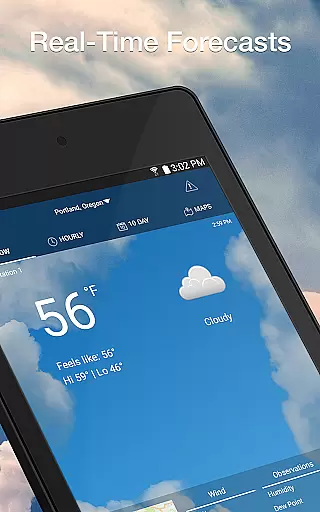
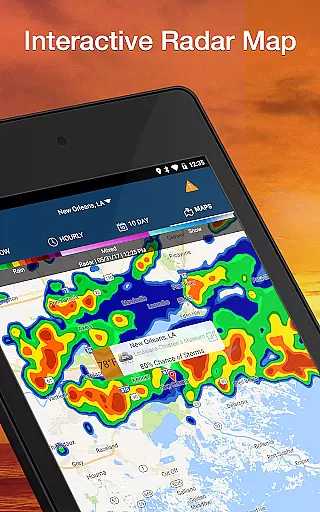
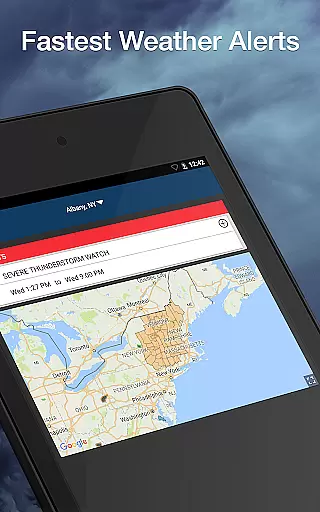
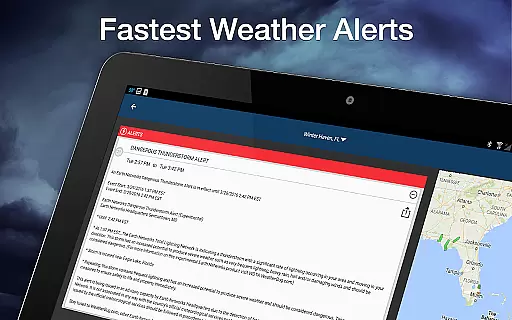
Weather Elite by WeatherBug is a comprehensive weather application that provides users with detailed environmental intelligence. The app offers the fastest weather alerts, real-time conditions, and accurate forecasts up to 10 days in advance. With features like Spark Lightning Alerts and an extensive professional weather network, it ensures users are prepared for any weather condition.
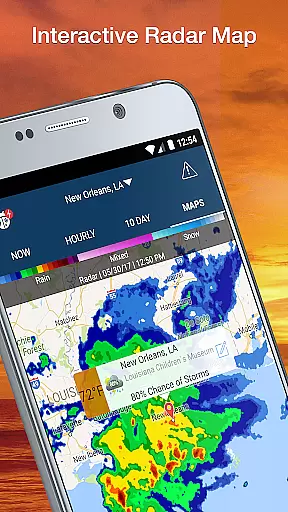
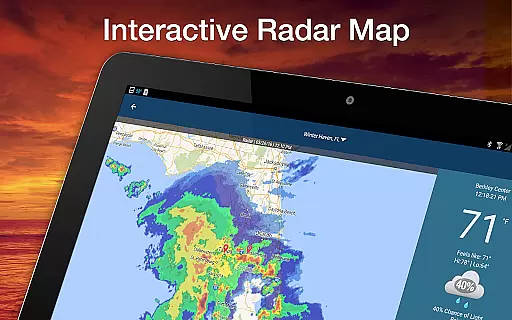
The app stands out with its 20 interactive weather maps, including Doppler radar and UV index, allowing users to explore various weather aspects. Whether you need local temperature updates or international forecasts, WeatherBug has got you covered. Its customizable widgets let you tailor the information displayed on your home screen, making it a versatile tool for daily use.
Useful for both casual users and those who need detailed weather data, Weather Elite is ideal for planning outdoor activities or staying safe during severe weather events. By providing critical information such as air quality, pollen count, and hurricane tracking, this app proves invaluable for anyone looking to stay informed about their environment.
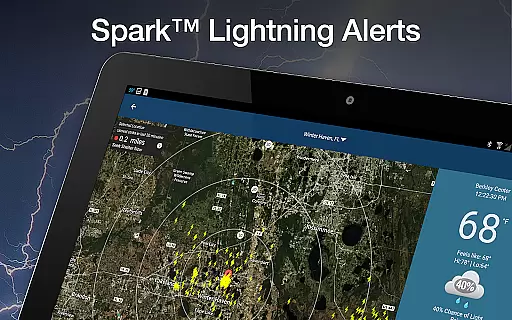
Weather Elite by WeatherBug boasts an array of advanced features designed to provide users with unparalleled weather insights. One of its standout capabilities is the Spark Lightning Alerts system, which warns users of dangerous thunderstorms, ensuring they are always prepared for severe weather conditions. Additionally, the app's vast network of professional-grade weather stations delivers hyper-local weather conditions in real time.
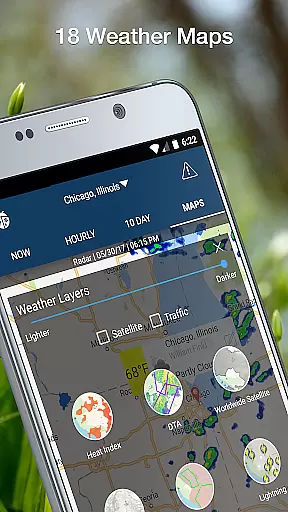
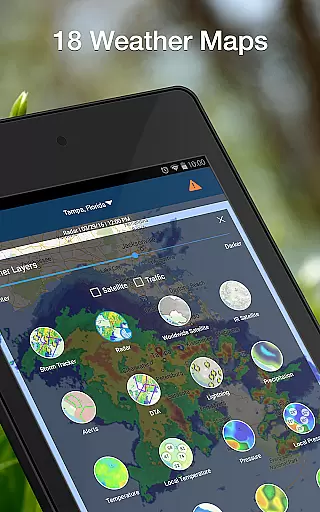
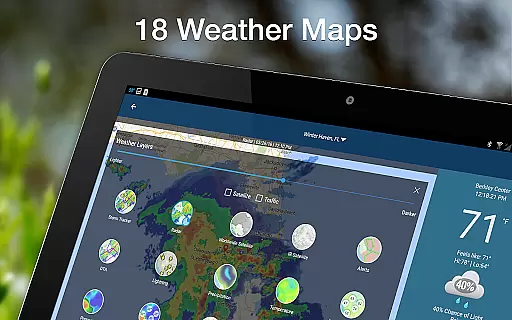
Users can access 18 animated weather maps, offering options to view everything from precipitation to wind forecasts. These maps include essential tools like Doppler radar animations and global fire data, enhancing situational awareness. Furthermore, the app supports international weather forecasts for over 2.6 million locations worldwide, making it a reliable companion for travelers.
Customization is at the heart of Weather Elite's design. Users can personalize their experience by rearranging weather tiles, setting custom alerts, and choosing preferred units for temperature and wind speed. This flexibility, combined with multi-language support and various widget options, makes WeatherBug an indispensable tool for staying informed about weather changes.
Forecast accuracy and data credibility are essential components of any reliable weather application. Weather Elite by WeatherBug excels in these areas, providing users with the most accurate weather forecasts available. The app leverages a vast network of professional-grade weather stations that report hyper-local weather conditions in real-time, ensuring that users receive up-to-date and credible weather information.
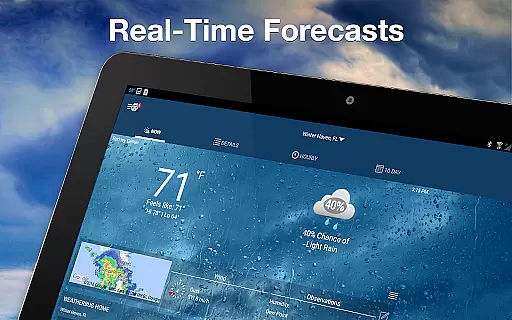
The app's dedication to accuracy is further demonstrated through its detailed hourly and 10-day forecasts. These forecasts are not only reliable but also highly detailed, giving users insights into various weather parameters such as temperature, wind chill, and heat index. With this level of detail, users can plan their daily activities with confidence, knowing they have a precise understanding of upcoming weather conditions.
Moreover, Weather Elite offers international weather forecasts for over 2.6 million locations worldwide. This global reach ensures that no matter where users are traveling, they will have access to accurate and credible weather data. Whether it's avoiding a storm or preparing for a heatwave, Weather Elite empowers users with trustworthy information to make informed decisions.
The temporal and spatial forecast range is a critical feature for users who need comprehensive weather information across time and geography. Weather Elite by WeatherBug provides extensive coverage with its animated weather maps and Doppler radar, offering users a visual representation of weather patterns over both time and space. These tools allow users to track precipitation, lightning alerts, and other significant weather events as they develop and move.
In addition to visual mapping, the app delivers an impressive breadth of data points, including UV index, pollen count, and hurricane tracking. Such features enable users to understand not just current conditions but also how these conditions might evolve over hours and days. This capability is particularly useful for planning outdoor activities or preparing for severe weather events.
Weather Elite also includes specialized forecasting tools like wind forecasts and severe storm risk assessments. These tools help users anticipate changes in weather conditions throughout the day and week. By providing a wide temporal and spatial forecast range, Weather Elite ensures that its users are well-prepared for whatever weather comes their way, whether at home or abroad.
Accurate Forecasts
Real-Time Alerts
Customizable Widgets
Interactive Maps
Global Coverage
Premium Features Locked
Occasional Ads
Complex Interface
Location Required
Large App Size

Local weather forecast, reliable daily weather report
 4.30
4.30
Personal Weather Station PRO - Meteo monitor to check your WU info and charts.
4.20
NOAA radar, weather forecasts, hurricane tracking & customizable alerts.
4.50
Quickly check the Hanalei river gauge height during heavy rains on Kaua'i.
4.3
Global weather forecast, powered by layered radar & hourly weather updates
4.10
Industry leading whitetail movement predictor & hunting app.
4.60
3D Animation Weather Icon
4.00
Check room temperature with this indoor thermometer. thermostat & hydrometer
4.70
Live NOAA weather app to track storm, rain, wind, lightning & real local updates
4.20
Local Weather provides accurate and current hourly and daily forecasts.
4.80
Weather channel forecasts weather daily & hourly, local and national air quality
4.70
Prepare for severe weather with notifications, future radar, and live alerts.
4.60
Track rainfall totals with ease using our rain gauge app. Accurate rain tracker.
4.50
Weather watch face for Wear OS 5
4.40
Accurate Local Weather Forecast, let you easily understand the nearby weather!
4.20
Your Reliable Weather Companion
4.10
Know the weather earlier.
3.90
Moon phase calendar with live wallpaper, lunar widget, & 3D simulation.
3.60
Determine Best Hunting Times for any date, any location.
2.50


User Reviews