
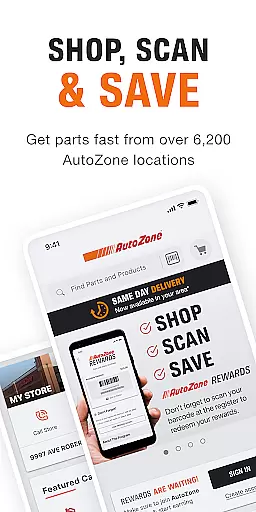
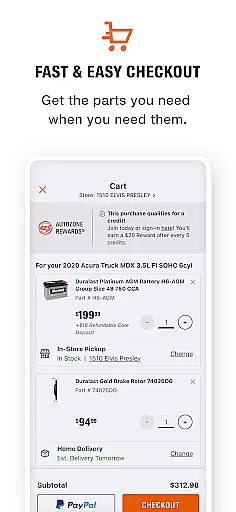
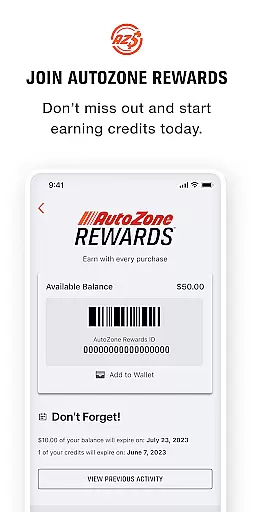
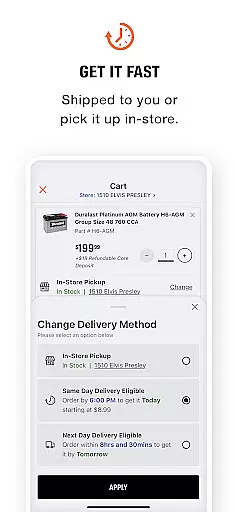
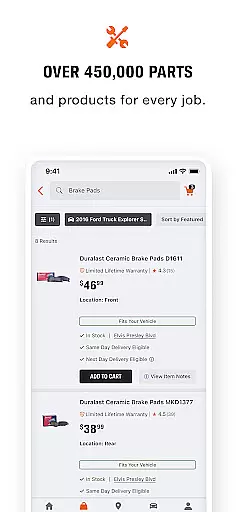
AutoZone Auto Parts & Repair is a comprehensive automotive solution app designed to simplify vehicle maintenance and parts procurement. The app enables users to order the correct parts and accessories for their cars or trucks with just a few taps, offering same-day store pick-up or convenient home delivery options. Users can track their AutoZone Rewards balance directly from the home screen and access information about their local store, including hours, pricing, and availability.
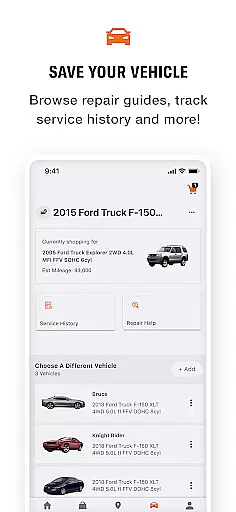
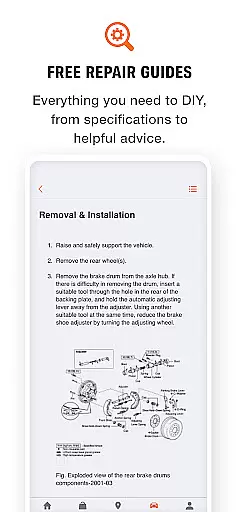
With features like VIN Decoder, License Plate Lookup, and Barcode Scanner, finding the right parts has never been easier. The app also allows users to manage multiple vehicles in one place, view DIY repair suggestions, and maintain a service history log. Whether you need parts delivered within three hours or want to locate the nearest AutoZone store among 6,000 locations nationwide, this app ensures you are always ready to get back on the road.
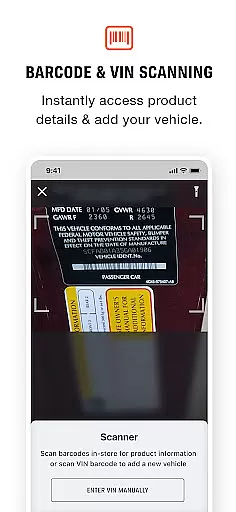
The AutoZone app offers an array of innovative features tailored for vehicle owners. One standout feature is the VIN Decoder, which automatically adds your vehicle information to help find compatible parts faster. Additionally, the License Plate Lookup function allows users to retrieve their Vehicle Identification Number (VIN) by simply entering their license plate number. For those shopping in-store, the Barcode Scanner lets customers check pricing and specifications for any part instantly.
Another significant advantage is the Same Day Delivery option available in select markets, ensuring that orders placed by 6 PM are delivered within three hours. The Store Locator tool helps users find the most convenient AutoZone location across the United States, providing essential details such as store hours and current promotions. Moreover, the app's Rewards program integration allows users to track their rewards balance effortlessly while encouraging continued engagement through membership sign-ups.
Having access to detailed vehicle information is crucial for proper maintenance and repair. The AutoZone app provides comprehensive tools to manage your vehicles effectively.
Through features like the VIN Decoder and License Plate Lookup, users can quickly add their vehicle's specifications into the app. This ensures that part selections are accurate and compatible with the vehicle's make and model.
The app goes further by offering a Service History feature, allowing users to log every repair and service performed. This creates a reliable record that helps in tracking maintenance schedules and understanding the vehicle's history.
With these capabilities, AutoZone empowers users to maintain their vehicles better, leading to improved performance and longevity.
Price transparency is essential for making informed purchasing decisions. AutoZone addresses this by providing clear pricing information directly within the app.
Users can utilize the Barcode Scanner while shopping in-store to check the pricing and specifications of any part instantly. This feature ensures there are no surprises at checkout and allows for price comparisons.
Additionally, setting a preferred store location gives users insights into local pricing and product availability. This localized approach enhances the accuracy of the price information provided.
By focusing on transparent pricing, AutoZone builds trust with its customers, ensuring they feel confident in their purchases.
User-friendly interface
Extensive store network
Quick delivery options
Comprehensive vehicle management
Rewards program integration
Limited international availability
Some features region-specific
Premium services require payment
Occasional technical glitches
Delivery times may vary

Wonder how much horsepower and torque your car/truck makes? Look no further.
 3.40
3.40
Listings of Tesla's with FSD - Included package
4.60
Club Car Wash Mobile App—the fast lane to managing your wash membership.
3.30
BlueDriver® is a Premium Diagnostic OBD2 Scan Tool. www.BlueDriver.com
3.90
Car Values, Research and More
4.80
The ExtraMile App allows you to pay for fuel from the comfort of your car!
4.70
Your car is talking. Start listening.
4.30
Available in select states.
4.00
Get price alerts, vehicle history details and more for cars near you!
4.50
Get more out of your AAWireless adapter with this companion app | aawireless.io
4.80
Buy and sell your boat
4.70
DMV practice test 2025: Driver License permit test & written test for all states
4.70
Quick and easy car diagnostics to get you the right fix.
4.70
Autotrader is your online solution for buying and selling new and used cars.
4.40
Realtime Charts is a plugin for the Torque Pro App (OBD 2 & Car)
4.20
Blink Charging Mobile app makes finding an EV charger an intuitive experience.
3.80
Read and delete OBD codes with any ELM327 OBD scanner. Coding functions included
3.40
Easily notify car owners in urgent situations, safe, fast, multilingual.
4.0
Theme for Car Launcher
4.4


User Reviews