
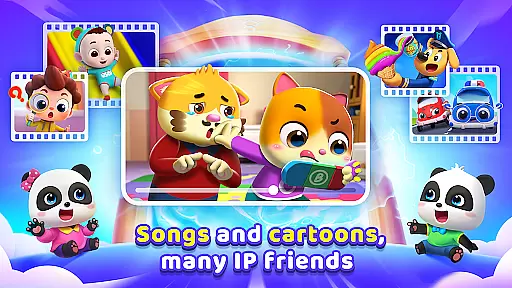
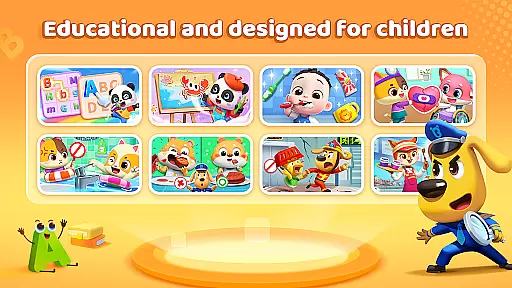
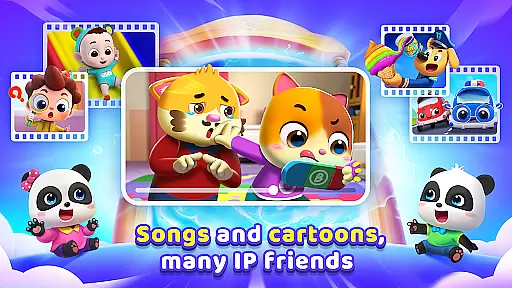
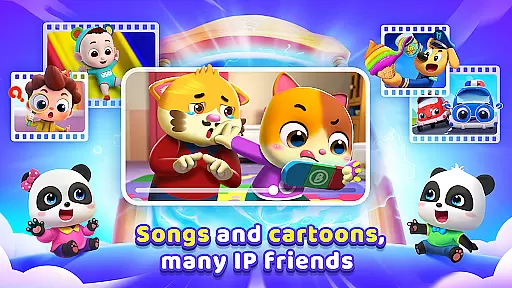
BabyBus TV is an educational app designed specifically for young children, offering a vast library of over 600 episodes of engaging content. The app features popular characters like baby pandas Kiki and Miumiu, dinosaurs, and monster cars that captivate children's imagination while teaching essential life skills.
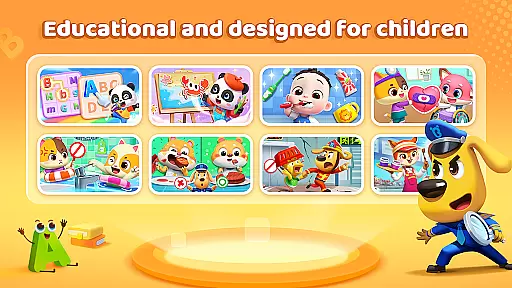
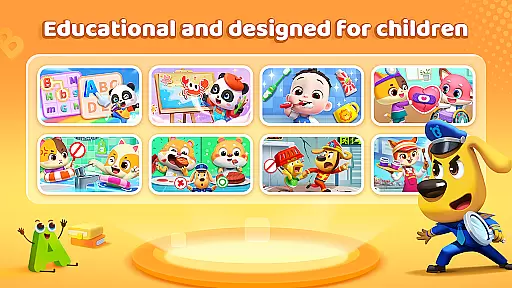
The content is carefully categorized into various educational themes including habits, art, safety, cognition, emotions, and academic knowledge like math and English. With features like screen time control, offline viewing, and privacy protection, BabyBus TV ensures a safe and balanced learning experience for kids while providing peace of mind for parents.
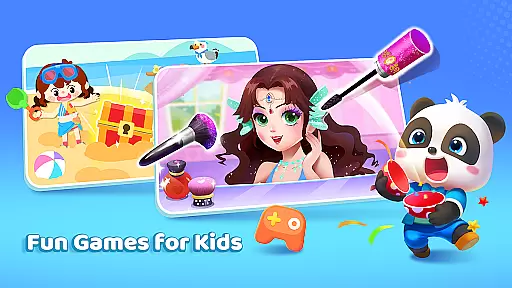
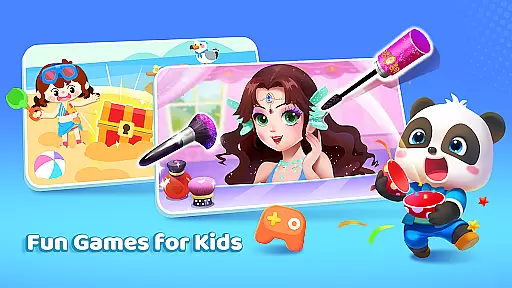
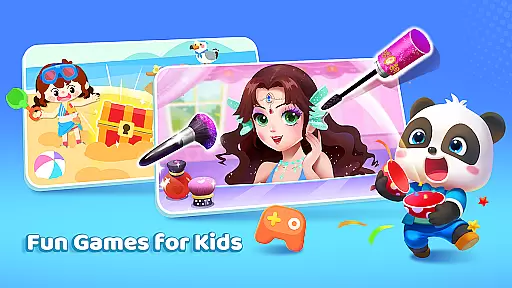
BabyBus TV offers a diverse range of interactive features designed to maximize both education and entertainment value. The app includes children's songs, cartoons, and games that cover crucial developmental areas such as habit formation, creativity, safety awareness, and cognitive development.
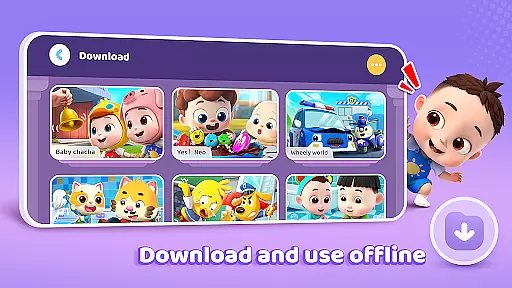
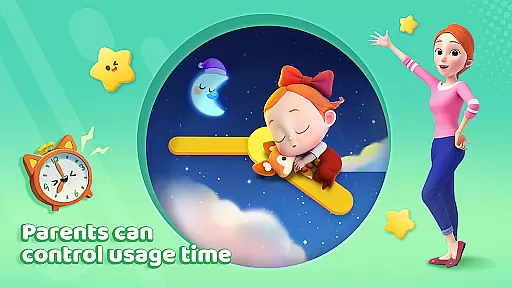
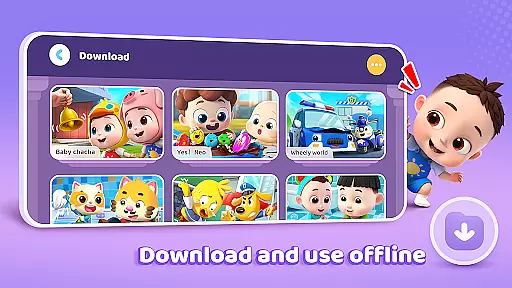
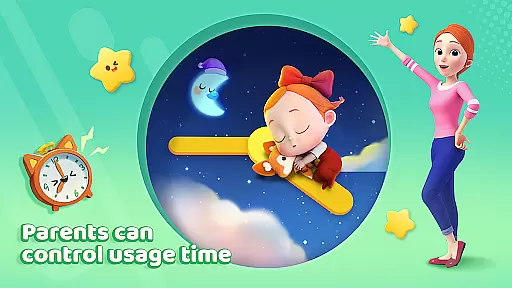
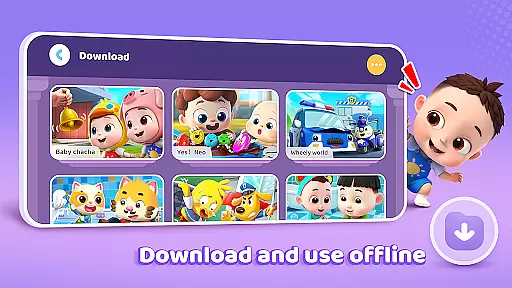
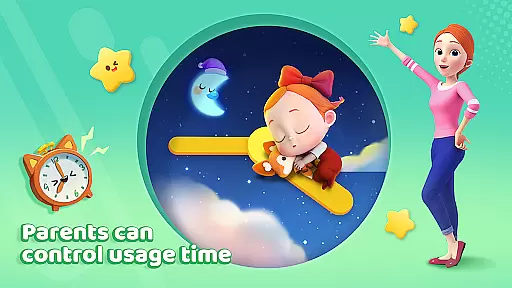
Parents can take advantage of practical features like screen time management to regulate their child's usage. The app supports free downloads and offline viewing, allowing families to access content without an internet connection. Additionally, the auto-save function tracks viewing history, while full-screen play provides an immersive experience. Stringent privacy protection measures ensure your child's data remains secure at all times.
In the realm of educational content for children, accuracy and authority are paramount. BabyBus TV takes this responsibility seriously by offering a vast library of over 600 episodes that cover essential topics such as good habits, art, safety, cognition, emotions, and foundational knowledge in math and English.
Each episode is crafted with care, ensuring that the information presented is not only engaging but also factually correct and beneficial for young minds. The app collaborates with child education experts to develop content that aligns with educational standards, thus instilling confidence in parents about the learning material their children are exposed to.
The diverse range of subjects aims to expand children's knowledge while nurturing their creativity and social skills. From understanding the importance of brushing teeth to learning about dinosaurs and numbers, every piece of content is designed to educate and inspire.
Parents can rest assured knowing that their children are learning from a reliable source that prioritizes educational value alongside entertainment, creating a balanced and enriching experience.
BabyBus TV stands out by providing personalized learning paths tailored to each childu2019s interests and pace. With an array of categories including habits, art, safety, cognition, emotions, and academic subjects like math and English, the platform allows children to explore content that resonates with their personal preferences.
The app employs adaptive algorithms that track a child's interaction with different types of content. This data helps in suggesting further material that aligns with the childu2019s learning curve, ensuring continuous engagement and progression at a comfortable speed.
Features such as screen time control and auto-save viewing history empower parents to monitor and guide their childu2019s journey effectively. These tools help maintain a balance between digital exploration and other activities, promoting healthy development.
By combining fun characters, interactive games, and educational videos, BabyBus TV creates an environment where children can embark on an extraordinary journey of discovery, all while developing crucial life skills tailored just for them.
User-friendly interface
Extensive educational content
Offline viewing capability
Privacy protection
Screen time control
Limited advanced options
No parental dashboard
Ads between videos
Basic customization
Occasional bugs

Test prep for Indiana students
 4.4
4.4
Bebefinn and Baby Shark educational, animated videos & games for kids
3.40
The Only Official DVSA Theory Test Kit App
4.50
Latest TLC Practice Questions! Multiple languages available!
4.50
A collection of favorite stories from Daniel Tiger's Neighborhood
2.00
Discover Your Place in the Universe
4.70
Hasbro’s classic CANDY LAND game is now a gorgeous interactive storybook app.
2.30
Stack the States makes learning about the 50 states fun!
4.70
Train, track, and reward potty training using Potty with Pull-Ups® ft. Disney®
4.70
The best way to study for your amateur radio license exam.
4.90
Memorize anything efficiently with AnkiDroid! Many pre-built decks available.
4.80
Welcome to the Speak Navajo Language Application - Volume 1
4.50
An aviator’s preparation, study and test tool for FAA Knowledge Exams.
4.30
The "Go To" app for Airmen studying for promotion to SSgt and TSgt
4.30
Designed for Calculator 84 users
4.20
Visit Daniel's house & make believe. Play doctor, make music, & feed fish.
3.20
scanner body part for fun Prank friends realistic scan effects
3.00
Your best partner for learning Japanese words. Based on a best-selling textbook.
2.80
Grazing Risk Monitoring Service
4.5


User Reviews