
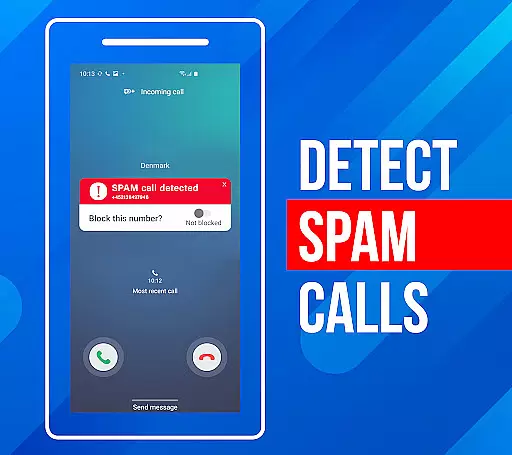
Call Block is a powerful communication app designed to help users take control of their incoming calls. The app's core functionality revolves around blocking spam calls and unwanted numbers, ensuring a more peaceful phone experience. Using advanced call filtering algorithms, it automatically identifies and blocks robocalls, telemarketers, and potential scams.
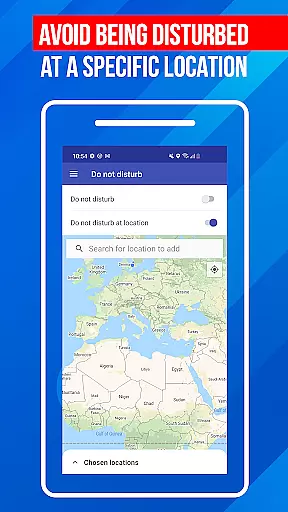
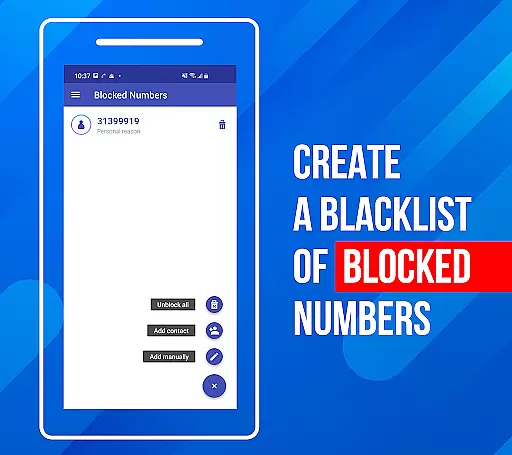
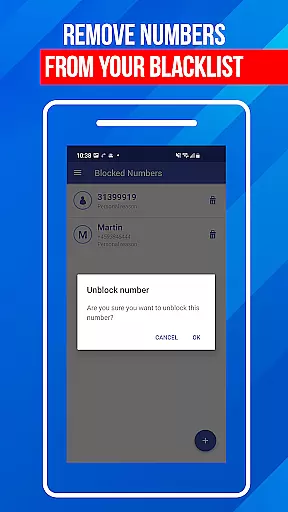
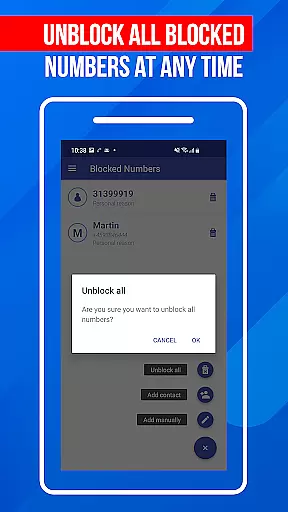
Beyond basic call blocking, the app offers additional features that enhance user control. Users can create personalized blacklists to block specific numbers or number patterns. The "Do Not Disturb" function provides situational blocking options, while the regularly updated spam number database ensures protection against emerging threats. These features make Call Block particularly valuable for professionals and individuals who receive high volumes of calls daily.
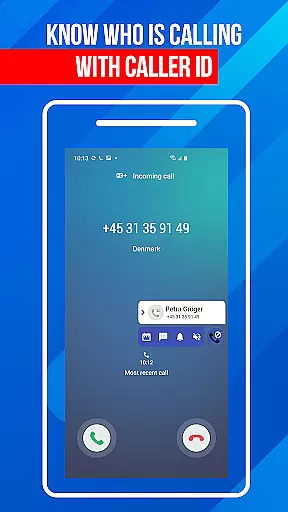
Call Block distinguishes itself through several innovative features that set it apart in the communication category. The app maintains a comprehensive database of over one billion numbers worldwide, enabling precise caller identification regardless of whether the number exists in your contact list. This extensive database is continually updated to counter new spamming techniques.
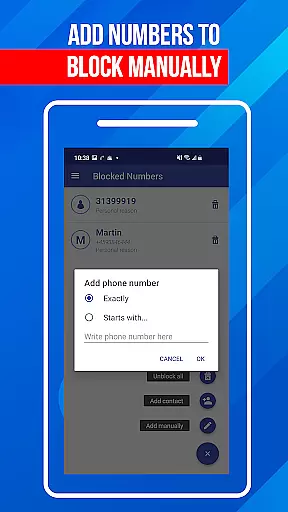
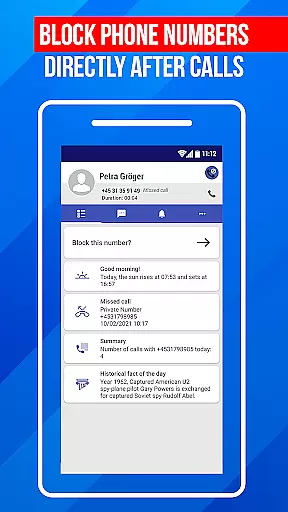
The app's implementation of blacklisting functionality is particularly noteworthy. Users can block entire number sequences or specific digits, providing flexible protection options. The intuitive user interface makes managing these features straightforward, even for non-technical users. Each feature is designed with practicality in mind - from the detailed call logs that help identify spam patterns to the seamless integration with Android's native call system, ensuring minimal performance impact while maintaining maximum protection.
In today's fast-paced world, the speed and reliability of real-time messaging are crucial for effective communication. Call Block ensures that every blocked call notification reaches you instantly, without delays or failures. This immediacy is vital when managing unwanted communications, as it allows users to stay informed about blocked activities on their device.
The app employs advanced algorithms and server infrastructure to maintain high-speed processing of call data. This means that from the moment a spam call is identified to the instant it gets blocked, the system works seamlessly to keep users updated. Such efficiency in handling real-time alerts enhances user experience by providing timely and accurate information.
For users, this reliable messaging system translates into peace of mind. Knowing that they will receive prompt notifications about blocked calls allows them to focus on more important tasks without worrying about unwanted disturbances. The assurance that Call Block operates with precision gives users confidence in their ability to manage personal and professional communications effectively.
Ultimately, the combination of rapid alert delivery and dependable service establishes Call Block as an essential tool for anyone seeking to take control of their phone communications. With its commitment to maintaining top-notch messaging speed and reliability, the app empowers users to enjoy uninterrupted connectivity while staying protected from spam and scams.
In addition to blocking unwanted calls, Call Block offers robust media sharing support that enhances user interaction with the app. This feature allows users to share details of blocked numbers, call logs, and blacklist entries effortlessly with friends, family, or even authorities if needed. By facilitating easy exchange of critical information, the app helps create a community-driven approach to combat nuisance calls.
The media sharing functionality within Call Block is designed for simplicity and ease of use. Users can quickly select the information they wish to share and send it through various channels such as email, messaging apps, or social media platforms. This versatility ensures that important data regarding spam callers can be disseminated widely and efficiently, contributing to collective protection against common threats.
This capability not only strengthens individual defenses but also fosters a network of informed users who can help each other stay safe. Sharing insights about persistent spammers or new scam techniques enables communities to proactively update their blacklists and remain vigilant against evolving tactics employed by unscrupulous callers.
By integrating comprehensive media sharing support, Call Block demonstrates its dedication to providing a holistic solution for managing phone communications. Users benefit from knowing they have access to tools that enable collaboration and knowledge-sharing, making the fight against unwanted calls a shared mission rather than an isolated struggle.
Effective spam blocking
User-friendly interface
Comprehensive blacklist options
Regular database updates
Lightweight performance
Limited iOS support
Occasional false positives
Premium feature costs
Regional limitations
Setup complexity

Fast and simple walkie talkie app
 4.20
4.20
Call Forwarding is easy and simple application to use.
3.80
WazzapMigrator: transfer your WhatsApp history from iPhone to Android
4.00
Official NDI app: turn your phone into a professional live-streaming IP camera.
3.20
Fast Dialer & Contact Manager with Caller ID and Spam Protection
4.00
Call & Text Anywhere With A Canadian Number.
3.60
A customizable phone number in the cloud
4.20
Simple tool for businesses to talk to their customers.
4.40
Talk & text free with a second phone number plus unlimited 5G data, no fees.
4.50
A browser that does more than load page, like keeping your privacy safe.
4.70
Welcome to the future of phone service.
4.60
Say “hello” to privacy.
4.60
Phone Dialer with Caller ID, Address Book & Contacts Manager.
4.30
Our Black Friday sale is here. Unlock special discounts on Proton Mail now.
4.30
2nd Phone Number Line for Anonymous Texting, Calling, and Picture Messages
4.30
Send SMS and chat messages easily with a fast text messaging app for Android.
4.10
Message and video call your family and friends in HD!
3.80
Manage and Fund Calling Accounts and Schedule and Join Video Sessions
3.60
Weargram is an unofficial Telegram Client for Wear OS.
3.50


User Reviews