
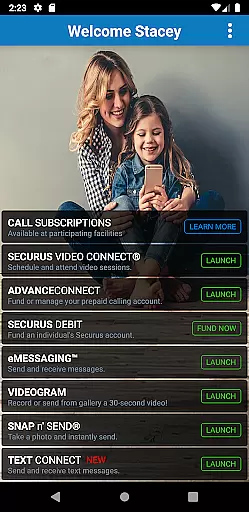


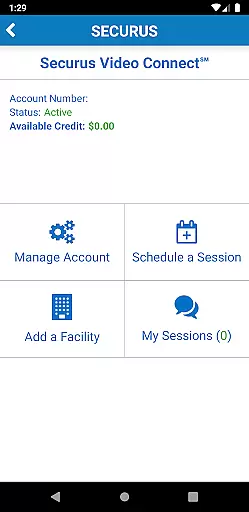
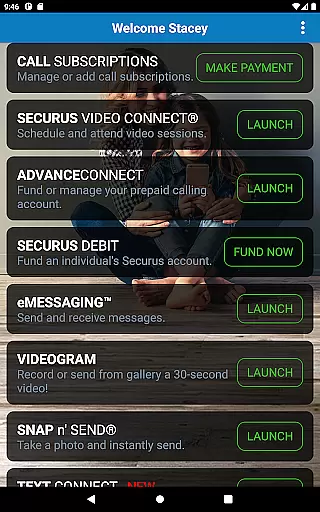
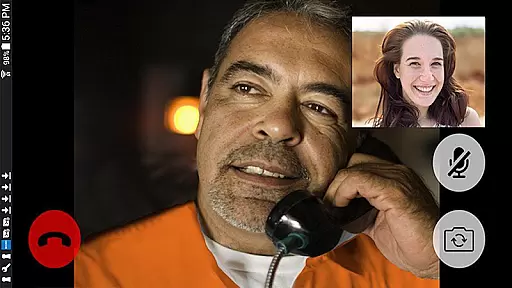

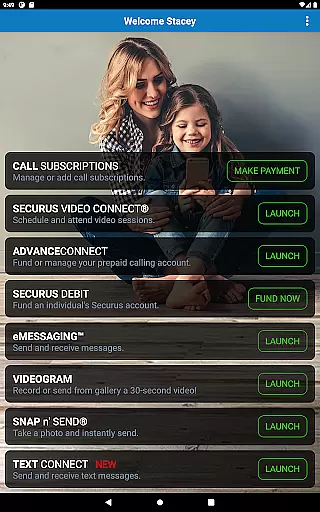


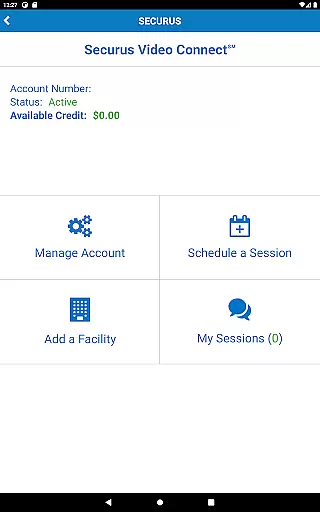
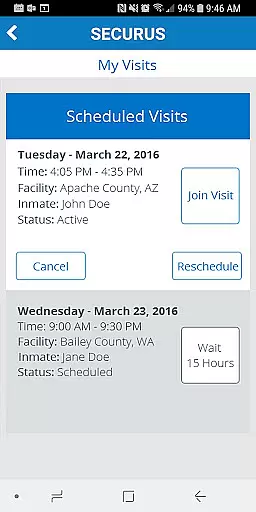
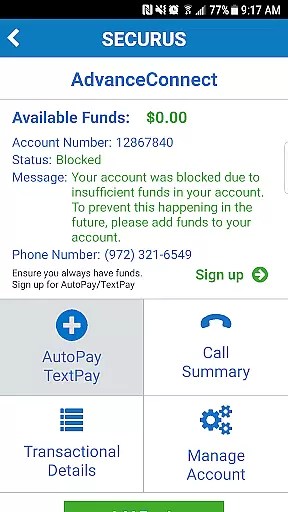
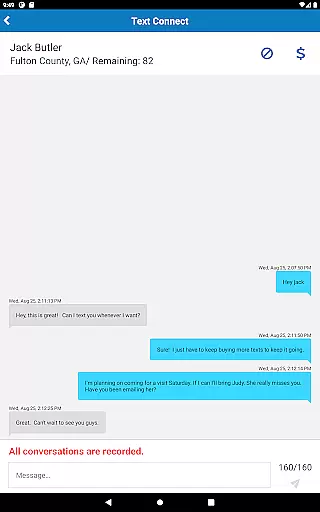
Securus Mobile is a comprehensive communication app designed specifically for staying connected with incarcerated individuals. The app offers multiple ways to maintain contact, including video calls, messaging services, and prepaid calling account management. With features like Video Connect, users can schedule and conduct video sessions from anywhere in the world with Wi-Fi or cellular data service. Additionally, the messaging services allow users to send and receive messages, eCards, and even short video messages called VideoGrams.
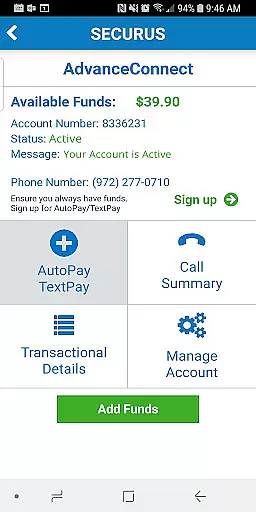
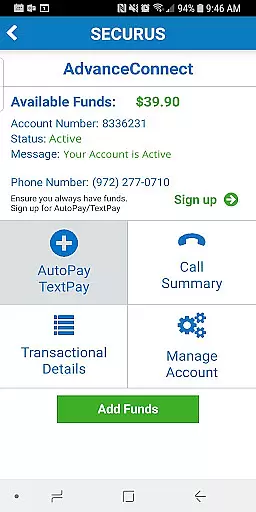
The app also provides robust account management tools, enabling users to create and manage Securus Online accounts, change passwords, and set up security questions. Users can manage funds for various services through AdvanceConnect and Securus Debit accounts, ensuring seamless communication. These features collectively make Securus Mobile an essential tool for anyone looking to maintain meaningful connections with incarcerated loved ones.
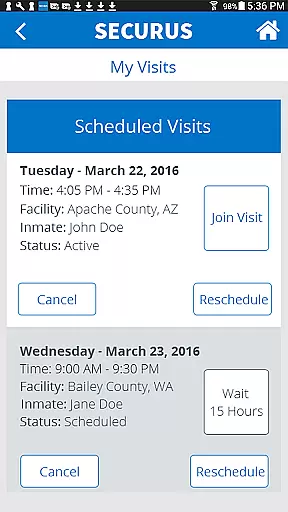
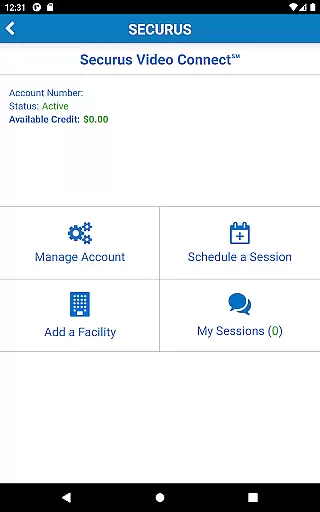
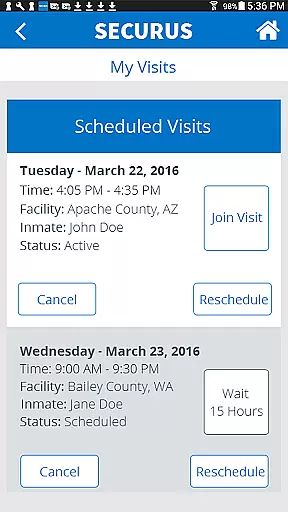
Securus Mobile stands out with its diverse range of features tailored to enhance communication with incarcerated individuals. One of the key highlights is Video Connect, which allows users to enroll, schedule, and manage video sessions. This feature includes functionalities such as syncing session details with your calendar, receiving notifications for upcoming sessions, and testing your internet connection for optimal video quality.
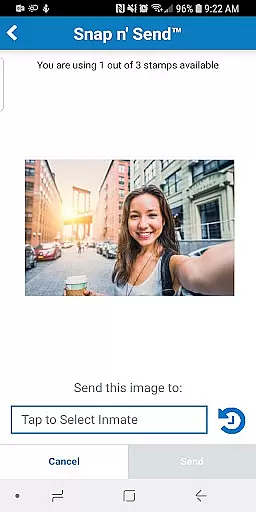
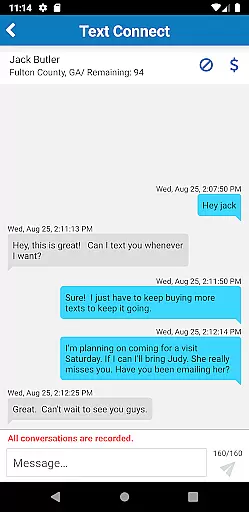
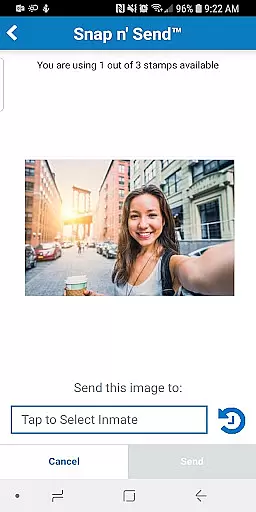
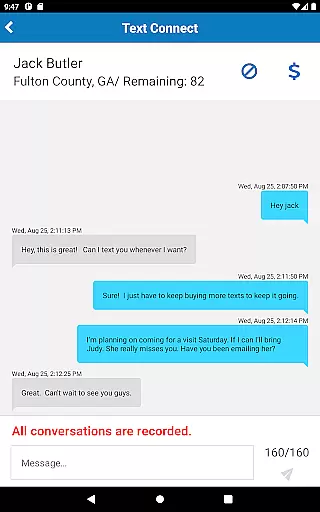
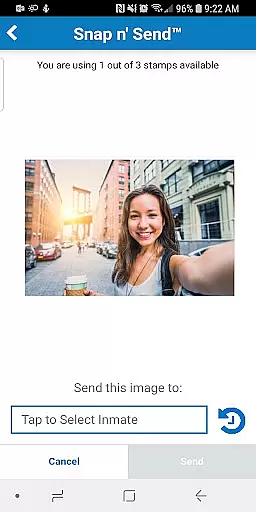
In addition to video services, Securus Mobile offers extensive messaging capabilities. Users can send and receive messages, attach photos, and even send digital greeting cards known as eCards. The app also supports Snap n’ Send, allowing users to capture and send selfies directly from their gallery. Furthermore, the prepaid calling account management system lets users fund accounts, add or change phone numbers, view transaction histories, and manage credit/debit card information. These features ensure that users have a reliable and versatile platform for all their communication needs.
Real-time messaging speed and reliability are crucial for maintaining seamless communication, especially in sensitive environments like the Securus Mobile app. This feature ensures that messages, whether text or multimedia, are delivered instantly and without fail.
The Securus Mobile app achieves this through robust server infrastructure and optimized data transmission protocols. By leveraging advanced networking technologies, the app guarantees minimal latency while maintaining high delivery success rates, even under varying network conditions.
For users, this means they can trust that their communications will reach the intended recipients promptly. Whether sending important updates through eMessaging or engaging in real-time conversations via Securus Text Connect, the assurance of message delivery provides peace of mind.
This reliability extends to notifications for scheduled video sessions and other critical alerts, ensuring users never miss an important connection opportunity. The combination of instant delivery and dependable notifications makes Securus Mobile a reliable communication tool.
Media sharing support is an essential feature of modern communication apps, enabling users to exchange various forms of digital content. In the case of Securus Mobile, this functionality allows for rich interactions between users and incarcerated individuals through multiple media formats.
The app supports comprehensive media sharing capabilities, including photos, eCards, and even short video messages called VideoGrams. Users can attach up to five media items in a single message, enhancing the depth and personalization of their communications.
Securus Mobile also incorporates Snap n' Send functionality, letting users capture new photos or select from their gallery to share. This flexibility in media sharing helps maintain meaningful connections by allowing more expressive and engaging interactions.
Furthermore, the app ensures secure handling of all shared media while maintaining appropriate content restrictions based on facility guidelines. This balance between rich media support and security considerations demonstrates the app's commitment to both user experience and institutional requirements.
User-friendly interface
Comprehensive account management
Multiple communication methods
Real-time notifications
Secure transaction handling
Requires Android 11.0+
Limited to specific facilities
Additional costs for premium features
Dependent on facility regulations
Potential connectivity issues

Messages: Fast, simple SMS app with scheduling and smart features.
 4.00
4.00
Messenger for SMS - texting message app, faster, simpler & safer, for you.
4.70
Messenger app for faster and simpler SMS text messaging, and personalized themes
4.10
Fast and mini browser with Ad Blocker,Video Downloader and Video Player
4.40
This app enables the phone to receive and send FT8 traffic!
3.80
Simplify texting with Messages SMS, offline messaging, themes & smart tools!
4.30
Federated instant messaging for your mobile device (Jabber, XMPP, Snikket)
4.10
Auto Reply SMS, Text Messaging, Away SMS Response, Busy SMS messages, Block Text
3.10
Manage your mobile phone plan, check unlimited 5g data usage and track rewards
4.50
A browser that does more than load page, like keeping your privacy safe.
4.70
Browse fast on Opera Mini, with Data Saving, News, Football Scores, and Download
4.60
Manage BoostMobile Account
4.60
Faster version of Messages. Messenger for your contacts.
4.50
Fast and simple walkie talkie app
4.20
Enjoy secure messaging & calling. Safe Messenger: group chats, calls, messages.
4.20
BE PRIVATE
Anonymous. No Trace. Fast.
4.20
Share the moment!
4.10
Tether to Windows, OS X, Linux PCs or Android tablets. No root. No tether fees.
3.90
Official NDI app: turn your phone into a professional live-streaming IP camera.
3.20


User Reviews