
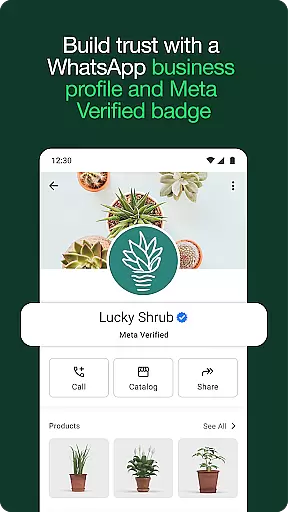
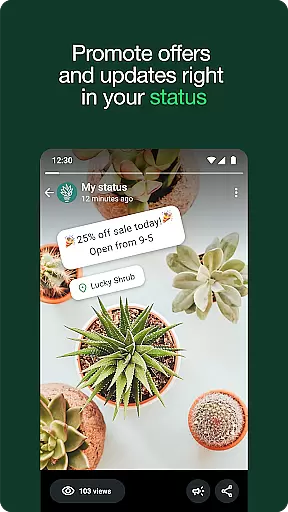
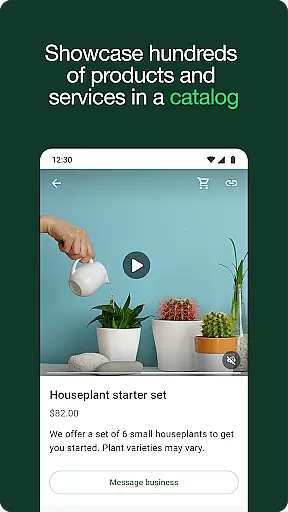
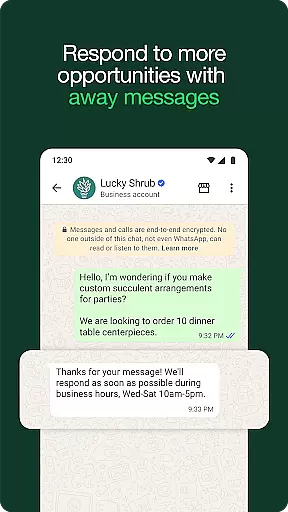
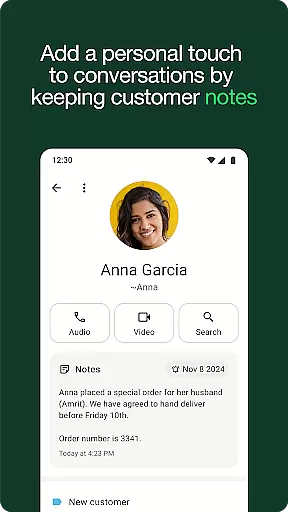

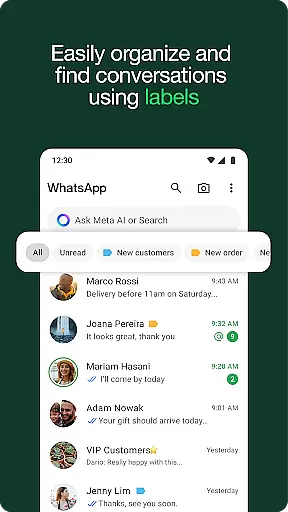
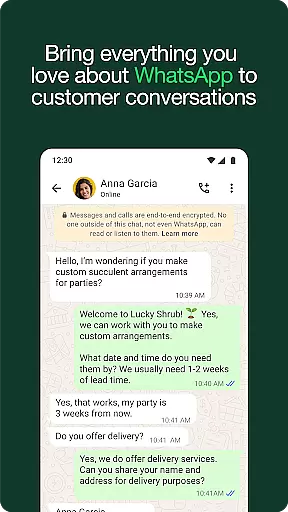
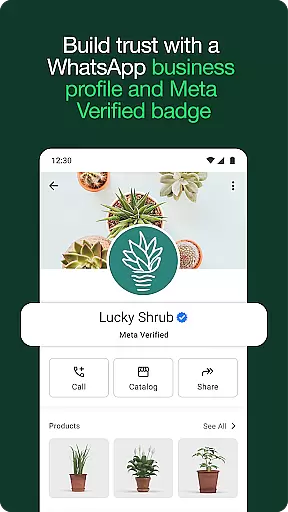
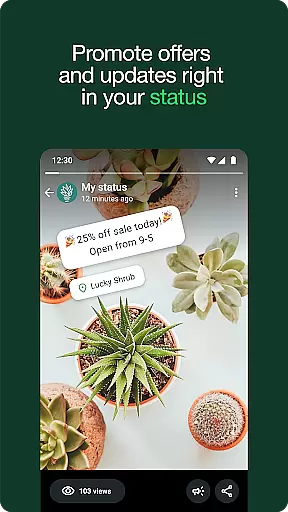
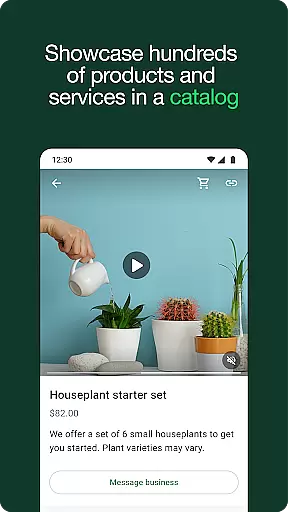
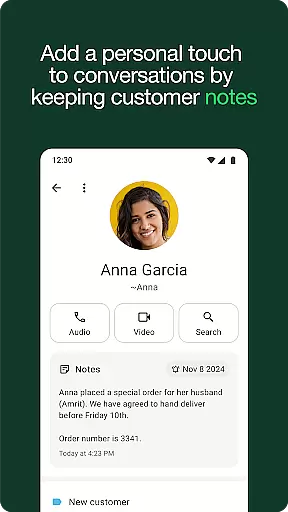

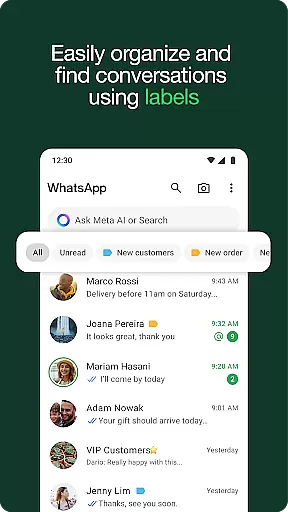
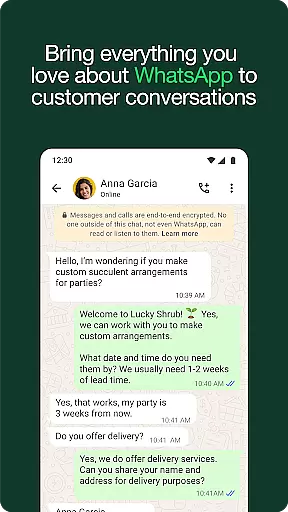
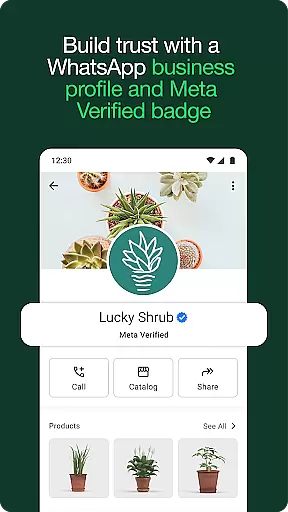
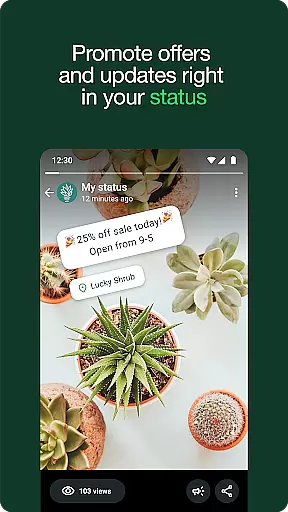
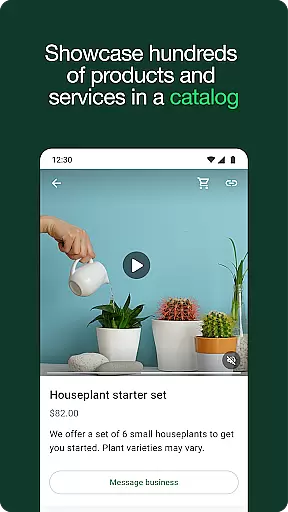
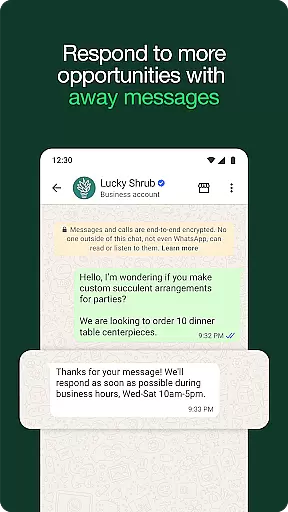
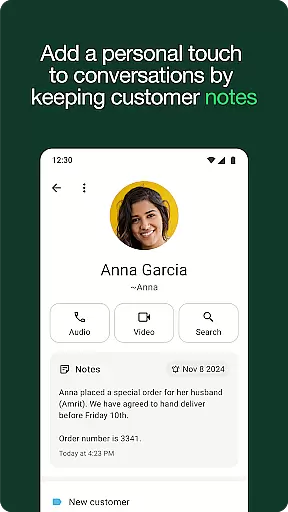

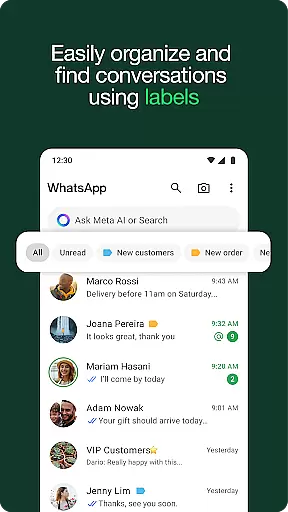
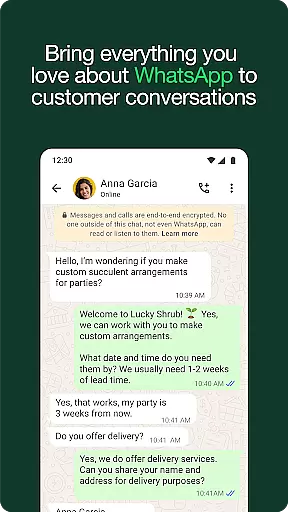
WhatsApp Business is a specialized communication app designed to help businesses streamline their customer interactions. The platform offers built-in tools that allow companies to automate responses, organize conversations with labels, and create professional business profiles.
One of the standout features is its ability to integrate sales functionalities directly into chats, such as in-app payments and product catalogs. This makes it an ideal solution for small and medium-sized businesses looking to provide seamless customer service while boosting sales through targeted promotions and advertisements.
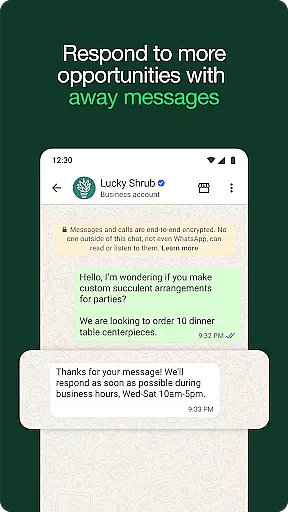
WhatsApp Business stands out with its robust set of features tailored specifically for commercial use. Key functionalities include automated quick replies, away messages, and label organization, which help businesses save time and improve efficiency in managing customer communications.
The app also supports creating professional business profiles to build trust and credibility. Additionally, advanced features like in-app order processing and payment options (available in select markets) enable businesses to complete transactions without leaving the chat interface, offering customers a frictionless experience.
Real-time messaging speed and reliability are crucial for any communication app, especially in a business context. WhatsApp Business excels in this area by providing instant message delivery and read receipts, ensuring that your communications are both fast and dependable.
The app uses end-to-end encryption to secure all messages, which not only protects the privacy of your conversations but also maintains the integrity and reliability of the content being shared. This means businesses can trust that their messages will be delivered securely and without alteration.
WhatsApp Business supports sending various types of content, including text, images, videos, documents, and voice messages, all in real-time. This versatility allows businesses to communicate effectively with customers using different media formats, enhancing the overall messaging experience.
Moreover, the app's ability to sync across multiple devices ensures that users can continue their conversations seamlessly, regardless of the device they are using. This cross-device synchronization enhances the reliability of the messaging service, allowing businesses to stay connected with their customers at all times.
Media sharing is an essential feature for any modern communication platform, and WhatsApp Business offers robust support for sharing various types of media. Whether it's images, videos, documents, or voice notes, businesses can easily exchange multimedia content with their customers, making interactions more engaging and informative.
The app allows users to send high-quality images and videos without significant compression, ensuring that the visual content retains its clarity and impact. This is particularly beneficial for businesses that rely on visual storytelling, such as retail or real estate, where image quality can significantly influence customer decisions.
In addition to images and videos, WhatsApp Business supports document sharing, enabling businesses to send PDFs, spreadsheets, and other file types. This functionality is invaluable for sharing contracts, invoices, or detailed product information, streamlining business operations and improving efficiency.
Voice notes offer another layer of convenience, allowing businesses to convey complex information quickly and personally. The ability to leave detailed audio messages can enhance customer support interactions, providing clear and concise explanations that might be cumbersome to type out.
User-friendly interface
Free international messaging
Automated responses
In-app payment options
Professional business profiles
Limited to one business per account
Payment feature not global
Device connection limit
No desktop-exclusive functions
Paid verification soon

A web browser that respects your privacy.
 4.30
4.30
Messenger for SMS - texting message app, faster, simpler & safer, for you.
4.70
Phone Dialer with Caller ID, Address Book & Contacts Manager.
4.30
Google's fast and secure browser
4.10
Fast Dialer & Contact Manager with Caller ID and Spam Protection
4.00
Call Blocker app: Identify unknown callers, block spam calls, fraud & robocalls
4.30
Simplify texting with Messages SMS, offline messaging, themes & smart tools!
4.30
An agentic AI browser for Android, built by Perplexity
4.50
Read OBD2 data and DTCs Create custom dashboards Enhanced diagnostics available
4.70
Enhance browsing with AI-powered features and Copilot.
4.70
Browse fast on Opera Mini, with Data Saving, News, Football Scores, and Download
4.60
The ultimate productivity solution for all your email communication needs.
4.40
Get through your inbox faster with the mail app designed to simplify your life.
4.40
HD Video Meeting app is a fast & unlimited video conferencing app across world.
4.30
Messages: Fast, simple SMS app with scheduling and smart features.
4.00
Messages is Private SMS Messenger 2023 with text message, instant messaging.
4.00
Official NDI app: turn your phone into a professional live-streaming IP camera.
3.20
Auto Reply SMS, Text Messaging, Away SMS Response, Busy SMS messages, Block Text
3.10
An app dedicated solely to marriage, not dating, and supported by a rigorous verification mechanism to ensure seriousness.
4.2


User Reviews