
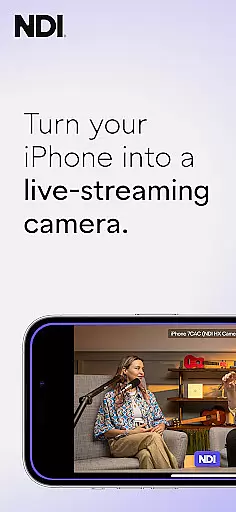
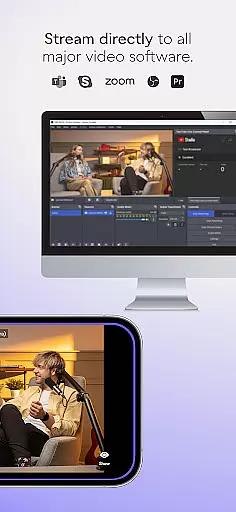
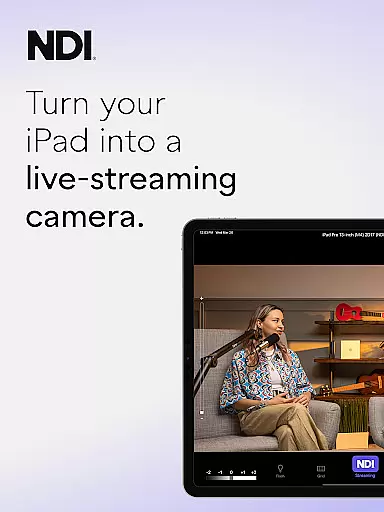
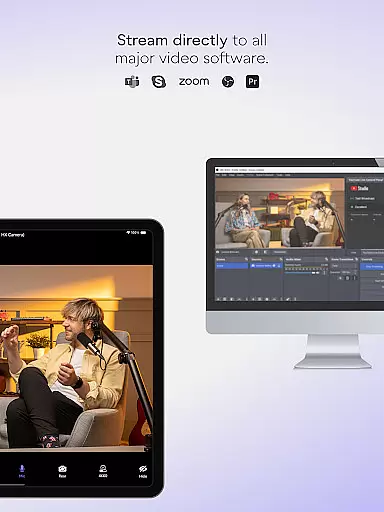
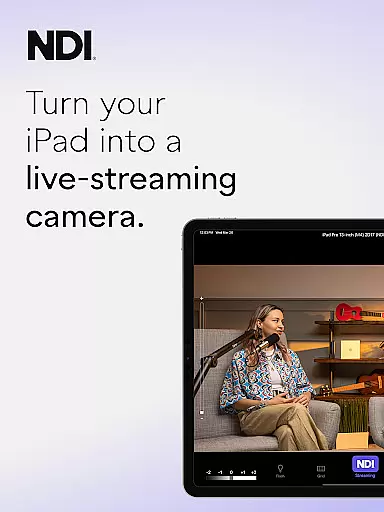
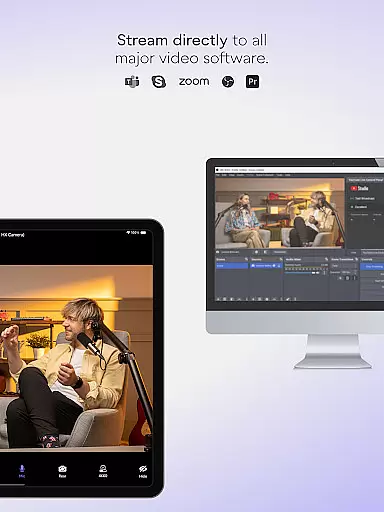
NDI Camera is a professional live-streaming application that transforms your mobile device into a high-quality NDI camera. With its intuitive interface and advanced features, the app allows users to stream low-latency video and audio directly to popular platforms such as MS Teams, Skype, and Zoom. The latest version 1.7 brings a modernized UI, full video height viewfinder, and tally light with multiple modes, making it an essential tool for live production.
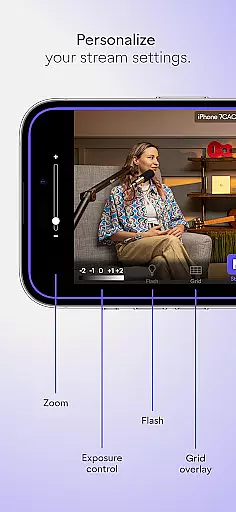
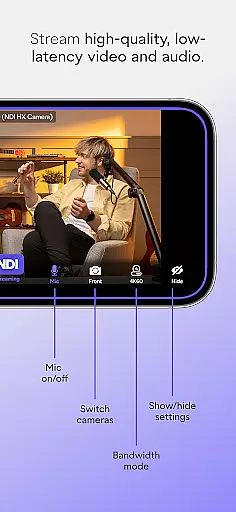
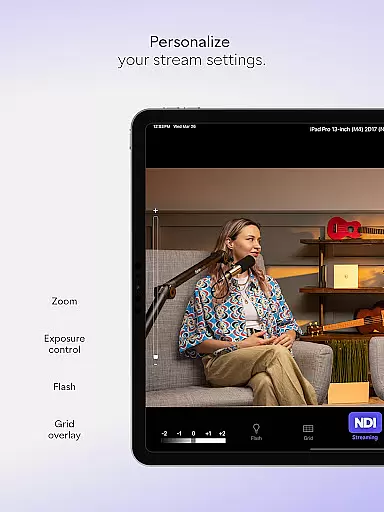
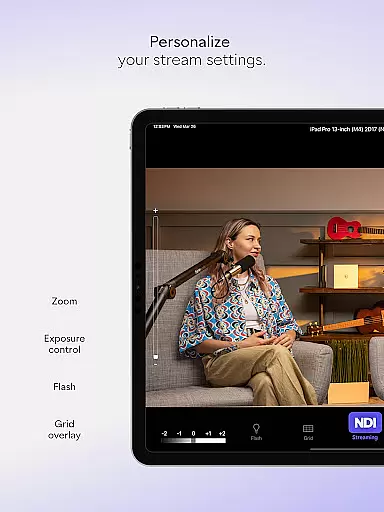
The app offers professional settings at your fingertips, including bandwidth mode selection, grid overlay, autofocus, pinchable zoom, and front/rear camera options. Whether you're conducting live broadcasts, webcasts, or presentations, NDI Camera provides the flexibility and additional perspectives needed to enhance your production quality. Note that the app requires support for NDI 4 or newer versions.
NDI Camera stands out with its comprehensive feature set tailored for professional use. The app supports both front and rear cameras, includes an on-screen connection meter, and displays tally indicators for preview and on-air status. These features ensure seamless integration into any live production environment.
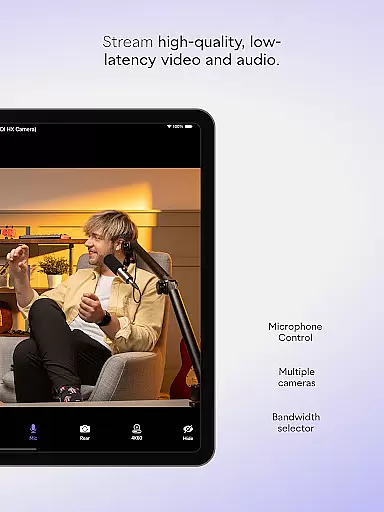
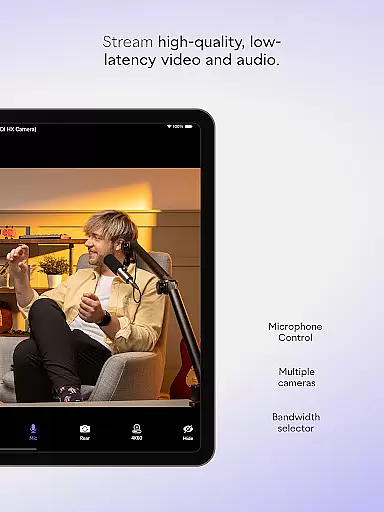
One of the key highlights is the ability to choose between high, medium, and low bandwidth modes, allowing users to optimize their streaming based on network capabilities. Additional functionalities like optional grid overlay, autofocus, and pinchable zoom provide users with enhanced control over their live streams. This combination of features makes NDI Camera a versatile tool for professionals seeking to incorporate mobile devices into their broadcasting setup.
Real-time messaging speed and reliability are crucial for seamless communication in any live-streaming application. NDI Camera excels in this area by ensuring that video and audio streams are transmitted with minimal delay and high consistency.
The app leverages NDI 4 or newer technology to deliver high-quality, low-latency video and audio streams directly from your mobile device. This ensures that every message, movement, or visual cue is captured and relayed almost instantaneously, making it ideal for professional environments where timing is critical.
Users can expect a smooth experience when streaming to platforms like MS Teams, Skype, and Zoom. The robust connection meter provides real-time feedback on the network status, allowing users to adjust settings to maintain optimal performance.
With its intuitive UI and professional settings, NDI Camera offers reliable real-time messaging that enhances live broadcasts, webcasts, and presentations, providing new dimensions and perspectives effortlessly.
Media sharing support is an essential feature for any communication tool, enabling users to share various types of content seamlessly. NDI Camera stands out by offering extensive media sharing capabilities that cater to both amateur and professional needs.
This app transforms your phone into a professional live-streaming NDI camera, capable of sending high-quality video and audio streams to popular platforms such as MS Teams, Skype, and Zoom. It supports multiple bandwidth modesu2014high, medium, and lowu2014allowing users to adapt to their network's capabilities while maintaining excellent quality.
Additional features like the optional grid overlay, autofocus, pinchable zoom, and front and rear camera selection provide flexibility and control over the media being shared. These functionalities ensure that users can capture and share content from diverse angles and perspectives, enriching their live broadcasts.
By downloading NDI Camera, users gain access to powerful media sharing tools that enhance their ability to communicate effectively and professionally across various platforms.
User-friendly interface
High-quality streaming
Flexible camera options
Professional settings
Wide platform compatibility
Requires NDI 4 or newer
Limited to professional use
No free version available
Dependent on network quality
Advanced features may overwhelm beginners

Call Forwarding is easy and simple application to use.
 3.80
3.80
Adblock & VPN Browser: Blocks banners, pop-ups and video ads, fast downloader!
4.60
Messenger for SMS - texting message app, faster, simpler & safer, for you.
4.70
Block spam calls & scam - no more annoying calls with the call blocker function
4.30
At select facilities, you now have an easy way to video visit your loved ones!
3.30
This app enables the phone to receive and send FT8 traffic!
3.80
Create a secure hotspot on-the-go with Portable WiFi - Mobile hotspot.
4.40
Faster version of Messages. Messenger for your contacts.
4.50
TeamSpeak - Secure Chat for Gaming & Business
3.10
فیلتر شکن قوی پرسرعت کلید جدید برای اندرویدسریع ترین وی پی ان برای همه اپراتورها
4.70
Use this Dialer app alone or as a TREK: Total Interface companion.
4.70
Save 10% automatically on your first international mobile top up.
4.60
An agentic AI browser for Android, built by Perplexity
4.50
Manage your data, talk & text - affordable phone plans & data usage made simple
4.30
Federated instant messaging for your mobile device (Jabber, XMPP, Snikket)
4.10
Message and video call your family and friends in HD!
3.80
Call & Text Anywhere With A Canadian Number.
3.60
Chat on the Jabber network (XMPP protocol); support for SMS and other gateways
2.10
Watchgram for Telegram: Experience seamless Telegram messaging on your watch
1.80


User Reviews