
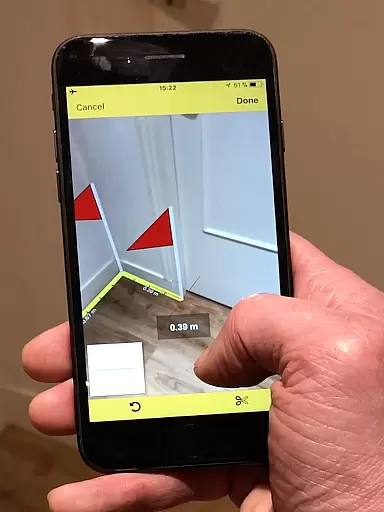
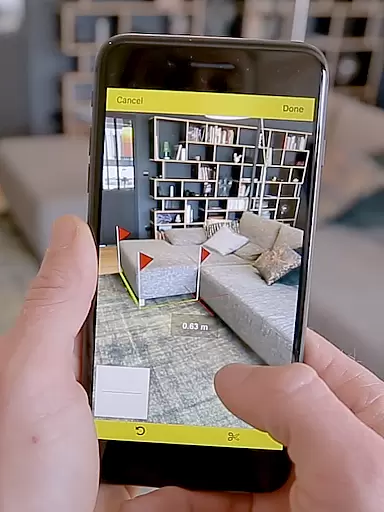
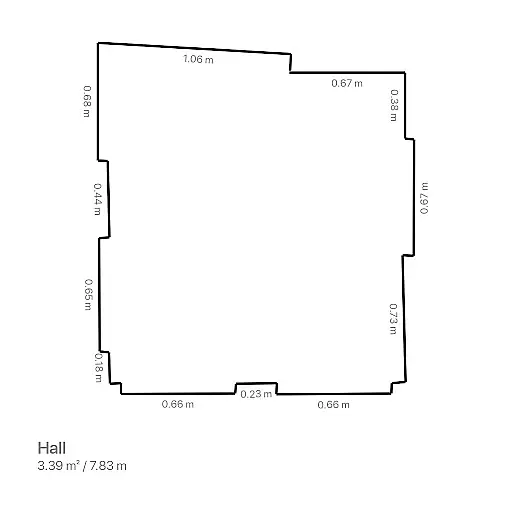
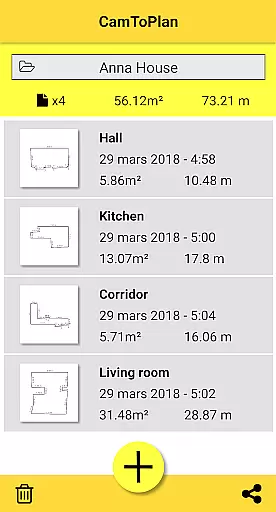
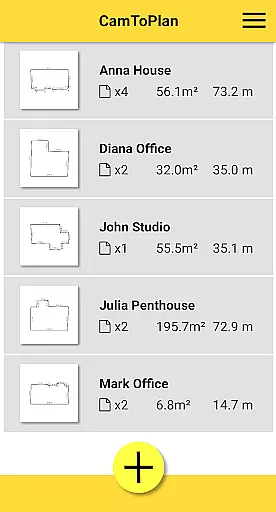
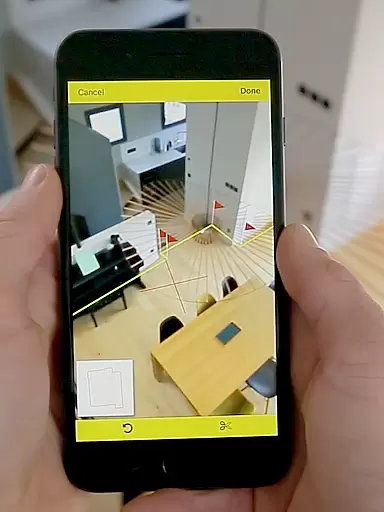
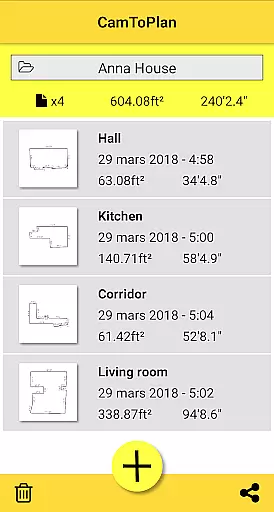
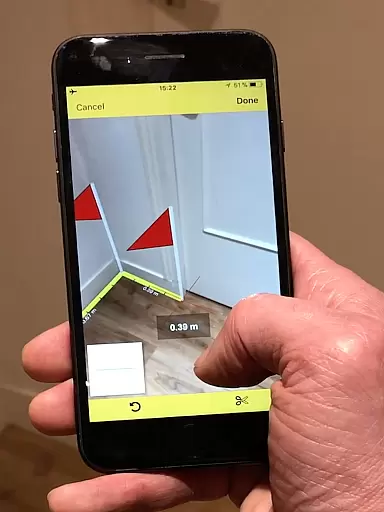
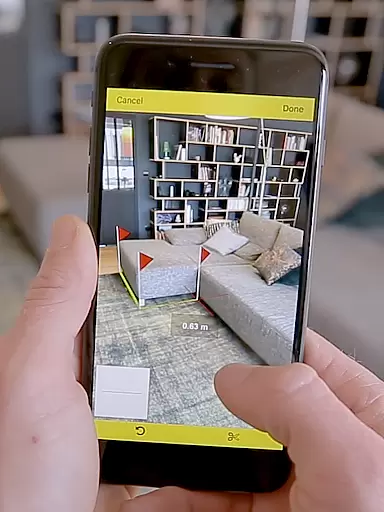
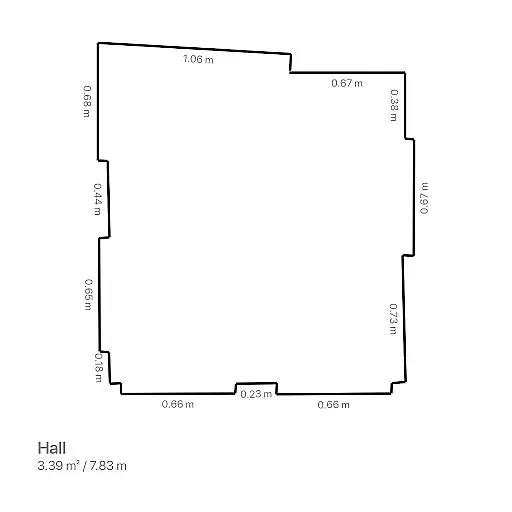
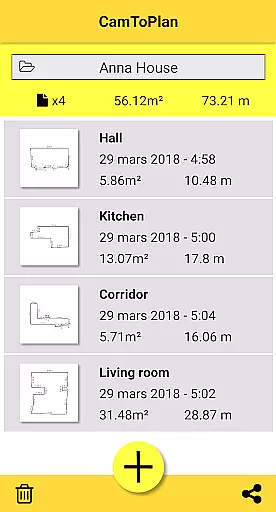
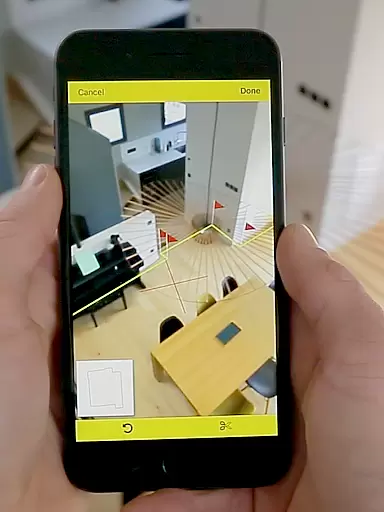
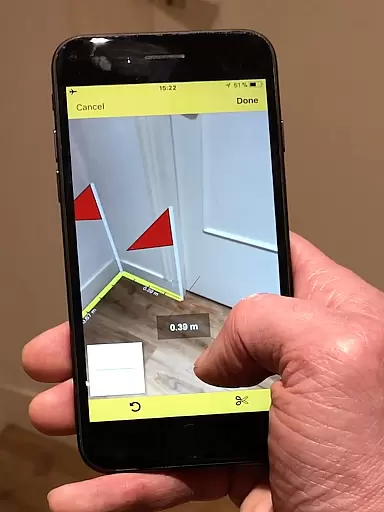
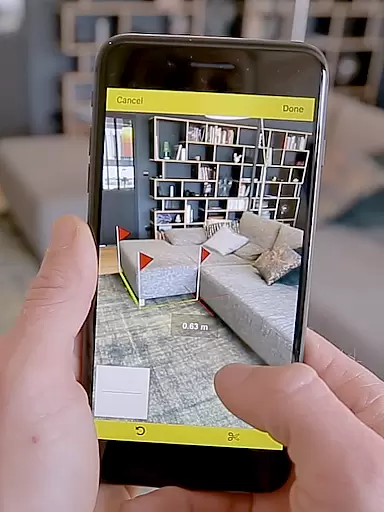
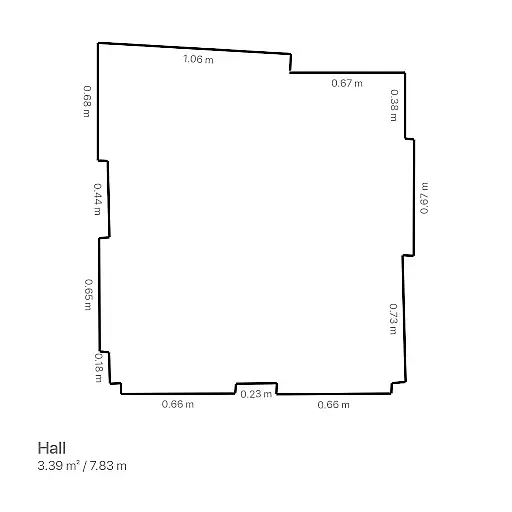
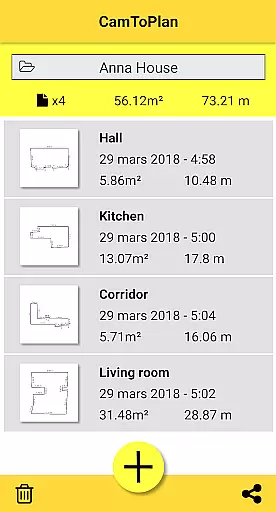
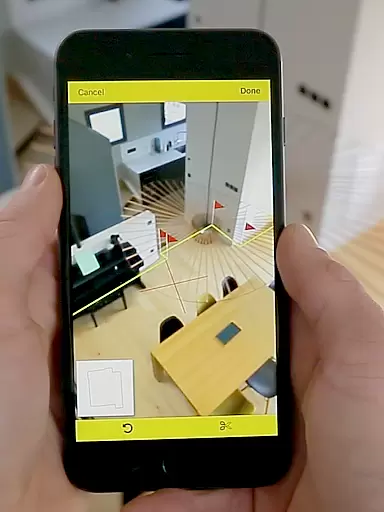
CamToPlan is a revolutionary business application that leverages augmented reality to provide effortless measurement solutions. With this app, users can measure distances both horizontally and vertically, calculate surface areas, and draw room plans in seconds. The 3D tape measure displayed on the screen allows for precise measurements of baseboards, walls, furniture dimensions, and more without the need to kneel or manually mark points.
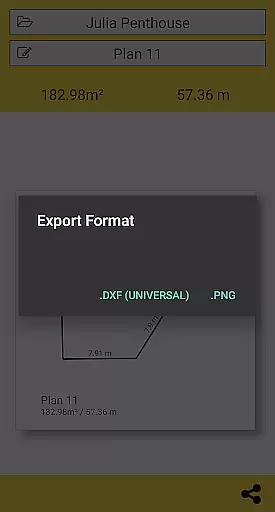
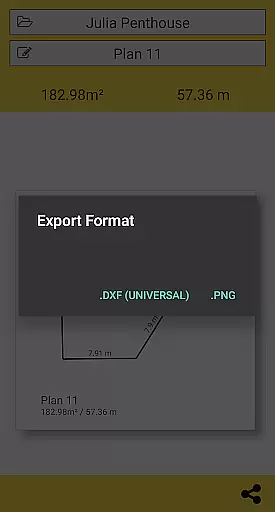
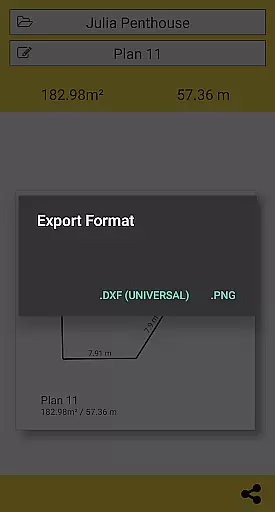
The app supports exporting data in PNG or DXF formats and offers seamless sharing options via email, message, or social media. CamToPlan is particularly beneficial for professionals such as architects and decorators, as well as DIY enthusiasts. It automatically determines intersection points, even behind furniture, and adapts to metric or imperial units based on user preference.
CamToPlan stands out with its innovative use of augmented reality technology, which places a virtual 3D tape measure on your device's screen. This feature allows users to take measurements effortlessly using their device’s video capabilities. The app instantly calculates surface areas in square meters or feet and generates room plans complete with all measured dimensions.
Additional features include the ability to export plans in PNG or DXF formats, manage folders efficiently, and share results easily through various platforms. The app performs optimally under good lighting conditions and works best on textured floors. Users can safely move around during measurements to achieve maximum precision, even for hidden points calculated by extrapolation.
CamToPlan revolutionizes collaborative work in the field of architecture and interior design by offering seamless measurement capabilities through augmented reality. The app allows multiple users to contribute to a project by sharing precise measurements instantly.
Professionals can effortlessly export their data in PNG or DXF formats, making it easy to integrate with other design software. This feature ensures that all team members have access to the most up-to-date information, enhancing productivity and accuracy in collaborative projects.
The ability to draw plans and calculate areas in real-time provides teams with an innovative tool for creating detailed layouts. With just one click, these plans can be shared via email, message, or social media, ensuring efficient communication among team members regardless of location.
Task management within CamToPlan is streamlined through its intuitive interface that allows users to measure distances, surfaces, and draw plans efficiently. The app's task-oriented design ensures that every measurement is accurately recorded and easily accessible for future reference.
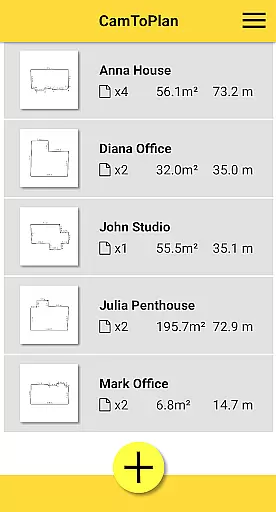
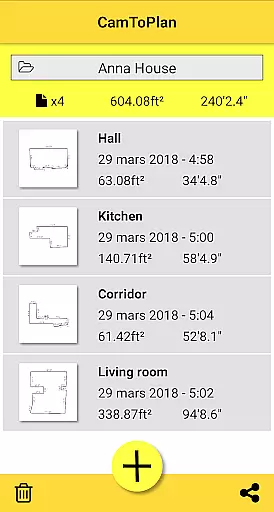
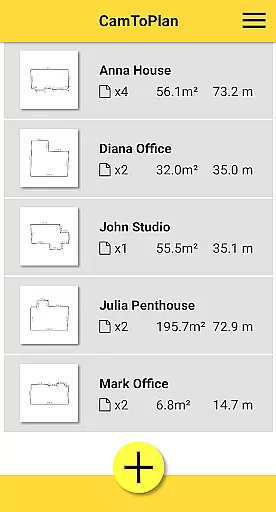
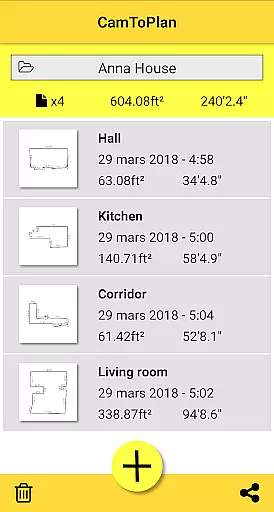
Users can manage their folders directly within the app, organizing various projects with ease. This functionality supports both horizontal and vertical measurements, providing comprehensive data management for different types of tasks.
By enabling the selection of Metric or Imperial units, CamToPlan caters to a global audience, accommodating diverse preferences in task management. The automatic determination of intersection points between floors and target points further simplifies complex measurement tasks, allowing professionals to focus on their core responsibilities without being hindered by cumbersome tools.
User-friendly interface
Augmented reality integration
Effortless measurement process
Supports metric and imperial units
Instant area calculation
Requires good lighting conditions
Accuracy depends on floor texture
Limited to device camera quality
Potential difficulty with reflective surfaces
No guaranteed precision in all scenarios

GoTo Mobile is a simple & secure calling, messaging & meetings solution
 4.80
4.80
Find jobs and make money fast with JobStack.
4.60
Ask Accio anything about business. Alibaba-backed, built by experts, not just AI
4.60
Amazon A to Z is the place to manage your work-life at Amazon.
4.50
Deliver and earn money
4.30
view, manage, and share every PDF file you have
3.60
Find part-time earning opportunities near you that pay within days.
3.20
ADP Mobile Solutions is an employee self service app
4.50
We help people get jobs
4.70
FaxCover - Create fax cover pages. Works with any app or fax machine.
4.90
Employee Management Made Easy
4.80
Manage Your Shop
4.70
Access to Paylocity, empowering employees with information they need 24/7.
4.70
Your employer must have UKG Ready software configured for Mobile.
4.60
Drive and earn extra money
4.50
Say hello to the mobile work experience built to help you thrive at work.
4.30
FX Plus adds media, networking, and cloud capabilities to FX File Explorer.
4.10
Zoom built for Chrome OS
3.90
viewing and sharing of PDFs
3.60


User Reviews