
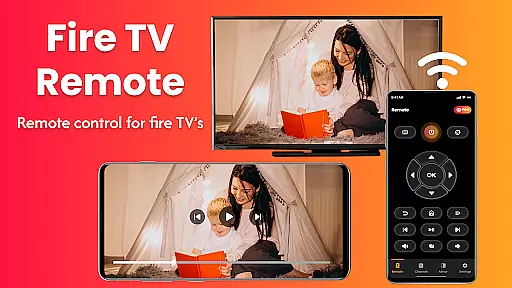
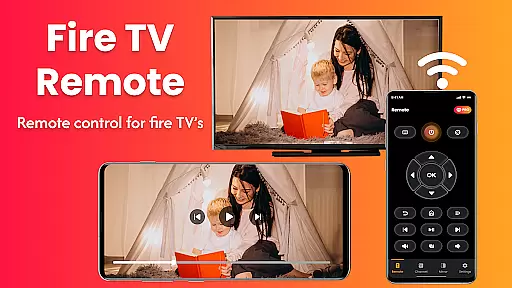
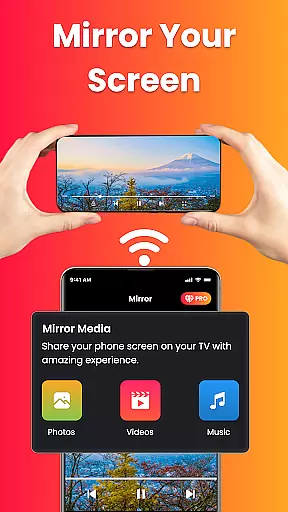
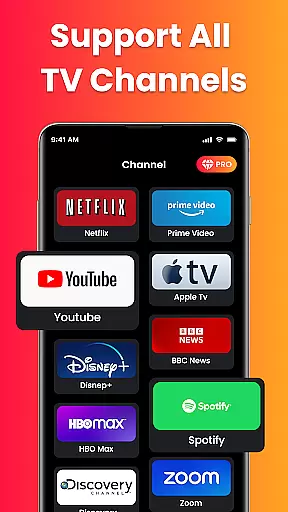
Fire Remote TV Control is a dedicated application that transforms your Android phone into a comprehensive remote control for Fire TV and Fire Stick devices. With its intuitive interface, the app provides seamless navigation, playback controls, volume management, and screen mirroring capabilities. Designed exclusively for Fire TV users, it eliminates the need for physical remotes or complex pairing processes.
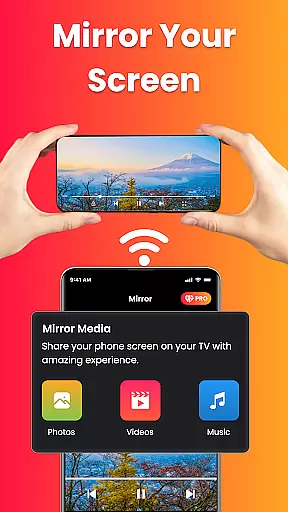
The app supports all Fire TV models, including Fire TV Sticks, Fire TV Cube, and Fire TV Edition smart TVs. Its standout feature is the effortless screen mirroring functionality, allowing users to cast their phone's screen directly to their TV with just one tap. Whether you're streaming videos, presenting slideshows, or sharing photos, this app ensures a smooth and hassle-free experience.
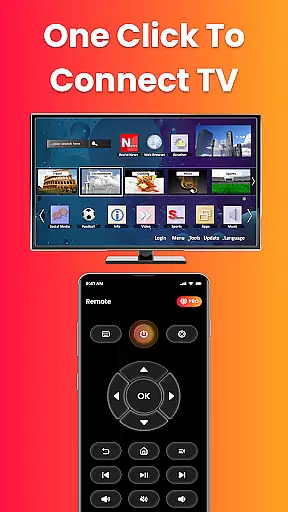
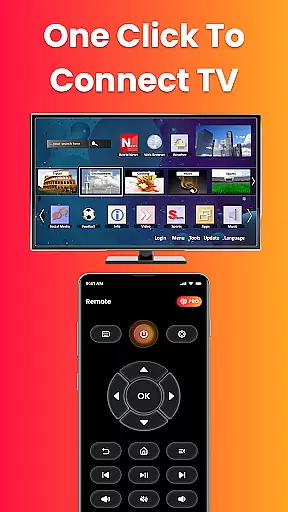
Perfect for enhancing your home entertainment system, Fire Remote TV Control combines convenience, speed, and reliability in one lightweight package. It offers an instant connection over Wi-Fi without requiring any login or pairing codes, making it ideal for both casual viewers and professionals who need quick access to their content on a larger display.
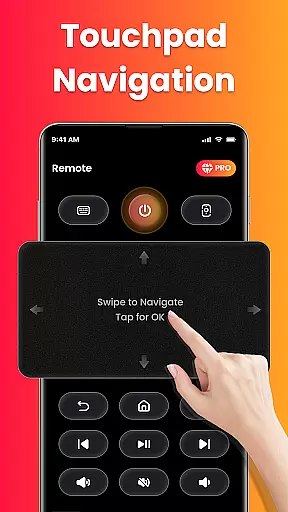
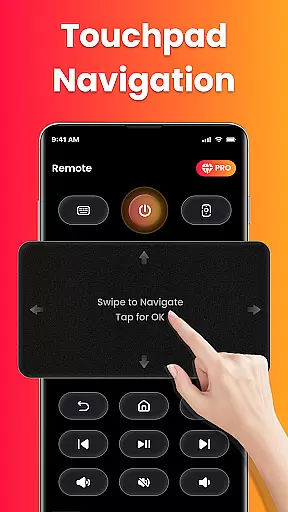
Fire Remote TV Control boasts an array of features tailored specifically for Fire TV users. The app includes a full directional pad for menu navigation, along with touch controls for precise adjustments. Users can manage playback functions such as play, pause, rewind, fast forward, and stop, while also controlling volume levels and muting options.
One of the most notable features is the built-in on-screen keyboard, which simplifies typing and searching within Fire TV applications. Additionally, the app supports screen mirroring, enabling users to project their phone's display onto their TV effortlessly. This functionality is particularly useful for presentations, photo sharing, or streaming mobile content on a bigger screen.
Designed for simplicity and efficiency, the app connects instantly over Wi-Fi without requiring any pairing codes or additional setup steps. Its lightweight design ensures minimal battery consumption while delivering fast and reliable performance. These features make Fire Remote TV Control an indispensable tool for anyone looking to streamline their Fire TV experience.
In the context of smart home management apps like Fire Remote TV Control, ensuring property listing authenticity is crucial for user trust and seamless device integration. This app guarantees that all supported Fire TV devices are accurately listed and verified to work without issues.
The application provides a comprehensive compatibility list, including Fire TV Stick (all versions), Fire TV Stick 4K / 4K Max, Fire TV Cube, and Fire TV Edition smart TVs by brands like Toshiba and Insignia. Each listing is meticulously checked to ensure it aligns with actual product specifications.
Users benefit from this rigorous verification process as they can confidently connect their Android phones to their Fire TV devices without worrying about compatibility issues. The app eliminates guesswork, offering peace of mind that every listed device will function as intended.
This commitment to accuracy not only enhances user satisfaction but also streamlines the setup process, making it easier for users to manage their smart home environments efficiently.
Fire Remote TV Control excels in providing robust home management features tailored specifically for Fire TV users. By transforming an Android phone into a versatile remote control, the app simplifies navigation, playback controls, volume management, and even screen mirroring.
One standout feature is the on-screen keyboard, which allows for quick typing and searches, enhancing the overall usability of the Fire TV platform. Additionally, the app supports instant connection over Wi-Fi without requiring any pairing codes, thus eliminating setup hassles.
Screen mirroring is another significant advantage, enabling users to cast their phone's screen directly to their Fire TV with a single tap. Whether displaying photos, streaming videos, or presenting work content, this functionality enriches the user experience by extending mobile capabilities to a larger display.
Overall, these home management features make Fire Remote TV Control an indispensable tool for anyone looking to maximize the potential of their Fire TV ecosystem while enjoying a streamlined and efficient smart home environment.
User-friendly interface
Instant Wi-Fi connection
Effortless screen mirroring
Comprehensive playback controls
Lightweight and efficient
Limited to Fire TV ecosystem
No Chromecast support
Requires same Wi-Fi network
No voice command feature
Third-party app risks

Control your Daikin, Amana & Goodman heating & cooling systems from anywhere
 4.40
4.40
Find paints using a Color Muse & ColorSnap® Match
3.60
AI floor creator to design your dream house, plan rooms & style your home
4.00
Smart AI plant care schedules, Real plant experts, support & Thriving community!
4.20
The only mappable smart lights for custom decoration.
4.50
AI Home Designer & Room Planner: Decorate your interior space with AI
4.40
Find contractors for all home renovation projects. Remodeling, repair, and more.
4.20
Control your Vivint Smart Home with the next generation Vivint App.
4.30
Apartment finder for apartments for rent. Compare prices, amenities & rentals.
4.50
B-hyve Pro App for landscape irrigation professionals
4.70
Download today to join the community to help bring lost pets home faster.
4.70
Search for Homes, Rentals, Agents & Schools
4.70
A Smarter Home in Seconds
4.70
Find homes for sale and apartments for rent in the best neighborhood.
4.70
Looking for the perfect apartment finder app? Find beautiful rental homes here!
4.60
Rent on-the-go with TurboTenant’s app made just for renters
4.50
SmartRent - Opening Doors To A Smarter World
4.40
Our app allows Sunrun customers to monitor systems, pay bills, and get support.
3.80
PRO Version of GLB AR Viewer
4.1


User Reviews