
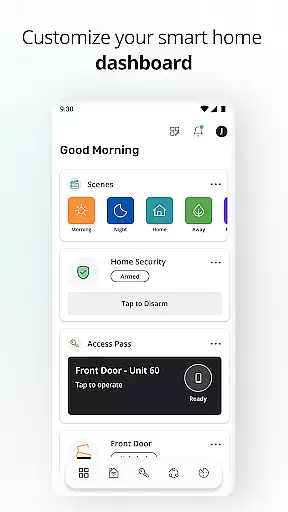
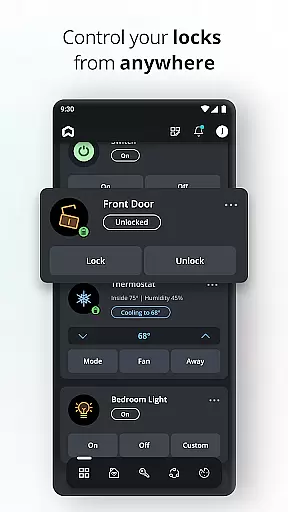
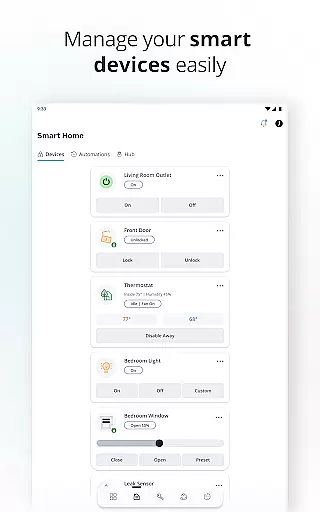
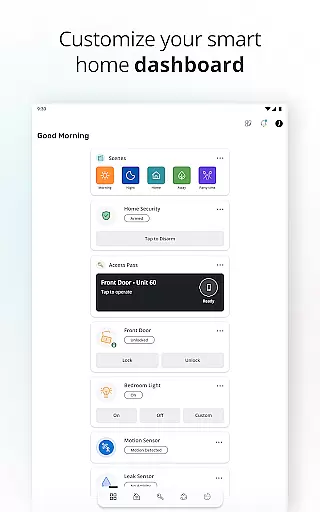
SmartRent is a cutting-edge smart home management application designed to provide homeowners with complete control over their living spaces directly from their mobile devices. The app enables users to manage various aspects of their homes, including security, climate control, and access management. With its intuitive interface, SmartRent makes it easy to lock doors, adjust thermostats, and monitor home activity from anywhere.
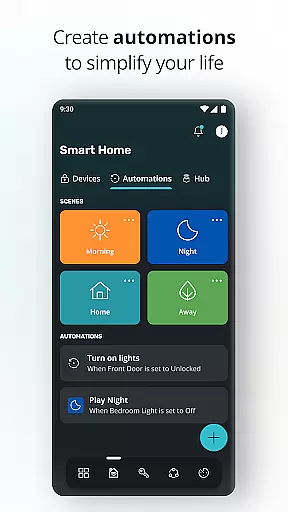
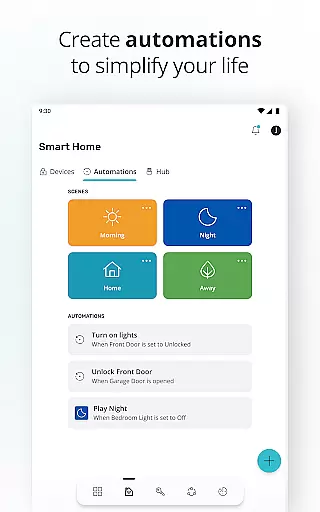
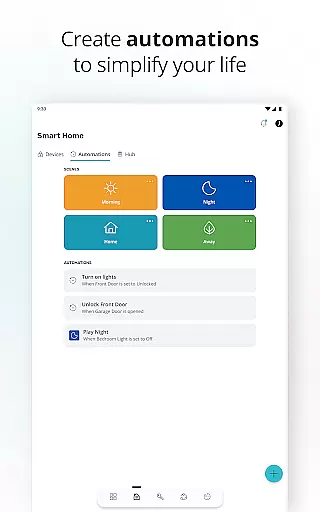
One of the standout features of SmartRent is its ability to create custom schedules and automations, allowing users to optimize energy usage and simplify daily routines. Whether you're at work or on vacation, you can ensure your home remains secure and energy-efficient. Additionally, the app integrates seamlessly with popular voice assistants like Amazon Alexa and Google Assistant, offering hands-free control for added convenience.
This app is particularly beneficial for those who value safety, comfort, and efficiency in their homes. By providing real-time alerts for potential issues such as leaks and offering detailed access logs, SmartRent ensures peace of mind for homeowners. Its compatibility with other smart home devices, such as Ring, further enhances its utility by consolidating multiple functions into a single platform.
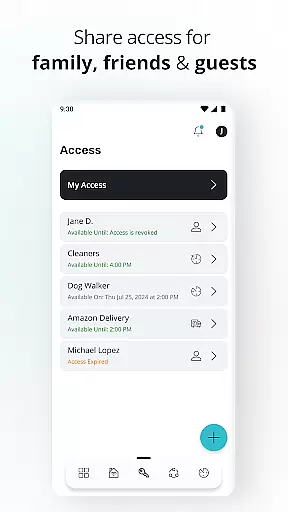
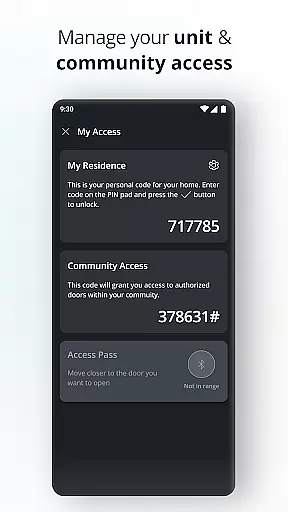
SmartRent offers an impressive array of features that cater to modern homeowners seeking convenience and security. One of its key functionalities is remote door locking and unlocking, which allows users to grant access to family members, friends, or service providers without needing to be physically present. This feature also supports the creation of unique, time-bound access codes, enhancing home security.
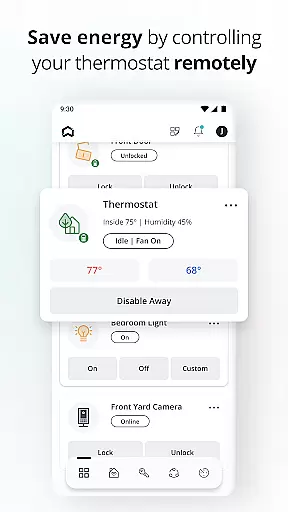
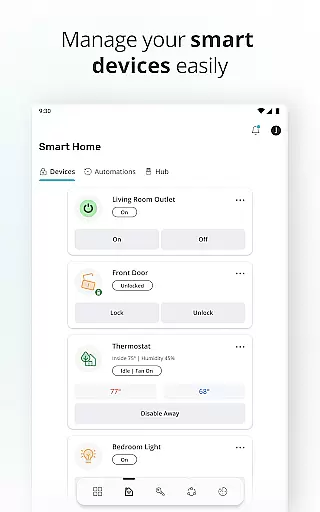
The app's thermostat management capabilities are equally robust. Users can set custom schedules to automatically adjust temperatures based on their routines, leading to significant energy savings. SmartRent also supports home automation, enabling users to create personalized routines that streamline everyday tasks. For instance, you can program your lights to turn on at sunset or receive notifications when certain events occur.
Integration with voice assistants like Amazon Alexa and Google Assistant sets SmartRent apart from other smart home apps. This feature allows for hands-free operation, making it easier than ever to control your home environment. Additionally, the app provides instant alerts for potential issues such as water leaks, ensuring prompt action to prevent damage. With its comprehensive suite of tools, SmartRent empowers users to create a safer, more efficient home environment.
When it comes to managing your home, ensuring the authenticity of property listings is crucial. SmartRent provides verified and up-to-date information about your residence, giving you peace of mind that all details are accurate and reliable.
The app integrates with trusted property management systems, ensuring that any updates or changes to your home's status are reflected instantly. This real-time verification process helps prevent any misinformation, providing a dependable source for home data.
Users benefit from this feature by having complete control over their property information. Whether it's checking the status of a maintenance request or confirming access logs, SmartRent ensures that residents always have the most current and authentic data at their fingertips.
This level of transparency not only enhances trust but also simplifies home management tasks, allowing users to focus on enjoying their living space without worrying about the accuracy of their home's information.
SmartRent offers an extensive suite of home management features designed to simplify daily routines and enhance convenience. From remotely controlling your thermostat to setting up automated schedules, the app puts the power of home management right in your hands.
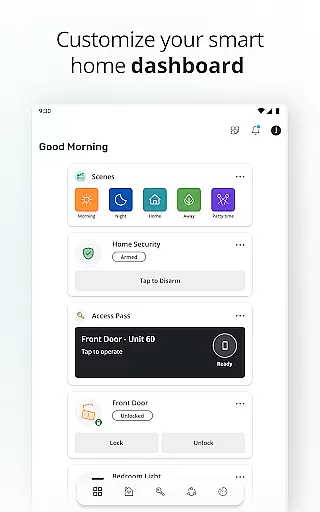
One standout feature is the ability to create custom automations that cater to your lifestyle. Whether it's adjusting the lighting based on the time of day or receiving alerts for potential leaks, these smart functionalities ensure your home operates smoothly and efficiently.
Additionally, SmartRent allows for seamless integration with popular voice assistants like Amazon Alexa and Google Assistant. This compatibility enables hands-free control, making it easier than ever to manage your home with simple voice commands.
By combining advanced technology with user-friendly interfaces, SmartRent transforms traditional home management into a streamlined and intuitive experience, offering homeowners unprecedented convenience and control.
User-friendly interface
Comprehensive home control
Energy-saving features
Real-time alerts
Voice assistant integration
Limited device compatibility
Occasional connectivity issues
Premium subscription required
Steep learning curve
Dependent on internet connection

Tailored Care Guides For Houseplants, Indoor Plants, Garden Plants & Flowers.
 4.60
4.60
Calculate baluster spacing with ease and precision.
4.4
Design house plans in 2D & 3D, style furniture, and preview renovation layouts
3.70
Our app allows Sunrun customers to monitor systems, pay bills, and get support.
3.80
Download today to join the community to help bring lost pets home faster.
4.70
Innovative and budget-friendly housing options
4.60
MLS-powered real estate app to find homes for sale & apartments for rent
4.70
Looking for the perfect apartment finder app? Find beautiful rental homes here!
4.60
Houses for Sale & Homes for Rent: Buy Homes, Rent Apartments & Sell Real Estate
4.80
Plants, Beauty, Collectibles
4.60
Rent on-the-go with TurboTenant’s app made just for renters
4.50
Plan your remodel AI home renovation easily using planner 5D and home decor AI.
4.40
Control your thermostat, comfort, and home monitoring from your phone
4.30
Fully control your Philips TV with this all-in-one remote control app.
4.20
Universal Tv Remote Control for all Tv. Cast for chromecast & all Tv Controller
4.20
Book your local plumber 24/7, track your service order & get exclusive coupons
4.00
Technology powering many in-home services for residents across the United States
3.80
Draw house plans, floor plans 3d & house design with house plan drawing 3d app
3.60
An easier way to make payments and maintenance requests from anywhere.
3.50


User Reviews