
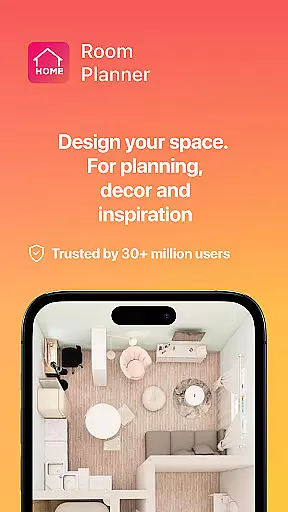
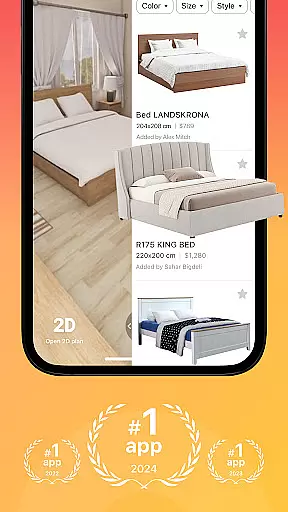
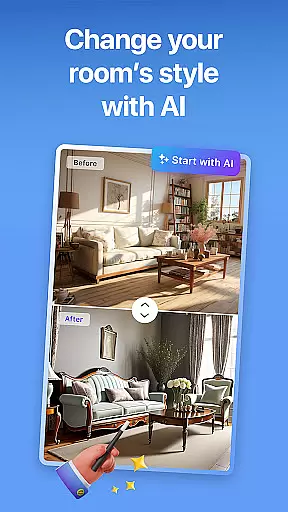


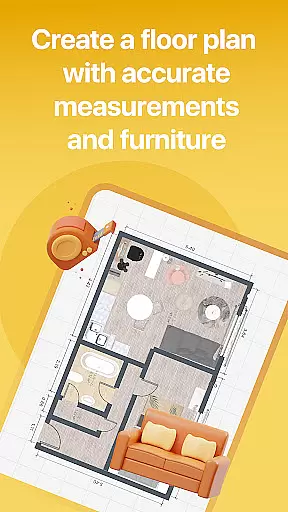

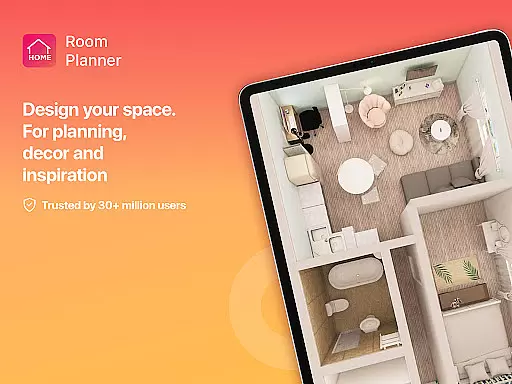


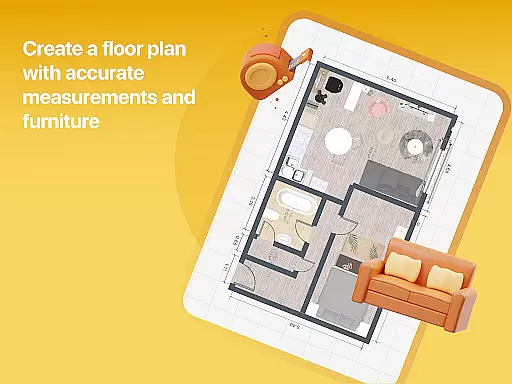

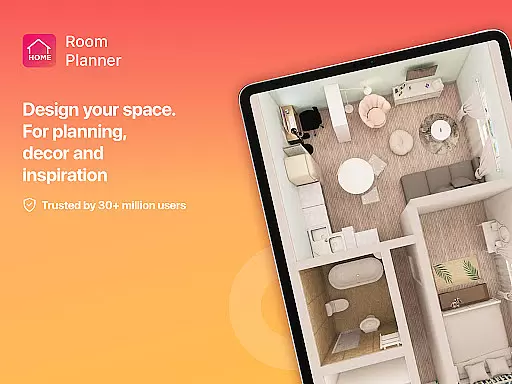
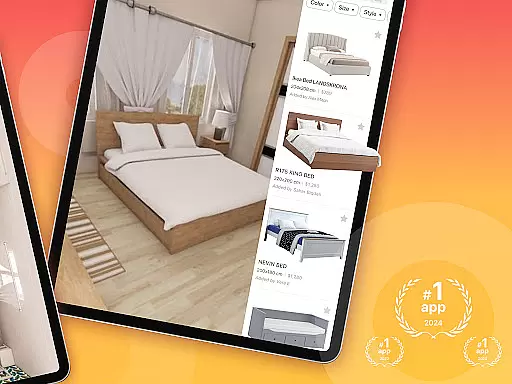
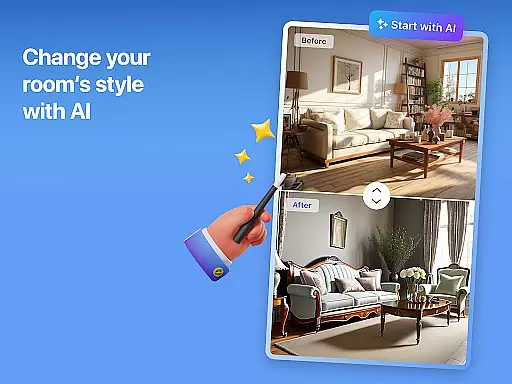


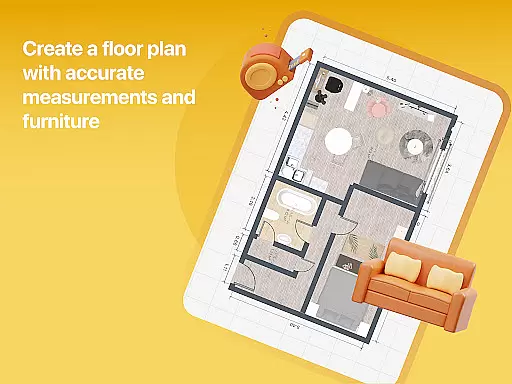

Home Planner is a comprehensive home design and 3D modeling tool that empowers users to create detailed floor plans with precision. The app offers advanced visualization features, allowing users to see their designs in immersive 3D and virtual reality. With over 200,000 furniture items available in its catalog, users can experiment with various styles and layouts effortlessly. Whether you're redesigning a single room or planning an entire house, Home Planner provides professional templates and powerful customization options to bring your vision to life.
The app's intuitive interface includes built-in measuring tools, making it easy to ensure accurate dimensions before implementing changes in real life. Its high-quality rendering capabilities produce realistic snapshots of your designs, helping you visualize colors, materials, and lighting. Additionally, the seamless sharing functionality enables collaboration with partners or contractors, while offline access ensures flexibility when working on-site or remotely.
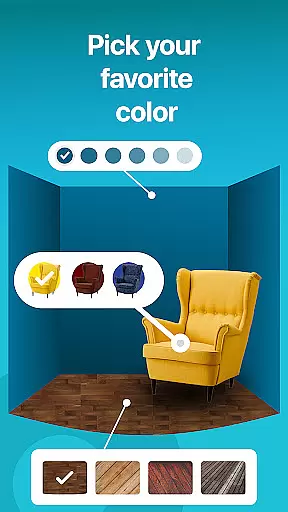
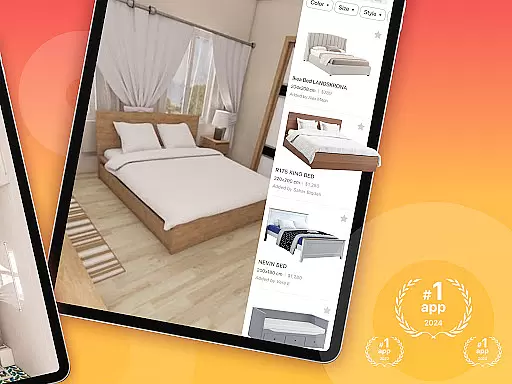
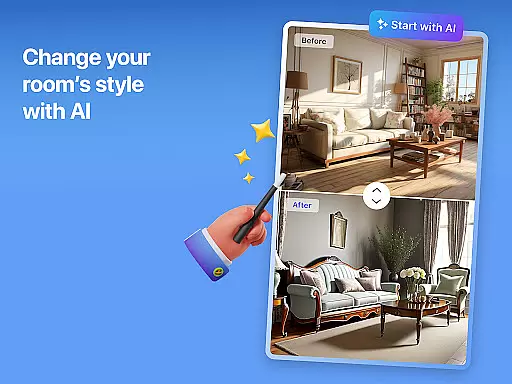
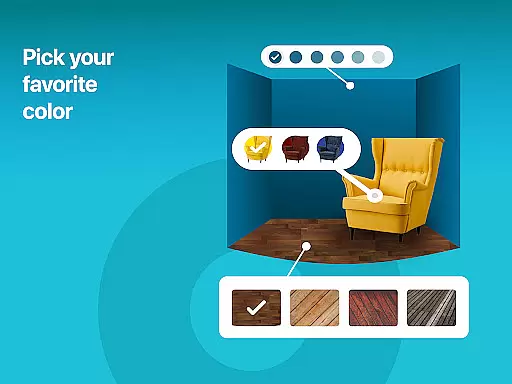
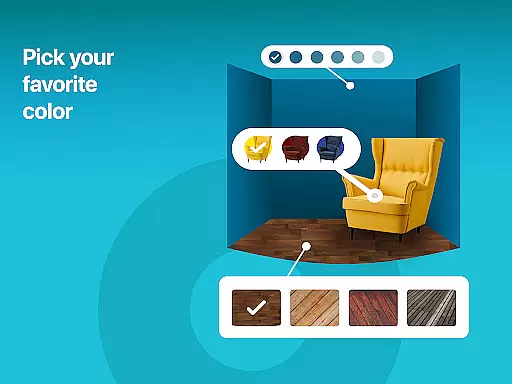
One of the standout features of Home Planner is its extensive furniture catalog, which includes over 200,000 items from top brands. This vast selection allows users to explore different styles, colors, and materials, ensuring they find the perfect match for their space. The app also supports detailed customization, enabling users to adjust wall colors, flooring types, and furniture placement to reflect their personal style.
Another key feature is the advanced 3D modeling and virtual reality preview. Users can transform their 2D floor plans into immersive 3D experiences, viewing every element of their design from multiple angles. This helps finalize layouts and décor choices before committing to purchases or renovations. Additionally, the app offers professional pre-made projects and themed house designs, providing inspiration and guidance for those unsure where to start. With flexible subscription options, users can unlock premium features like exclusive furniture collections and enhanced 3D modeling tools.
When it comes to designing and remodeling your home, having accurate and reliable property information is crucial. Home Planner ensures the authenticity of its design templates and pre-made projects by working with professional designers and architects. This guarantees that every room layout and furniture placement adheres to real-world dimensions and practical design principles.
The app's extensive catalog of over 200,000 furniture items is carefully curated from trusted brands, ensuring that users have access to realistic product options. Each item in the catalog includes detailed specifications, allowing users to make informed decisions about their home designs. This level of detail helps prevent costly mistakes during actual renovations.
Home Planner also provides regular updates to its design library, reflecting the latest trends in home decor and architecture. This commitment to up-to-date content ensures that users are always working with current and relevant design options. The app's attention to detail extends to its 3D modeling features, where users can visualize their designs with precise measurements and realistic textures.
By maintaining strict standards for content authenticity, Home Planner gives users confidence in their design choices. Whether planning a single room makeover or a complete home renovation, users can trust that their virtual designs will translate seamlessly into real-world results.
Effective home management goes beyond just designing beautiful spaces; it requires tools that help maintain and organize your living environment. Home Planner offers advanced features that simplify both the design process and ongoing home maintenance. The app's smart measuring tools allow users to accurately map out room dimensions, ensuring precise planning before any physical changes are made.
The inclusion of professional pre-made projects and themed house designs provides users with ready-made solutions for various home management scenarios. These templates cover everything from space optimization in small apartments to comprehensive estate planning, making it easier to address specific household needs. Users can customize these templates to fit their unique requirements, streamlining the design process.
Home Planner's offline functionality enables users to work on their projects anywhere, whether measuring spaces on-site or brainstorming ideas at home. This flexibility is particularly useful for coordinating with contractors or roommates, as designs can be easily shared and discussed. The app's collaboration features ensure that everyone involved in a project stays informed and aligned.
With its combination of precise design tools, professional templates, and flexible sharing options, Home Planner becomes an essential companion for both home design and ongoing property management. These features help users maintain organized, well-planned living spaces that meet their evolving needs.
User-friendly interface
Extensive furniture catalog
Advanced 3D modeling
Accurate measuring tools
Offline functionality
Premium features locked
Subscription required
Steep learning curve
Limited free templates
Occasional bugs

Tailored Care Guides For Houseplants, Indoor Plants, Garden Plants & Flowers.
 4.60
4.60
Wobble Fix Tool
4.40
Download today to join the community to help bring lost pets home faster.
4.70
Fully control your Philips TV with this all-in-one remote control app.
4.20
IP camera view and playback, for your WiFi cam or home security cctv system.
3.70
USHUD.com helps you find the best homes for sale in your area
4.00
Find the perfect paint color with advanced tools to explore and visualize color.
3.80
Control your Vivint Smart Home with the next generation Vivint App.
4.30
Find homes for sale and apartments for rent in the best neighborhood.
4.70
View houses and apartments for rent, updated daily.
4.80
Home Ideas | Renovation Advice | Local Pros. Go From Dream to Home with Houzz.
4.70
Real estate app to find homes for sale or rent in the right neighborhood for you
4.70
Find your next home, house, apartment, condo, casa, flat, rental, studio, or bed
4.70
Parcel Pending Resident App
4.50
Control the scent and ambiance of your home and car, right from your phone.
4.50
Control your Daikin, Amana & Goodman heating & cooling systems from anywhere
4.40
Technology powering many in-home services for residents across the United States
3.80
Find paints using a Color Muse & ColorSnap® Match
3.60
Universal TV remote Control for Roku TV brands via WiFi remote
4.4


User Reviews