
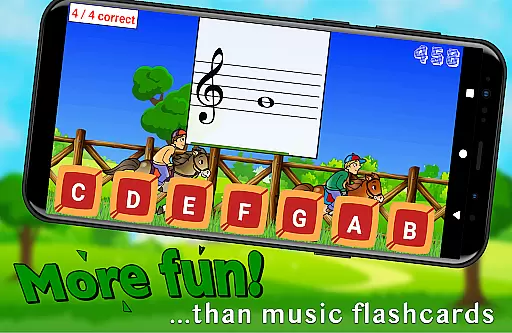
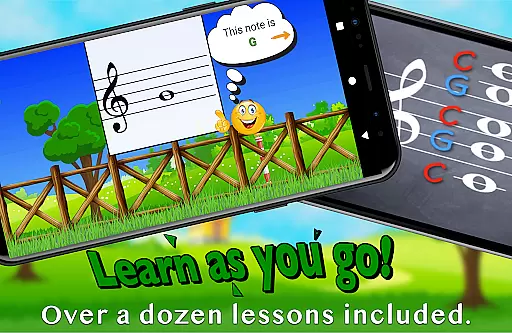
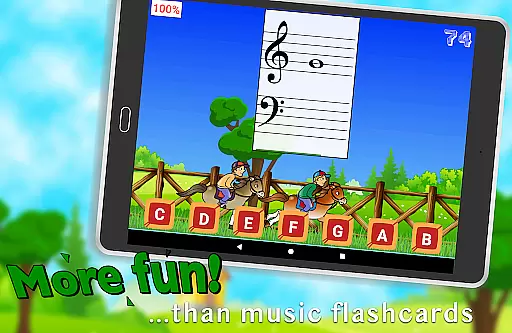
Flashnote Derby is an educational app designed to make learning music notes enjoyable for children. The core functionality revolves around a timed game where students identify musical notes to advance their horse in a race. This interactive approach not only teaches note recognition but also reinforces learning through immediate feedback and review sessions after each race.
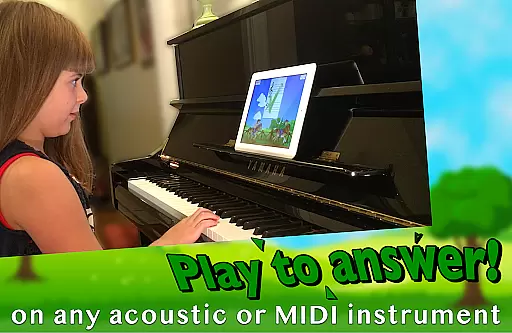
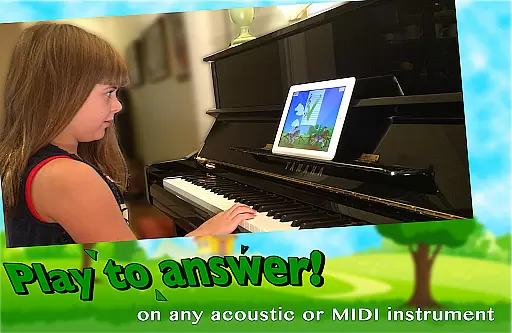
The app offers multiple response methods including playing notes on acoustic or MIDI instruments, tapping letter buttons, or using the on-screen piano. With customizable settings, Flashnote Derby caters to various skill levels, from beginners to advanced learners, ensuring that users can focus on specific areas of improvement while gradually mastering the entire staff.
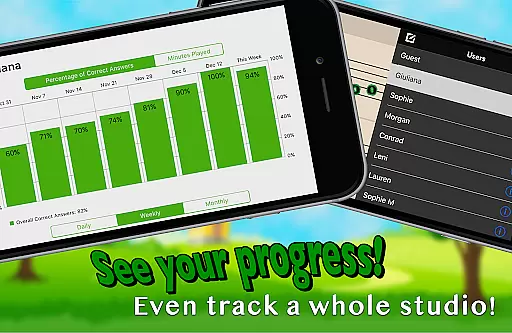
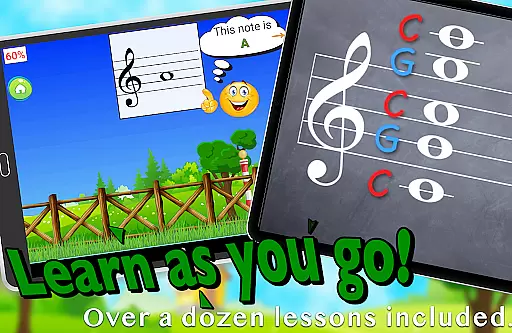
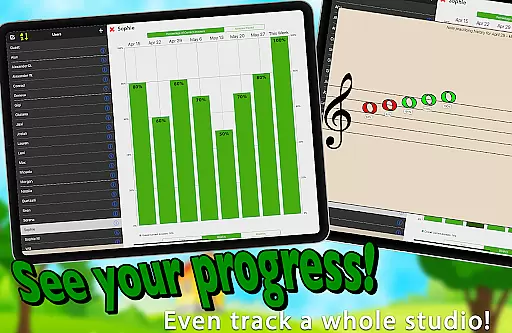
Designed for both independent learning and classroom use, Flashnote Derby includes over a dozen instructional video lessons and tracks student progress. This makes it an invaluable tool for music teachers looking to motivate students and assign targeted homework, ultimately helping young musicians build a strong foundation in music reading skills.
Flashnote Derby stands out with its comprehensive set of features tailored for music education. The app's primary feature is its gamified learning system, where students engage in timed races by correctly identifying musical notes. This competitive element encourages quick thinking and accuracy, essential skills for music reading proficiency.
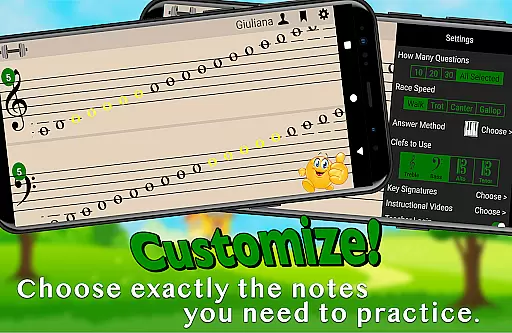
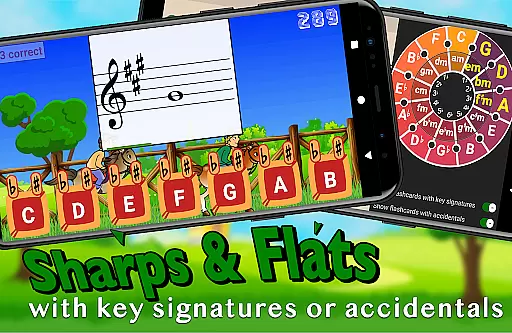
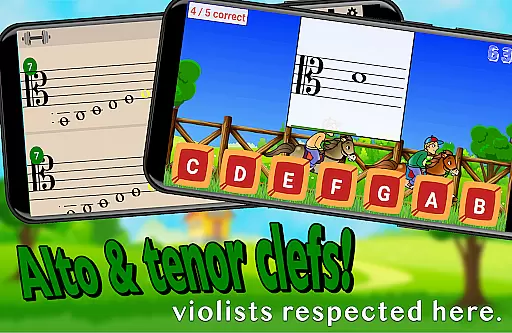
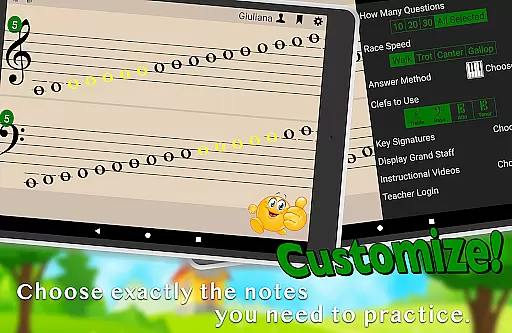
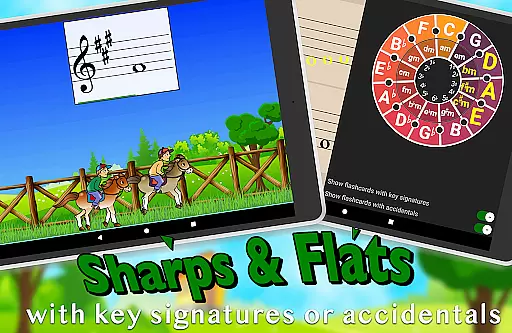
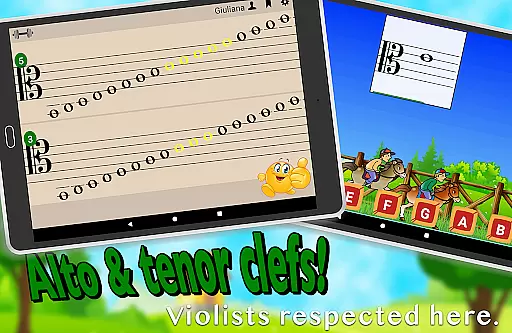
One of the app's most notable aspects is its customization capabilities. Users can tailor the game to include specific notes across different clefs (treble, bass, alto, tenor) and adjust difficulty levels by modifying time limits and adding key signatures. This flexibility allows for personalized learning experiences that can grow with the student's abilities.
Additional features include multiple input methods (acoustic instruments, MIDI, on-screen piano), performance tracking, and integrated instructional videos. These elements combine to create a robust learning environment that supports various learning styles and keeps students engaged while building their music reading skills effectively.
Flashnote Derby focuses on providing accurate and authoritative content for learning music notes. The app is designed to teach kids how to read music notes through engaging gameplay. Each race in the game serves as a timed test where students identify different notes, reinforcing their knowledge through repetition and practice.
The app allows customization of the notes displayed, including various clefs and key signatures, ensuring that the content matches the student's current level of learning. This flexibility ensures that learners are presented with the right amount of challenge without becoming overwhelmed. By adjusting the settings, teachers and students can focus on specific areas that need improvement, making the learning process both effective and enjoyable.
Additionally, Flashnote Derby includes over a dozen instructional video lessons accessible directly within the app. These lessons cover fundamental topics such as the music alphabet and staff, providing beginners with the necessary background to start using the app effectively. With these resources, even children with no prior music instruction can begin learning and improving their skills.
One of the standout features of Flashnote Derby is its ability to create personalized learning paths for each student. The game offers multiple ways to respond to flashcards, including playing notes on an acoustic or MIDI instrument, tapping letter buttons, or using an on-screen piano. This variety caters to different learning styles and preferences, allowing students to engage with the material in a way that suits them best.
Teachers can set up customized drills that start simply and gradually increase in difficulty. Initially, drills may include only a few notes, but as students become more proficient, the settings can be adjusted to include a broader range of notes, up to five and a half ledger lines above or below the staff. This progressive approach helps build confidence and competence in reading music.
Moreover, Flashnote Derby tracks each player's performance, recording which notes they struggle with the most. This data enables teachers and students to identify areas that require additional review and practice. By focusing on these weak points, learners can make significant improvements in their music reading abilities, ultimately leading to greater success in their musical education.
User-friendly interface
Customizable learning paths
Multiple input methods
Progress tracking system
Educational video content
Limited advanced theory
No multiplayer mode
Premium content locked
Occasional bugs reported
Device compatibility issues

Childcare Management App: Daily sheets, sign in-out, billing and learning tools
 4.70
4.70
Learn and joke with the Silly Turkey!
4.4
An easy to use yet powerful and full-featured flashcard study app.
4.50
Age-Related Child Developmental Milestones
4.80
Your best partner for learning Japanese words. Based on a best-selling textbook.
2.90
Explore the City of the Sun in Augmented Reality
3.70
THE ESTABLISHED "GO TO" ARMY BOARD PREPARATION APP!
4.30
An aviator’s preparation, study and test tool for FAA Knowledge Exams.
4.00
Make your own game and world. Draw and animate characters
3.70
Experience the sky, planet earth and the solar system like never before
4.90
Learn Japanese in an immersive educational game set in Japan!
4.90
Short Lessons for Better Finances, Health, Skills, Jobs & Relationships.
4.80
Stack the Countries makes learning world geography fun!
4.50
Astronomy Guide to the Night Sky
4.40
A must-have app for mastering Japanese verb/adjective conjugations.
3.60
Master the NRP with 700+ questions, rationales, and updated NREMT scenarios.
3.00
A collection of favorite stories from Daniel Tiger's Neighborhood
2.00
Enrich the experience of your visit to the Pantheon with our audiotour.
1.60
Test prep for Indiana students
4.3


User Reviews