
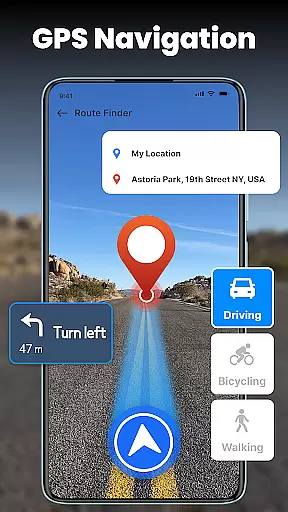
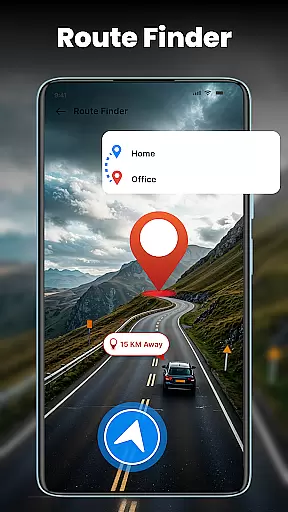
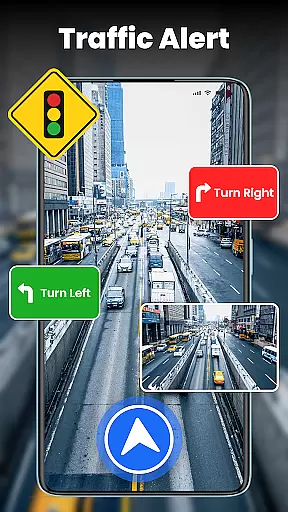

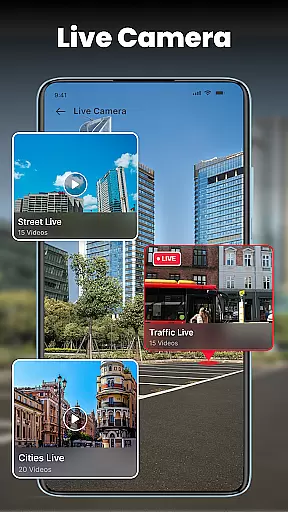

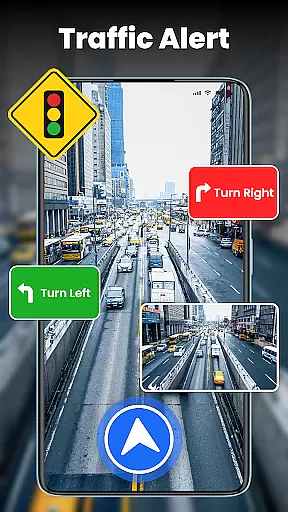


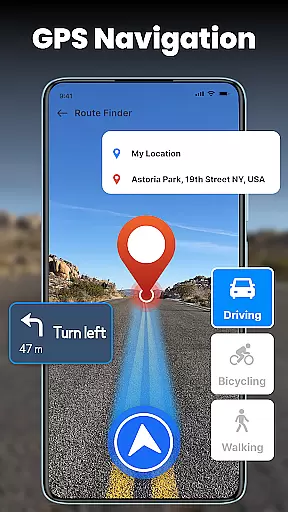
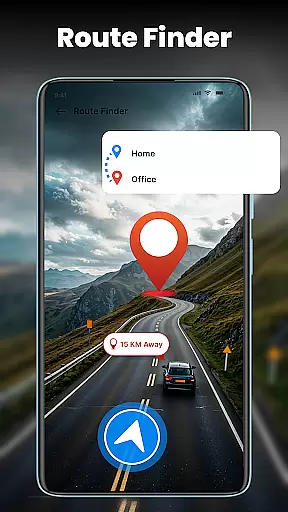
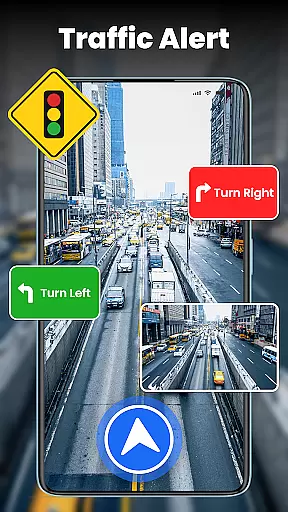

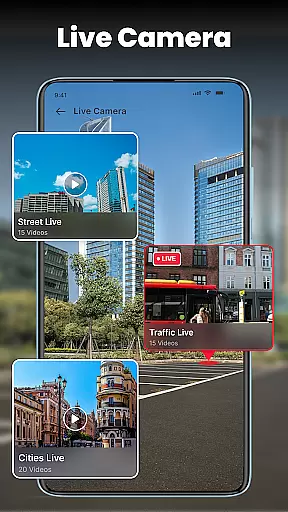

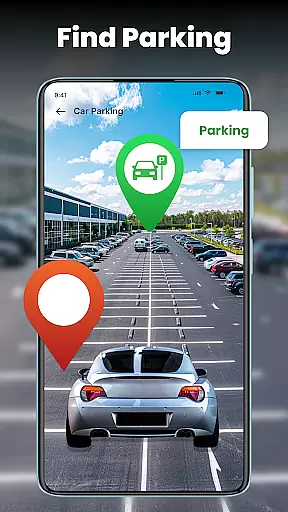
GPS Voice Navigation is a comprehensive navigation app designed to simplify travel through turn-by-turn voice-guided directions and live traffic updates. The app excels in providing users with the shortest routes, real-time traffic conditions, and nearby points of interest such as hospitals, hotels, and gas stations. Its intuitive interface ensures that users can easily navigate cities, towns, and remote locations without unnecessary delays.
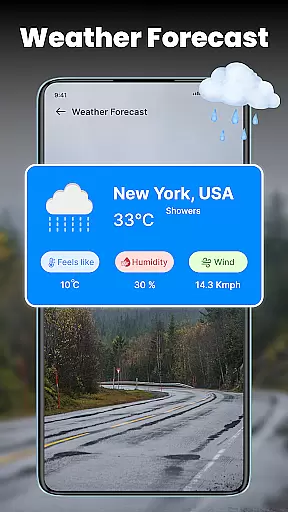
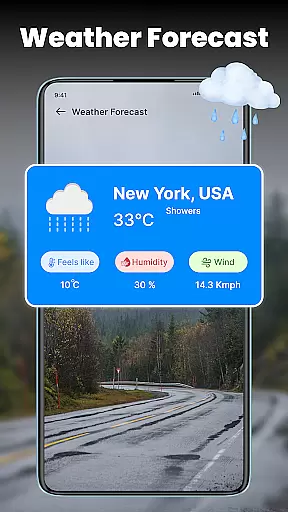
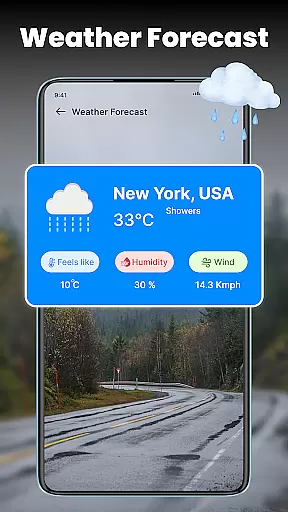
Beyond basic navigation, the app offers advanced features like street view, compass alignment, and real-time weather updates, making it an ideal tool for both urban commuters and travelers exploring unfamiliar areas. Whether you're driving locally or internationally, GPS Voice Navigation provides reliable guidance while allowing you to share your location with friends and family, ensuring peace of mind during your journeys.
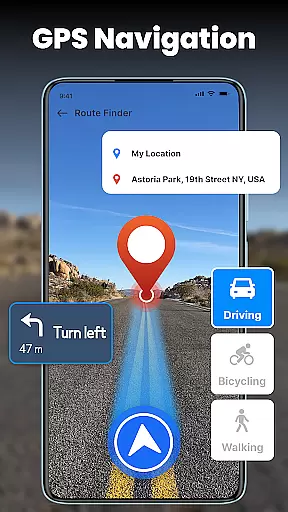
One of the standout aspects of GPS Voice Navigation is its robust feature set tailored for modern travelers. The app's turn-by-turn voice navigation eliminates the need for constant screen monitoring, offering a safer and more convenient driving experience. Additionally, the live traffic map helps users avoid congestion, roadblocks, and slowdowns by suggesting optimal routes based on current traffic data.
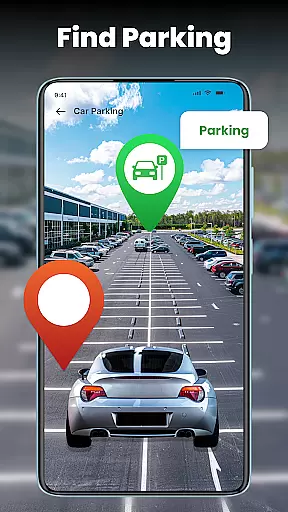
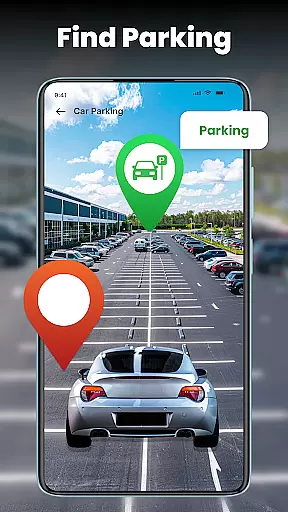
Another key highlight is the ability to locate nearby amenities such as ATMs, restaurants, and hospitals, which proves invaluable when traveling to new places. The inclusion of a street view function further enhances spatial awareness, while the built-in compass ensures accurate directional orientation. With customizable route options, real-time weather updates, and the ability to save parking spots, this app caters to a wide range of user needs, ensuring a personalized and efficient navigation experience.
Map accuracy is essential for any navigation app, and GPS Voice Navigation excels in this area. The application provides precise location data, ensuring users can trust the app to guide them correctly within cities, towns, and even remote locations.
The app's smart GPS navigation feature keeps users on the right path, avoiding traffic jams, roadblocks, and slowdowns. This precision is achieved through advanced mapping technology that updates in real-time, reflecting current road conditions and changes.
Users benefit from turn-by-turn live navigation and route maps, which offer a smooth journey to their destination. Whether driving in familiar or unknown areas, the map accuracy provided by GPS Voice Navigation ensures that users reach their destinations without unnecessary detours or delays.
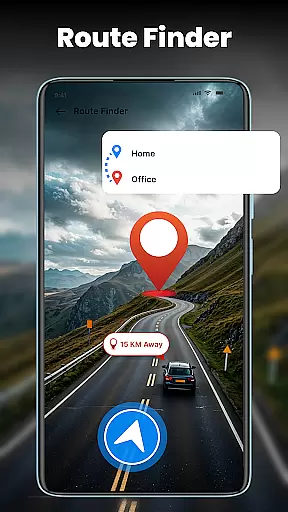
Effective route planning is a cornerstone of GPS Voice Navigation, allowing users to find the shortest and most efficient paths to their destinations. By leveraging live traffic data, the app recommends optimal routes, helping users save time and fuel.
The voice navigation feature simplifies route planning by enabling hands-free operation. Users can search for destinations, access live routes, and adjust navigation settings effortlessly, making the driving experience safer and more convenient.
Additionally, the app includes a live traffic GPS map that informs users about traffic conditions, accidents, and road closures. These insights allow for dynamic route adjustments, ensuring minimal travel disruptions. With GPS Voice Navigation, route planning becomes an intelligent and responsive process, tailored to current travel conditions.
User-friendly interface
Accurate live traffic data
Comprehensive feature set
Global coverage
Real-time weather updates
Occasional voice delay
Heavy battery usage
Limited offline functionality
Subscription fees
Ad interruptions

Offline maps for phone and smart watch: topographic maps, satellite images...
 3.30
3.30
Fully offline 1:50k New Zealand topographical map North Island
4.2
Your guide to the recreational opportunities of the Bureau of Land Management!
3.40
OpenCPN is a full featured ChartPlotter and Navigator for Android.
3.60
Track accurate speed & distance with GPS Speedometer. Check speed limit & time.
4.50
Parcel map, property lines, owner, acres, land use, zoning and more from Regrid.
4.60
Maps, Driving Directions & GPS navigation using directions app & GPS App
4.30
Bolt is a ride-hailing app for requesting fast, safe, and affordable transport
4.80
ParkWhiz, an Arrive Mobility brand, part of the Arrive Network
4.30
Voice GPS with driving directions, offline maps navigation GPS for safe travel
4.50
Neshan: map & navigation app with 20M+ monthly active users
4.50
Instant diesel discounts - save big with each fill up!
4.40
Get matched with a nearby driver — you’ll be on your way in minutes.
4.30
Navigation, weather, offline maps & tools for smarter, safer travel planning.
4.00
Drive safe with real-time speed camera radar, police, and traffic alerts
3.80
Start your next adventure confidently using our Accurate Compass App
3.70
Discover over 800 points of interest along the canal.
3.70
Explore offline maps with radar, satellite view, and real-time alerts.
3.60
Find 93 Octane Gas: Locate Gasoline Stations Selling Premium 93 Octane or Higher
4.1


User Reviews