
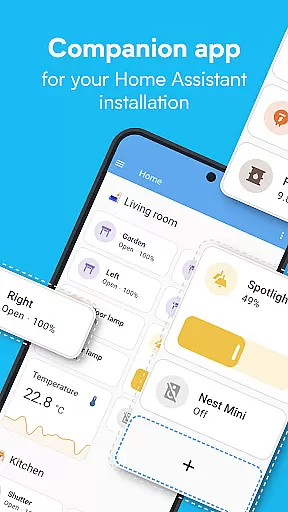
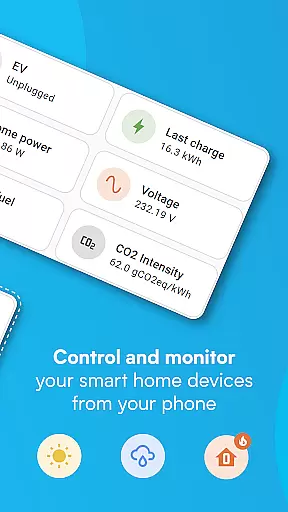
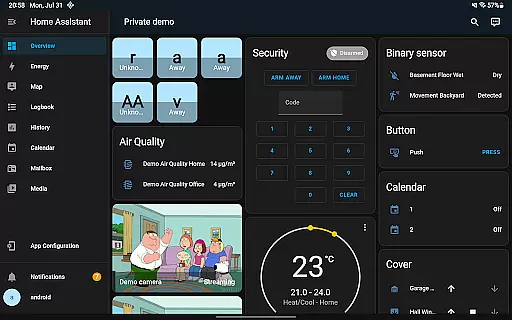
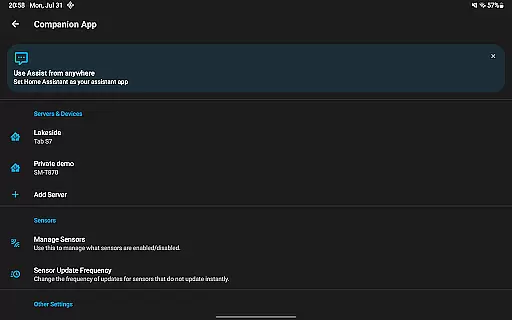
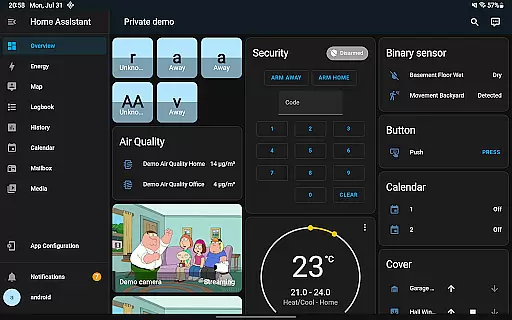
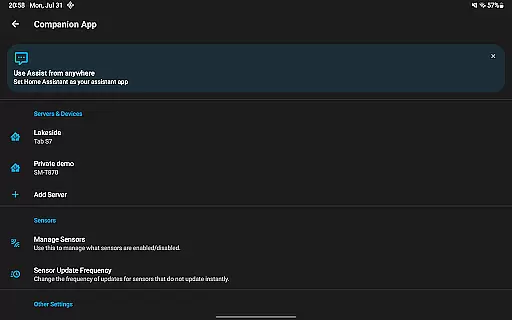
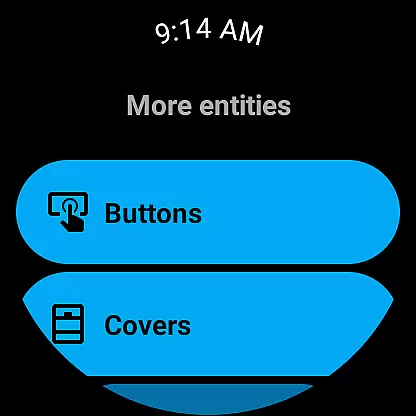
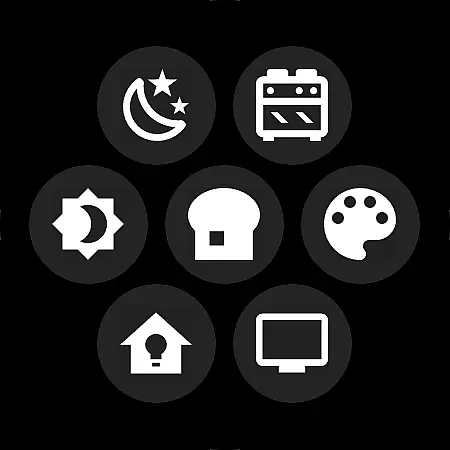


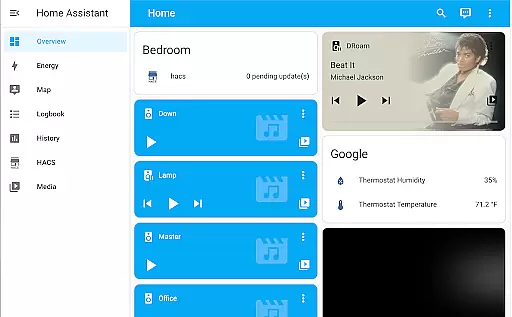

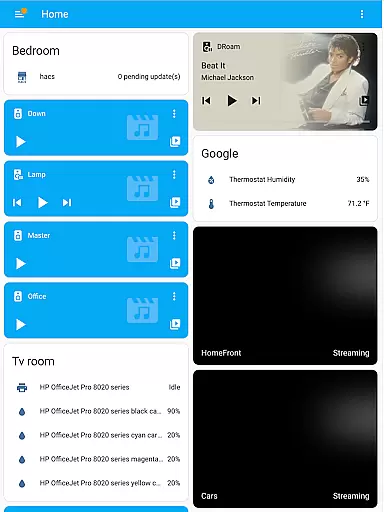
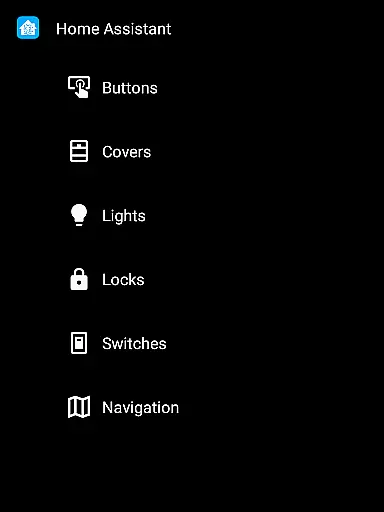
Home Assistant is a comprehensive smart home solution that prioritizes privacy, choice, and sustainability. This app allows users to control their entire smart home ecosystem from their mobile device, ensuring seamless access to all Home Assistant features on the go. It connects with thousands of devices from major brands, enabling automatic discovery and quick configuration of new devices.
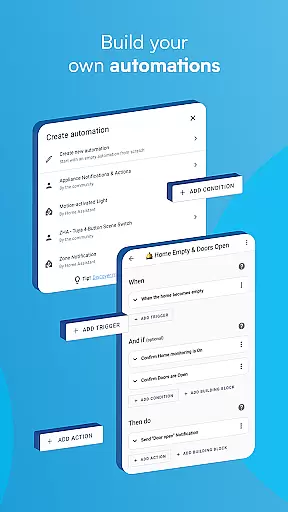
The app empowers users to automate various aspects of their home environment, such as adjusting lighting based on activities or managing heating systems when away. With its focus on local processing and secure cloud connectivity options through Home Assistant Cloud, users can maintain complete control over their home's data while accessing it remotely when needed.
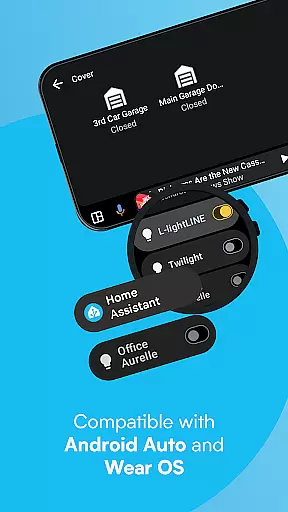
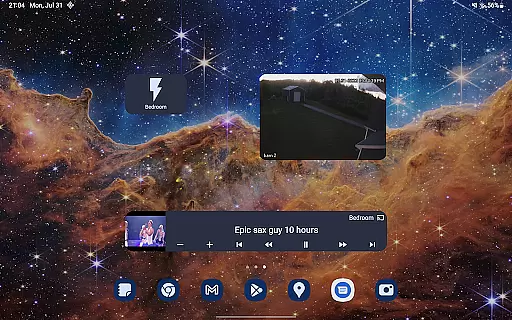
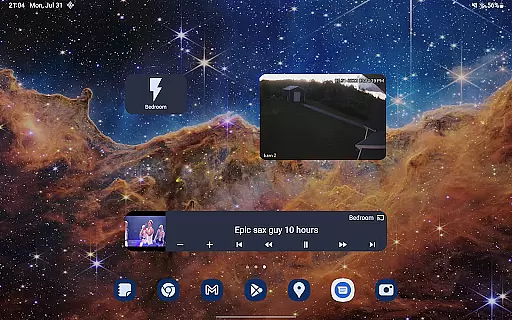
Advanced features include location sharing for automation purposes, integration with phone sensors for enhanced automation capabilities, and Android Auto support for in-car control. The app also supports Wear OS devices, offers customizable widgets, and enables voice assistant interactions. These features make Home Assistant an ideal choice for tech-savvy homeowners seeking a privacy-focused smart home solution.
The Home Assistant app stands out with its extensive compatibility across multiple smart home platforms and protocols. It supports popular standards like Z-Wave, Zigbee, Matter, Thread, and Bluetooth through hardware add-ons, while maintaining connections with major brands including Philips Hue, Google Cast, Sonos, and IKEA Tradfri. This broad compatibility ensures users can integrate virtually any smart device into their home automation system.
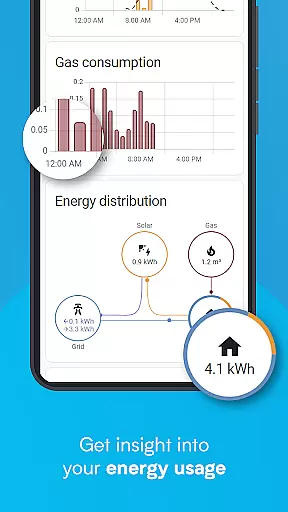
One of the app's key strengths lies in its powerful automation capabilities. Users can create complex scenarios where multiple devices work in harmony - from simple routines like turning off lights when leaving home to sophisticated setups that adjust climate control based on room occupancy and weather conditions. The app also provides detailed historical data analysis for better energy management and trend monitoring.
Additional notable features include secure location sharing for presence detection, phone sensor integration for advanced automations, and comprehensive notification systems for real-time home monitoring. The inclusion of Android Auto functionality extends control to vehicles, while Wear OS compatibility brings smart home management to users' wrists. Customizable widgets and local voice assistant support further enhance the user experience.
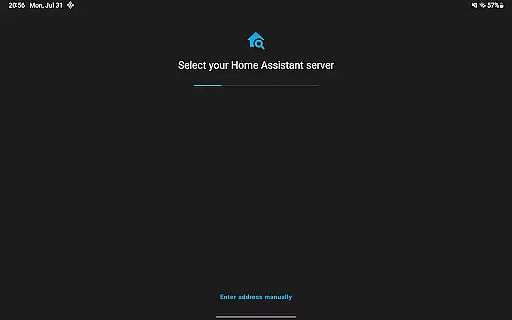
When it comes to managing your smart home, ensuring the authenticity and accuracy of connected devices is crucial. Home Assistant excels in this area by providing users with reliable device discovery and configuration features.
The app automatically detects new devices within your network, allowing for quick setup while maintaining accurate device information. Whether you're integrating Philips Hue lighting or Sonos speakers, each component's details are verified and displayed correctly.
Users benefit from this robust system as they can trust that every listed property - or device - in their smart home ecosystem is genuine and properly configured. This ensures seamless automation and control without worrying about incorrect data.
Furthermore, Home Assistant supports a wide range of brands and standards, which means that whether you're using Z-Wave, Zigbee, Matter, Thread, or Bluetooth, you'll have a comprehensive and authentic view of your entire home setup.
Effective home management is at the core of Home Assistant's functionality, offering an all-in-one solution to oversee various aspects of your living space. With its powerful automation capabilities, users can orchestrate their smart devices to work harmoniously together.
Imagine setting up scenarios where lights dim automatically when you start watching a movie or having your thermostat adjust based on your daily routine. These automations not only enhance convenience but also contribute to energy savings and improved security.
Beyond controlling individual devices, the app provides tools for monitoring trends and averages over time, helping homeowners make informed decisions about their environment. By keeping data local, users enjoy enhanced privacy while still benefiting from advanced analytics.
Additionally, features like Android Auto support extend control beyond just inside the house, allowing users to interact with their smart home systems even while driving. This level of integration showcases how Home Assistant transforms traditional homes into intelligent, responsive environments.
User-friendly interface
Extensive device compatibility
Strong privacy protection
Powerful automation tools
Active community support
Steep learning curve
Requires technical setup
Limited official support
Interface can be overwhelming
Some features need premium subscription

For all of your Airthings devices
 4.30
4.30
Universal TV Remote for TV, control all Smart TVs with your mobile phone.
4.4
Fully control your Philips TV with this all-in-one remote control app.
4.20
The only mappable smart lights for custom decoration.
4.50
Real estate app to find homes for sale or rent in the right neighborhood for you
4.70
Control your Vivint Smart Home with the next generation Vivint App.
4.30
Plan your remodel AI home renovation easily using planner 5D and home decor AI.
4.40
WiZ smart light system
4.40
Search for Homes, Rentals, Agents & Schools
4.70
Convert your Phone to HiSense Smart TV Remote Control
4.70
Innovative and budget-friendly housing options
4.60
Fire & Power Safety
4.50
SmartRent - Opening Doors To A Smarter World
4.40
AI Home Designer & Room Planner: Decorate your interior space with AI
4.40
3D House Design and AI Room Planner - from floor plans to full interior design.
4.40
Turn your phone into a wifi cam with smart features and umlimited reach.
4.20
An easier way to make payments and maintenance requests from anywhere.
3.50
PRO Version of GLB AR Viewer
4.4
Calculate baluster spacing with ease and precision.
4.2


User Reviews