
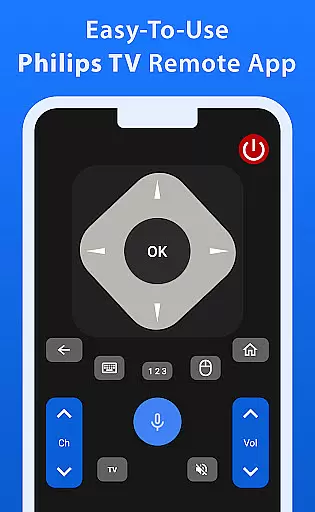
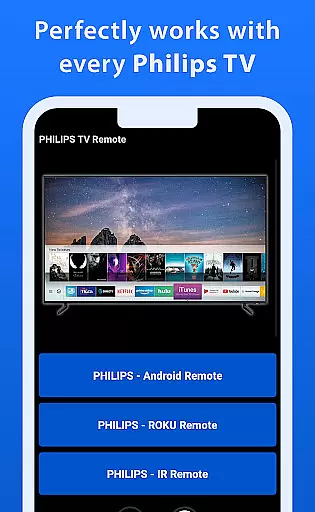
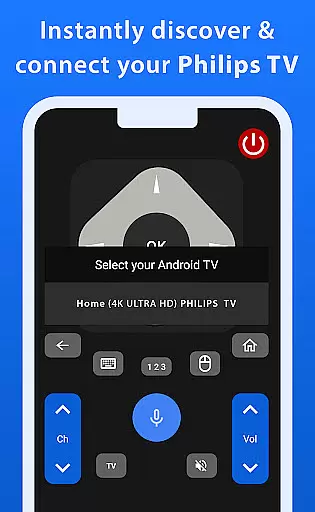
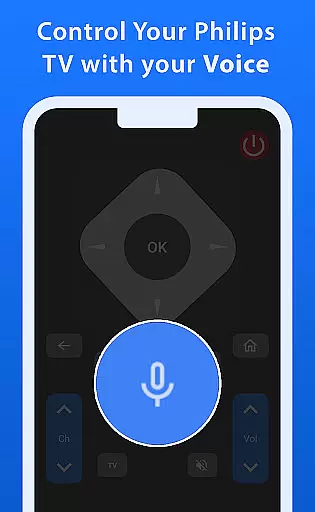
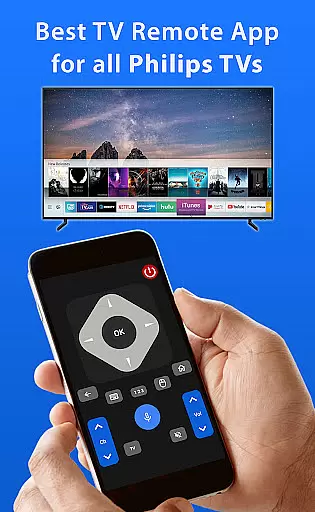
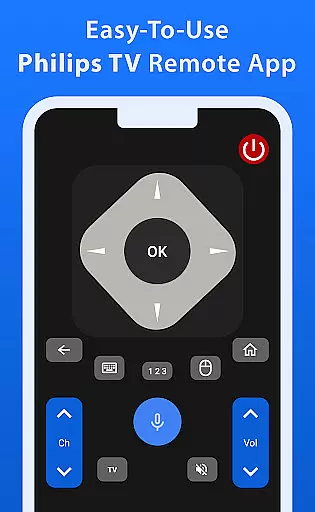
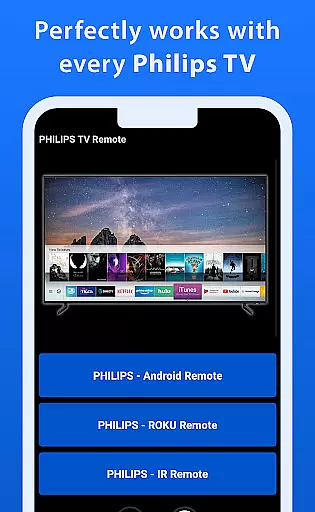
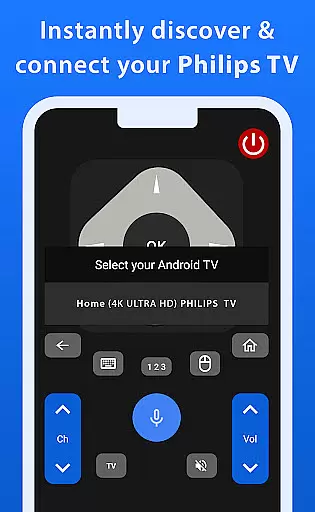
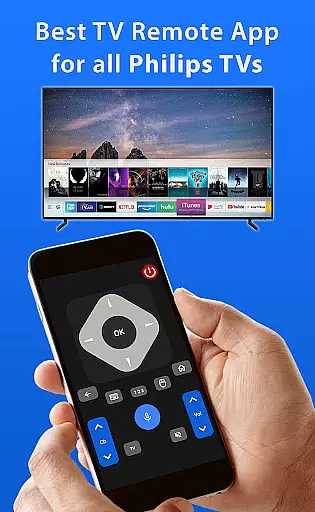
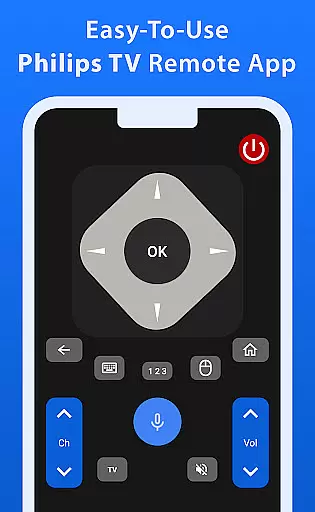
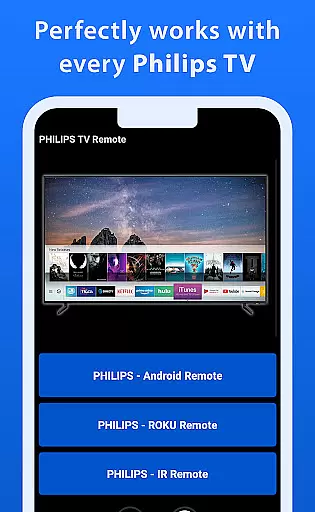
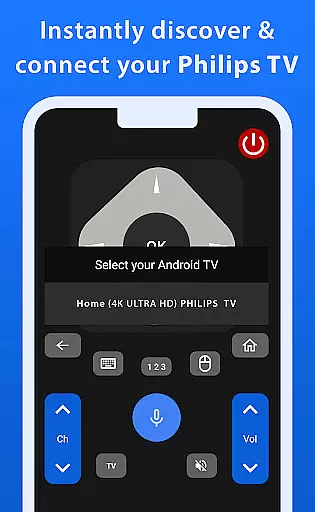
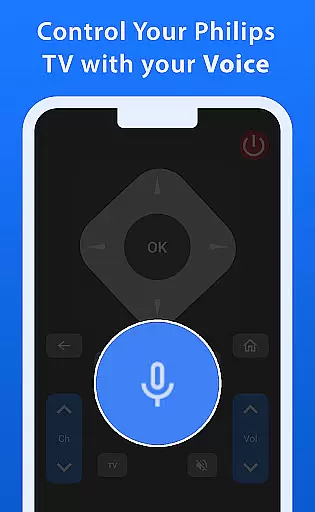

Philips TV Remote is a comprehensive remote control app designed specifically for Philips TVs, including Android, Roku, and IR-enabled models. This app allows users to take full control of their television experience by offering essential functions such as changing channels, adjusting volume, accessing apps, and navigating menus. Its intuitive interface makes daily TV viewing simple and efficient.
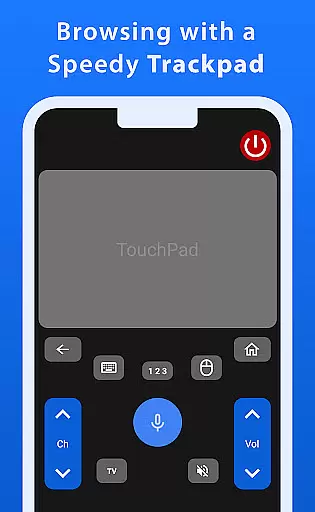
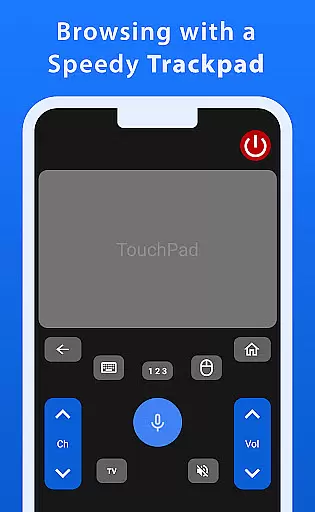
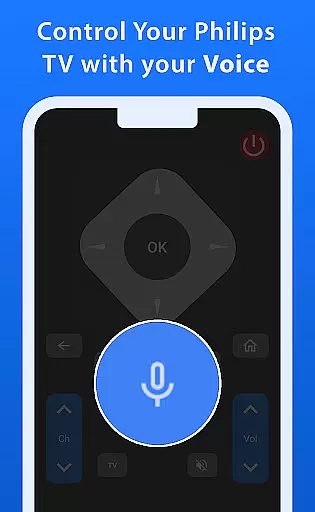
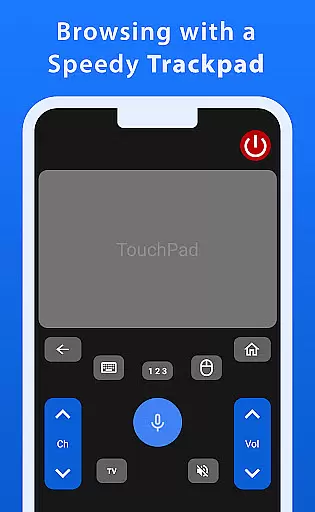
One standout feature is the advanced trackpad functionality, which provides smooth and responsive navigation. Additionally, the powerful voice control function enables effortless command over your TV, whether you're searching for shows or adjusting settings. These features ensure a seamless and enjoyable user experience, making it an ideal tool for enhancing home entertainment systems.
Philips TV Remote offers a wide array of features that cater to various user needs. The app includes a fast and responsive trackpad for easy navigation through menus and options on your Philips TV. This ensures that users can browse content smoothly without any lag or delay.
Voice control is another significant feature, allowing users to issue commands effortlessly. Whether you want to change channels, adjust the volume, or search for specific shows, this functionality simplifies the process significantly. Furthermore, the app's compatibility with multiple types of Philips TVs—including Android, Roku, and IR-enabled models—makes it versatile and widely applicable across different devices.
When it comes to managing your Philips TV, ensuring the authenticity and accuracy of the features listed is crucial. The Philips TV Remote app provides a comprehensive and reliable control solution for all Philips TV models, including Android, Roku, and IR-enabled TVs.
This app meticulously verifies each function to ensure that users can operate their TVs with confidence. From changing channels to adjusting settings, every feature is designed to work seamlessly, providing an authentic experience that matches the original TV remote.
Users benefit from the peace of mind that comes with knowing they are accessing a trusted and verified tool. This commitment to authenticity ensures that whether you're navigating menus or launching apps, the Philips TV Remote app delivers a dependable and intuitive experience.
Beyond basic control, the Philips TV Remote app offers advanced home management features that enhance the overall user experience. With its fast and responsive trackpad, users can navigate smoothly through menus and options, making daily TV operations effortless and enjoyable.
Voice control adds another layer of convenience, allowing users to command their TV with simple spoken instructions. Whether you're searching for shows or adjusting settings, this feature ensures a hassle-free interaction, streamlining your home entertainment management.
These sophisticated functionalities not only simplify TV operation but also elevate the standard of home management, offering users a modern and efficient way to interact with their Philips TVs.
User-friendly interface
Versatile compatibility
Advanced trackpad
Effortless voice control
Comprehensive remote functions
No official Philips support
Limited to Philips TVs
Potential connectivity issues
Dependent on device model
Requires smartphone

For all of your Airthings devices
 4.30
4.30
Use Home by ShowingTime to easily manage showings, tours, feedback and more
3.60
Turn your phone into a wifi cam with smart features and umlimited reach.
4.20
Find paints using a Color Muse & ColorSnap® Match
3.60
Convert your Phone to HiSense Smart TV Remote Control
4.70
Control your Vivint Smart Home with the next generation Vivint App.
4.30
A Smarter Home in Seconds
4.70
Make your phone a surveillance camera remote with a home camera app for Android!
4.40
Find homes for sale and apartments for rent in the best neighborhood.
4.70
Download today to join the community to help bring lost pets home faster.
4.70
Real estate app to find homes for sale or rent in the right neighborhood for you
4.70
Looking for the perfect apartment finder app? Find beautiful rental homes here!
4.60
AI-powered home design, interior design, home decor, and room design solutions
4.50
Fire & Power Safety
4.50
Wobble Fix Tool
4.40
3D House Design and AI Room Planner - from floor plans to full interior design.
4.40
Universal Tv Remote Control for all Tv. Cast for chromecast & all Tv Controller
4.20
Schlage Lock Company LLC
4.00
Unlock AI-based barcode scanning and support the development of Grocy Android
4.0


User Reviews