
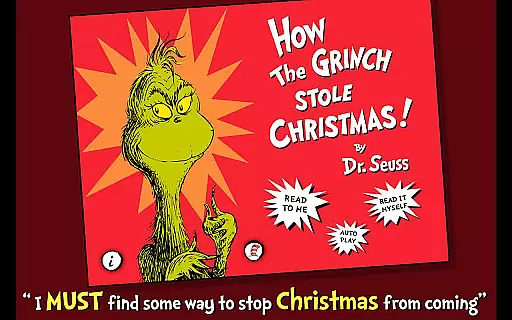
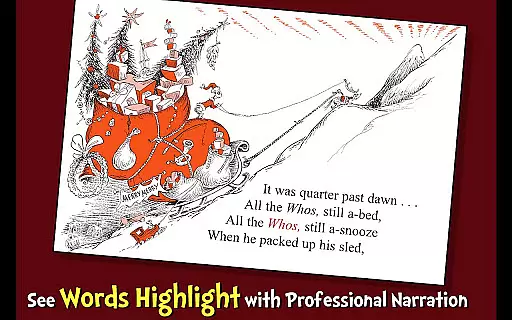
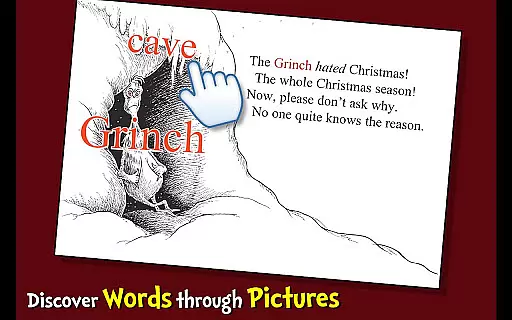
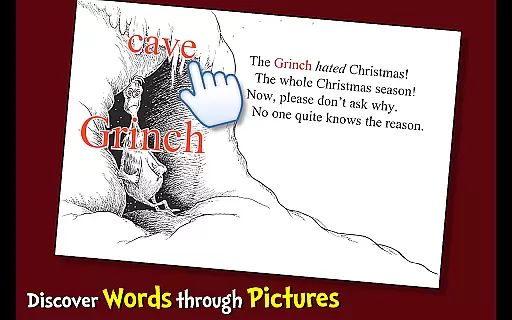
How the Grinch Stole Christmas is an interactive book app that brings Dr. Seuss's classic tale to life for young readers. The app features highlighted narration to encourage literacy skills, professional narration with custom sound effects, and three unique reading modes to engage children in storytelling. Designed for ages 3-6, it allows kids to learn new vocabulary by tapping on pictures while following the Grinch's mischievous attempts to stop Christmas in Whoville.
This app provides a rich reading experience by combining educational elements with entertainment. Children can explore the whimsical world of Dr. Seuss through vibrant illustrations and interactive features. Parents will appreciate the app's ability to foster a love for reading while helping their kids develop essential language skills in a fun and engaging way.
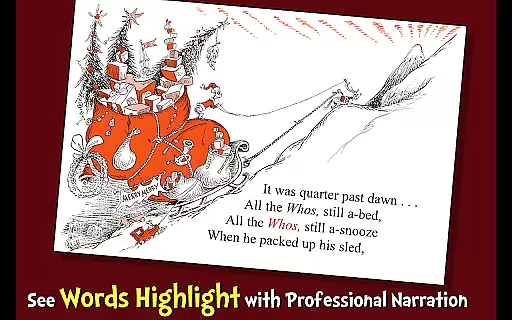
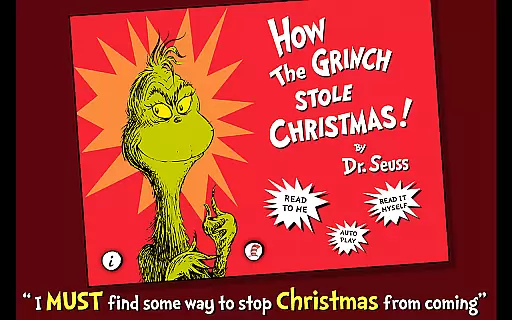
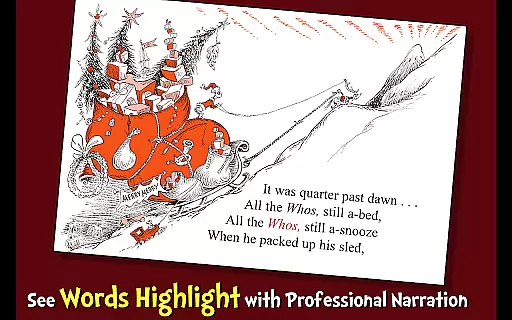
One of the standout features of How the Grinch Stole Christmas is its variety of reading options. Users can choose from three different ways to read: Read to Me, Read It Myself, and Auto Play. Each mode offers a unique way to engage with the story, whether through professional narration or independent reading. Additionally, the app highlights text as it is narrated, reinforcing word recognition and reading comprehension.
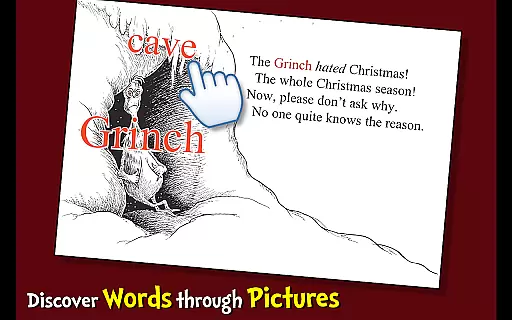
The app also includes interactive picture learning, where children can tap on images to discover new words and meanings. Coupled with custom sound effects and animations, this feature creates an immersive storytelling experience. Designed with child-friendly navigation, the app ensures that even the youngest readers can enjoy the story independently, making it both educational and entertaining.
How the Grinch Stole Christmas offers a rich e-book experience with its engaging story and interactive features. This app includes the complete classic tale from Dr. Seuss, ensuring that readers have access to the full narrative without any omissions or alterations.
The app's developers have taken great care to secure proper licensing for Dr. Seuss's work, which guarantees copyright authenticity. Users can trust that they are accessing an official and legal version of the book, thus supporting the original creators and publishers.
By providing the full text of this beloved holiday story along with professional narration and custom sound effects, the app ensures an immersive reading experience. The presence of highlighted narration and vocabulary learning opportunities further enriches the value provided by this comprehensive digital library entry.
This interactive book app supports multiple ways to engage with the content, adapting to different preferences and needs. Whether choosing to read independently, follow along with highlighted narration, or let the app narrate completely, users will find the format options cater to various reading styles.
Designed for children ages 3-6, How the Grinch Stole Christmas is compatible with devices that can download apps from the Google Play Store. Its format encourages literacy skills through engaging methods such as tapping pictures to learn new words.
Parents and educators will appreciate the seamless integration across devices, allowing young readers to enjoy the story in a format that best suits their learning environment. With professional narration and custom sound effects included, this app provides a versatile reading tool that combines education with entertainment effectively.
User-friendly interface
Engaging narration
Educational content
Vibrant illustrations
Interactive features
Limited to one story
No offline mode
Additional in-app purchases
Age range is limited
Requires internet connection

Contains the 365 daily readings and everything other thing needed for catholics
 4.70
4.70
Pretty Moon information App with Complications and Tile
4.30
Mirror Bible - eye-opening paraphrase translation of the NT by Francois du Toit
4.30
Read the KJV Bible with Strong’s offline: reading plans, audio Bibles, and more.
4.70
Prime novels await! Fantasy & Romance on JoyRead. Immersive reads!
4.20
"When tweetle beetles fight, it's called a tweetle beetle battle."
4.90
Full text, sheet music, and recordings of the print edition
4.60
Identify birds of North America by call or picture | Bird Identification
4.20
Calculate, Knowledge, Homework
4.40
Track your Star Wars book collection across Canon & Legends
4.80
The dynamic dictionary/reference app for piano chords and scales!
4.80
Daily Prayer, personalized Bible Study, AI-guided Insights, and Spiritual Growth
4.80
World's most comprehensive dictionary app: 13 languages, all online or offline!
4.80
Werewolf novels & romance stories in audiobooks for book lovers! Werewolf storie
4.60
7 Languages, Google, Wiki, Vocabulary.com, Cambridge & Urban Dictionary!
4.50
Research your family history to explore ancestors and search for your heritage
4.50
“It is fun to have fun, but you have to know how!”
4.40
Daily Bible app: King James Version with verses and audio for studying&prayer
4.40
The Psalms for singing
4.0


User Reviews