
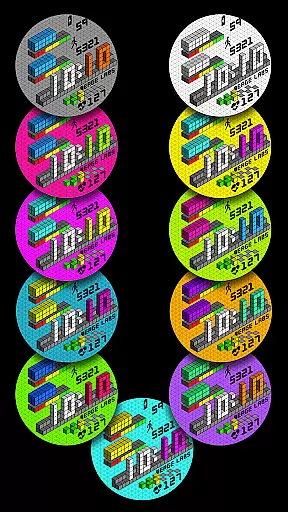
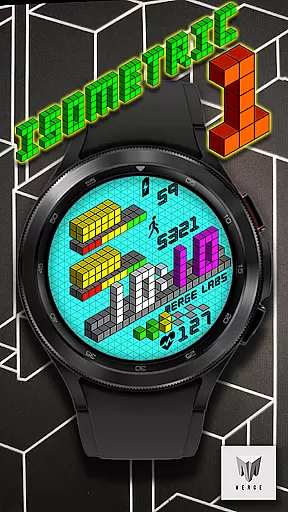
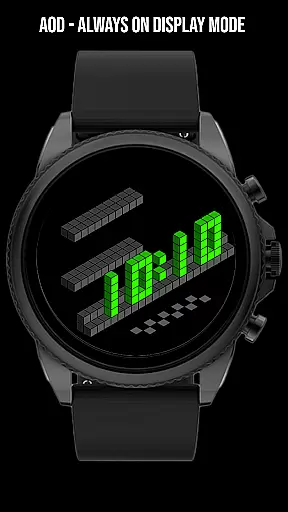
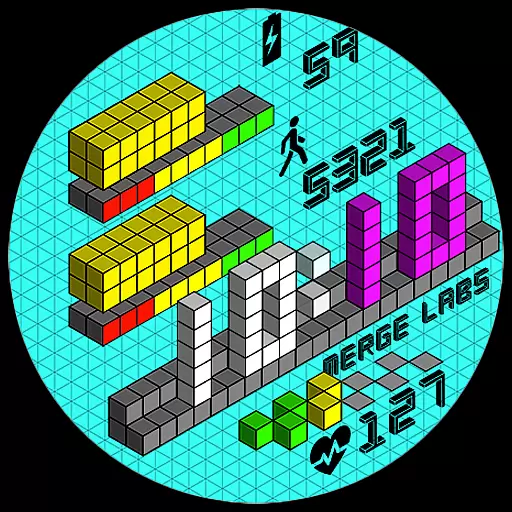
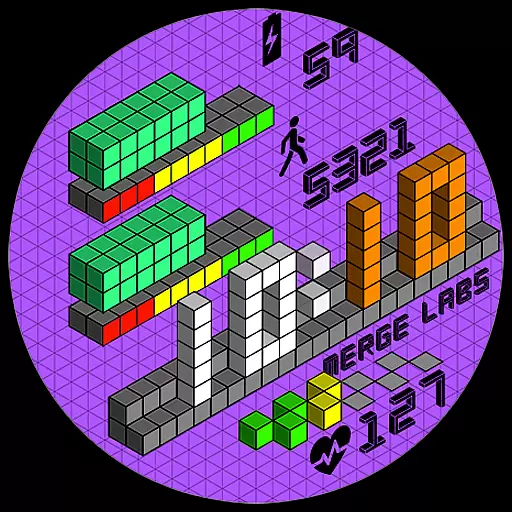
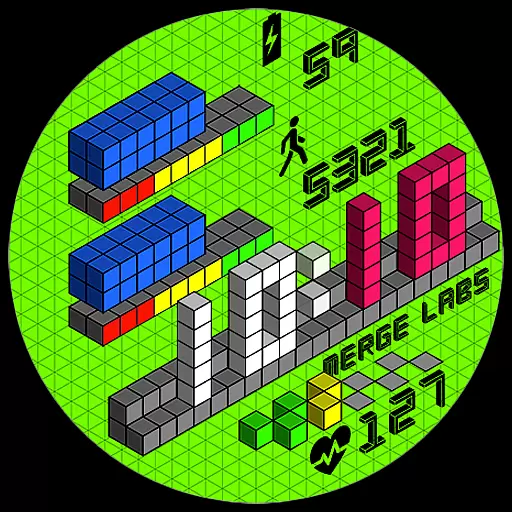
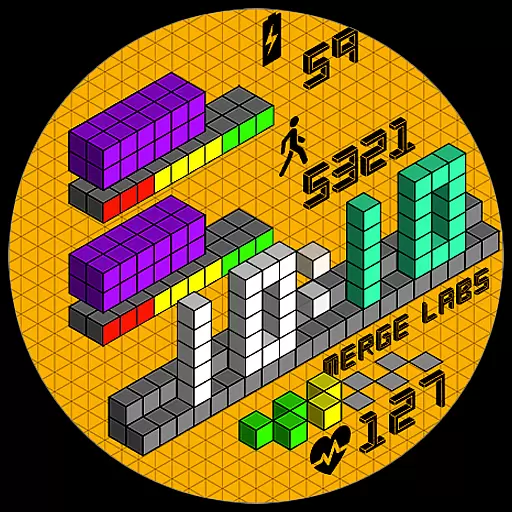
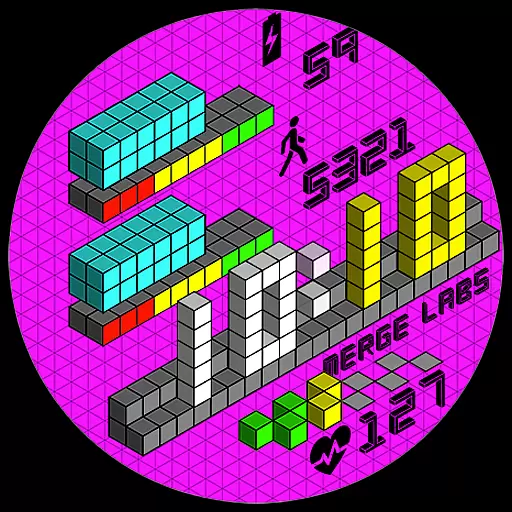
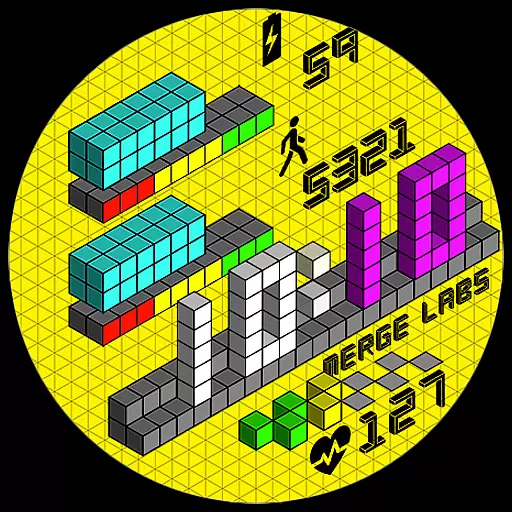
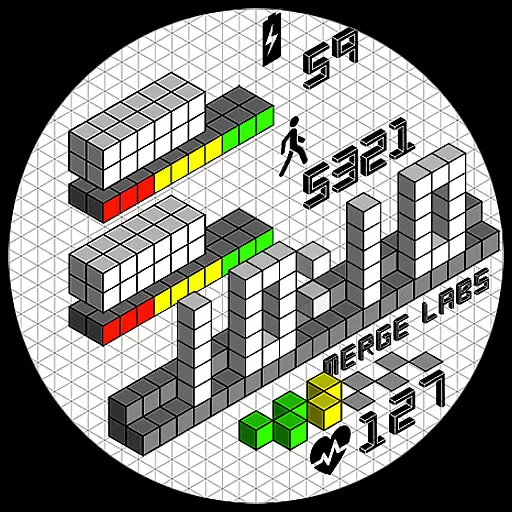
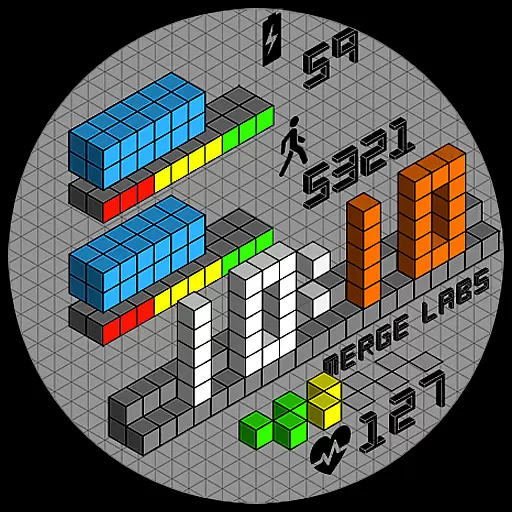
Merge Labs Isometric 1 is a uniquely designed digital watch face for Wear OS devices, featuring an innovative isometric design that creates a 3D effect using 2D tools. This Lifestyle app offers users a distinctive way to view time on their smartwatches while enjoying practical functionalities.
The app includes customizable features such as 30 color combinations, 12/24 hour clock settings, and graphical progress bars for battery level, step counter, and heart rate monitoring. These elements not only enhance the visual appeal but also provide essential information at a glance, making it ideal for users who value both style and functionality in their wearable technology.
This Wear OS watch face stands out with its isometric design, which brings a modern and dynamic look to your smartwatch. The app provides 30 color combinations, allowing users to personalize their watch face to match their style or mood.
Practical features include a 12/24 hour clock that automatically adjusts based on phone settings, battery level indication with a graphical progress bar, step counter, and heart rate monitor. Each of these features can be tapped to open related apps, enhancing user interaction and convenience.
Additional customization options are available, such as toggling the blinking colon on or off and showing or hiding the isometric grid, giving users control over the appearance and functionality of their watch face.
When it comes to lifestyle applications, the range of categories they cover is crucial for providing a comprehensive user experience. Merge Labs Isometric 1 offers an extensive array of features that cater to various aspects of daily life.
This uniquely designed Wear OS watch face not only serves as a timekeeping device but also integrates essential health and convenience functionalities. With features like step counting, heart rate monitoring, and battery level indication, it ensures users have access to vital information at a glance.
The inclusion of customizable options such as color combinations, toggling the blinking colon, and showing or hiding the isometric grid allows users to tailor the watch face to their personal preferences. This flexibility enhances user engagement and satisfaction.
By covering multiple lifestyle categories, from health monitoring to aesthetic customization, Merge Labs Isometric 1 demonstrates its commitment to providing a versatile and enriching user experience on Wear OS devices.
Authenticity and credibility are paramount when evaluating lifestyle applications. Merge Labs Isometric 1 stands out by offering genuine and reliable content that users can trust.
The watch face design draws inspiration from isometric art, a style widely recognized in various media for its ability to create a 3D effect using 2D tools. This authentic design approach adds a unique visual appeal to the watch face, setting it apart from conventional designs.
All featured functionalities, including the step counter, heart rate monitor, and battery level indicator, are integrated with graphical progress bars. These elements are not only visually engaging but also provide accurate and actionable data, reinforcing the app's credibility.
Furthermore, the application's alignment with Wear OS standards and its automatic adaptation to phone settings ensure that users receive consistent and dependable performance, enhancing the overall authenticity of the content provided.
Unique isometric design
Customizable color options
Interactive health features
Automatic time adjustment
Graphical progress indicators
Limited to Wear OS
No advanced health metrics
Requires phone connection
Basic customization options
Potential battery drain

Fly your Solo like a boss.
 4.10
4.10
Discover how to help puppies stay calm around noise with this helpful app.
4.2
SmartHQ: Your Connected Home Command Center
4.10
Falling Fruit is a massive collaborative map of food in our cities.
3.20
Futuristic watchface inspired by Back to the Future: sleek, retro, timeless
4.5
A unique and customizable watch face which rotates its layout every minute.
4.80
Subwoofer school’s in session! You’ve now enrolled into KICKER U.
3.80
Vehicle ownership simplified. Get the myChevrolet® app today.
4.60
Decorate your home screen with custom icons, color widgets, themes & wallpapers
4.70
Countdown to Christmas 2025 with festive games & activities in a virtual village
4.80
Good magnifier app to see tiny things bigger and more clearly!
4.80
Colorful selection floral watch face with gyro for Wear OS
4.60
Colorful minimal digital watch face for Wear OS
4.60
Spiritus Ghost Box is an Audio and Visual ITC tool for paranormal research.
4.00
Your home in your hand
3.80
LineLearner, the quick way to learn lines.
2.90
Big bold weather watch face with dynamic backgrounds and 3 complications
4.3
Cute animated Thanksgiving watchface for your WearOS smartwatch
4.5
Big bold hybrid watch face with 30 colors, 5 fonts & 5 complications.
4.1


User Reviews