
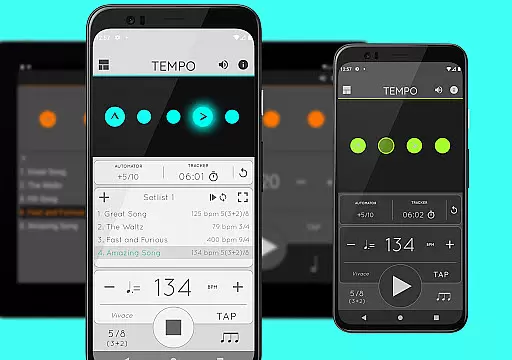
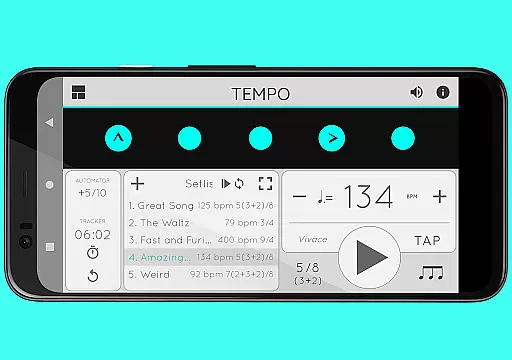
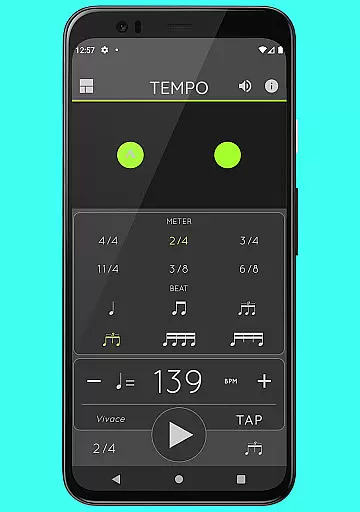
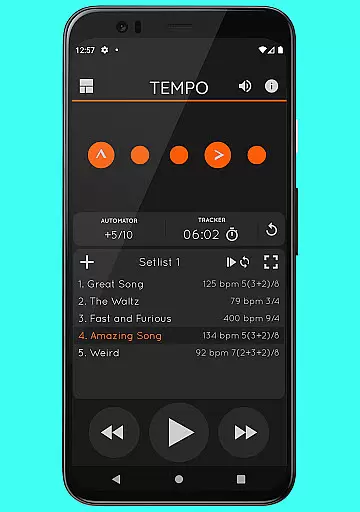
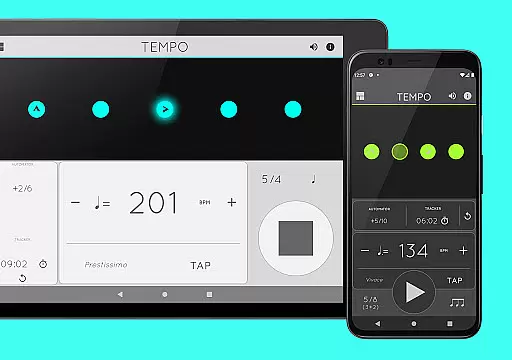
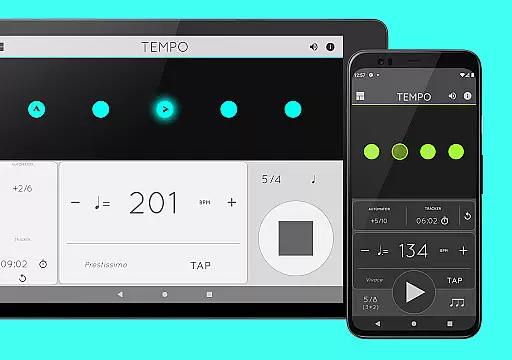
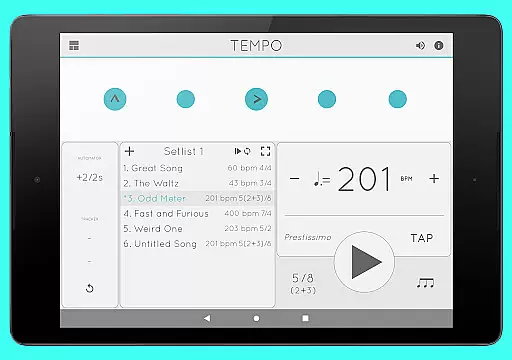
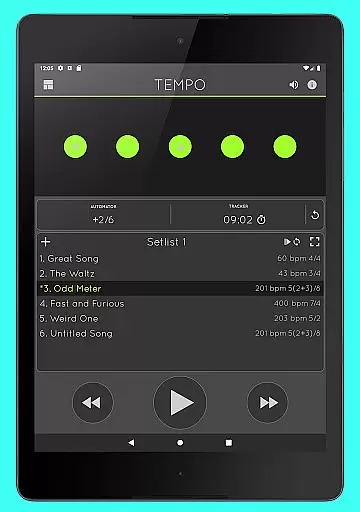
Tempo is a premier mobile metronome app designed for musicians, teachers, and students alike. It offers high accuracy and stability with an attractive single-screen interface. The app allows users to customize beats through intuitive LED buttons, creating complex rhythms effortlessly. Tempo's innovative design includes five morphing modes optimized for different tasks such as practice, gigs, and lessons.
This app is not only limited to musicians; it is also used by golfers and bodybuilders for their training routines. With features like setlist management, tap tempo function, and 30 different time signatures, Tempo provides a comprehensive toolset for rhythm-based activities. Its compatibility with iOS devices and AirTurn Bluetooth controllers makes it versatile for various performance settings.
Tempo boasts an array of features that cater to both amateur and professional musicians. The app supports 30 different time signatures and multiple rhythm patterns for simple and compound meters, allowing users to create intricate rhythms. Users can customize accents or turn off beats entirely, providing flexibility in rhythm creation. The tap tempo function and tempo range from 10 to 400 ensure precise control over timing.
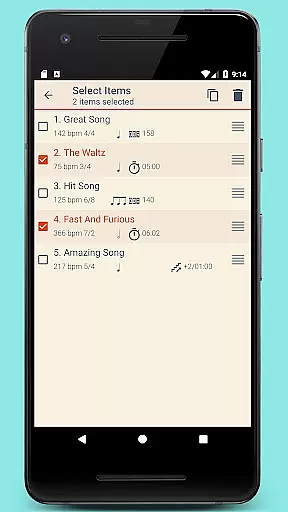
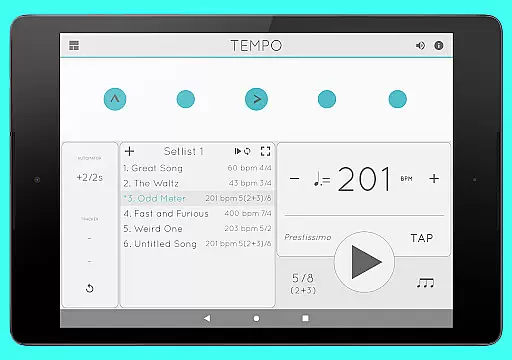
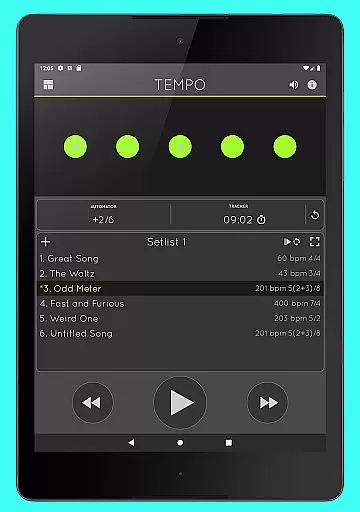
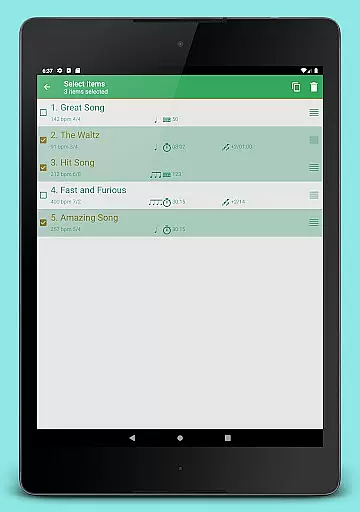
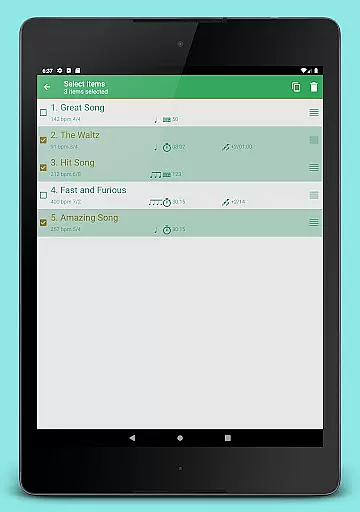
Setlist management is another highlight, enabling users to store presets in multiple setlists with advanced options like search, overwrite, and multi-deletion. Quick editing and sharing via email enhance collaboration. Additionally, the tracker and automator functions allow users to monitor their practice sessions and automate playback adjustments. With 12 sound sets and volume control, Tempo delivers a rich auditory experience while supporting multitasking for uninterrupted playback.
When it comes to music and audio applications, the size and authenticity of the music library are crucial factors. Tempo offers an extensive selection of sound sets, including twelve unique options tailored for various musical contexts. This ensures that users have access to a rich variety of high-quality sounds that cater to their specific needs.
The app's dedication to copyright authenticity is evident in its meticulous curation process. Each sound set is carefully crafted and optimized, ensuring that users can rely on the legitimacy of the content they are utilizing. This attention to detail provides peace of mind for performing artists, teachers, and students who depend on accurate and legal resources for their practices and performances.
Furthermore, one sound set is specifically optimized for live drumming click tracks, showcasing the app's commitment to meeting the diverse requirements of musicians. This level of customization not only enhances user experience but also underscores the importance of providing a comprehensive and authentic music library within the application.
Audio quality is paramount in music applications, and Tempo excels in delivering exceptional sound fidelity. The app provides users with multiple sound sets, each offering distinct audio characteristics. This diversity allows musicians and audio professionals to select the option that best suits their performance or practice environment.
In addition to sound variety, Tempo includes advanced volume control features. Users can fine-tune their audio output to match their preferences or environmental requirements, ensuring optimal sound quality in any situation. This flexibility is particularly valuable during live performances or training sessions where precise audio adjustments are necessary.
Tempo also supports multi-tasking functionality, enabling continuous playback even when using other apps. This seamless integration guarantees uninterrupted audio quality throughout the user's session. Moreover, the inclusion of classical metronome sounds and Italian tempo markings further enriches the audio experience, making Tempo a versatile tool for all music enthusiasts.
User-friendly interface
Highly customizable
Accurate tempo tracking
Versatile rhythm creation
Multi-platform compatibility
Limited free features
Occasional bugs
Advanced options may overwhelm beginners
Subscription cost
Complex UI for new users

Simply convert wav to mp3. Clear. Reliable. Safe.
 4.0
4.0
Offline and always ad-free - stream in the highest quality available.
4.10
A synth that really lets you shape your sounds!
4.50
Time Trainer: accurate metronome w tools to help you develop your internal time!
4.20
Gorgeous UI, Powerful music Search and Equalizer, the great choice for you!
4.70
Simple & Intuitive Metronome
4.70
A complete sound package for the sound engineer or enthusiast
4.60
Play KORG’s revolutionary touch-based instrument on a variety of devices.
4.40
Customize Your Favorite Songs and Videos with booster.
4.70
Make songs with AI! Any genre, custom lyric, song generator for music creation!
4.80
Walkout Song DJ is the most intuitive app to manage your sports music.
4.70
Unleash your creativity! Turn simple prompts into full fledged songs.
4.70
Bass Booster & Volume Equalizer Pro improves your music and video sound quality
4.60
Equalizer, Bass Booster and Volume Booster (Eq & Bass) improve sound quality
4.30
No wifi music app. Mp3 offline. Tuner radio, young radio music. Music downloader
4.20
Smart piano keyboard, Classical to Pop, Real-time multiplayer connection!
4.20
Permanently backup Now Playing. Maps, filters & listening stats.
4.00
Background pads for your band
3.80
Simple mp3 and mp4 player with advanced features.
3.40


User Reviews