
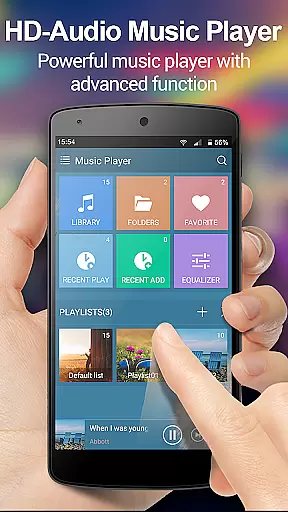
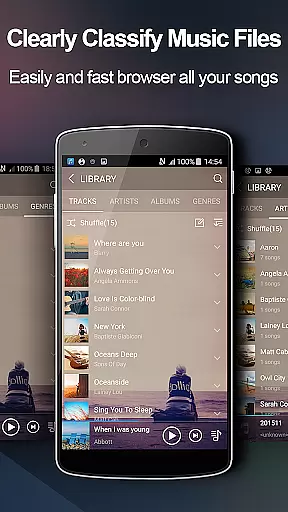
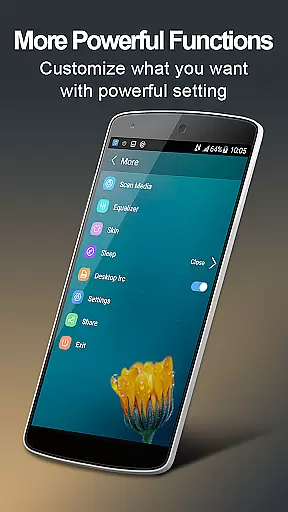
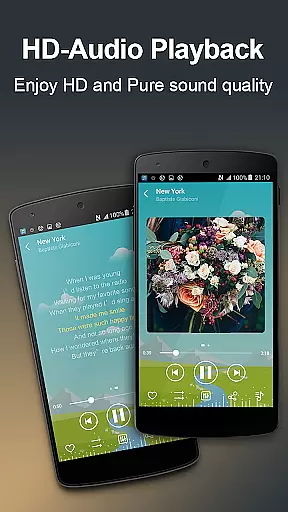
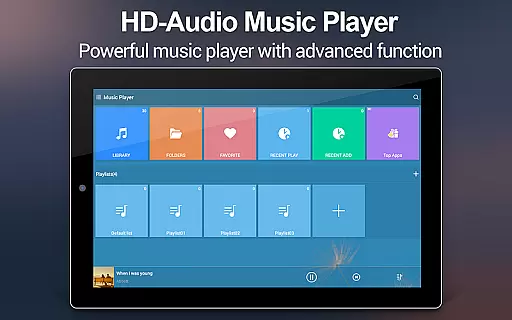
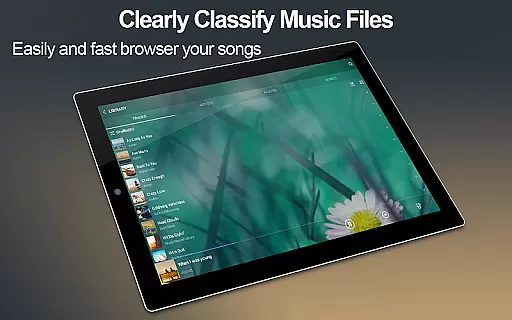
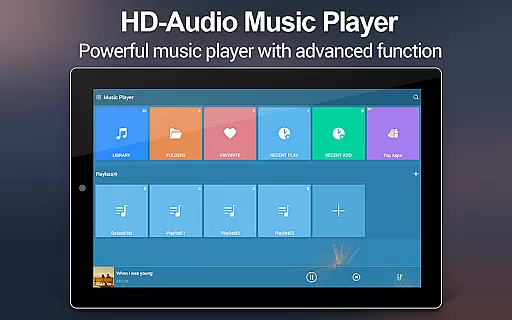
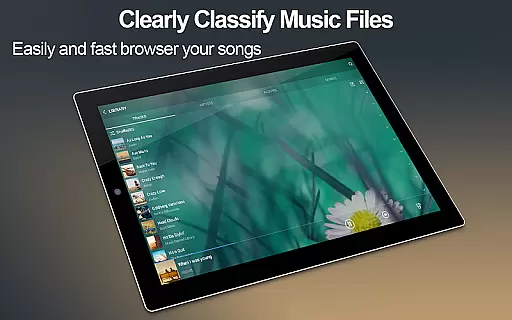
Music Player + is a feature-rich audio management app designed for Android users who demand both style and functionality. This app not only allows you to browse and play music by albums, artists, genres, playlists, folders, and album artists but also offers an advanced equalizer that enhances your listening experience. With support for all music and audio file formats, it ensures compatibility with any media in your library.
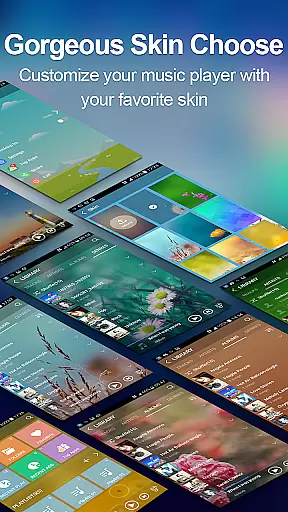
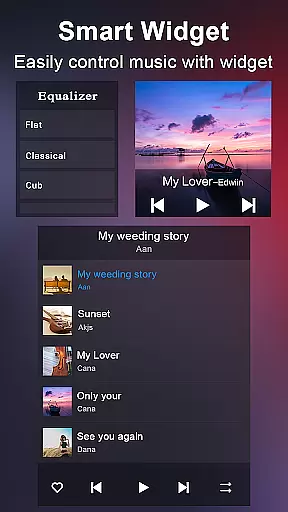
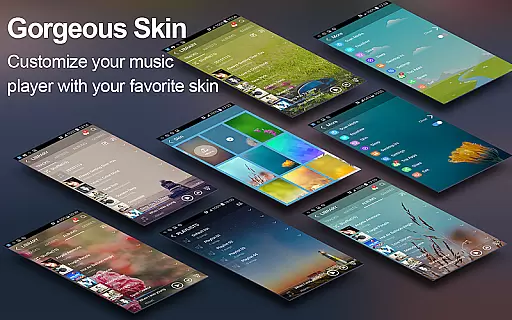
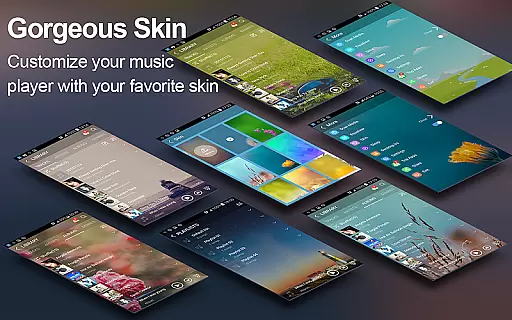
One of the standout features of Music Player + is its customizable interface. Users can choose from over 20 background skins or even upload their own images to personalize the player's appearance. The app also includes practical widgets and notification controls, making it easy to manage playback without interrupting your activities. Whether you're at home or on the go, this music player provides seamless access to your favorite tracks.
The app's intuitive folder-based organization system simplifies music management, while additional features like automatic lyric matching, shake-to-skip functionality, and headset controls enhance usability. Designed for audiophiles and casual listeners alike, Music Player + combines powerful tools with an elegant design to deliver a next-level audio experience.
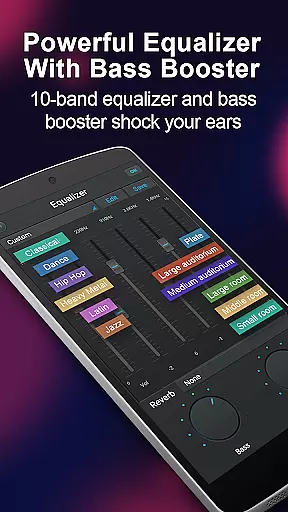
Music Player + stands out with its comprehensive set of features tailored to meet every user's needs. At its core, the app supports multiple browsing methods, including albums, artists, genres, playlists, folders, and album artists. This flexibility ensures that users can organize and access their music libraries however they prefer. Additionally, the built-in five-band equalizer with eight preset tones allows for precise sound customization, giving users control over how their music sounds.
Another highlight is the app's visual personalization options. With over 20 pre-designed background skins and the ability to upload custom images, users can tailor the interface to match their preferences. Three unique home screen widgets (4x1, 2x2, 4x1) provide quick access to playback controls, while the notification bar integration displays album artwork and playback buttons for uninterrupted use. These thoughtful touches make managing music effortless and enjoyable.
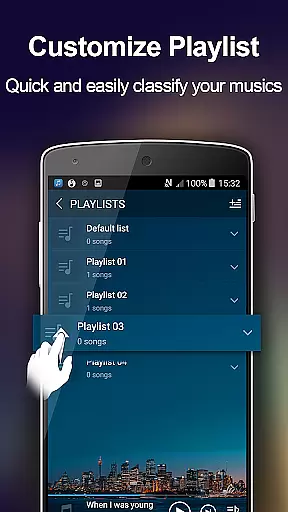
Advanced functionalities such as automatic lyric scanning, shake-to-skip, and Bluetooth/headset controls further elevate the user experience. The app also supports editing song details, creating custom playlists, and performing wide library searches. Together, these features ensure that Music Player + caters to both aesthetic and practical demands, setting it apart from other music players in its category.
Music Player + offers an extensive music library that supports all audio file formats, making it easy for users to manage and play their music seamlessly. The app's powerful search functionality ensures that every track is easily accessible, whether organized by album, artist, genre, or folder structure.
The application guarantees the authenticity of its content by allowing users to import their personal music collections rather than sourcing from potentially unreliable third-party libraries. This ensures that users maintain complete control over their music catalog while enjoying a high-quality listening experience.
With support for custom playlists and lyric matching, Music Player + enhances user engagement by providing tailored experiences based on individual preferences. Users can also edit song details directly within the app, ensuring accurate metadata for better organization and playback.
One of the standout features of Music Player + is its advanced equalizer, which includes five bands and eight preset tone options designed to optimize audio quality across different genres. Users have the flexibility to manually adjust these settings, creating a personalized sound profile that suits their unique tastes.
In addition to the equalizer, the app supports high-quality background skins that not only enhance visual appeal but also contribute to an immersive auditory experience. These customizable themes allow users to tailor the interface to match their mood or environment, further enriching the overall enjoyment of their music.
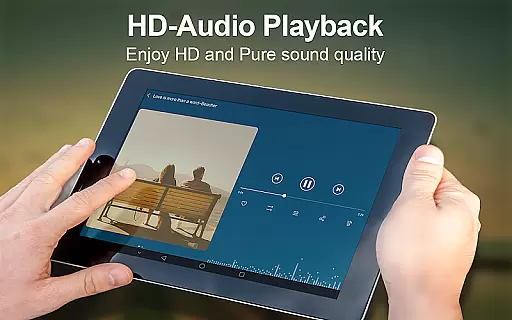
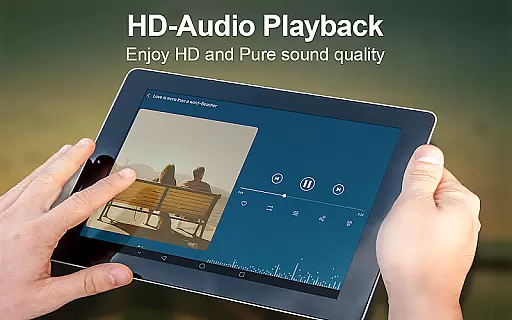
Furthermore, Music Player + provides robust notification controls, including play/pause and skip functions, ensuring uninterrupted access to premium sound quality without needing to open the app. This combination of superior audio processing and user-friendly design makes Music Player + a top choice for audiophiles seeking exceptional performance.
User-friendly interface
Customizable backgrounds
Powerful equalizer
Wide format support
Intuitive widgets
No free version
Heavy on storage
Limited offline help
Occasional bugs
Premium pricing

Over 100 million tracks available for high quality streaming and download
 4.60
4.60
Time Trainer: accurate metronome w tools to help you develop your internal time!
4.20
VB-AUDIO Software / VBAN-Receptor allows listening to any VBAN Streams
4.10
More downloads than any other metronome. Includes drum machine & tempo trainer.
4.80
Guzheng Master supports many playing techniques as an acoustic Guzheng
4.50
AI Music Maker: Generate And Compose AI Tunes & AI Songs & AI Music & AI Melody!
4.60
Play KORG’s revolutionary touch-based instrument on a variety of devices.
4.40
Master Salsa Rhythm quickly and with a lot of fun!
4.30
The iconic iOS metronome app is now on Android.
3.70
Tune in to the greatest hits on UK Radio | The home of Capital, Smooth & Heart.
4.90
Full-featured, High-Quality Groovebox Workstation, perfect for Live Performance!
4.80
Walkout Song DJ is the most intuitive app to manage your sports music.
4.70
Simple & Intuitive Metronome
4.70
SqueezePlayer turns your Android phone or tablet into a SqueezeBox on its own!
4.60
The best music and audio player, with beautiful UI, music search and equalizer.
4.60
Offline and always ad-free - stream in the highest quality available.
4.10
Permanently backup Now Playing. Maps, filters & listening stats.
4.00
Control your MIDI USB or Bluetooth devices in app and avoid some trampling
3.30
The Skullcandy App Experience
3.20


User Reviews