



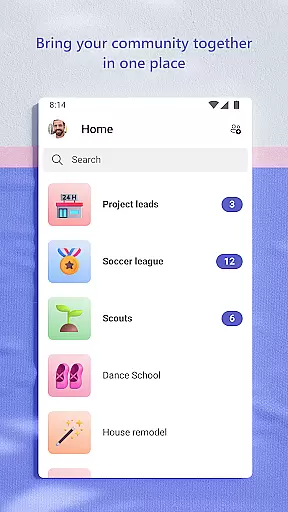
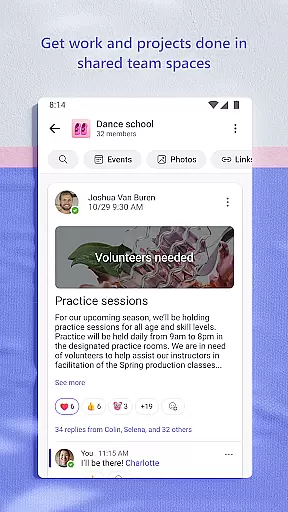
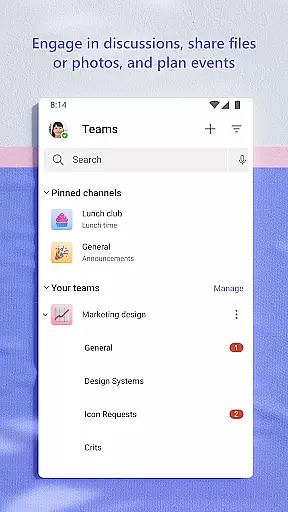
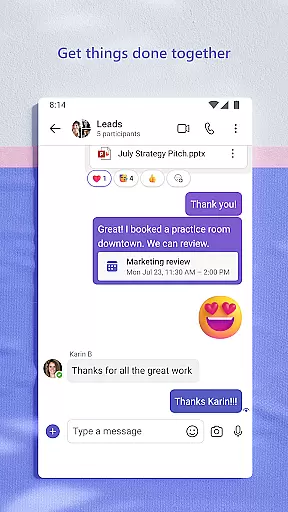
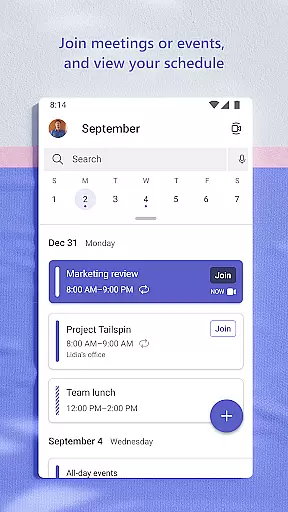
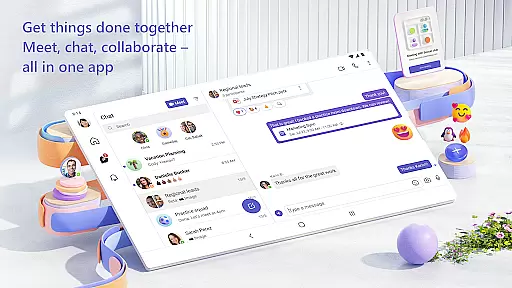
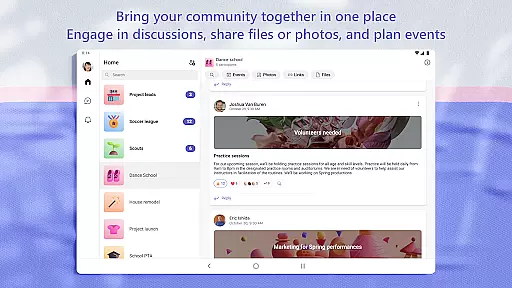
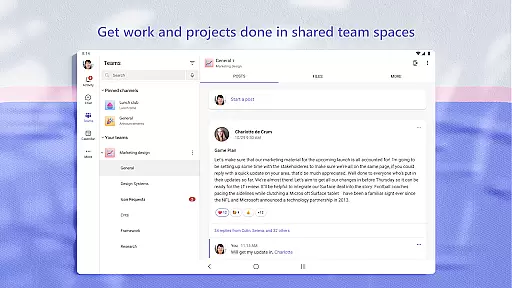
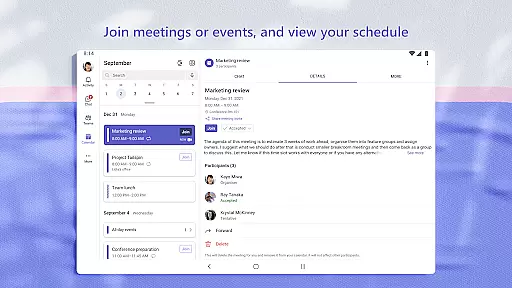
Microsoft Teams is a comprehensive business communication and collaboration platform that unifies communities, events, chats, channels, meetings, storage, tasks, and calendars in one place. Designed for both personal and professional use, it enables users to connect, collaborate, and manage access to shared information seamlessly. Whether organizing team projects, hosting virtual meetings, or coordinating with family and friends, Microsoft Teams provides the tools necessary to accomplish tasks efficiently.
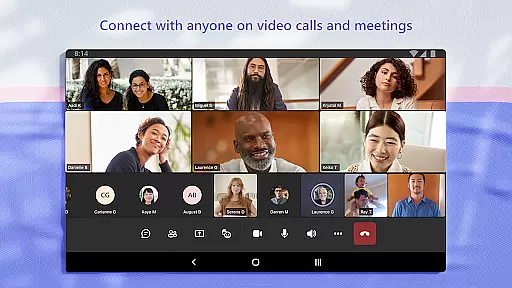
The app supports secure audio and video calls, document collaboration, and built-in cloud storage, ensuring users can share ideas, store files, and make plans without switching between multiple applications. Its integration with Skype enhances connectivity by allowing users to continue their chats, calls, and contacts within Teams. With features like dedicated communities, topic-specific channels, and task management, Microsoft Teams ensures structured and productive interactions.
Microsoft Teams is particularly valuable for remote work environments, offering enterprise-level security and compliance expected from Microsoft 365. It allows community owners to maintain control over data and remove inappropriate content or members, ensuring a safe and organized digital workspace. Available on multiple platforms, Microsoft Teams is an essential tool for modern businesses seeking efficient communication and collaboration solutions.
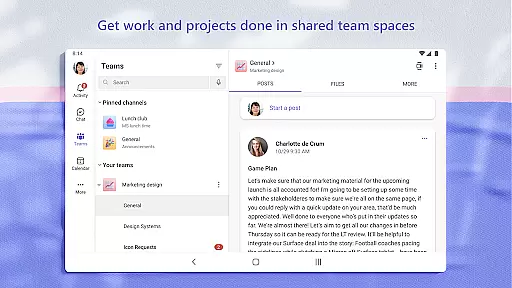
Microsoft Teams stands out with its rich feature set tailored for effective communication and collaboration. One of its key features is the ability to create dedicated communities and channels for discussing specific topics, which helps keep conversations organized and focused. This ensures that teams can collaborate closely on projects without losing track of important discussions or documents.
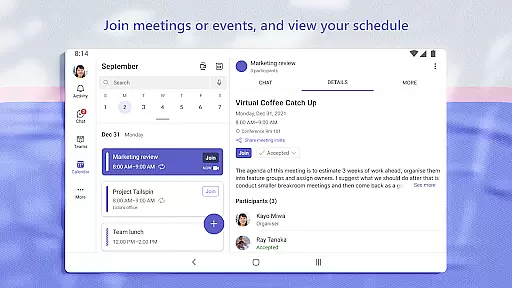
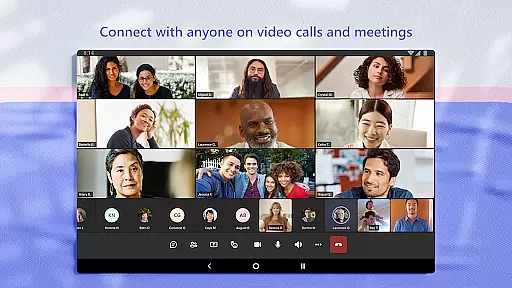
The app offers seamless integration with other Microsoft 365 services, providing enterprise-level security and compliance. Users can securely meet with teammates, family, or friends through audio and video calls, with the option to share screens, use a whiteboard, or break out into virtual rooms during meetings. Additionally, the built-in cloud storage allows users to access shared documents and files on the go, making it easy to collaborate in real-time.
Task management is another highlight, enabling users to assign tasks, set due dates, and track progress within the app. The ability to use GIFs, emojis, and message animations adds a personal touch to interactions, while features like @mentions ensure important messages don't get overlooked. These capabilities make Microsoft Teams a versatile and powerful tool for both personal and professional communication needs.
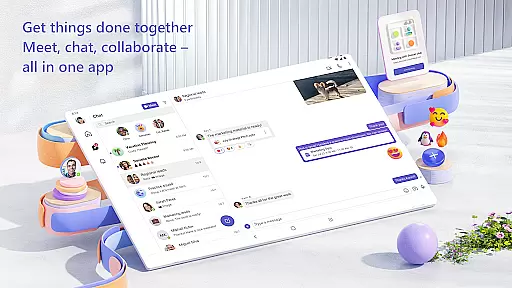
Microsoft Teams offers a comprehensive suite of collaborative work features that are essential for modern teamwork. The platform integrates communities, events, chats, channels, meetings, storage, tasks, and calendars into one cohesive environment.
Users can easily connect with anyone through secure audio and video calls, collaborate on documents in real-time, and store files and photos using built-in cloud storage. This seamless integration ensures that all team members have access to the necessary tools and information without switching between multiple applications.
The app allows users to organize conversations by specific topics and projects using teams and channels, ensuring that discussions remain focused and productive. Additionally, features like screen sharing, whiteboards, and virtual breakout rooms enhance meeting experiences, making collaboration more dynamic and engaging.
With Microsoft Teams, businesses can maintain control over their data while allowing employees to work closely together, regardless of their physical location. This level of integration and security provides peace of mind, knowing that sensitive information is protected while fostering a collaborative work culture.
Effective task management is crucial for staying on top of projects and plans, and Microsoft Teams excels in this area. The platform offers robust task list functionalities that help teams assign tasks, set due dates, and track progress efficiently.
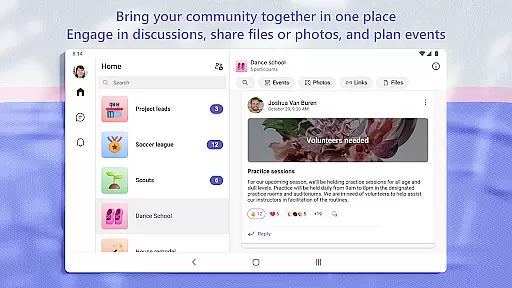
Users can create dedicated communities to discuss specific topics and make plans, ensuring that everyone is aligned and informed. By organizing shared content such as events, photos, links, and files within these communities, searching for important information becomes effortless.
Microsoft Teams also supports integration with other productivity tools, enhancing its task management capabilities. This ensures that all project-related activities are centralized, reducing the risk of miscommunication and missed deadlines.
Moreover, the platform's enterprise-level security and compliance standards provide assurance that task management processes adhere to industry best practices. With Microsoft Teams, organizations can streamline their workflows and ensure that every team member is contributing effectively towards common goals.
User-friendly interface
Robust security features
Integrated cloud storage
Real-time collaboration tools
Versatile communication options
Requires paid subscription for advanced features
Can be overwhelming for new users
High resource consumption on devices
Limited functionality on free version
Occasional connectivity issues

The Penny Puss app with DG penny finder
 4.10
4.10
FaxCover - Create fax cover pages. Works with any app or fax machine.
4.90
Convert Your Lovable.dev Website into a Mobile App Instantly!
4.5
BuildCalc - the easiest AND the most advanced construction calculator app.
4.80
All document reader, pdf viewer app, read docs & excel files
3.80
view, manage, and share every PDF file you have
3.60
Access to Paylocity, empowering employees with information they need 24/7.
4.70
The app that lets you deliver with Amazon.
4.50
We help people get jobs
4.70
TurboScan turns your phone into a full-featured PDF document scanner.
4.80
The MyWalmart App is available for all associates in stores.
4.70
Find jobs and make money fast with JobStack.
4.60
Grow your business and connect with more people with Meta Business Suite.
4.60
No more passwords, easier sign-in, and greater protection for your accounts.
4.60
Amazon A to Z is the place to manage your work-life at Amazon.
4.50
Say hello to the mobile work experience built to help you thrive at work.
4.30
Shop, deliver, and earn with the Spark Driver™ App
4.10
Take the stress out of storage with the all-in-one app to manage your space.
3.70
Roadie connects people with stuff to send with drivers already going that way.
3.50


User Reviews