
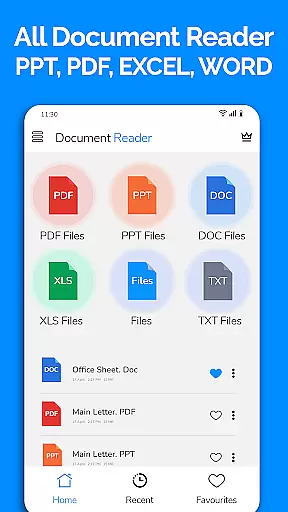
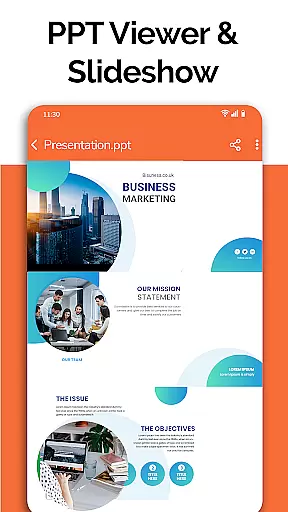
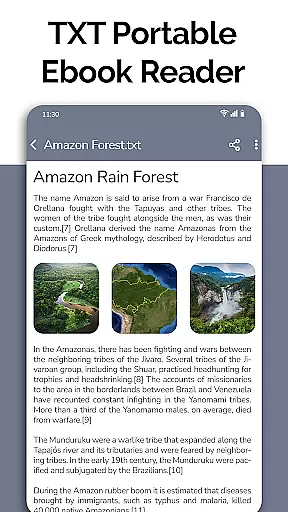
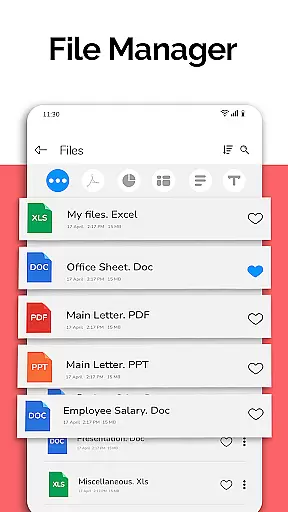
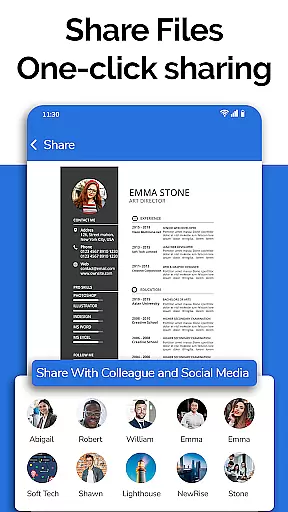
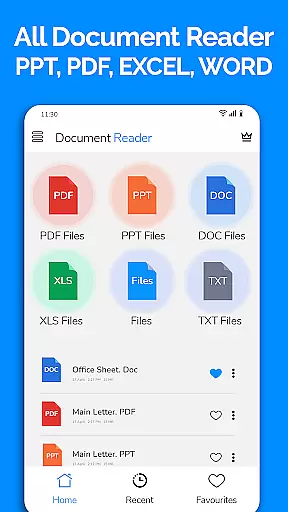
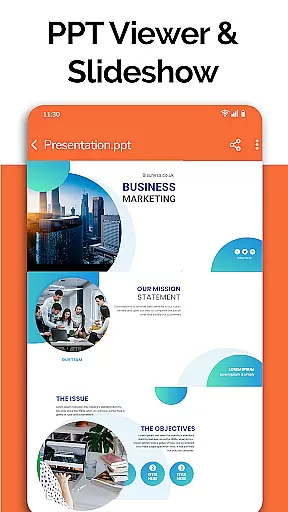
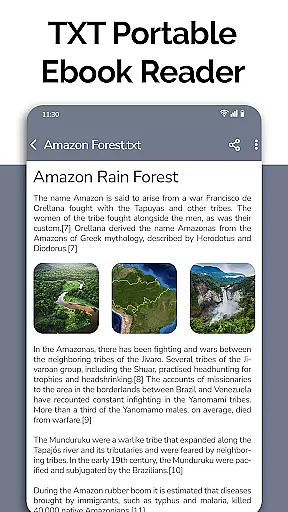
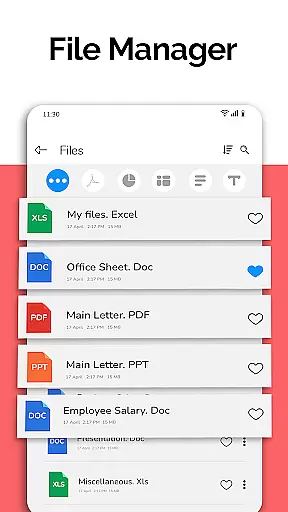
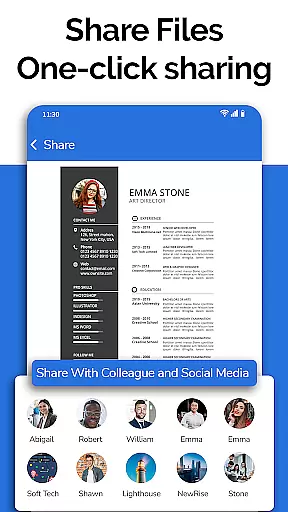
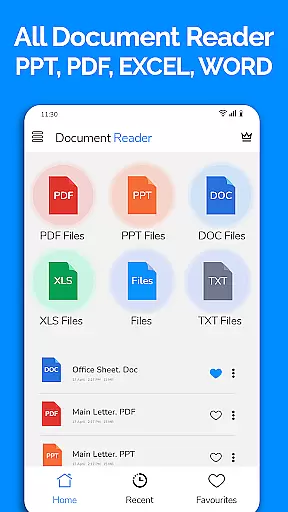
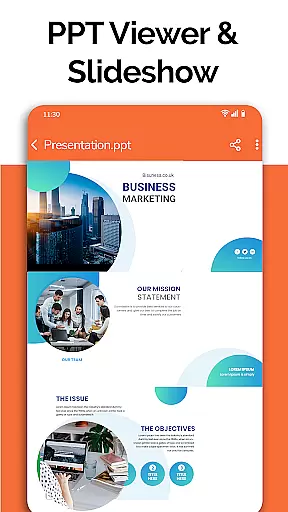
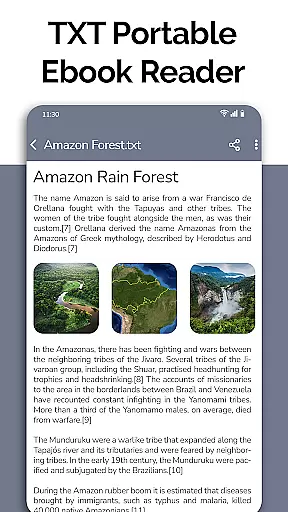
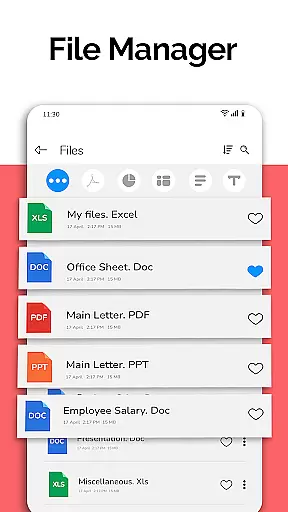
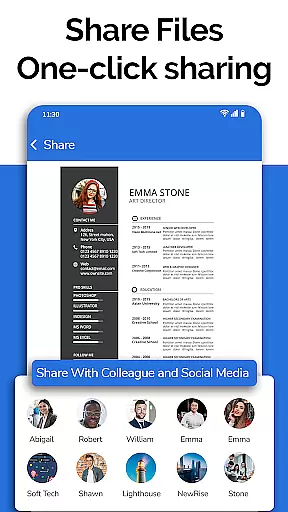
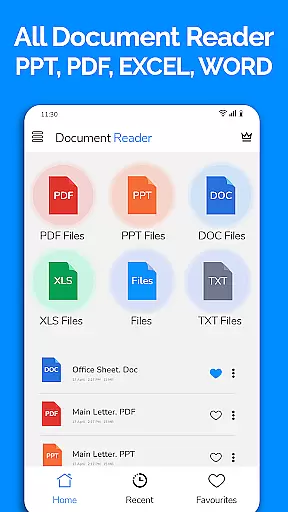
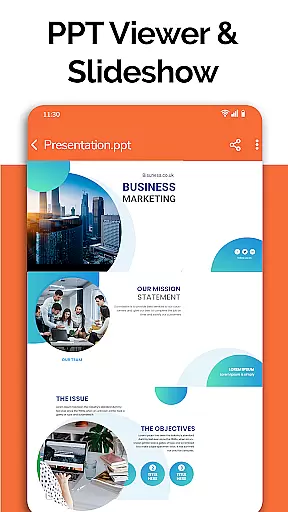
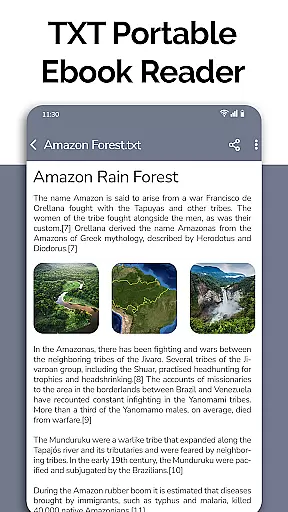
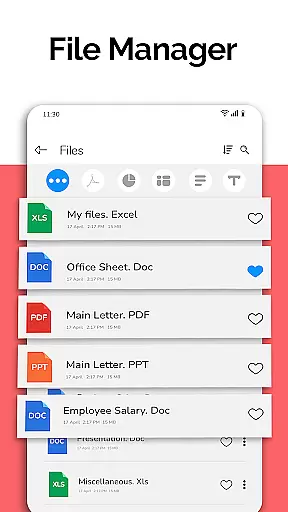
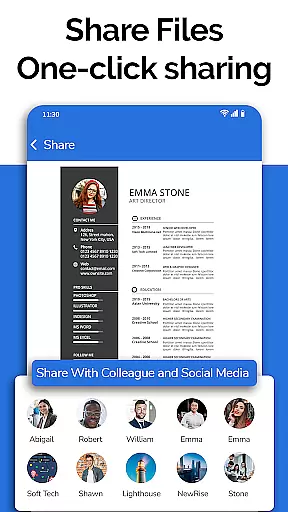
All Document Reader is a comprehensive document management app designed for business professionals and students alike. This versatile application allows users to open, view, and manage various document formats including PDF, Word, Excel, PowerPoint, and TXT files directly from their mobile devices. With its integrated file manager, users can easily organize, search, and share documents while accessing detailed file information such as size and modification dates.
The app's standout feature is its ability to handle multiple document types without requiring additional software. Whether you need to review business invoices, study classroom notes, or prepare presentation slides, All Document Reader provides a seamless experience across different document formats. Its intuitive interface and automatic document sorting make it an essential tool for anyone who needs to work with various document types on the go.
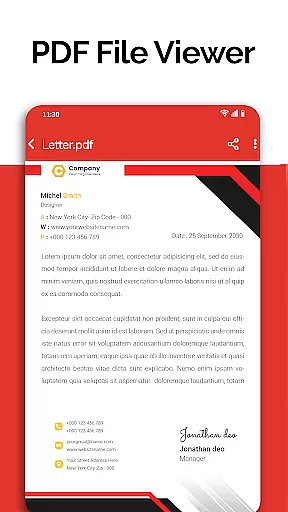
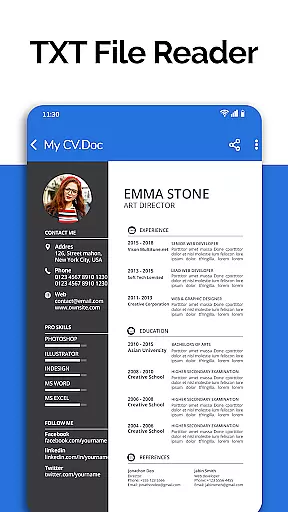
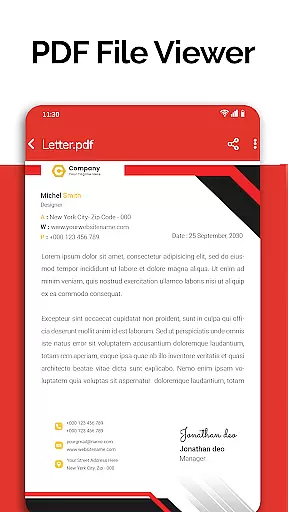
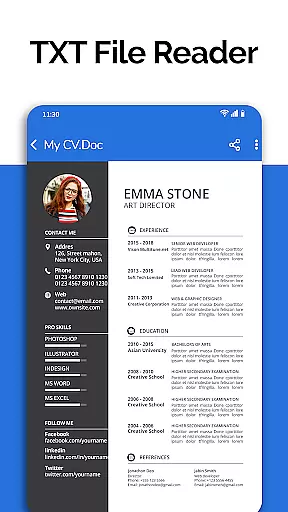
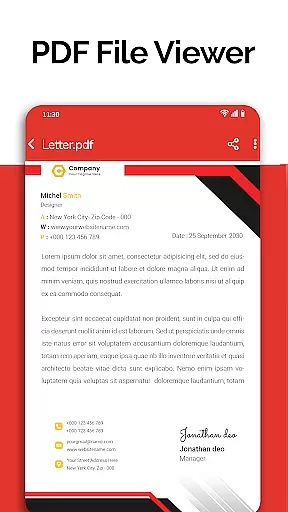
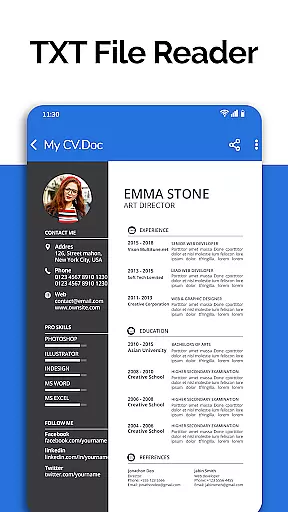
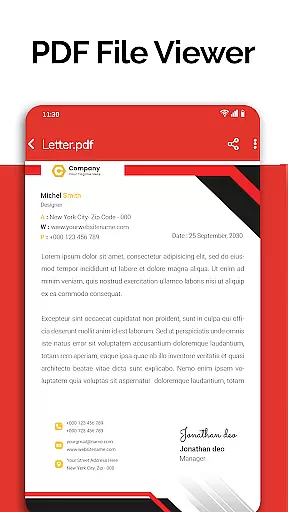
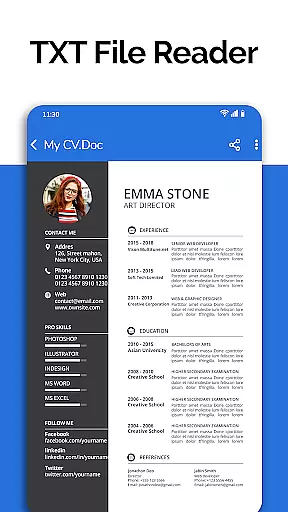
All Document Reader offers an impressive array of features that cater to diverse document management needs. The app's PDF reader functionality supports daily activities such as reading newspapers, viewing business documents, and checking travel tickets. Its robust document viewer handles DOC, XLSX, PPT, and TXT files with ease, while maintaining high-quality display and simple navigation.
Advanced capabilities include document editing, file organization, and content sharing across various formats. Users can view, edit, and share documents while taking advantage of the app's automatic sorting system that organizes files by type. The upcoming features like dark mode, voice search, and image-to-PDF conversion demonstrate the developer's commitment to continuous improvement. These enhancements, combined with existing tools like text editor and document scanner, make All Document Reader a complete solution for mobile document management.
Collaborative work features are essential for modern business applications as they enable teams to work together efficiently regardless of location. All Document Reader offers robust collaborative capabilities that allow users to view, edit, and share various document formats including Word, Excel, PowerPoint, PDF, and TXT files.
The app simplifies teamwork by providing a unified platform where documents can be accessed and managed easily. With its integrated file manager, users can organize files automatically, making collaboration seamless and efficient. The ability to delete, rename, and share documents ensures that team members can handle files as needed without any hassle.
All Document Reader enhances user experience with features like smooth navigation and easy-to-use interface, which are crucial for productive collaboration. Users can review charts, prepare presentations, or even study for exams using their mobile devices, ensuring that all team members have the tools they need at their fingertips.
By supporting multiple formats and offering functionalities such as text search and doodling on documents, this app ensures that all collaborators can contribute effectively. This makes All Document Reader an invaluable tool for businesses looking to improve their collaborative processes while maintaining flexibility and accessibility.
Effective task management is vital for productivity, especially in business environments where organizing and tracking tasks can significantly impact success. All Document Reader provides comprehensive task management features that help users handle various document-related tasks efficiently.
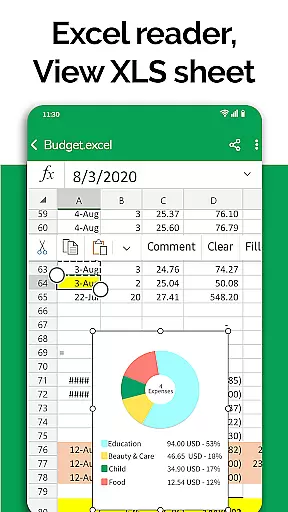
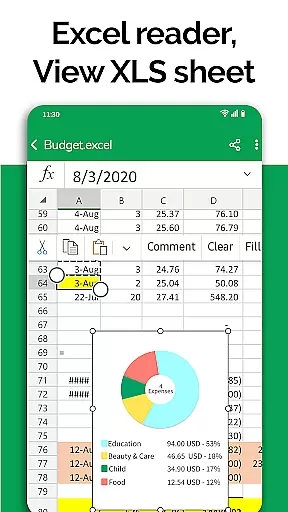
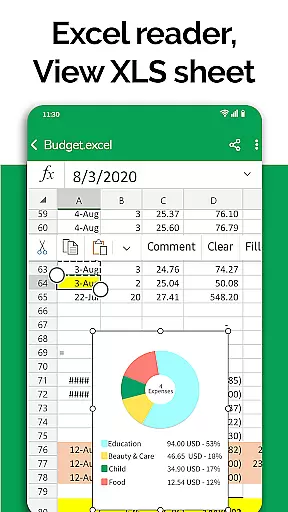
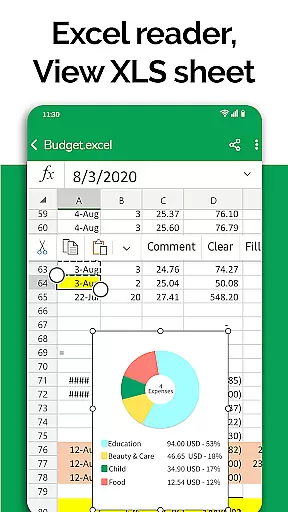
The app's file manager plays a critical role in task management by sorting and organizing documents automatically. This feature allows users to access all their files in one place, streamlining the process of managing tasks related to different document types. Whether it's reviewing budgets in Excel or preparing slides for a presentation, the app ensures that all necessary files are readily available.
With functionalities such as viewing, editing, and sharing XLSX, DOCX, PPT, TXT, and PDF files, All Document Reader empowers users to complete tasks without needing additional software. The appu2019s intuitive interface further enhances task management by providing easy navigation and quick access to essential features, ensuring that users can focus on their work rather than figuring out how to use the app.
Additionally, upcoming features like dark mode, voice search, and image-to-PDF conversion promise to enhance task management capabilities even further. These innovations will provide users with more flexibility and convenience, making All Document Reader an indispensable tool for managing document-based tasks effectively.
User-friendly interface
Multi-format support
Integrated file manager
Automatic document sorting
Comprehensive editing tools
Limited advanced editing
No cloud integration
Occasional performance lag
Ads in free version
Large app size

Measure distances, surfaces and draw plans in seconds with CamToPlan!
 4.40
4.40
Manage Your Shop
4.70
Simple, Fast & Lightweight
3.90
Find work, shifts and gigs near you. Jobs lasting a few hours to a few months.
4.30
A secure, all-in-one team collaboration app
4.30
Access to Paylocity, empowering employees with information they need 24/7.
4.70
Job search app that finds jobs for you! Takes the work out of looking for a job!
4.90
Earn money with the driver & delivery partner app for Uber, UberEats & Postmates
4.60
Chat, meet, and collaborate to achieve more together, all in one place on Teams
4.60
BuildCalc - the easiest AND the most advanced construction calculator app.
4.80
Permission Guard is a security app that helps you manage app permissions.
4.80
We help people get jobs
4.70
AI-powered document scanner with auto enhance for perfect PDFs.
4.60
Smarter career moves start here. AI job alerts, insights & the right tools.
4.20
The Penny Puss app with DG penny finder
4.10
Shop, deliver, and earn with the Spark Driver™ App
4.10
Delivery Track App - Tracking with Fedex, USPS, UPS, DHL. Monitor your Orders.
3.20
We are a dynamic team of creatives people of design, marketing, web & apps
3.00
viewing and sharing PDFs and other files—anytime, anywhere!
4.1


User Reviews