
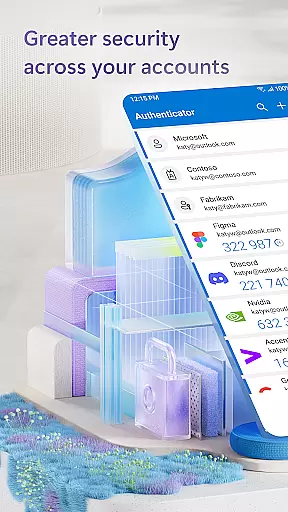
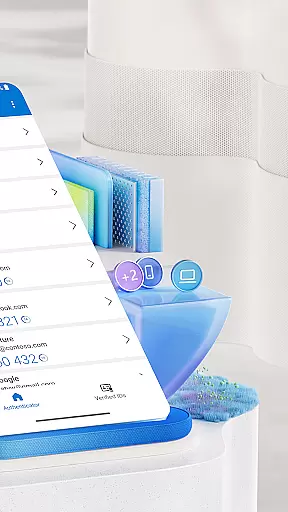
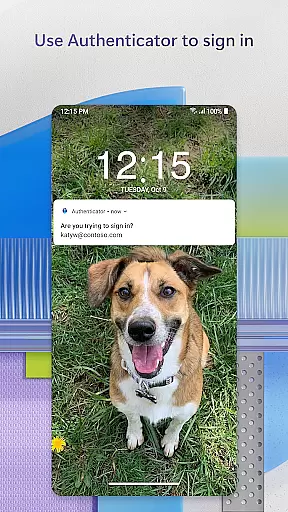
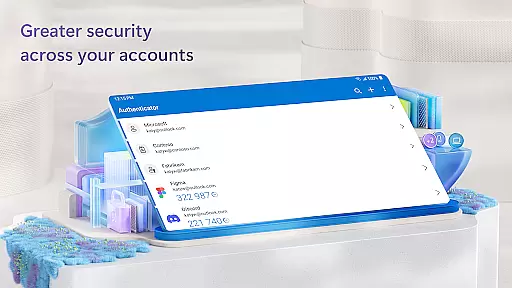
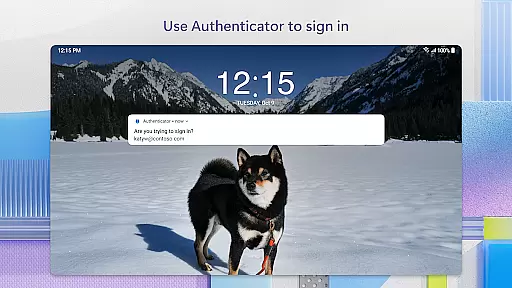
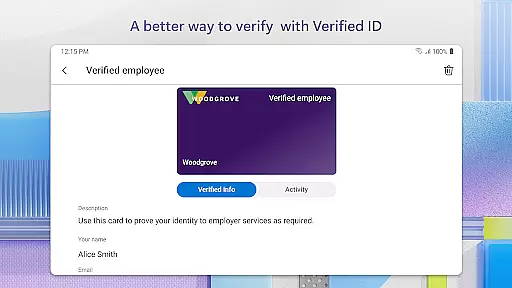
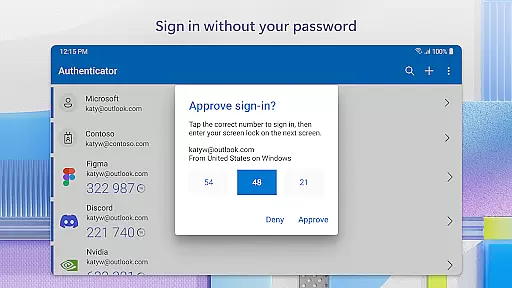
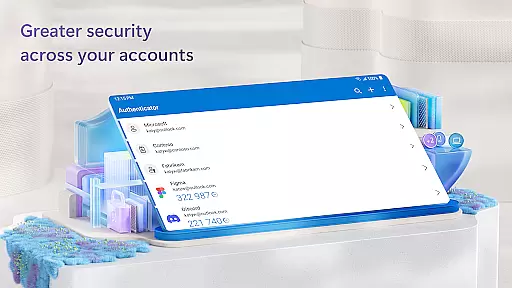
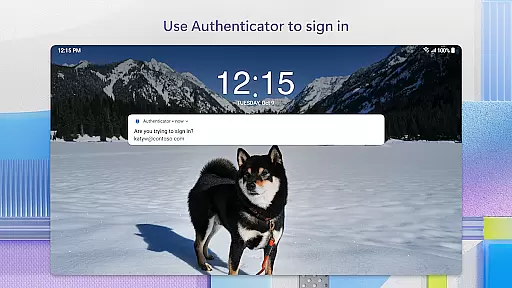
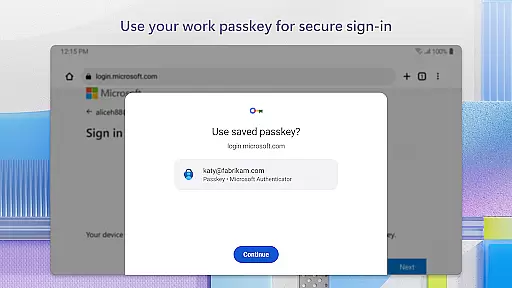
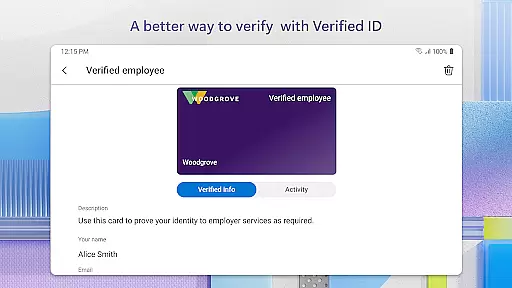
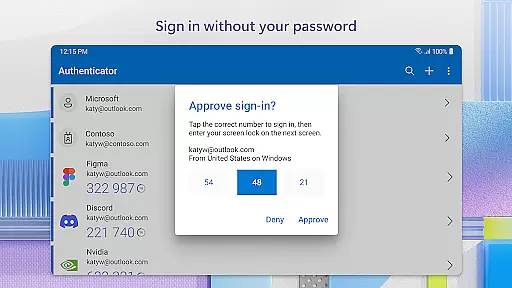
Microsoft Authenticator is a robust business application designed to enhance security for online accounts through multi-factor authentication (MFA), passwordless login, and traditional password usage. It supports both Microsoft and non-Microsoft accounts, including platforms like Facebook, Amazon, and Google. The app provides a secure sign-in process by generating time-based one-time passwords (TOTP) that refresh every 30 seconds, ensuring enhanced protection without the need for network connectivity.
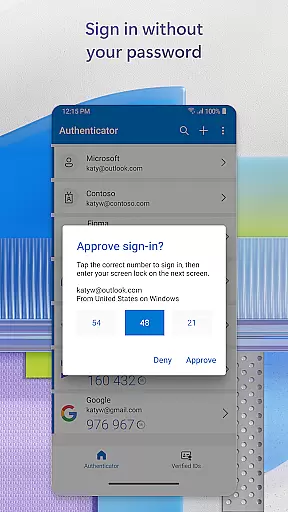
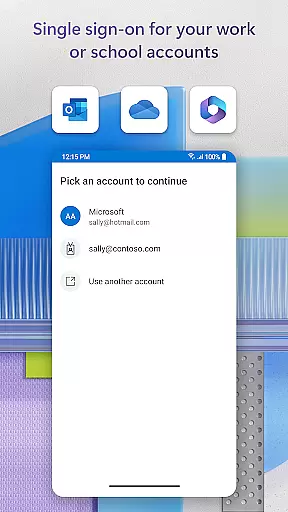
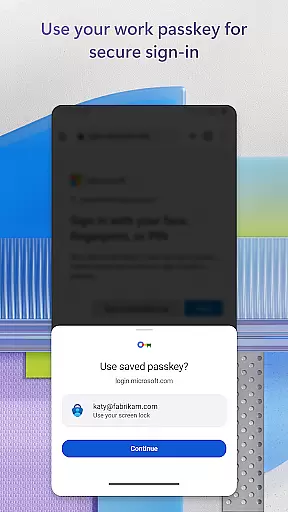
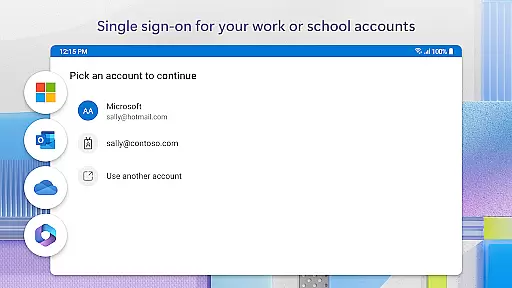
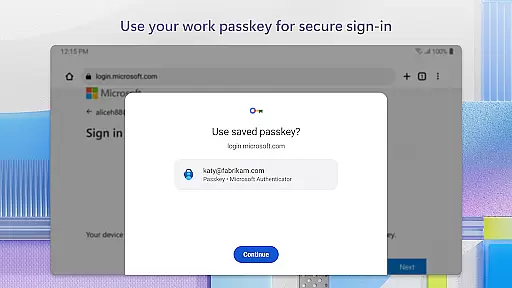
In addition to MFA, the app offers a seamless passwordless experience using biometric verification such as fingerprint or face ID, along with PIN options. This functionality is particularly beneficial for businesses, as it allows employees to access Microsoft services like Outlook and OneDrive securely. Organizations can also implement cert-based authentication, enabling trusted devices to access multiple Microsoft apps without repeated logins, thanks to single sign-on capabilities.
Microsoft Authenticator stands out with its comprehensive approach to account security. The app's multi-factor authentication process ensures users verify their identity through two layers: their password and an additional method, such as approving a push notification or entering a one-time code. These OTP codes are generated offline, making them reliable even without an internet connection, while the 30-second refresh timer prevents reuse and enhances security.
For businesses, the app supports advanced features like cert-based authentication and device registration, allowing organizations to validate requests from trusted devices. Optional permissions, such as location tracking and camera access, provide flexibility based on organizational policies. Users can also manage accessibility settings and report technical issues directly through the app, ensuring a smooth experience across various professional environments.
Microsoft Authenticator plays a pivotal role in collaborative work environments by ensuring secure and seamless access to organizational resources. The app supports cert-based authentication, issuing a certificate on your device that verifies the sign-in request is from a trusted source. This feature allows teams to confidently access shared files, emails, and applications without compromising security.
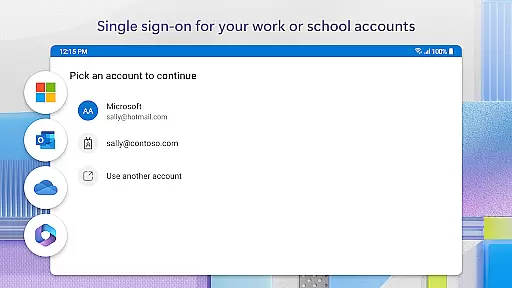
The app's integration with Microsoft personal, work, or school accounts simplifies the process of proving identity across multiple platforms. Once you've authenticated using two-factor authentication (2FA), single sign-on capabilities ensure you won't need to repeatedly log in to other Microsoft apps on the same device. This saves valuable time and enhances productivity during collaborative projects.
Additionally, Microsoft Authenticator's support for multi-factor authentication (MFA) adds an extra layer of security when accessing sensitive information. By approving notifications sent directly to the app or entering one-time passwords (OTP), team members can protect their accounts while maintaining efficient workflows. These robust security measures foster a safe environment for collaboration.
While Microsoft Authenticator is primarily focused on security, it indirectly enhances task management by streamlining the authentication process. The app's ability to store multiple accounts, including non-Microsoft services like Facebook, Amazon, and Google, means users can efficiently manage credentials for various tasks without remembering complex passwords.
The implementation of passwordless login through biometric verification or PIN entry significantly speeds up the authentication process. When working on multiple projects or switching between different accounts, this feature saves considerable time. Users can focus more on their tasks rather than dealing with password recovery or account lockouts.
Furthermore, the app's support for single sign-on across Microsoft products creates a unified workspace where task management becomes more efficient. After initial authentication, users can seamlessly transition between Outlook, OneDrive, Office, and other services. This interconnected ecosystem enables better organization and execution of daily tasks without interruption from repeated login prompts.
Enhanced security
Multi-platform support
Offline OTP generation
Biometric login options
Trusted device recognition
Requires device setup
Optional permissions needed
Limited customization
Dependent on server policies
Potential battery usage

Measure distances, surfaces and draw plans in seconds with CamToPlan!
 4.40
4.40
Scan Business Cards & Conference Badges - Capture Leads at Events & Tradeshows
4.20
VSD Viewer - Visio Drawings Viewer for Android Preview VSD, VDX, VSDX drawings
4.10
Finance, Investing, Stocks, Trading and Stock news
4.60
Recover what matters — quickly and easily.
4.70
Use Generative Summary to understand your rental or insurance docs in seconds.
4.70
We are a dynamic team of creatives people of design, marketing, web & apps
3.00
Build a store in minutes with our full suite of AI tools. Start for free!
4.20
Work happy with AI Companion
4.10
FaxCover - Create fax cover pages. Works with any app or fax machine.
4.90
GoTo Mobile is a simple & secure calling, messaging & meetings solution
4.80
Get instant construction estimates: accurate home repair & material calculator.
4.70
Access to Paylocity, empowering employees with information they need 24/7.
4.70
Find jobs and make money fast with JobStack.
4.60
Say hello to the mobile work experience built to help you thrive at work.
4.30
Formerly Facebook Ads Manager. Manage and create ads on the go.
4.20
Shop, deliver, and earn with the Spark Driver™ App
4.10
Find flexible, hourly jobs hiring near you in restaurant, retail & hospitality!
4.00
Delivery Track App - Tracking with Fedex, USPS, UPS, DHL. Monitor your Orders.
3.20


User Reviews