
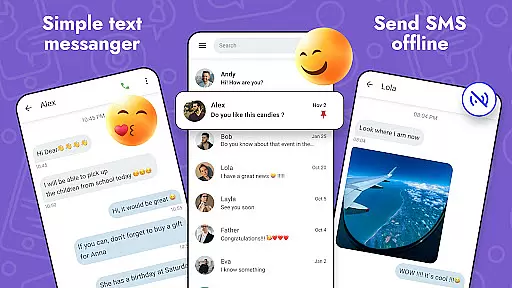
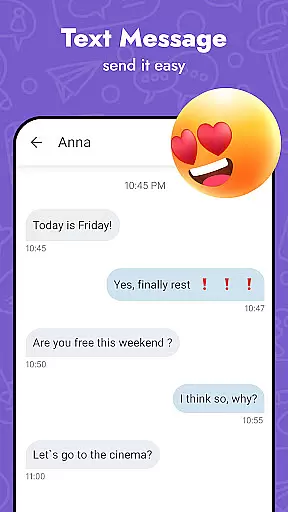
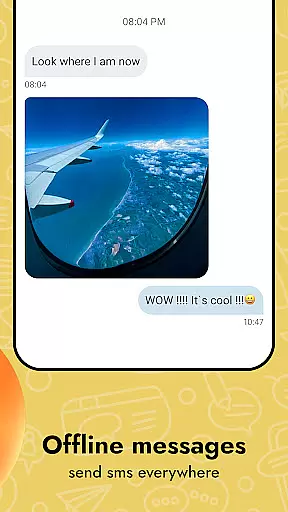
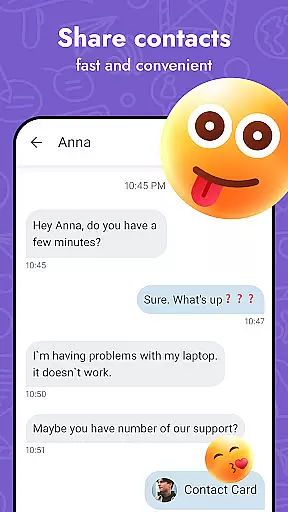
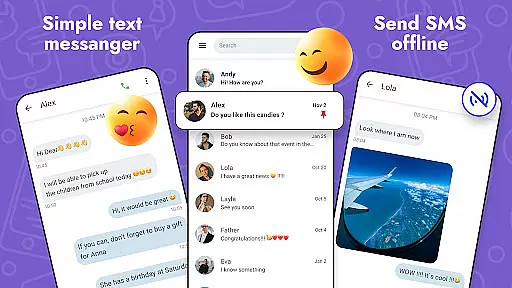
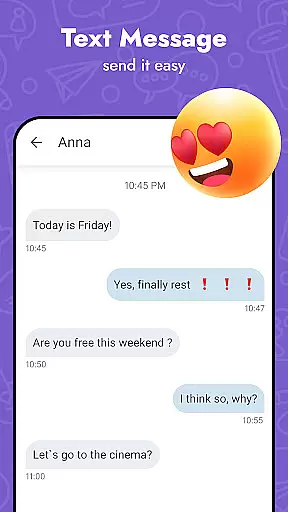
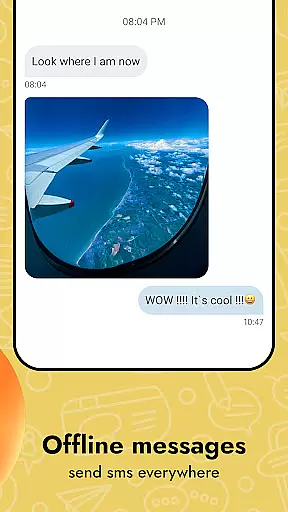
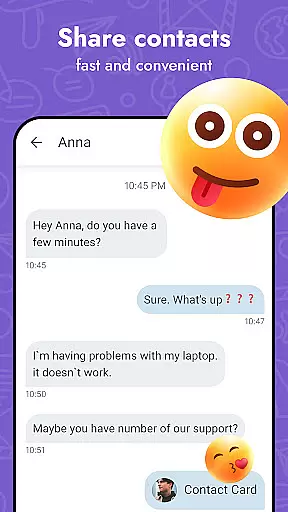
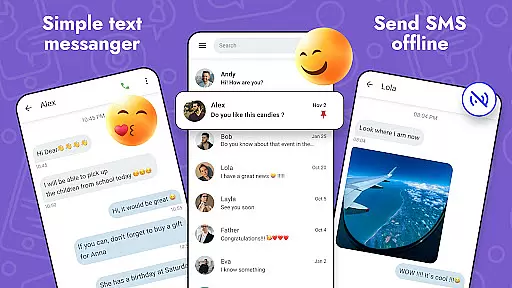
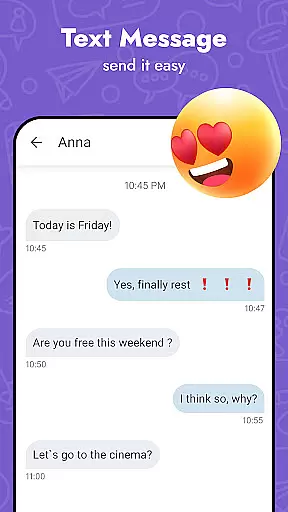
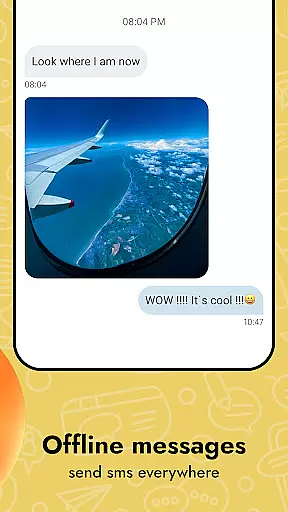
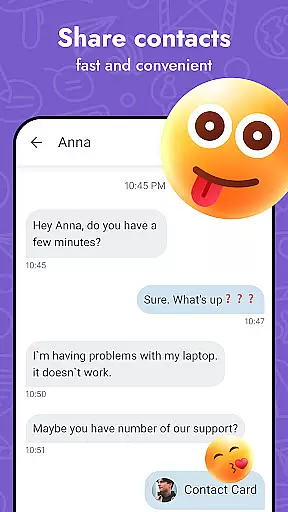
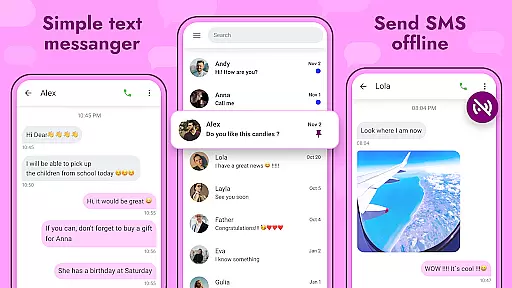
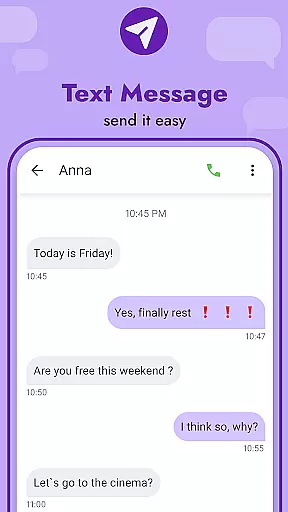
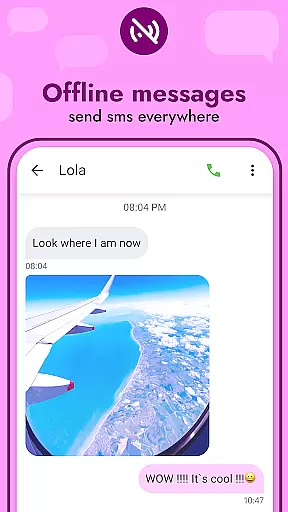
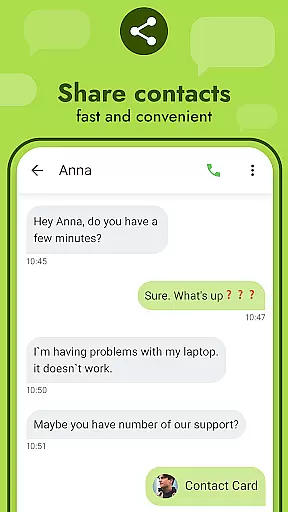
Messages - SMS Texting App is a versatile communication tool designed to enhance your texting experience. This app allows users to send and receive text messages across various devices, ensuring seamless connectivity with friends and family. With its user-friendly interface, the app supports not only traditional SMS but also multimedia messaging (MMS), enabling users to share photos, videos, GIFs, and emojis.
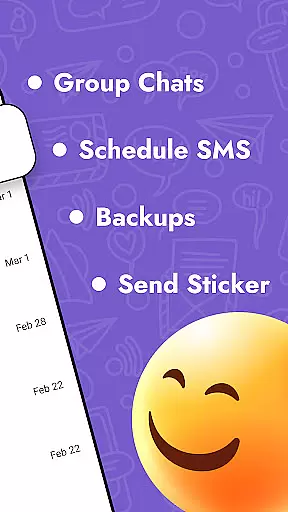
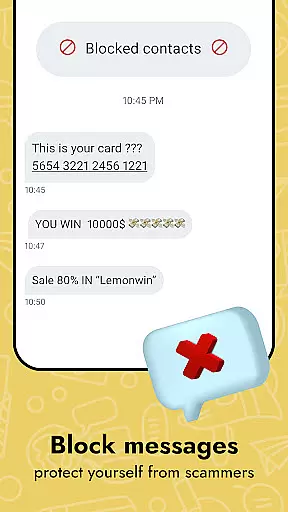
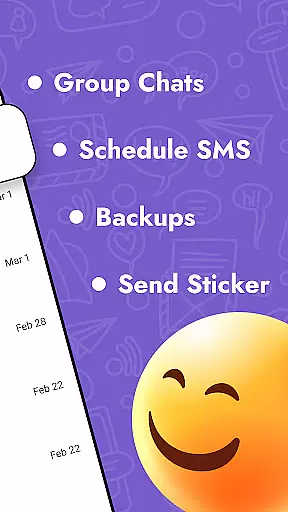
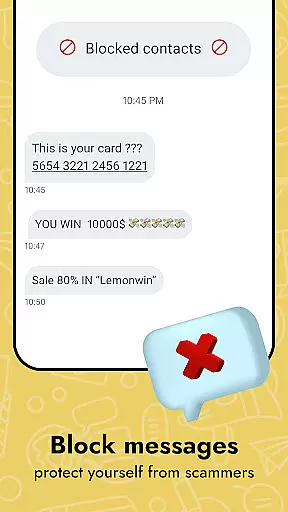
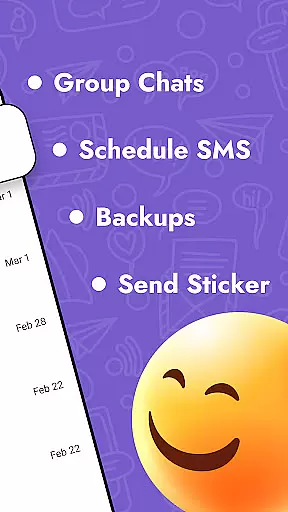
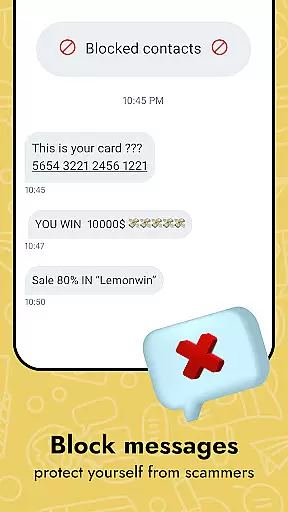
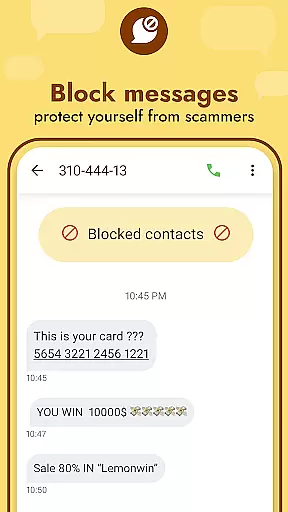
Beyond basic messaging, Messages offers advanced features such as message scheduling, backup and restore options, and the ability to personalize the app's appearance. Users can customize themes, font sizes, and notification sounds, tailoring the app to their preferences. Additionally, the app provides privacy controls, including blocking unwanted contacts and muting conversations, making it a comprehensive solution for managing all your communication needs.
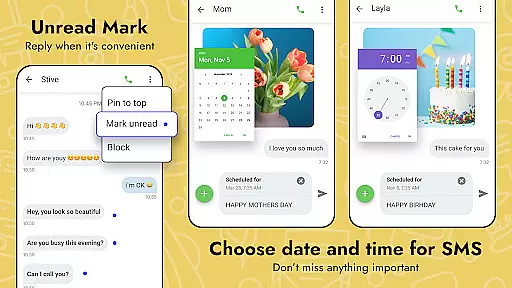
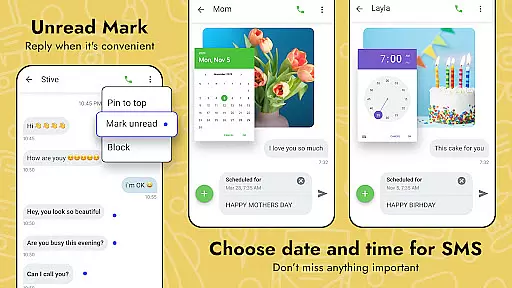
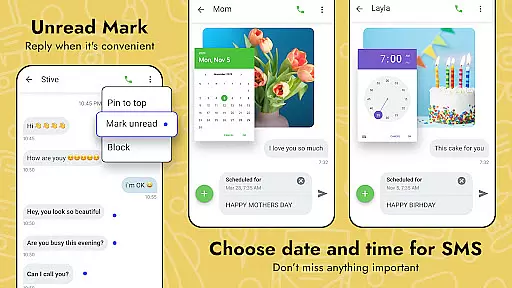
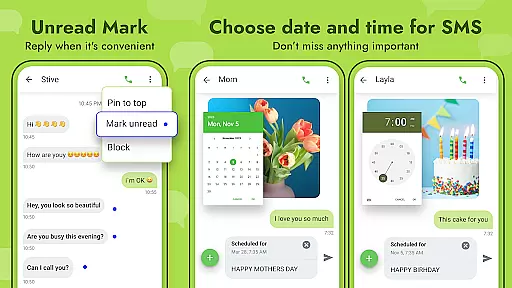
Messages - SMS Texting App stands out with its rich feature set tailored to modern communication needs. The app supports sending and receiving both SMS and MMS, allowing users to share multimedia content effortlessly. It includes practical tools like message scheduling, which lets users compose messages ahead of time and have them sent automatically at a specified date and time.
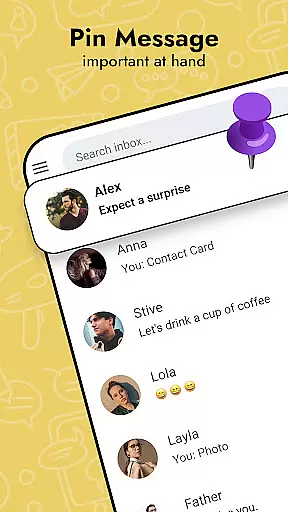
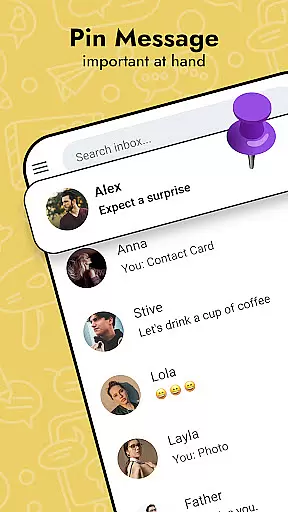
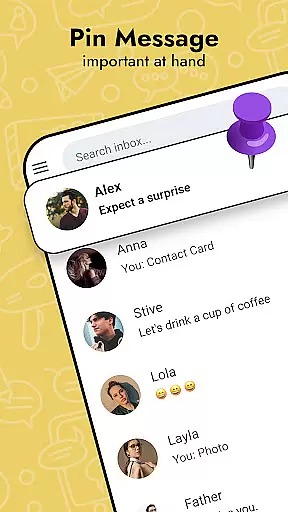
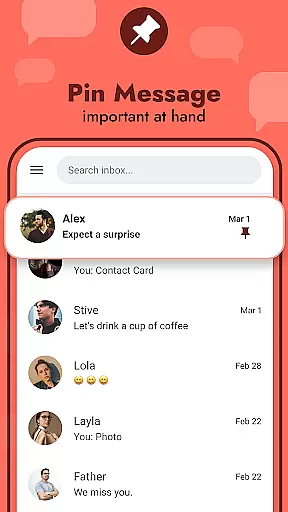
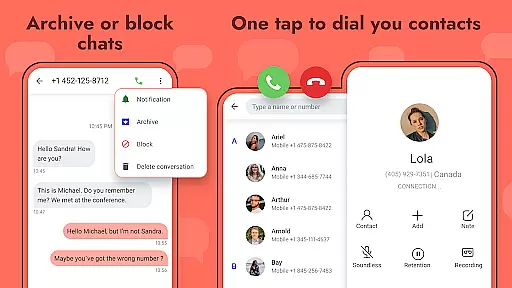
One of the standout features is the robust customization options. Users can personalize nearly every aspect of the app, from visual themes to notification settings. The app also offers a messenger widget for quick access, a pop-up window for swift replies, and the ability to pin important chats to the top of the conversation list. Furthermore, Messages provides privacy-focused functionalities such as blocking specific contacts and marking messages as read without opening them, ensuring users maintain control over their interactions.
Real-time messaging speed and reliability are crucial for maintaining seamless communication in any texting application. Messages - SMS Texting App excels in this area by ensuring that your text messages are delivered instantly and consistently.
The app employs advanced synchronization techniques to maintain a stable connection with the network, allowing users to send and receive messages without delays. This ensures that conversations flow naturally, mimicking real-life interactions.
For users, this means they can rely on the app for time-sensitive communications, such as urgent business updates or coordinating with family members. The confidence in message delivery encourages more frequent and meaningful exchanges.
Ultimately, the app's commitment to speed and reliability enhances user satisfaction by providing a dependable platform for all forms of digital conversation, from casual chats to important notifications.
Media sharing support is an essential feature in modern communication apps, enabling users to share various types of content beyond plain text. Messages - SMS Texting App offers robust media sharing capabilities, allowing users to exchange photos, videos, GIFs, and emojis effortlessly.
The app supports multiple file formats and sizes, ensuring compatibility across different devices and operating systems. Users can easily attach media files to their messages, enhancing the expressiveness and richness of their conversations.
This functionality benefits users by making their interactions more engaging and dynamic. Whether it's sharing memorable moments through photos or conveying emotions with animated GIFs, the app facilitates a more comprehensive communication experience.
By integrating extensive media sharing options, Messages - SMS Texting App not only meets but exceeds user expectations, positioning itself as a versatile tool for modern digital communication.
User-friendly interface
Customizable themes and fonts
Supports multimedia sharing
Advanced privacy controls
Message scheduling capability
Limited cross-platform support
Occasional sync issues
Ads in free version
Backup requires cloud storage
Some features need premium subscription

Call Forwarding is easy and simple application to use.
 3.80
3.80
A web browser that respects your privacy.
4.30
The ultimate productivity solution for all your email communication needs.
4.40
A Browser with powerful ad blocker to help focus on what really matters.
3.00
An agentic AI browser for Android, built by Perplexity
4.50
Smart and simple anti-wiring application - IMSI-catchers catcher
4.40
FolderSync enables easy sync of files between cloud storage and Android devices.
4.60
A customizable phone number in the cloud
4.20
Caller ID, Spam Call & SMS Blocker
3.80
Manage your mobile phone plan, check unlimited 5g data usage and track rewards
4.50
Federated instant messaging for your mobile device (Jabber, XMPP, Snikket)
4.10
Telegram is a messaging app with a focus on speed and security.
4.00
This app enables the phone to receive and send FT8 traffic!
3.80
Weargram is an unofficial Telegram Client for Wear OS.
3.50
Official NDI app: turn your phone into a professional live-streaming IP camera.
3.20
TeamSpeak - Secure Chat for Gaming & Business
3.10
Watchgram for Telegram: Experience seamless Telegram messaging on your watch
1.80
An app dedicated solely to marriage, not dating, and supported by a rigorous verification mechanism to ensure seriousness.
4.5
Bringing the functionality of Winlink to your Android device
4.5


User Reviews