

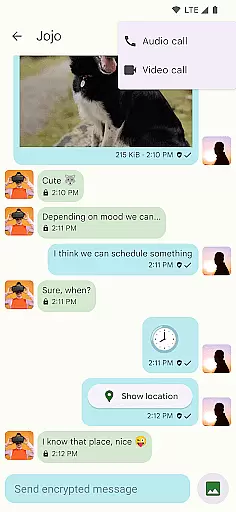
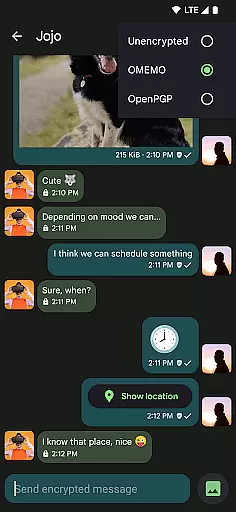
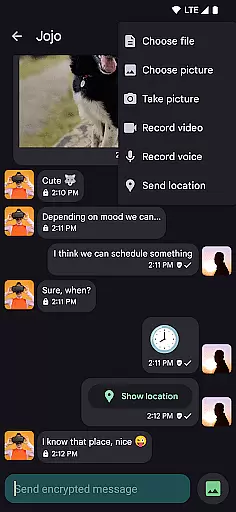
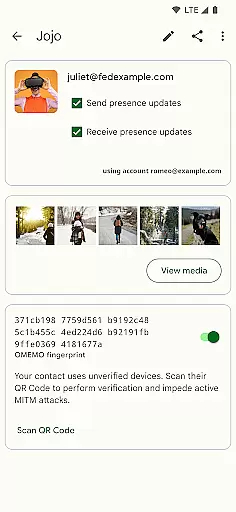

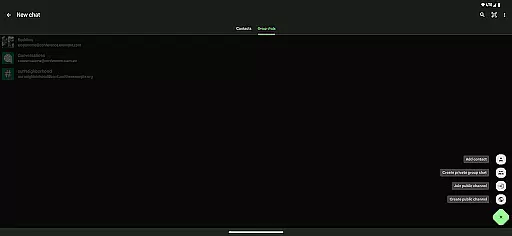
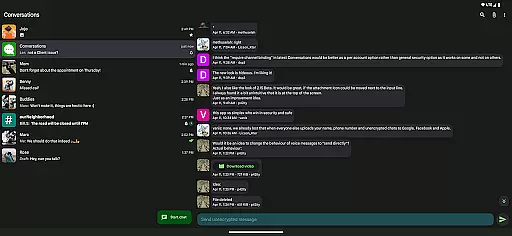
Conversations is a feature-rich Jabber/XMPP client designed for Android users seeking secure and reliable communication. This open-source app offers end-to-end encryption by default, ensuring your conversations remain private across all modern Jabber, XMPP, and Snikket servers.
The application stands out with its user-friendly interface that adheres to Material Design 3 principles, complete with dynamic colors and high-resolution avatars. It supports multimedia sharing, group chats, location sharing, and even encrypted voice and video calls, making it a versatile tool for both personal and professional communication needs.
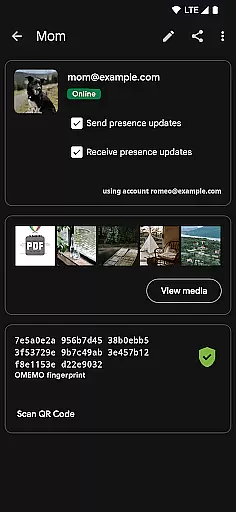
Conversations provides an impressive array of features that cater to diverse communication requirements. The app supports OMEMO and OpenPGP encryption protocols, ensuring robust security for your messages. Users can send and receive various file types, including images, and share their locations seamlessly.
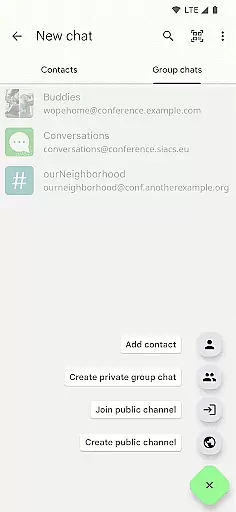
Advanced functionalities like machine-in-the-middle detection through channel binding enhance security further. The app also integrates well with desktop clients such as Gajim and Dino, offering synchronized messaging. With support for multiple accounts, private group chats, public conferences, and message moderation, Conversations delivers comprehensive communication capabilities while maintaining low battery consumption.
Real-time messaging speed and reliability are crucial for any communication app, ensuring that messages are delivered instantly and consistently. Conversations (Jabber / XMPP) excels in this area by leveraging the robust Jabber/XMPP protocol, which is known for its efficient message delivery system.
This app supports end-to-end encryption with OMEMO or OpenPGP, ensuring that your communications remain private and secure while maintaining high-speed transmission. The use of advanced machine-in-the-middle detection via channel binding further enhances the security and reliability of message delivery.
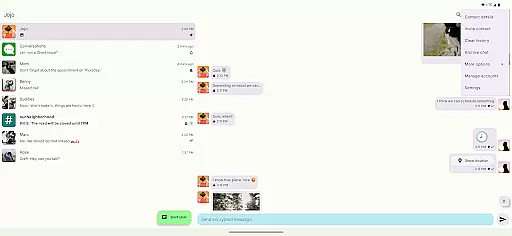
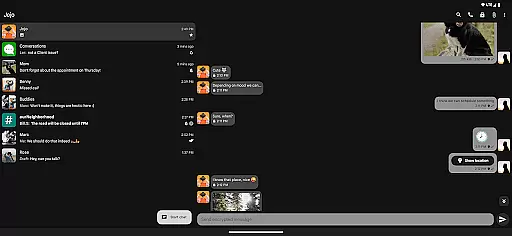
Users benefit from an intuitive UI that follows Android design guidelines, making the messaging experience not only fast but also user-friendly. With features like indication when your contact has read your message and emoji reactions, Conversations ensures a seamless and engaging real-time messaging experience.
Media sharing support is an essential feature for modern communication apps, allowing users to share various types of content effortlessly. Conversations (Jabber / XMPP) offers comprehensive media sharing capabilities, including sending and receiving images and other kinds of files.
The app provides built-in support for encrypted audio and video calls using DTLS-SRTP, ensuring that your multimedia communications remain secure. Additionally, users can share their location, send voice messages, and enjoy high-resolution contact photos (avatars), enhancing the overall communication experience.
Conversations synchronizes with desktop clients like Gajim and Dino, offering a unified platform for media sharing across devices. This cross-device compatibility ensures that users can access shared media anytime, anywhere, without compromising on quality or security.
User-friendly interface
End-to-end encryption
Low battery usage
Multiple account support
Desktop synchronization
Requires compatible server
Limited iOS availability
No built-in VoIP
Complex setup for beginners
Occasional sync delays

BiP is a fast, secure, free messaging and HD video calling app!
 4.10
4.10
A web browser that respects your privacy.
4.30
Phone Dialer with Caller ID, Address Book & Contacts Manager.
4.30
Quickly and easily identify and block unknown callers
3.70
Call Blocker app: Identify unknown callers, block spam calls, fraud & robocalls
4.30
Watchgram for Telegram: Experience seamless Telegram messaging on your watch
1.80
Manage Phone Calls, call history, and contacts easily with Phone Pro.
4.5
Auto Reply SMS, Text Messaging, Away SMS Response, Busy SMS messages, Block Text
3.10
Talk & text free with a second phone number plus unlimited 5G data, no fees.
4.50
We’re taking the yada yada out of wireless—now we’ve taken it out of your app.
4.70
Useful. Social. Expressive.
4.70
Adblock & VPN Browser: Blocks banners, pop-ups and video ads, fast downloader!
4.60
Smart and simple anti-wiring application - IMSI-catchers catcher
4.40
Get through your inbox faster with the mail app designed to simplify your life.
4.40
Manage your data, talk & text - affordable phone plans & data usage made simple
4.30
Block spam calls & scam - no more annoying calls with the call blocker function
4.30
HD Video Meeting app is a fast & unlimited video conferencing app across world.
4.30
Comprehensive and powerful scan tool app with enhanced functions
3.00
An app dedicated solely to marriage, not dating, and supported by a rigorous verification mechanism to ensure seriousness.
4.1


User Reviews