
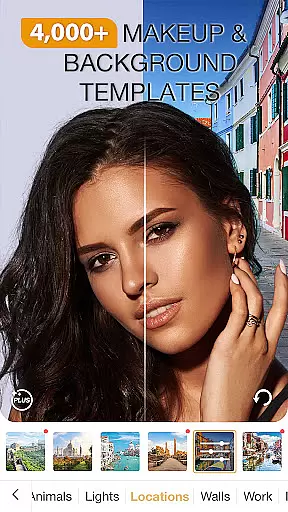
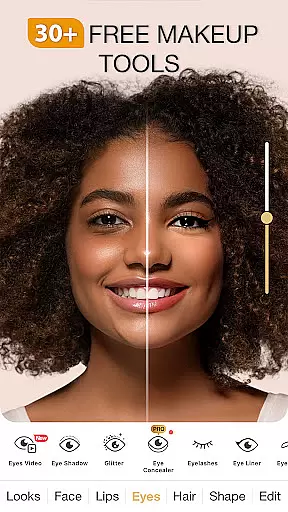
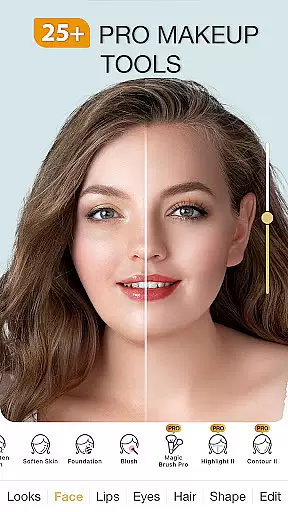
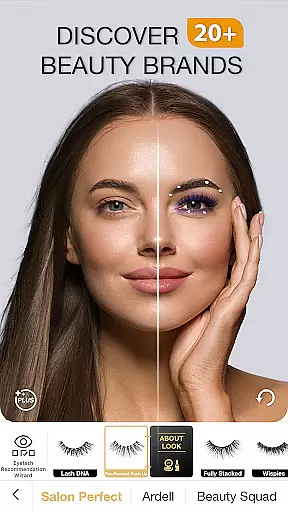
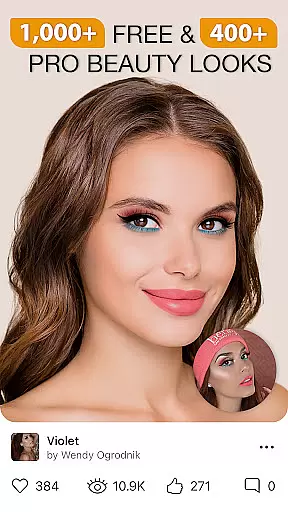
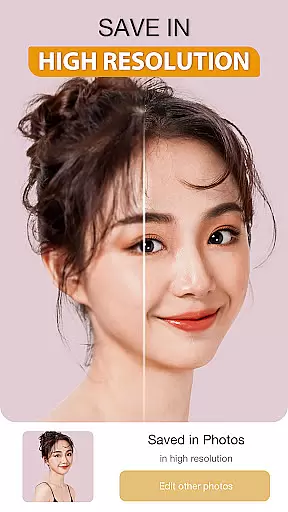
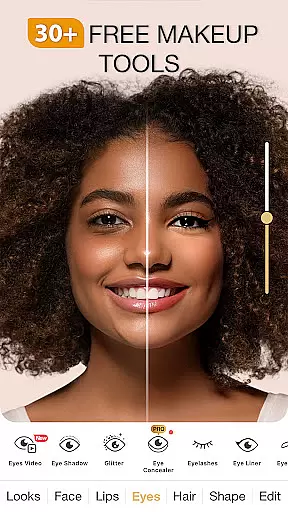
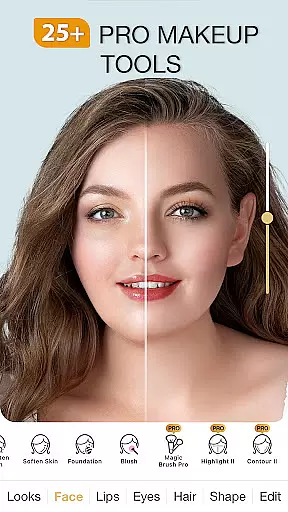
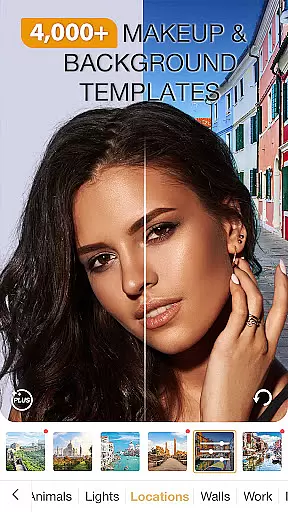
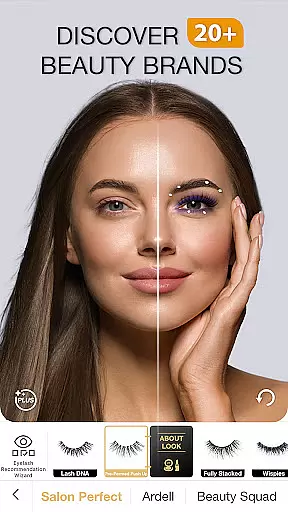
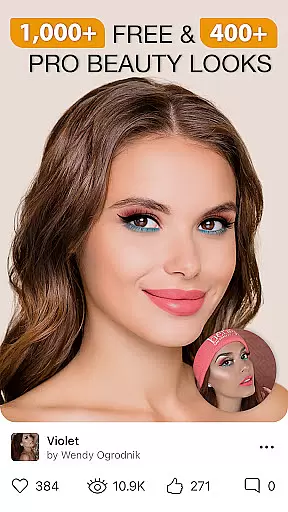
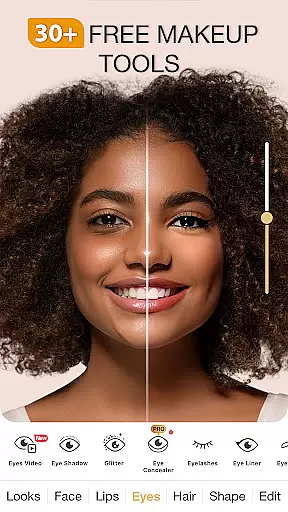
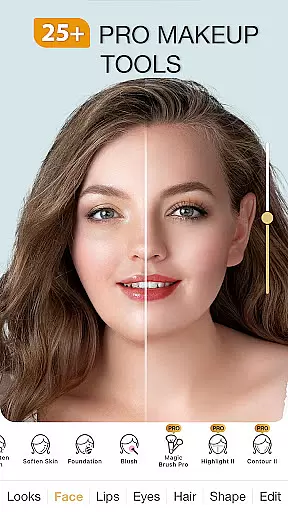
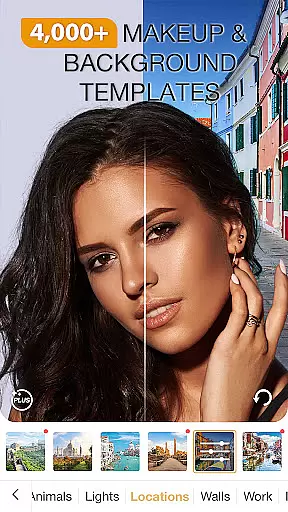
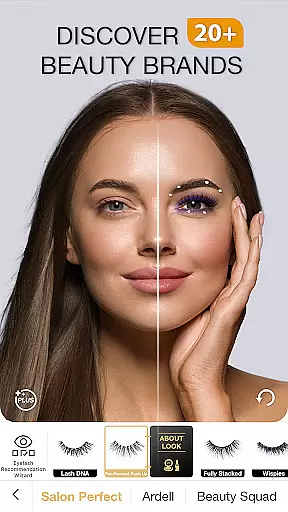
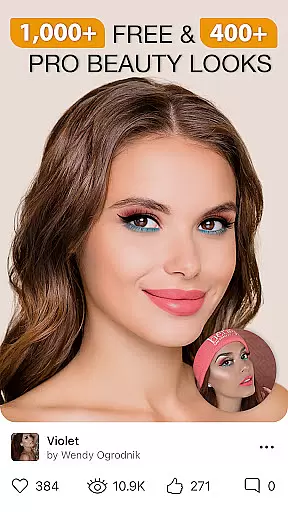
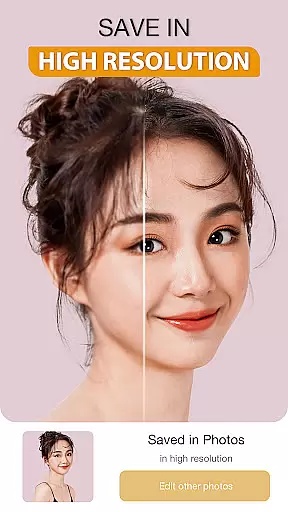
Perfect365 is a leading virtual makeup and beauty editor app designed to transform your selfies and photos with professional-grade tools. This all-in-one photo editing solution allows users to try on various makeup styles, experiment with bold lipstick shades, and even test out new hair colors using advanced face detection technology. With thousands of customizable looks curated by expert makeup artists, Perfect365 makes it easy to achieve everything from natural beauty to high-glam transformations.
The app stands out with its powerful retouching features including blemish removal, teeth whitening, and skin brightening tools. Users can also explore over 100 beauty tools such as eye shadows, lip liners, and unique color palettes. Perfect365's one-tap Hotstyles provide instant makeovers while the app's filters ensure perfect makeup application every time. Whether you're looking to enhance your social media presence or simply want to experiment with new looks, Perfect365 offers endless possibilities for beauty enthusiasts.
Perfect365 distinguishes itself through its comprehensive suite of beauty-enhancing features. The app's advanced face detection technology ensures precise makeup application, while its vast library of over 3000 pre-set Hotstyles offers users instant makeovers with just one tap. The Pro Color Palette enables unlimited customization options, allowing users to create unique color combinations that match their personal style.
Beyond basic photo editing, Perfect365 provides specialized tools including a blemish remover, skin brightener, and teeth whitener. The app's video tutorial section, featuring popular YouTube artists, helps users recreate virtual looks in real life. Additionally, Perfect365 keeps users informed with daily beauty news, fashion tips, and product recommendations. The seamless social media integration allows users to share their enhanced photos without watermarks across platforms like Facebook, Twitter, and Instagram.
When it comes to beauty and makeup applications, having a comprehensive product database is crucial for delivering an authentic user experience. Perfect365 stands out in this aspect by offering an extensive collection of virtual makeup products that cater to a wide variety of preferences and styles.
The app includes thousands of pre-set looks curated by professional makeup artists, ensuring users have access to the latest trends and classic styles alike. With over 3000 Hotstyles available at your fingertips, you can easily experiment with different eye shadows, lip liners, lipsticks, and more without ever needing to purchase physical products.
Perfect365's Pro Color Palette allows for unlimited color customization options, empowering users to design their perfect look with unique combinations tailored specifically for them. This level of detail ensures that every feature, from subtle touch-ups to bold transformations, feels as realistic as possible.
By leveraging cutting-edge face detection technology, Perfect365 guarantees precise makeup placement on selfies and videos, making each virtual try-on feel incredibly lifelike. Whether you're exploring new lipstick shades or testing out funky hair colors, the depth of the product database within Perfect365 provides an unparalleled digital beauty journey.
In todayu2019s digital age, personalization is key to creating meaningful user experiences. Perfect365 excels in delivering highly personalized beauty solutions through its advanced customization features, allowing users to tailor their virtual makeovers with remarkable accuracy.
The app offers a suite of tools designed to enhance individual characteristics while maintaining natural aesthetics. From blemish removers and teeth whiteners to skin brighteners, these features work together seamlessly to refine your appearance according to your unique preferences.
With Perfect365u2019s intuitive interface, users can adjust intensity levels across various makeup categories such as eyeshadow, blush, and contouring. This granular control enables everyoneu2014from beginners experimenting with looks to seasoned makeup enthusiastsu2014to achieve results that align perfectly with their desired outcomes.
Moreover, Perfect365 continuously updates its library based on current trends and expert insights, ensuring that recommendations remain relevant and effective. By combining sophisticated algorithms with real-time feedback mechanisms, the app delivers a truly bespoke experience where every filter, effect, and enhancement reflects the user's distinct personality and style.
User-friendly interface
Extensive makeup options
Precise face detection
Regular style updates
Social media integration
Premium features locked
Occasional ads
Storage intensive
Limited free styles
Processing time

Glow up with science: cosmetics, ingredients scanner, tracking & face analysis
 4.10
4.10
Shop Smarter, Dress Better, and Shine Brighter!
4.10
Enjoy convenience wherever you are with the Tune Up, The Manly Salon app.
3.20
Selfiechat Filters for amazing photos with Funny face filters
4.60
Design unique tattoos and preview them on your body image using Tattoo Maker App
3.30
Beauty Camera - Selfie Camera with sweet selfie, makeup, filter, sticker, editor
4.50
Monthly Perfume Subscription
4.70
Beauty for every eye, lip & face. Earn rewards, play games, connect with others.
4.30
Never run out of your go-to beauty & get 5% off with auto-replenish deliveries!
4.00
Book your appointments
4.90
Get Smart About Your Skin with Fully Personalized Beauty Tech!
4.80
Beauty Camera & Selfie Camera snap Beauty selfie with filter, makeup, stickers
4.80
Wacky mirror filter, waves effect & wavy effect to make your own funny videos.
4.60
Top brand haircare & fragrance
4.60
Beauty camera to take nature selfie with photo filter. Photo makeup face editor.
4.50
Download Today
4.40
This application is for the Luvme Hair official website: shop.luvmehair.com .
4.30
Beauty Camera AI Photo Editor with effect, filter, makeup tools for photo editor
4.30
True mirror app with zoom, LED light, for makeup & shaving anywhere!
4.20


User Reviews