
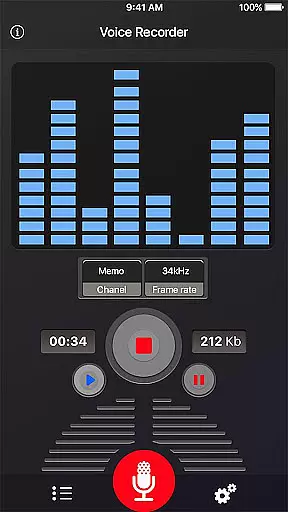
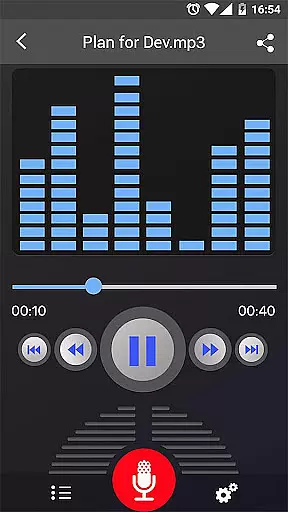
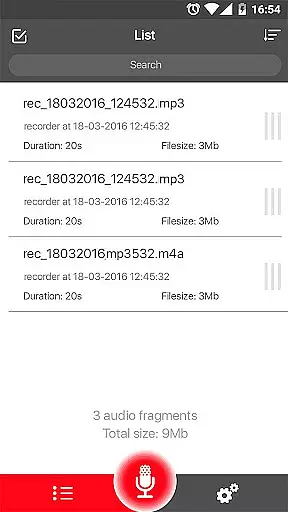
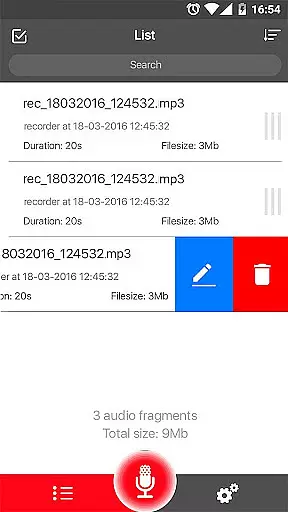
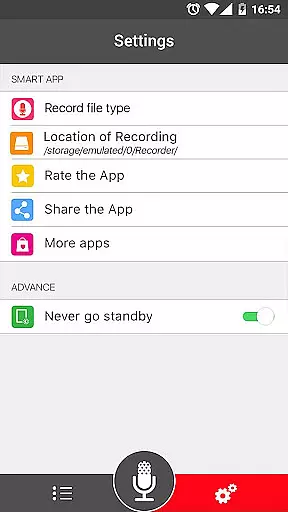

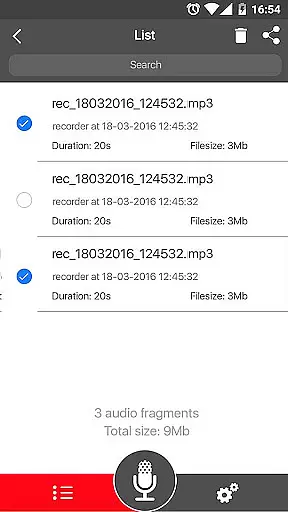
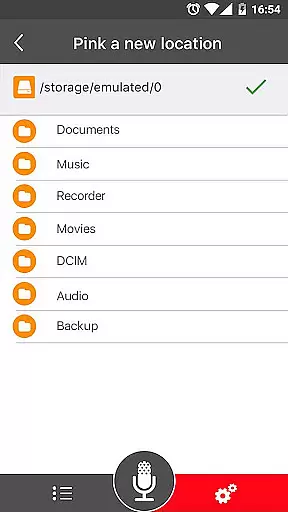
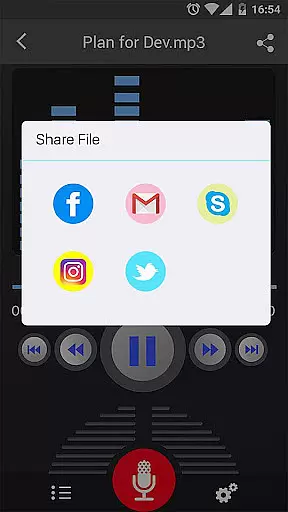
Voice Recorder is a versatile audio recording application designed for users who need to capture high-quality sound on their mobile devices. This app allows you to reliably record meetings, personal notes, speeches, lectures, and even songs without any time restrictions. With its simple user interface and powerful features, it's an ideal tool for both personal and professional use.
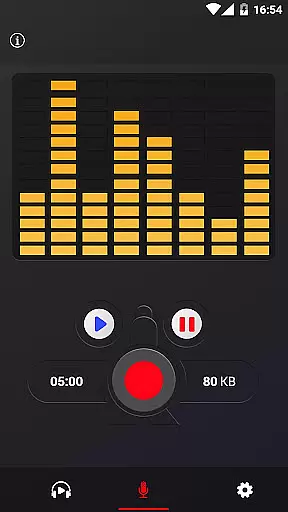
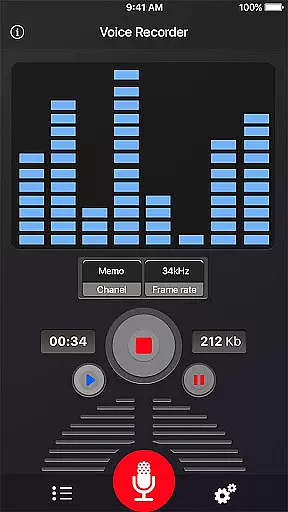
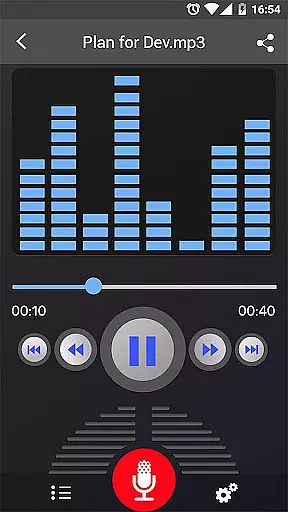
The application supports various functionalities including MP3 encoding with adjustable sample rates, live audio spectrum analysis, and background recording. Whether you're recording a business meeting, lecture, or interview, Voice Recorder ensures your audio is captured with exceptional clarity and quality. Its comprehensive feature set makes it one of the best choices for anyone in need of a reliable voice recording solution.
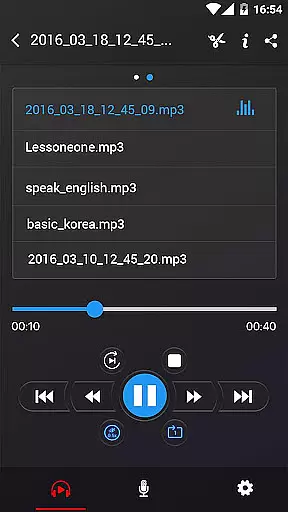
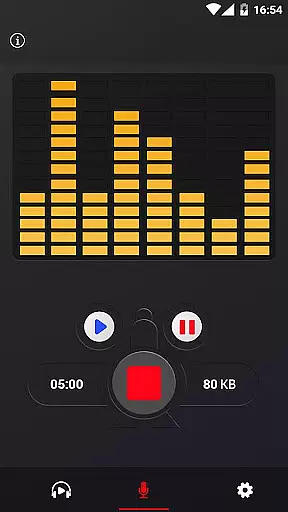
Voice Recorder stands out with its robust feature set tailored for both casual and professional users. The app records in high-quality formats like MP3 and OGG, ensuring your audio files maintain excellent sound fidelity. It includes essential playback controls such as play, pause, and stop, allowing you to manage recordings effortlessly.
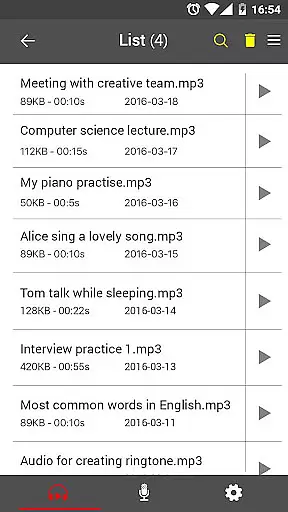
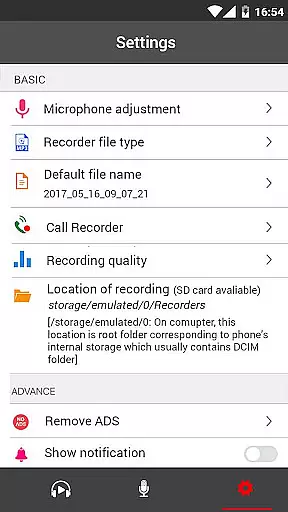
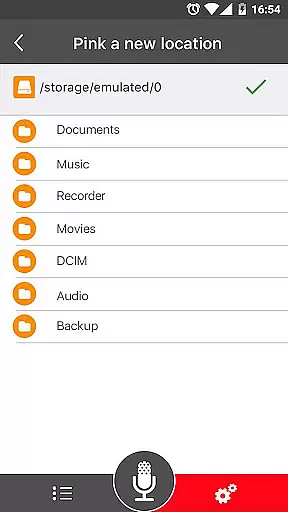
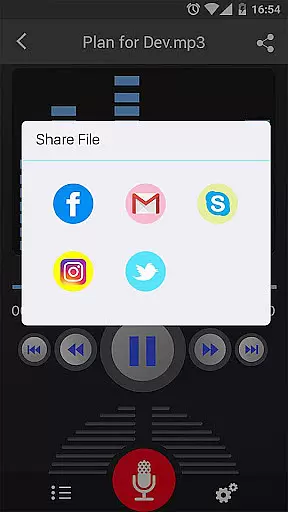
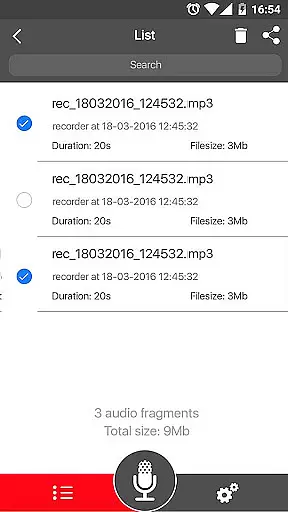
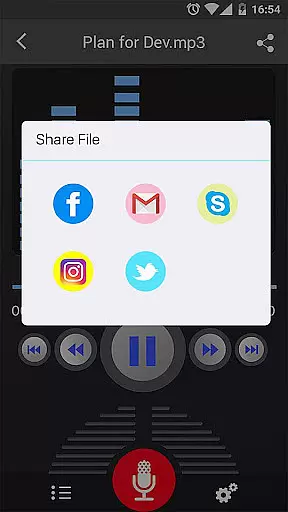
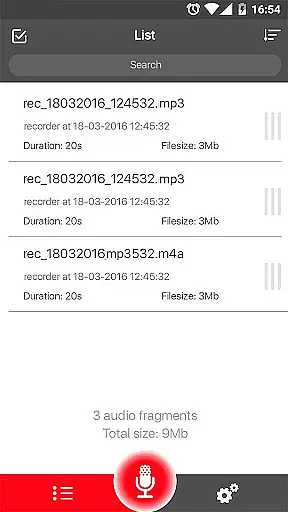
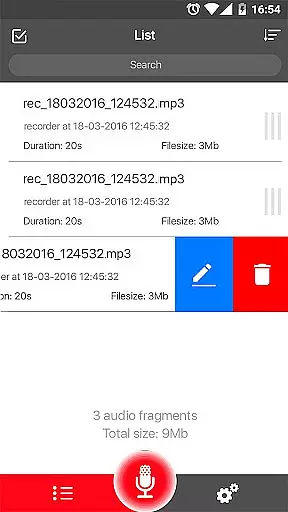
Advanced capabilities include a microphone gain calibration tool, background recording functionality, and an easy-to-use recordings list. You can also share your recordings via email, SMS, social media platforms, or cloud services like Dropbox. While it doesn't support call recording, its comprehensive toolset for managing and sharing audio files makes it an indispensable utility for capturing important moments in crisp, clear audio.
When it comes to recording and managing audio files, the size and authenticity of the music library are crucial. Voice Recorder offers a comprehensive set of features that ensure users can record high-quality audio without worrying about copyright issues. The app supports multiple formats such as MP3 and OGG, which are widely recognized and legally safe for personal and professional use.
The application allows you to record unlimited audio, making it an extensive personal music and audio library. Whether you're recording meetings, lectures, or songs, the app provides high-quality recording capabilities with adjustable sample rates ranging from 8-44 kHz. This ensures that your recordings are clear and of high fidelity, suitable for various purposes including personal notes, business meetings, and creative projects.
Moreover, Voice Recorder includes functionalities like live audio spectrum analysis and microphone gain calibration, which enhance the quality of your recordings. These features not only make your audio library more professional but also ensure that all recordings are authentic and free from copyright infringements. With these tools, users can create a vast and varied audio collection that meets legal standards and personal requirements.
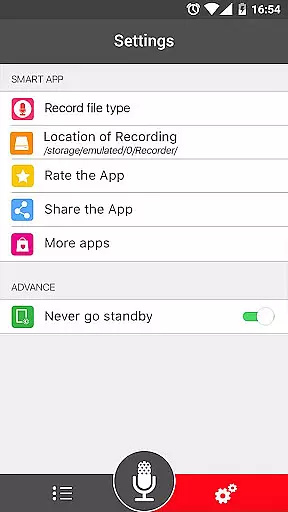
Audio quality is paramount when selecting a voice recorder application, and Voice Recorder excels in providing diverse options to ensure top-notch audio recordings. The app supports high-quality recording with adjustable sample rates between 8-44 kHz, allowing users to customize their audio output according to their specific needs. Whether capturing a detailed lecture or a simple memo, users can select the appropriate settings to achieve the desired clarity and fidelity.
Voice Recorder also includes advanced features such as MP3 encoding and live audio spectrum analysis, which contribute to superior audio quality. These functions help in producing recordings that are not only clear but also optimized for various playback devices. Additionally, the ability to record in the background, even when the display is off, ensures uninterrupted and high-quality audio capture, regardless of other device activities.
Furthermore, the app offers practical tools like microphone gain calibration and pause/resume controls during the recording process. These features allow users to fine-tune their recordings and manage them efficiently, ensuring consistent quality across all audio files. By providing these robust audio quality options, Voice Recorder stands out as an excellent choice for anyone seeking reliable and high-fidelity audio recording capabilities.
User-friendly interface
High-quality recordings
Background recording
Multiple sharing options
No time limits
No call recording
Limited format options
Basic UI design
Occasional bugs
Ads present

The Cubase remote control app
 3.60
3.60
Walkout Song DJ is the most intuitive app to manage your sports music.
4.70
Ultimate Sonos Controller
4.70
Super Sound Editor, Song Maker & Mixer, Vocal Remover, Voice Recorder & Changer!
4.60
Make songs with AI! Any genre, custom lyric, song generator for music creation!
4.80
Smart piano keyboard, Classical to Pop, Real-time multiplayer connection!
4.20
Versatile MP3 recorder with auto-backup to Dropbox and Google Drive
4.10
Full featured mp3 and audio player with Chromecast and Android Auto support.
4.40
Listen to offline music and sounds from all categories
4.70
Play your hearts out on TouchTunes jukeboxes & connect with fellow music lovers.
4.80
Performance-Synthesizer & Multi-Track-Sequencer, polyphonic + multi timbral!
4.70
Simple & Intuitive Metronome
4.70
Unleash your creativity! Turn simple prompts into full fledged songs.
4.70
Formerly known as Spotistats! View your top tracks, artists, albums and more!
4.40
DJ Music Mixer Pro is a real DJ controllers and DJ Music Studio to remix DJ.
4.40
Time Guru will strengthen your internal sense of musical time via random muting.
4.30
Powerful 10-Band equalizer pro with sound booster improves Android audio quality
4.30
Next generation modular control surface
4.10
Sing, record, and create music together — enhanced by smart voice tools.
4.00


User Reviews