
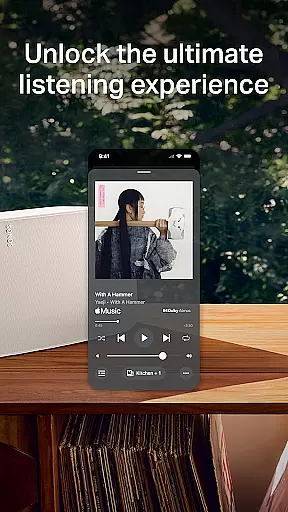
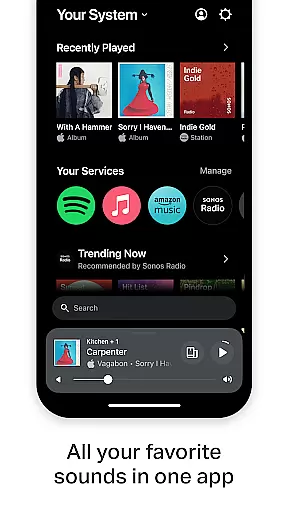
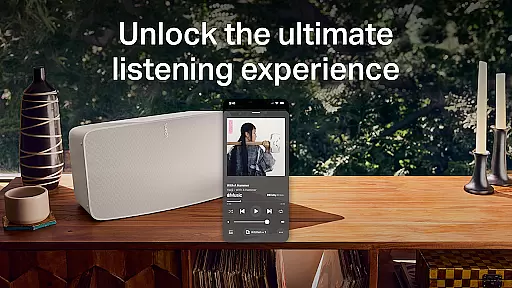
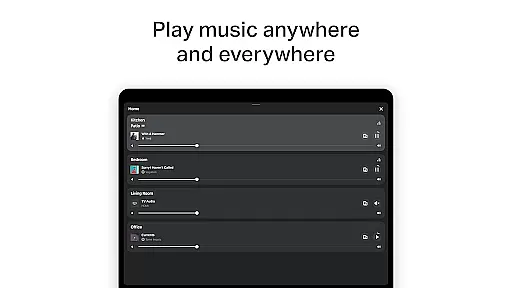
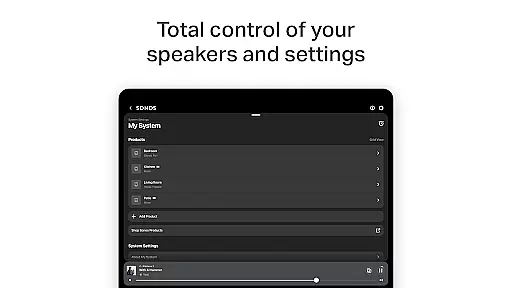
The Sonos app is a comprehensive control center for all your Sonos products, allowing you to manage settings and content effortlessly. It provides seamless access to your favorite music services like Spotify, Apple Music, and more, while enabling whole-home audio control.
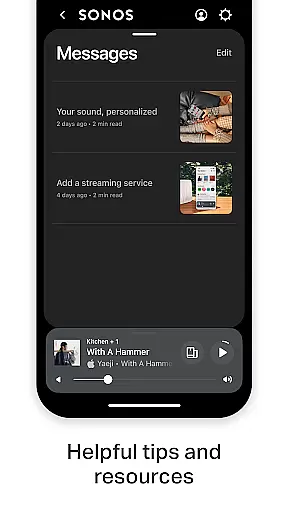
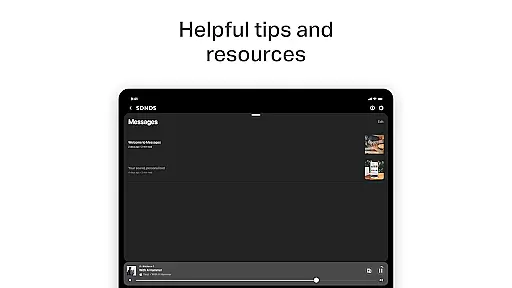
With features such as Trueplay tuning and Sonos Favorites, the app ensures a personalized listening experience tailored to your preferences. Its intuitive interface makes it easy to set up new devices, create surround sound systems, and explore helpful tips in the Message Center.
Whether you're streaming music in one room or different tracks across multiple rooms, the Sonos app delivers an unparalleled audio experience that adapts to your lifestyle.
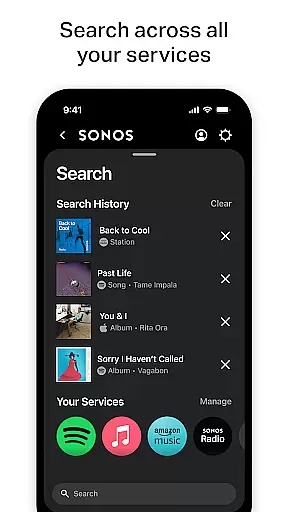
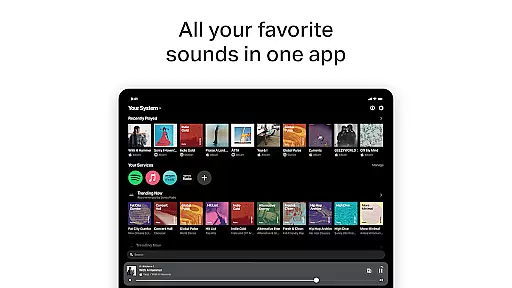
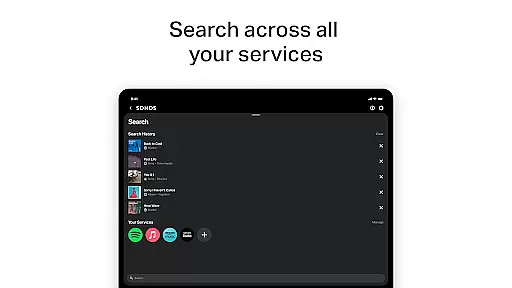
The Sonos app offers a streamlined streaming experience by consolidating all your music services into one platform. With support for major providers like Spotify, Apple Music, and Amazon Music, users can browse, search, and play content without switching apps.
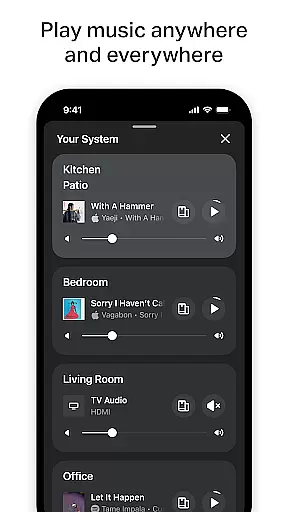
Advanced features include Whole-Home Control, which lets you play different music in each room or synchronize audio throughout the house. The app also supports Sonos Voice Control for hands-free operation and includes Trueplay tuning to optimize speaker performance based on your space.
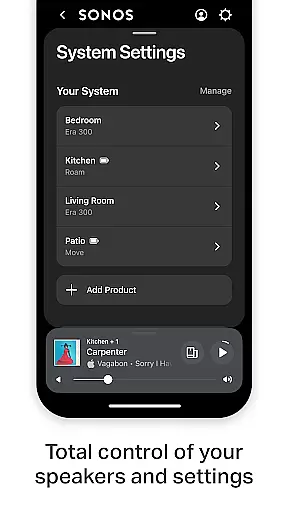
Additionally, the app simplifies product setup with automatic device detection and guided instructions for creating stereo pairs or surround sound setups, ensuring you get the most out of your Sonos system.
The Sonos app offers an extensive music library, integrating multiple streaming services such as Spotify, Apple Music, Amazon Music, and more. This vast content aggregation ensures users have access to millions of songs, albums, and playlists from around the world.
Regarding copyright authenticity, Sonos partners only with licensed music providers, ensuring that all content streamed through the app is fully authorized. This commitment to legal compliance provides peace of mind for users who want to enjoy their music without concerns about copyright infringement.
Furthermore, the app allows users to save their favorite artists, albums, and playlists to Sonos Favorites, creating a personalized music library that respects copyright laws while offering quick access to preferred content.
Sonos is renowned for its superior audio quality, and the app maximizes this potential by offering various audio quality settings tailored to different network conditions and user preferences. Whether you're on a high-speed internet connection or limited bandwidth, the app adjusts streaming quality accordingly.
Users can fine-tune their listening experience using Trueplayu2122 technology, which optimizes sound output based on the room's acoustics. This feature ensures that regardless of speaker placement, listeners receive the best possible audio performance.
In addition to standard audio formats, Sonos supports high-definition audio streams where available, providing audiophiles with the option to enjoy studio-quality sound. These advanced audio settings cater to both casual listeners and discerning music enthusiasts, enhancing overall satisfaction with the Sonos ecosystem.
User-friendly interface
Wide music service support
Whole-home audio flexibility
Personalized listening options
Easy device setup
Voice control limited by region
Requires compatible hardware
Some features need premium subscription
Occasional connectivity issues
Learning curve for new users

Time Guru will strengthen your internal sense of musical time via random muting.
 4.30
4.30
Formerly known as Spotistats! View your top tracks, artists, albums and more!
4.40
Control your MIDI USB or Bluetooth devices in app and avoid some trampling
3.30
Walkout Song DJ is the most intuitive app to manage your sports music.
4.70
A High-Precision Audio Spectrum Analysis App
4.20
Network/Cloud Streaming, Visualization, Graphic Equalizer and Sound Effects.
4.20
A sleek, no-frills player designed for true music lovers.
4.20
Get alarms that fit your lifestyle and wake up to the sounds you love.
4.80
Play your music offline without limits
4.80
Voice recorder - Audio recorder. Best recorder for recording
4.90
Tune in to the greatest hits on UK Radio | The home of Capital, Smooth & Heart.
4.90
More downloads than any other metronome. Includes drum machine & tempo trainer.
4.80
Unleash your creativity! Turn simple prompts into full fledged songs.
4.70
Super Sound Editor, Song Maker & Mixer, Vocal Remover, Voice Recorder & Changer!
4.60
Play KORG’s revolutionary touch-based instrument on a variety of devices.
4.40
Time Trainer: accurate metronome w tools to help you develop your internal time!
4.20
The original SP-1200 experience on your iPad
4.20
Offline and always ad-free - stream in the highest quality available.
4.10
Sheet music reader, piano & music note player. Play music score & learn to read.
3.90


User Reviews