
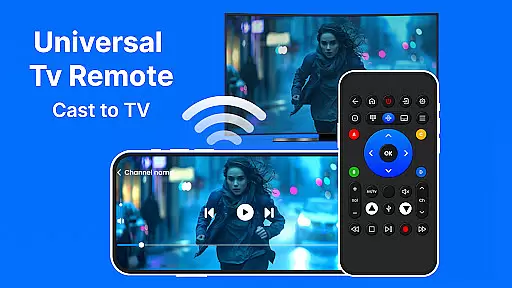
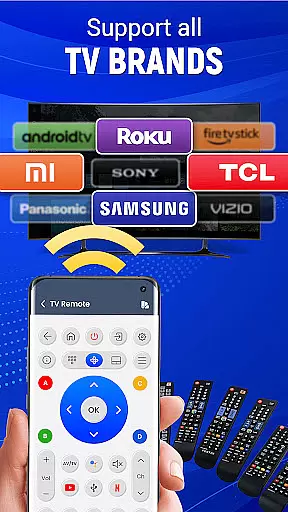
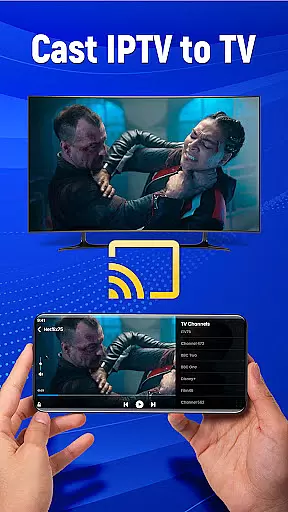
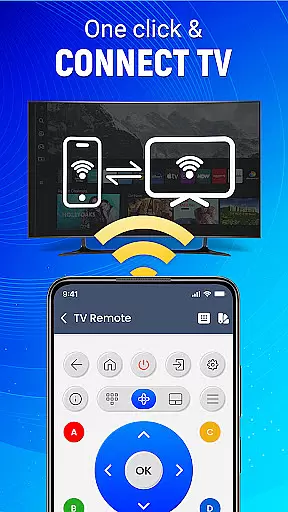
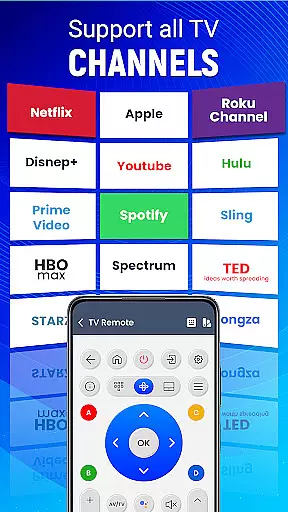
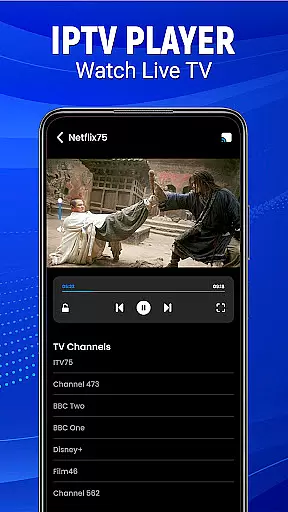
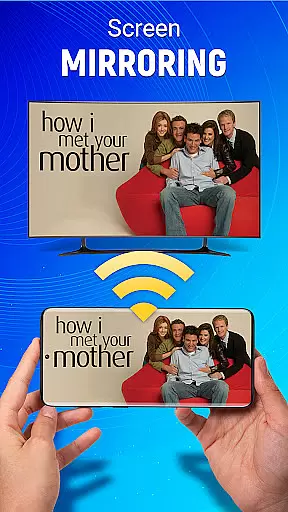
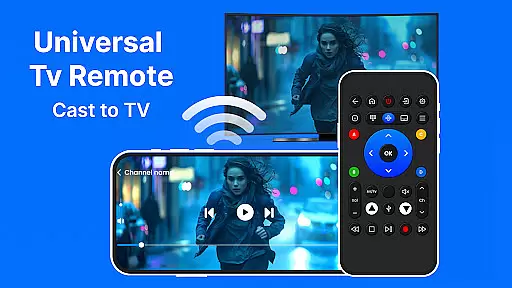
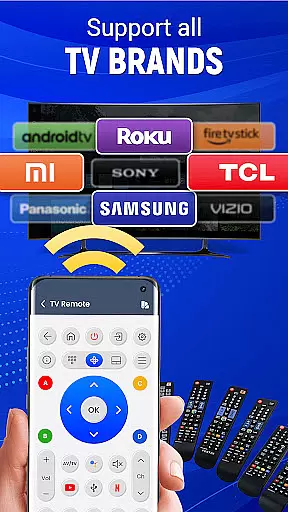
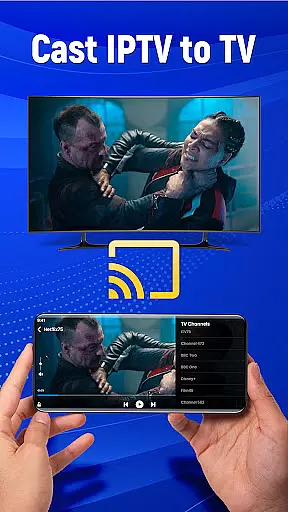
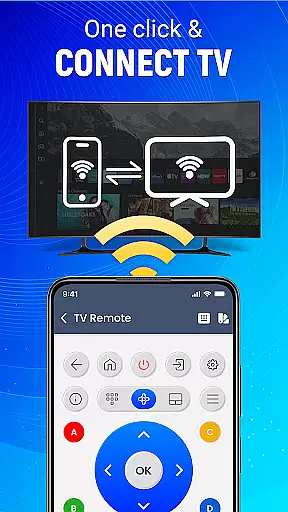
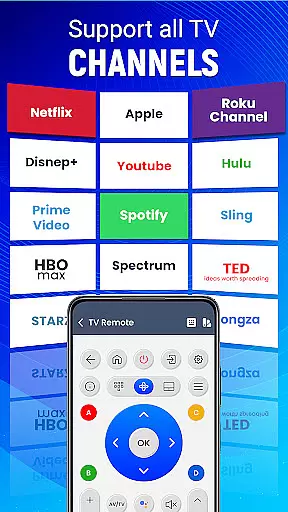
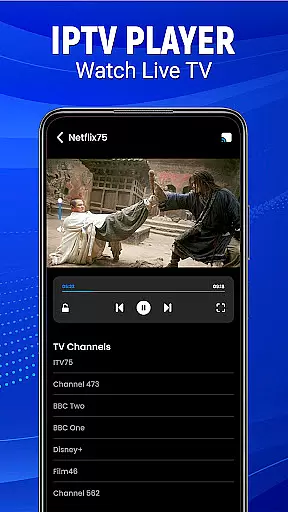
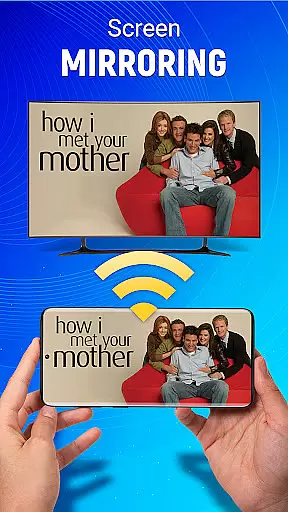
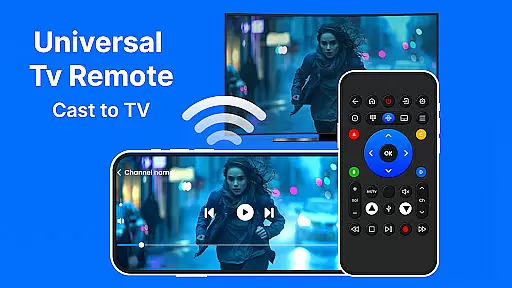
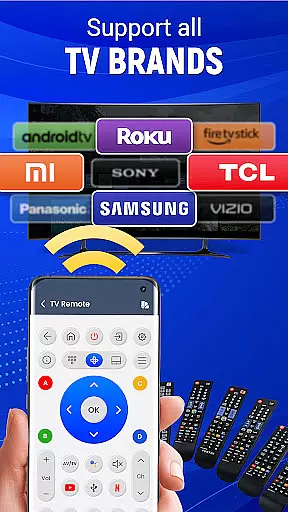
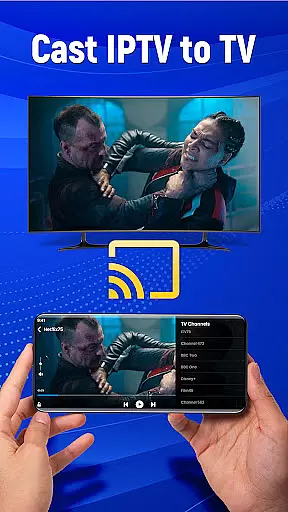
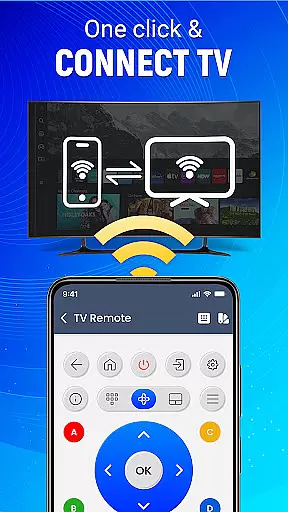
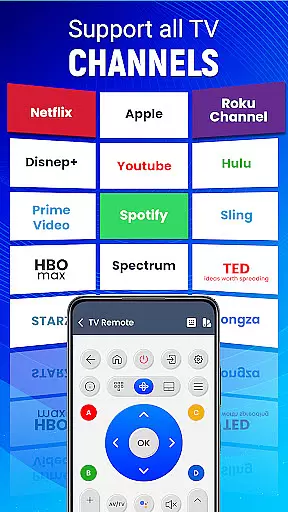
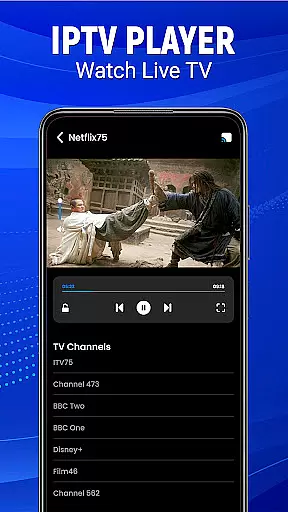
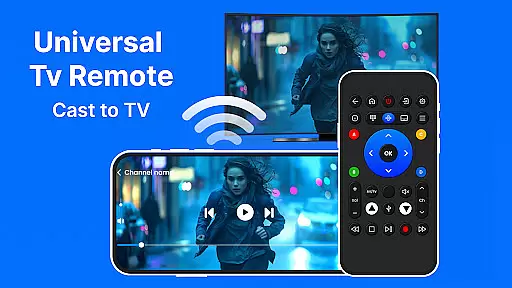
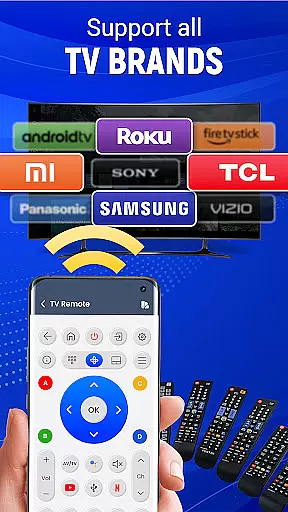
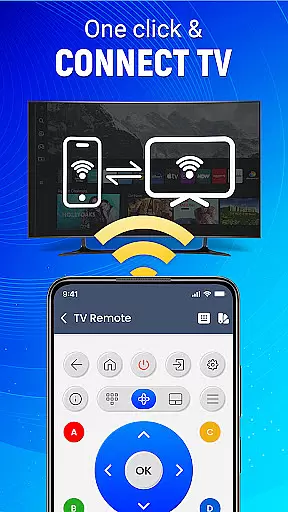
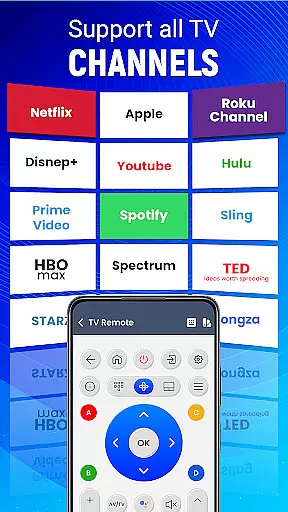
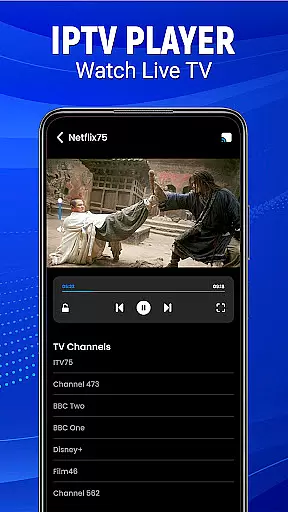
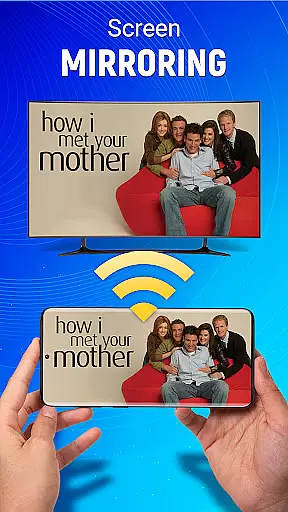
Universal TV Remote-Cast to TV is a versatile home utility application that transforms your smartphone into a universal remote control for televisions. This app supports all major TV brands and offers seamless connectivity through both infrared and Wi-Fi connections, making it compatible with a wide range of devices. With features like voice command support, gesture navigation, and screen mirroring, users can enjoy complete control over their TV experience directly from their phone.
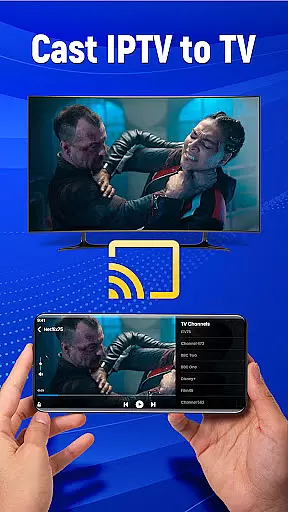
The application's standout feature is its ability to cast your mobile screen to your television effortlessly. Whether you're streaming videos, viewing photos, or giving presentations, this app ensures smooth transmission without the need for additional hardware. Additionally, the customizable remote interface allows users to tailor controls to their preferences, while smart integrations enable volume adjustments and input switching across multiple devices.
Designed specifically for Android users, Universal TV Remote-Cast to TV provides an all-in-one solution for managing your entertainment system. Its intuitive design and comprehensive functionality make it an essential tool for simplifying your digital life at home, offering convenience and enhanced user experience in every room of your house.
Universal TV Remote-Cast to TV stands out with its robust set of features designed to enhance user interaction with their televisions. One of the key highlights is its compatibility with virtually all television brands, ensuring that no matter what type of TV you own, this app will work seamlessly. The effortless setup process allows users to pair their devices quickly, often within minutes, eliminating the frustration typically associated with configuring new technology.
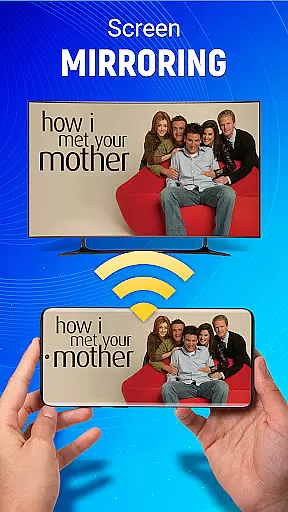
Voice command functionality adds another layer of convenience, enabling hands-free operation for basic TV functions such as changing channels or adjusting volume. The app also supports advanced features like screen mirroring, which lets you display content from your mobile device directly onto your TV screen without any wires. This is particularly useful for sharing media during social gatherings or business presentations.
Gesture navigation further enhances usability by allowing users to perform actions through simple taps and swipes on their phone screens. Customizable remote settings let you personalize button layouts and functions according to your preferences. Moreover, the dual connectivity options of Infrared and Wi-Fi ensure reliable performance regardless of your TV model's specifications. These comprehensive features collectively create a powerful yet user-friendly remote control solution that elevates your home entertainment experience.
In the context of smart home management applications like Universal TV Remote-Cast to TV, ensuring property listing authenticity is crucial for user trust and seamless device integration. This feature guarantees that each supported television brand and model is accurately represented in the app's database.
The application maintains a comprehensive and verified list of compatible devices, detailing specific models and their corresponding control protocols. Through rigorous testing and official partnerships with manufacturers, the app ensures users can reliably connect with their television models.
For users, this means they can be confident that their particular TV model will work as intended with the remote control app. The verification process eliminates compatibility concerns and ensures a smooth setup experience.
This attention to detail in maintaining authentic property listings ultimately translates to time savings and enhanced user satisfaction, as customers can focus on enjoying their entertainment without worrying about technical mismatches or connection issues.
Universal TV Remote-Cast to TV offers an array of sophisticated home management features that transform a simple mobile device into a powerful smart home control center. These features are designed to streamline various aspects of home entertainment management.
The app provides complete control over essential television functions through multiple connection methods including infrared and Wi-Fi. Users can easily manage volume, change channels, switch input sources, and even cast their mobile screen to the TV, all from their Android device.
Advanced features such as voice command functionality and gesture navigation enhance the home management experience. The ability to customize remote preferences and utilize smart screen mirroring options demonstrates the app's commitment to comprehensive home entertainment control.
These integrated home management capabilities not only simplify daily operations but also contribute to a more organized and efficient smart home environment, allowing users to focus on enjoying their content rather than struggling with multiple control interfaces.
User-friendly interface
Voice command support
Wide brand compatibility
Screen mirroring capability
Customizable controls
Limited iOS support
Requires IR blaster
Occasional connectivity issues
Premium features locked
Ads in free version

Design house plans in 2D & 3D, style furniture, and preview renovation layouts
 3.70
3.70
Download today to join the community to help bring lost pets home faster.
4.70
Smart AI plant care schedules, Real plant experts, support & Thriving community!
4.20
The only mappable smart lights for custom decoration.
4.50
Book your local plumber 24/7, track your service order & get exclusive coupons
4.00
Security App with HD Video, 2-way Audio, and event detection for Home monitoring
4.40
Fire & Power Safety
4.50
Connect with reliable pros for maintenance services, plumbing, and home design!
4.80
Find homes for sale and apartments for rent in the best neighborhood.
4.70
Houses for Sale & Homes for Rent: Buy Homes, Rent Apartments & Sell Real Estate
4.80
Looking for the perfect apartment finder app? Find beautiful rental homes here!
4.60
AI-powered home design, interior design, home decor, and room design solutions
4.50
Control the scent and ambiance of your home and car, right from your phone.
4.50
The Merkury Smart app makes it easy to control your smart devices.
4.50
Apartment finder for apartments for rent. Compare prices, amenities & rentals.
4.50
Control your thermostat, comfort, and home monitoring from your phone
4.30
Design your dream home with 3D planning app, Visualize your dream home in 3D.
4.20
PRO Version of GLB AR Viewer
4.3
Calculate baluster spacing with ease and precision.
4.0


User Reviews