
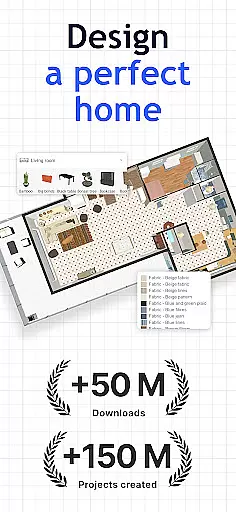
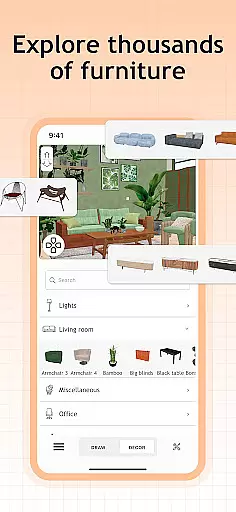
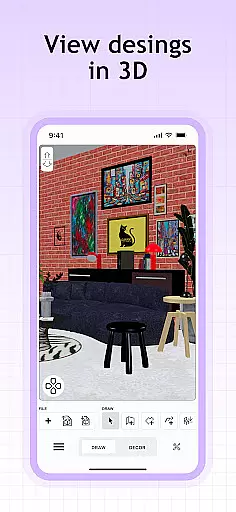
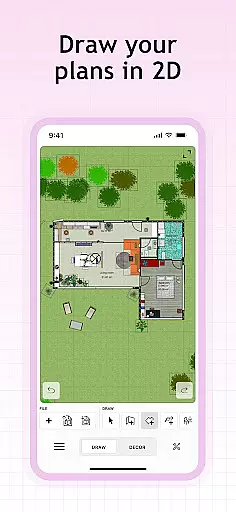
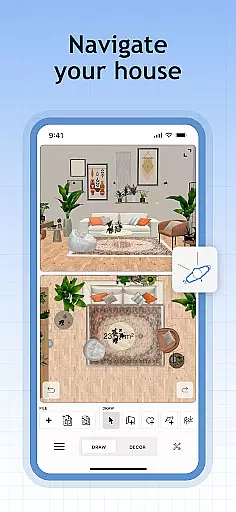
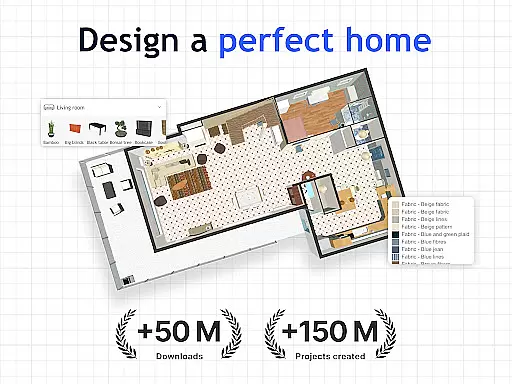
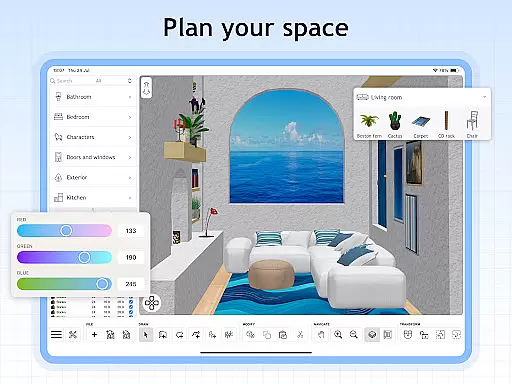
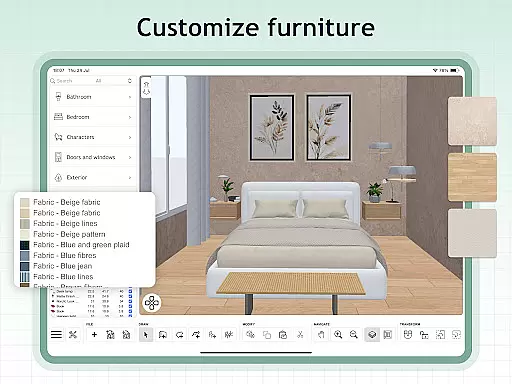
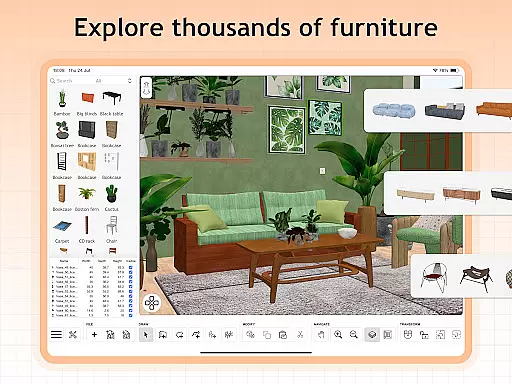
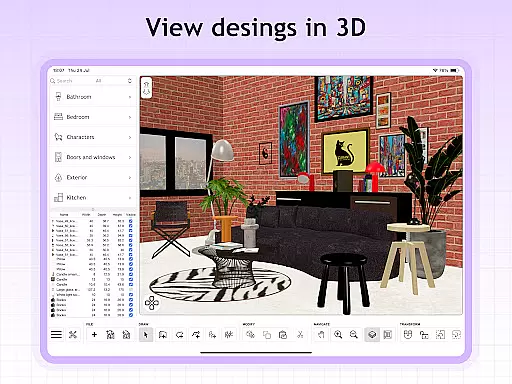
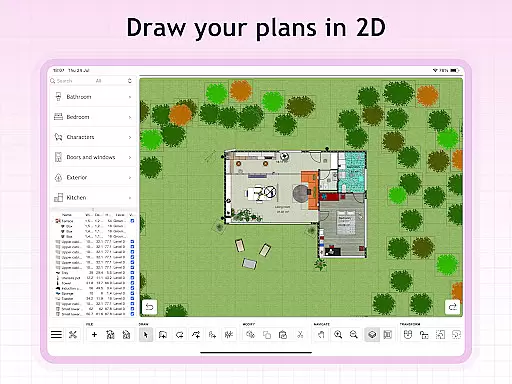
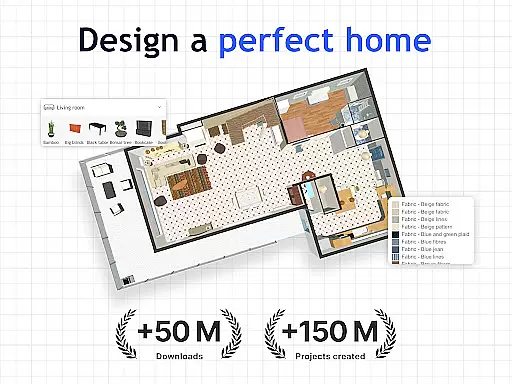
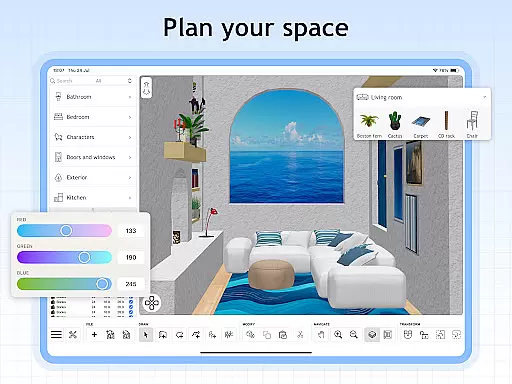
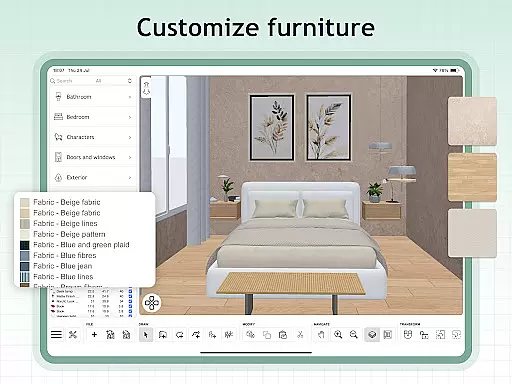
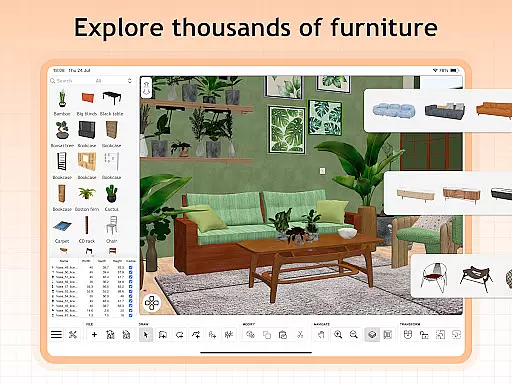
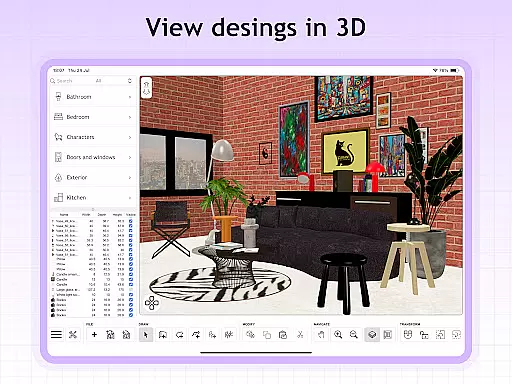
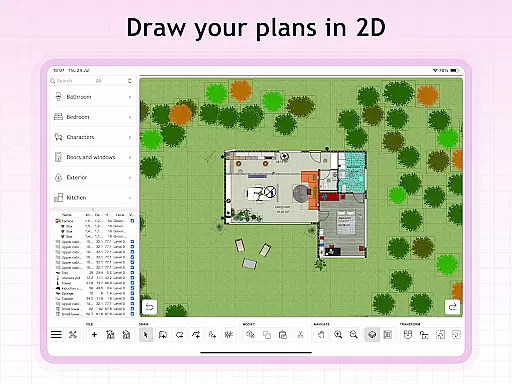
Sweet Home 3D is a premier house and apartment design planner that empowers users to craft their dream spaces with precision. The app offers an extensive library of over 800 furniture pieces, lighting options, and decor items, allowing for detailed customization in both 2D and 3D environments.
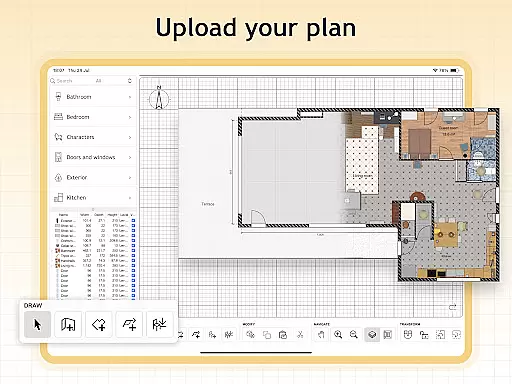
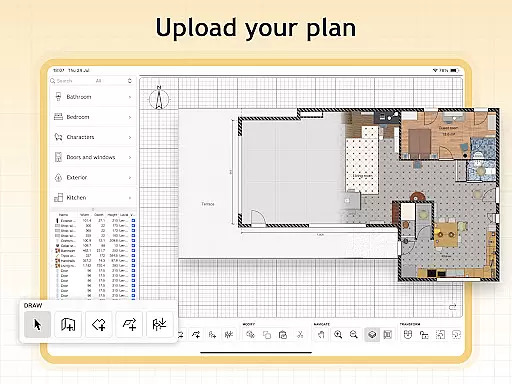
With Sweet Home 3D, users can easily navigate the design process through a user-friendly interface that supports drag-and-drop functionality. This feature ensures that even those new to design can create professional-quality layouts. Additionally, the ability to import custom 3D models adds a layer of uniqueness to each project, catering to individual styles and preferences.
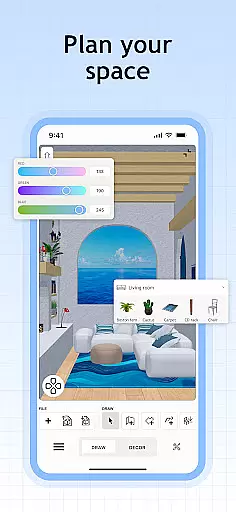
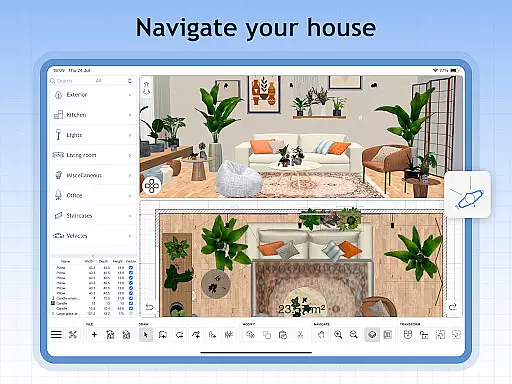
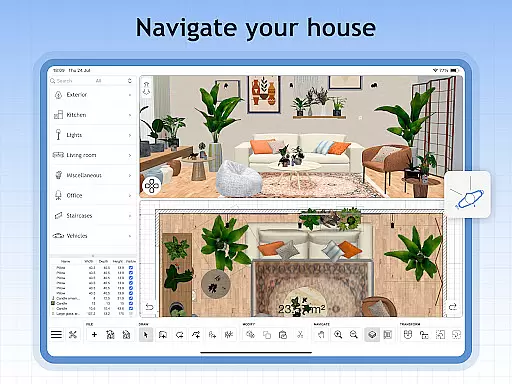
The app's real-time visualization capabilities provide an unparalleled planning experience by enabling simultaneous 2D and 3D views. This dual perspective allows users to explore their designs from different angles, ensuring that the final layout meets their expectations before any physical changes are made.
Sweet Home 3D stands out with its comprehensive set of features designed to enhance the home design process. One of the key highlights is the easy-to-use 2D floor plan creation tool, which instantly translates into 3D visualizations. This seamless transition between views helps users better understand spatial relationships and make informed decisions about their designs.
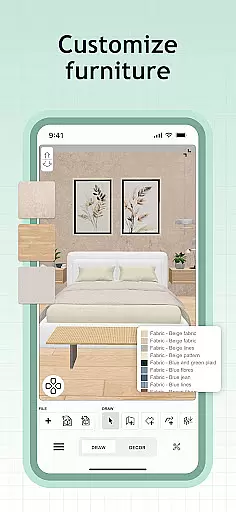
In addition to the vast library of furniture and decor items, Sweet Home 3D allows users to customize dimensions and colors, providing limitless possibilities for personalization. The app also supports unlimited projects, making it suitable for both personal and professional use. Users can import additional 3D models and textures, further expanding the range of design options available.
Another significant advantage is the access to a supportive online community where users can share tips, seek inspiration, and receive feedback on their designs. This collaborative environment fosters creativity and learning, enhancing the overall user experience. Furthermore, multi-language support ensures that Sweet Home 3D is accessible to a global audience, breaking down language barriers in the design process.
When designing a home in Sweet Home 3D, the authenticity of property listings is paramount. The app provides users with an extensive library of over 800 furniture pieces and decor items, each accurately represented with detailed textures and dimensions. This ensures that every item placed in your virtual space closely mirrors its real-world counterpart.
The precision in representing these elements allows users to create designs that are not only aesthetically pleasing but also practically feasible. With Sweet Home 3D's commitment to accuracy, you can plan spaces with confidence, knowing that the digital representation will align with physical reality.
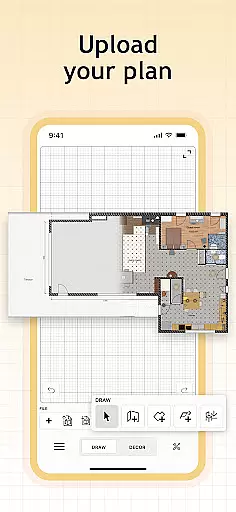
Furthermore, the ability to import custom 3D models adds another layer of authenticity to your projects. Whether it's a unique piece of furniture or specific architectural detail, users have the freedom to incorporate personal touches that reflect their individual styles while maintaining true-to-life standards.
Sweet Home 3D offers robust home management features that cater to both novice designers and professionals alike. Its intuitive drag-and-drop interface simplifies the process of placing furniture and adjusting room layouts, making it accessible for users at any skill level. This ease-of-use empowers individuals to take control of their interior design projects without needing specialized training.
In addition to its user-friendly tools, Sweet Home 3D supports simultaneous 2D and 3D visualization, allowing users to explore their designs from multiple perspectives. This dual-view feature enhances spatial understanding and helps identify potential issues before they arise in real-world applications, thus streamlining the planning process significantly.
Moreover, subscription options unlock premium functionalities such as unlimited project creation and advanced customization settings. These features ensure that whether you're redesigning a single room or planning an entire house, Sweet Home 3D equips you with everything needed for comprehensive home management right at your fingertips.
User-friendly interface
Extensive furniture library
Real-time 2D and 3D visualization
Customizable design elements
Supportive online community
Limited free trial availability
Subscription-based model
No offline functionality
Occasional performance issues
Steep learning curve for beginners

Unlock AI-based barcode scanning and support the development of Grocy Android
 4.4
4.4
Home Ideas | Renovation Advice | Local Pros. Go From Dream to Home with Houzz.
4.70
Wobble Fix Tool
4.40
Our app allows Sunrun customers to monitor systems, pay bills, and get support.
3.80
IP camera view and playback, for your WiFi cam or home security cctv system.
3.70
Find contractors for all home renovation projects. Remodeling, repair, and more.
4.20
Control your thermostat, comfort, and home monitoring from your phone
4.30
A Smarter Home in Seconds
4.70
Connect with reliable pros for maintenance services, plumbing, and home design!
4.80
B-hyve Pro App for landscape irrigation professionals
4.70
Innovative and budget-friendly housing options
4.60
Your guide to apartments & rental homes. Find your next place to rent with AG.
4.60
Looking for the perfect apartment finder app? Find beautiful rental homes here!
4.60
Make your phone a surveillance camera remote with a home camera app for Android!
4.40
Samsung remote app helps control all Samsung Smartthings TVs. Fast and Stable!
4.10
Schlage Lock Company LLC
4.00
Technology powering many in-home services for residents across the United States
3.80
Find the perfect paint color with advanced tools to explore and visualize color.
3.80
Calculate baluster spacing with ease and precision.
4.4


User Reviews