
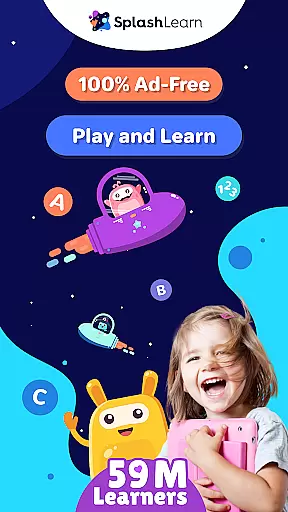
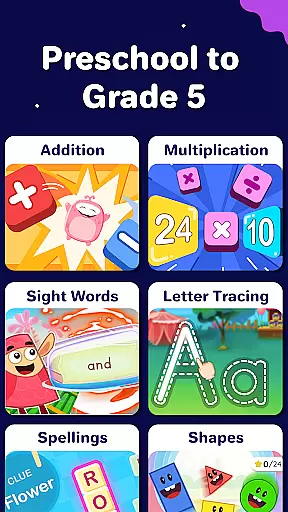
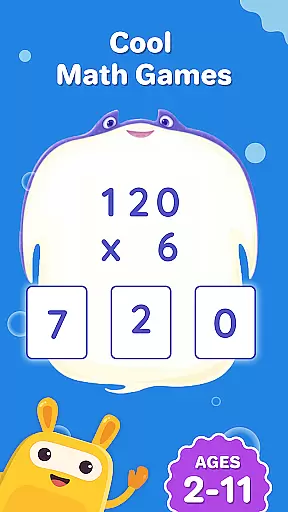
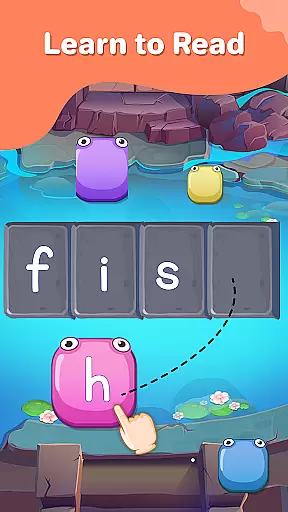
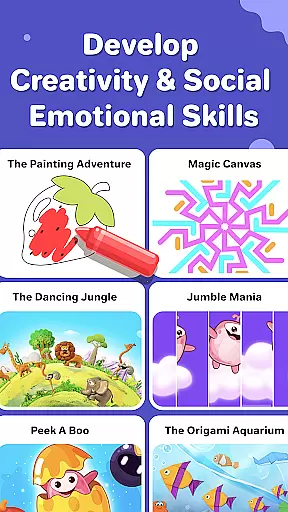
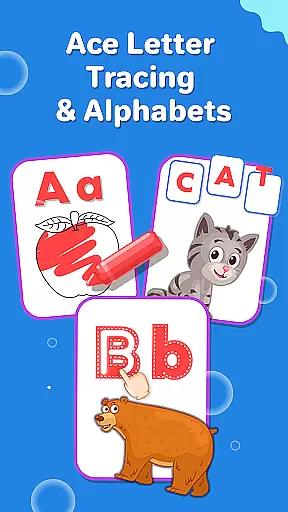
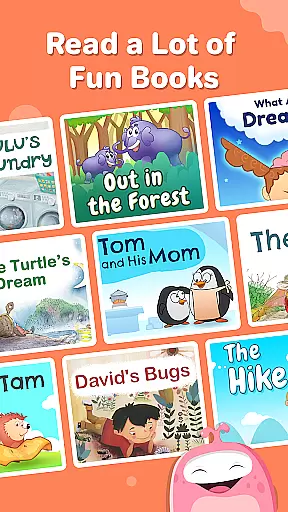
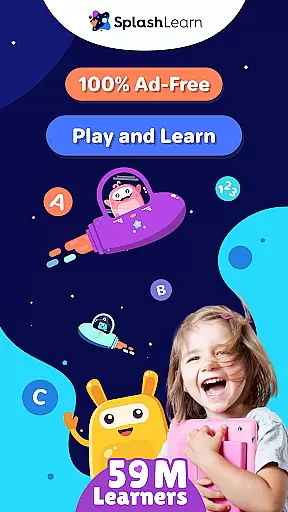
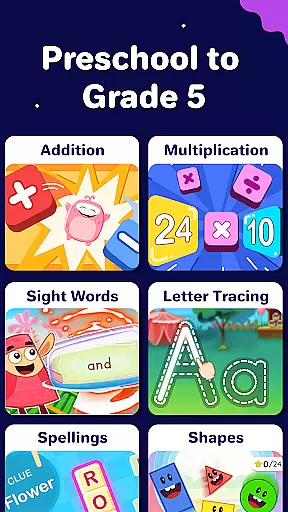
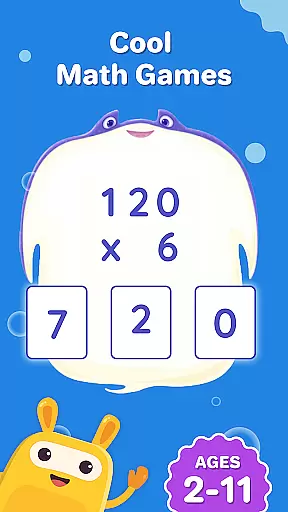
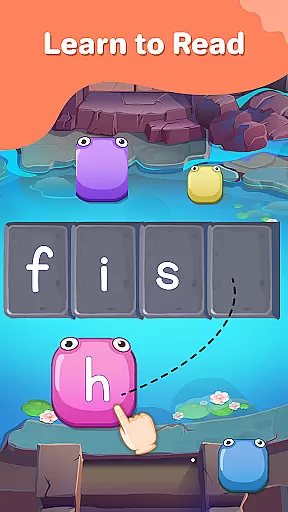
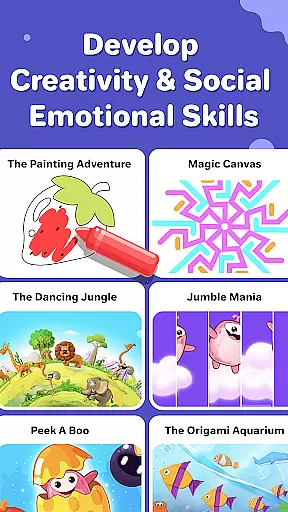
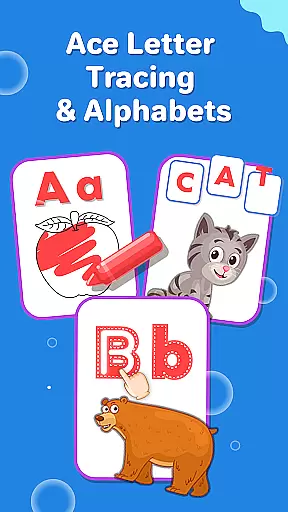
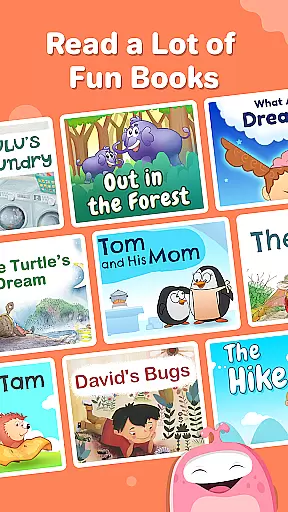
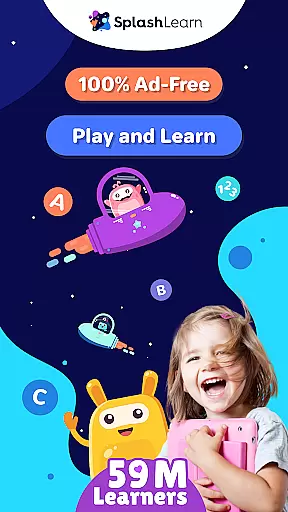
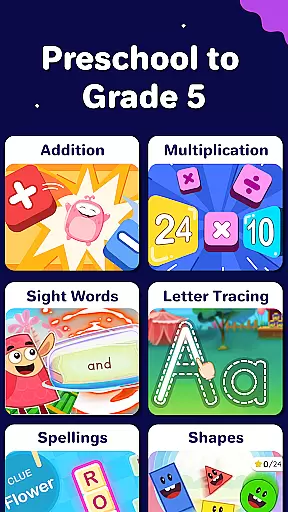
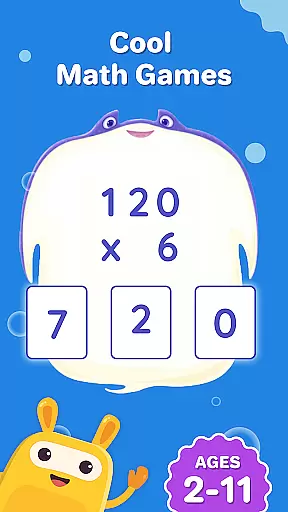
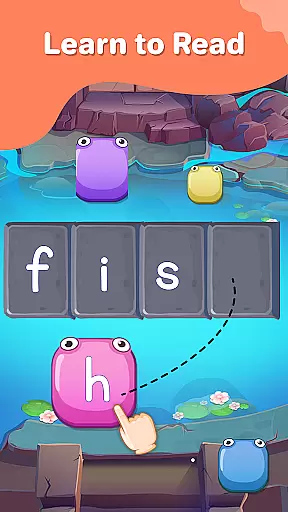
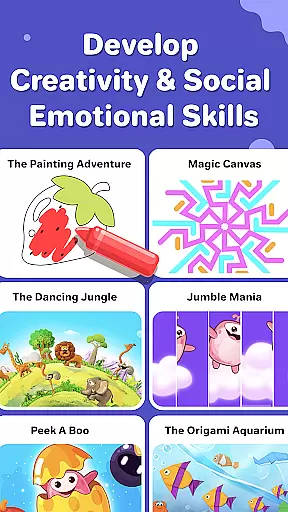
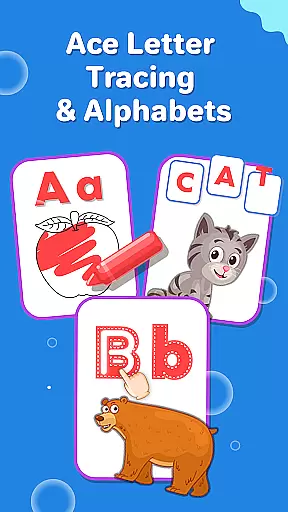
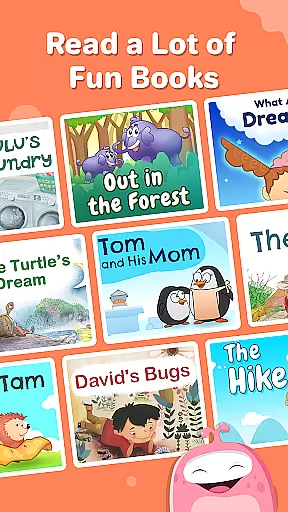
SplashLearn is an award-winning educational app designed for children aged 2-11, offering a comprehensive learning experience across math, reading, and creativity. The app provides personalized learning paths tailored to each child's grade level, from PreK to Grade 5.
With engaging activities such as math counting games, phonics songs, and interactive storytelling, SplashLearn transforms screen time into productive learning sessions. Its adaptive technology ensures that every child progresses at their own pace while mastering essential skills in mathematics and literacy.
The app also fosters creativity through coloring games and themed activities like pizza and dinosaur games. Parents and teachers trust SplashLearn for its safe, ad-free environment and robust progress tracking features, making it an ideal tool for both home and classroom use.
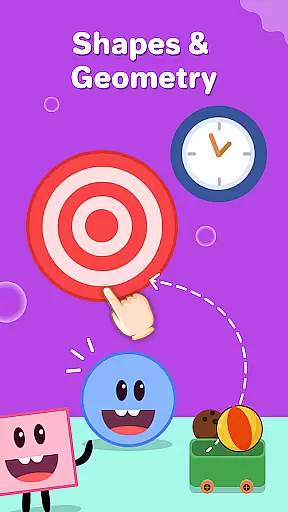
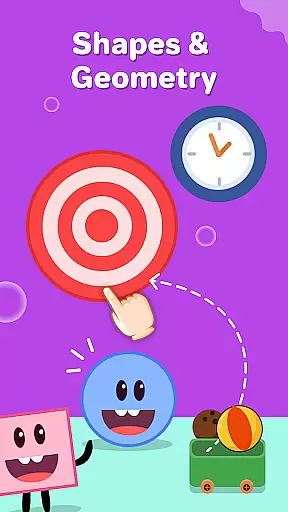
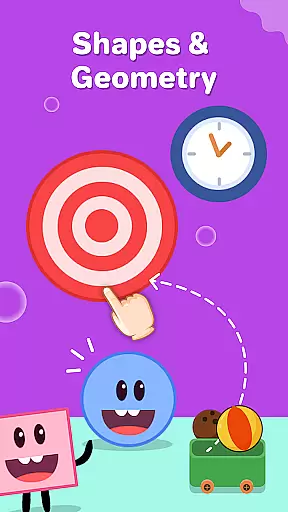
SplashLearn stands out with its diverse range of features designed to make learning enjoyable and effective. The app includes common core-aligned lessons that cover math operations, geometry puzzles, and reading fluency exercises, ensuring a well-rounded education.
One of the key highlights is its personalized approach. Each child receives a tailored learning experience based on their grade level and skill set. Progress tracking allows parents and educators to monitor achievements and areas needing improvement, while built-in rewards keep kids motivated throughout their learning journey.
In addition to academic subjects, SplashLearn promotes creativity with fun activities like coloring apps and cooking games. These elements not only entertain but also enhance critical thinking and coordination skills, providing a holistic development platform for young learners.
In the realm of educational applications, content accuracy and authority stand as pillars for effective learning. SplashLearn, trusted by over 59 million parents and teachers, ensures that its curriculum is meticulously crafted to align with common core standards. This guarantees that every math problem, reading exercise, and creative activity presented to children from PreK to Grade 5 adheres to educational benchmarks recognized across the United States.
The application's mathematics section spans a comprehensive range, starting from toddler games that introduce numbers and counting, to advanced topics like fractions and decimals for older students. Each level is designed not only to teach but also to reinforce learning through repetition and increasing complexity, ensuring that mathematical concepts are understood thoroughly. The reading component similarly progresses from phonics and alphabet tracing to more complex tasks such as mastering high-frequency sight words and engaging with leveled readers.
Moreover, SplashLearn employs expert-backed lesson plans and activities which enrich the learning experience. By integrating personalized learning paths, the app adapts to each childu2019s unique pace and style of learning, providing tailored assistance where needed most. With certified educators contributing to content creation, users can be confident in the integrity and pedagogical value delivered by this platform.
SplashLearn revolutionizes the way children engage with educational material by offering personalized learning paths that adapt seamlessly to individual needs. As an adaptive learning tool, it recognizes where each child stands academically and tailors its approach accordingly, ensuring optimal growth and understanding at every stage of development.
For younger learners just beginning their journey into numbers and letters, the app provides playful introductions via toddler games and abc phonics exercises. These early interactions are crucial as they set the foundation upon which future knowledge will build. As children grow, so does the complexity of the challenges presented; preschoolers might tackle simple addition while third graders delve into multiplication tables or geometry puzzles.
Progress tracking features further enhance personalization by allowing both parents and educators to monitor advancements closely. Detailed reports highlight areas of strength and those requiring additional focus, enabling timely interventions when necessary. Coupled with built-in reward systems that motivate continued exploration, these mechanisms ensure sustained engagement and foster a love for learning among users aged 2-11 years old.
Personalized Learning Paths
Engaging Math Games
Safe Ad-Free Environment
Progress Tracking Tools
Creative Activities Included
Limited Advanced Math Topics
No Offline Mode Available
Subscription Fees Apply
Occasional Glitches Reported
Interface Can Be Complex

FAR/AIM, FAR for Flight Crew and FAR for Aviation Maintenance Technicians
 3.80
3.80
scanner body part for fun Prank friends realistic scan effects
3.00
Explore myths and gods across cultures with in-depth insights and stories.
5.00
Break Language Barriers with AI—Learn Language Anytime, Anywhere!
4.00
Your best partner for learning Japanese words. Based on a best-selling textbook.
2.90
A collection of favorite stories from Daniel Tiger's Neighborhood
2.00
Master note reading with StaffWars….
4.00
Astronomy Guide To Night Sky
4.30
An aviator’s preparation, study and test tool for FAA Knowledge Exams.
4.30
Perform physics experiments with your phone. (by the RWTH Aachen University)
4.70
Guitar chord finder, analyzer, smartly visualized theory, progressions, quizzes.
4.70
Discover Your Place in the Universe
4.70
Stack the States makes learning about the 50 states fun!
4.70
Monkey Preschool Lunchbox: 7 exciting educational games for your preschooler.
4.30
School Communication
4.30
Your guide to thousands of satellites and spacecraft in orbit around Earth!
3.90
Explore the City of the Sun in Augmented Reality
3.70
The official CCM Glossary app, including 700+ terms and definitions.
2.90
A 2024 digital study guide for the Expert Infantryman and Expert Soldier's Badge
4.4


User Reviews