
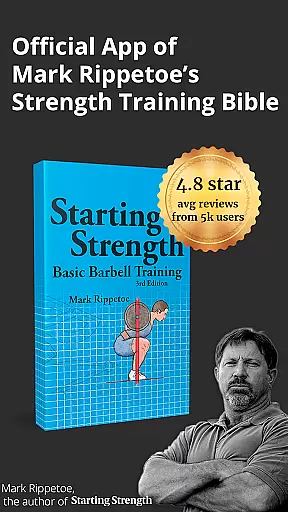
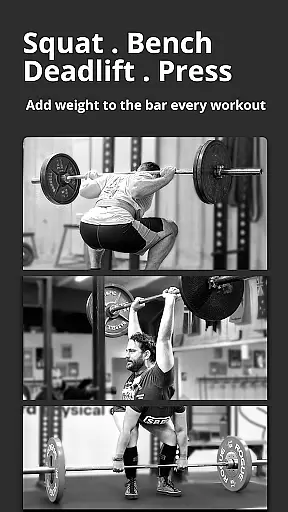
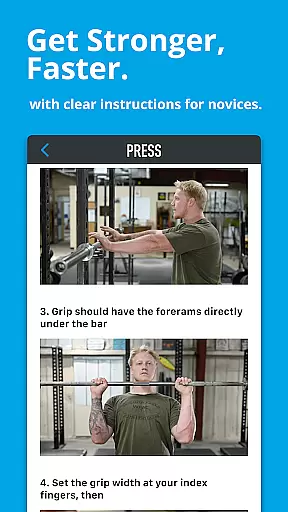
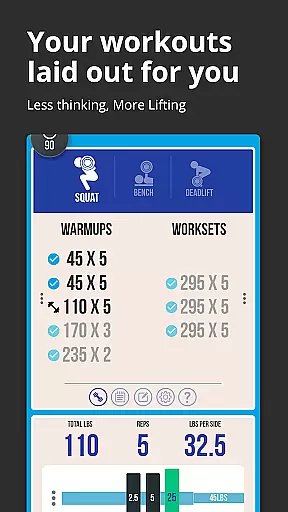

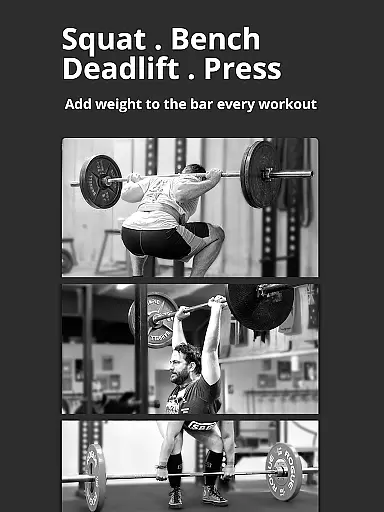
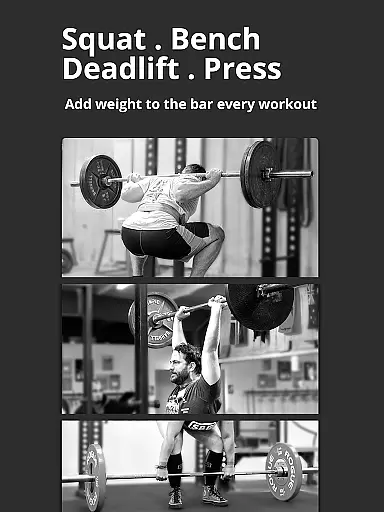
Starting Strength Official is a premier fitness application designed specifically for individuals embarking on a strength training journey. This app encapsulates the renowned Starting Strength method, which has been acclaimed as the most effective approach for beginners in strength training. With its comprehensive guidance on fundamental barbell exercises and an interactive logging system, it serves as an essential tool for anyone looking to enhance their physical strength systematically and safely.
The app provides users with easy-to-follow instructions for performing key exercises such as squats, presses, deadlifts, bench presses, and power cleans. It is crafted for practical use at the gym, offering quick access to instructional videos and photos. Additionally, the inclusion of warmup and workset calculators, along with a customizable rest timer, ensures that users can tailor their workouts to individual needs while maintaining correct form and progression.
Whether you are a novice or have some experience in weightlifting, Starting Strength Official offers a structured program that caters to long-term progress. Its cloud sync feature guarantees that your training data is securely backed up and accessible across multiple devices, making it an indispensable companion for anyone serious about their strength training regimen.
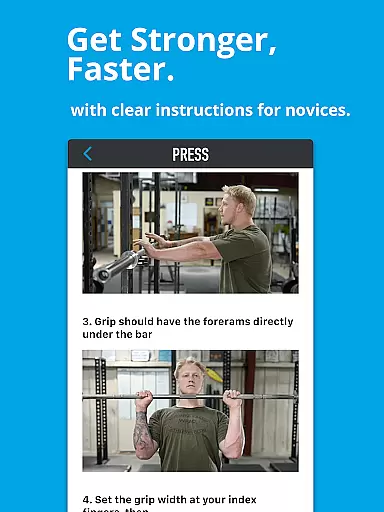
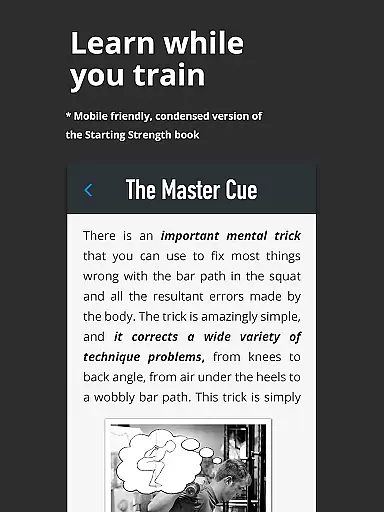
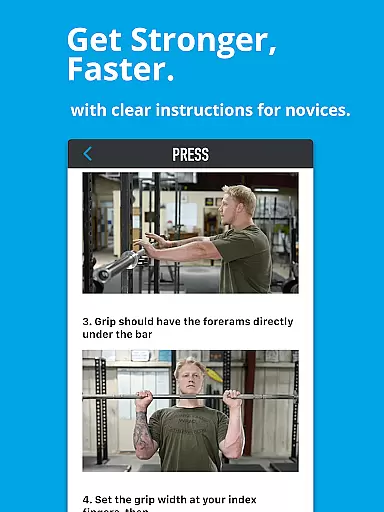
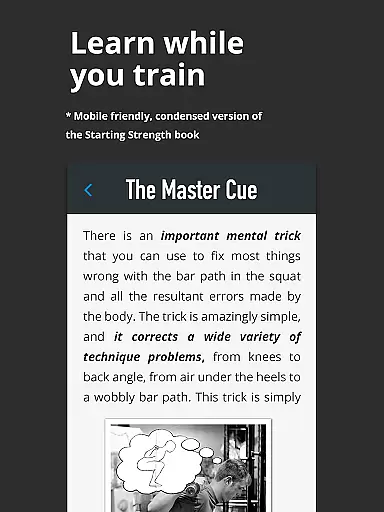
Starting Strength Official stands out with its rich array of features tailored to enhance the strength training experience. One of the core aspects is the complete, easy-to-follow instructions provided for basic barbell exercises. Users can access multiple-angle videos and photo instructions directly at the gym, ensuring proper form and technique during workouts.
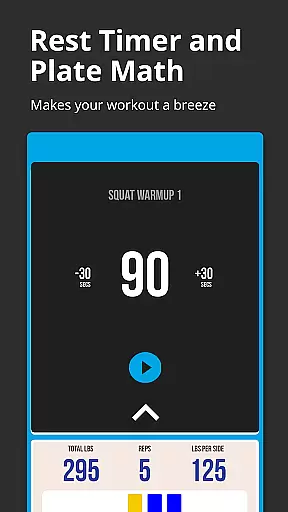
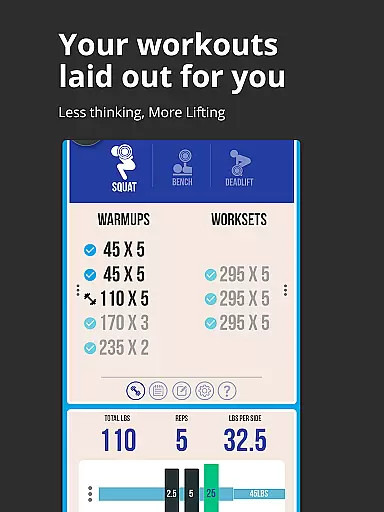
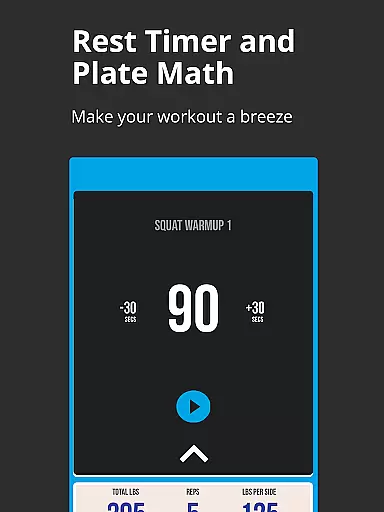
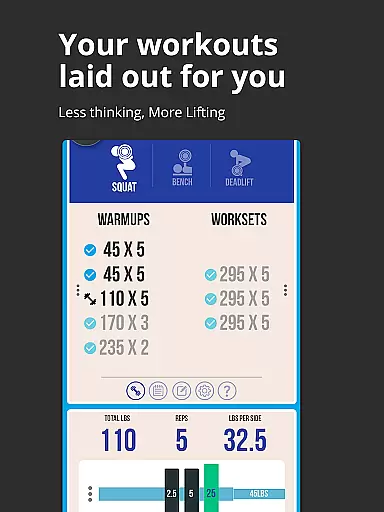
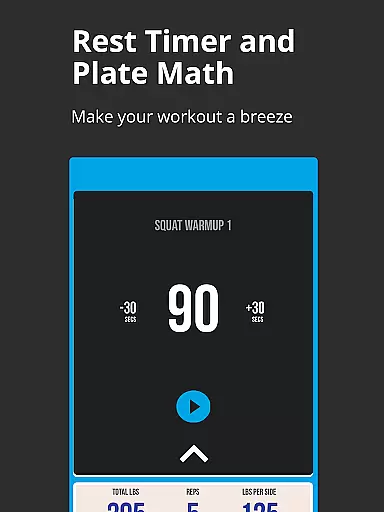
Beyond exercise guidance, the app includes interactive logging tools that meticulously track users' strength progression. The built-in warmup and workset calculator simplifies the process by indicating the exact number of plates needed for each side of the bar, streamlining the workout preparation. Moreover, the workset rest timer can be customized for each exercise, allowing users to optimize their rest periods based on personal preferences and goals.
Additional noteworthy features include the ability to customize progression for each exercise, add and save notes for every workout, and back up training logs via cloud sync. These functionalities ensure that users have a personalized and uninterrupted training experience, safeguarding their progress and promoting continuous improvement over time.
Personalized planning in strength training is essential for tailoring workouts to individual needs and goals. Starting Strength Official app excels in this area by offering customizable progression options for each exercise.
The app provides complete, easy-to-follow instructions for performing fundamental barbell exercises such as the squat, press, deadlift, bench press, and power clean. These instructions are designed for use at the gym, with quick access to multiple-angle videos and photo guides for each exercise.
Users can benefit from interactive logging tools that track their strength progression over time. The warmup and workset calculator ensures precise guidance on plate usage, while the workset rest timer can be customized for each exercise, enhancing personalization.
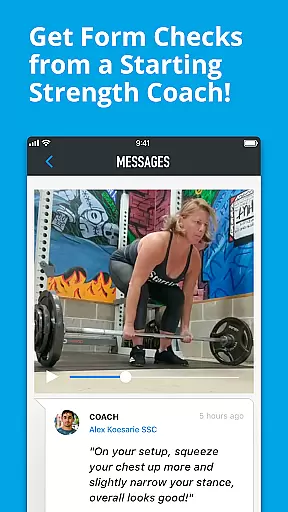
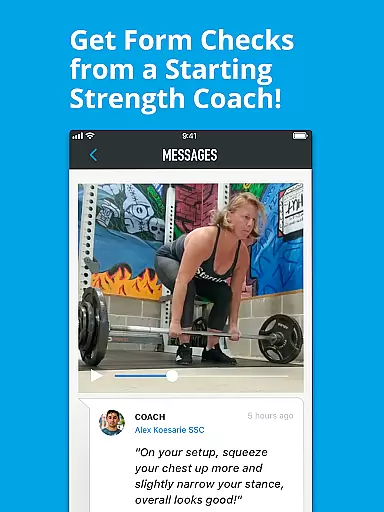
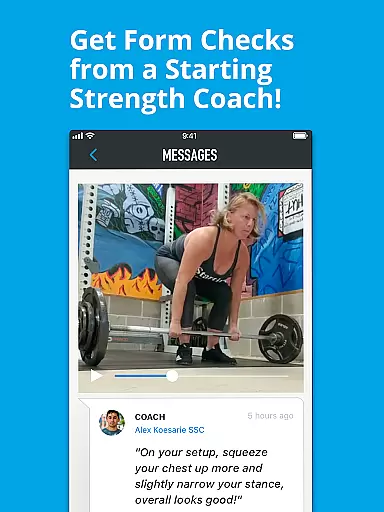
By allowing users to add and save additional notes for each workout and access previous notes easily, the app supports a truly personalized training experience. This level of customization ensures that users can adapt their routines according to their progress and feedback from Starting Strength Coaches, leading to safer and more effective workouts.
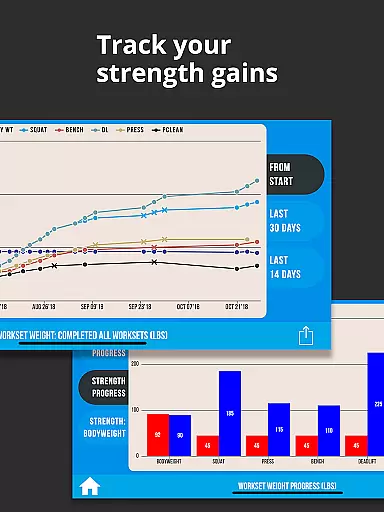
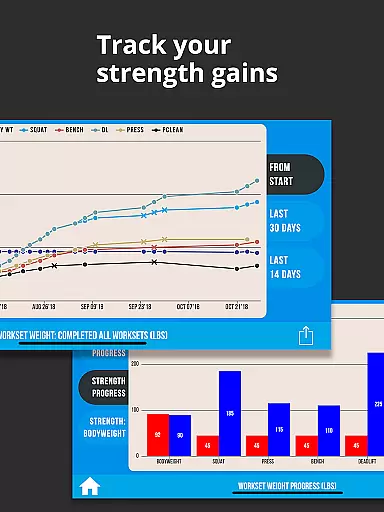
Visualizing progress in strength training helps maintain motivation and allows for data-driven adjustments to workout routines. The Starting Strength Official app offers robust features for tracking and visualizing your strength journey.
With its interactive logging tools, users can journal their strength progression seamlessly. Every workout is recorded, providing a clear picture of improvement over time and highlighting areas that may need extra attention.
The app goes further by offering a feature to download training log data as CSV files, provided cloud sync is enabled. This functionality not only secures your data through cloud backups but also allows for detailed analysis outside the app environment.
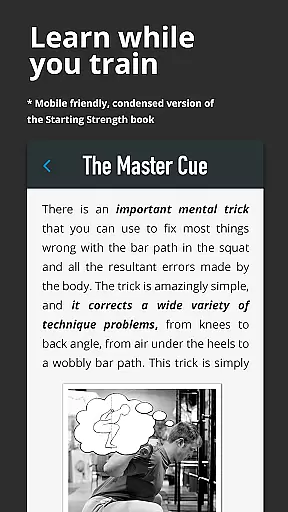
Moreover, helpful hints and tutorials within the app ensure users learn and progress safely. By combining these educational resources with clear metrics on personal records and milestones, the app empowers users to understand their growth comprehensively, making it an invaluable tool for anyone serious about their fitness journey.
User-friendly interface
Comprehensive exercise guides
Interactive logging tools
Customizable workout plans
Secure cloud sync
Limited advanced options
Premium features require subscription
Interface may feel dated
Occasional syncing issues
Heavy focus on barbell exercises

Text notifications, button control, heart monitor & more for your Amazfit.
 2.40
2.40
The app helps you address digestive symptoms based on the Fast Tract Diet.
3.50
Beauty Care, Makeup & Skin Care Scanner | Pregnancy App For A Mom | Healthy Baby
5.00
A simple way to calculate peptide doses and also to convert different units.
4.4
The Official Blood Type Diet® App - know your categorized foods anytime.
4.50
Step Counter, track steps when you walk or run
4.70
You deserve easy access to important insurance information. Download for FREE.
4.70
Pedometer that gives you sweatcoins for steps. It pays to walk!
4.10
Comprehensively record and manage your health
4.50
Home workouts for fitness & fast bodybuilding at home - no equipment needed.
4.90
The Crunch Mobile app - Find a gym, manage favorites, reserve & cancel classes.
4.60
Personal Measurements - Track your gains!
4.50
Binaural Beats - Fully Customizable Waves - Pure Sound - No Loops
4.50
The OFFICIAL Couch to 5K® running training app! A 9 week walk-run workout plan.
4.50
FODMAP, Gluten, Allergy, Vegan
4.50
This is an application that serves as a companion app for smart watch.
4.20
Create powerful subliminal audio with custom affirmations and background music.
4.00
The Sleep Miracle Sound Machine: Soothes baby to sleep with a gentle "Shhh"
3.00
Using Recognise™ has been shown to reduce pain and improve performance
4.3


User Reviews