

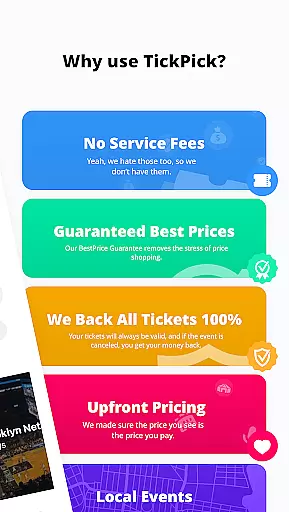
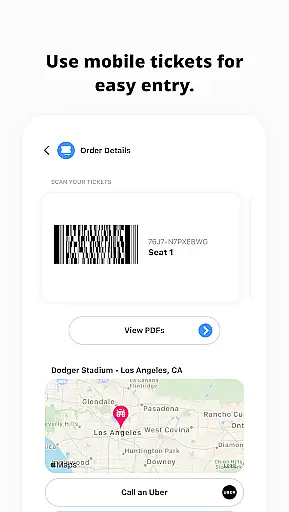
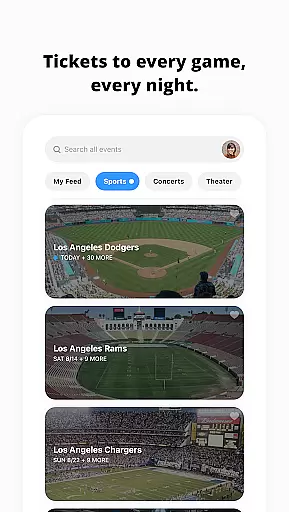
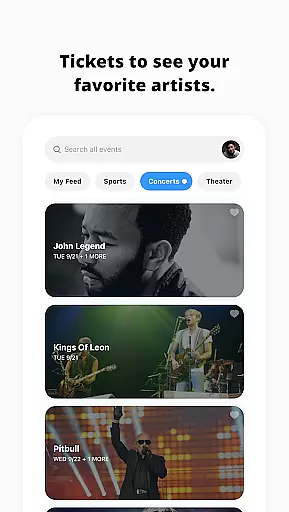

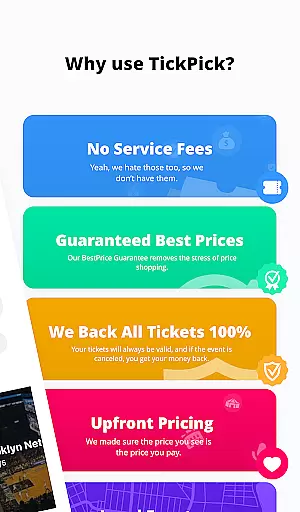
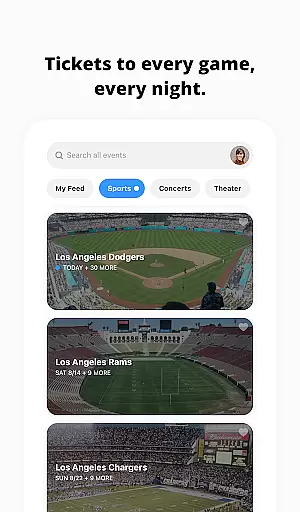
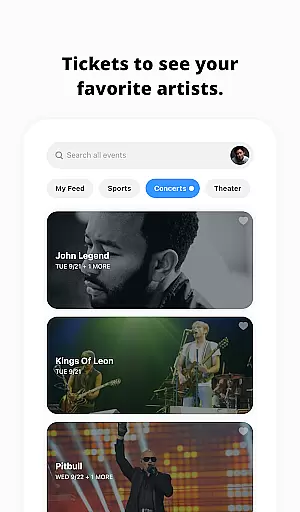
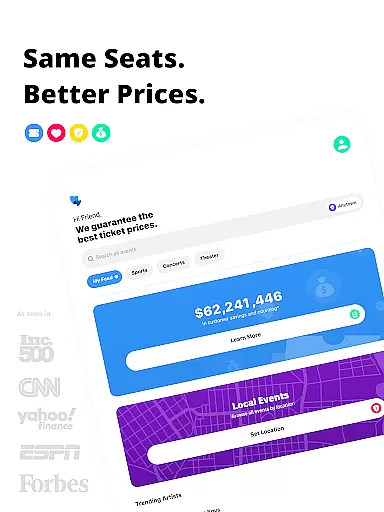
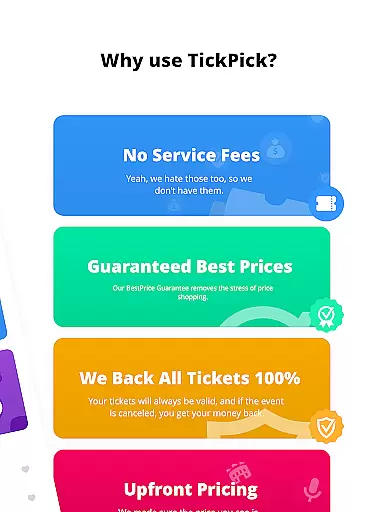
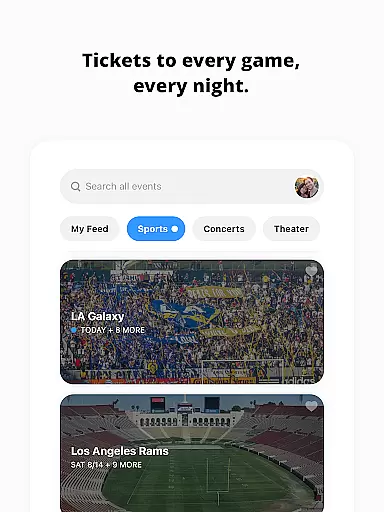
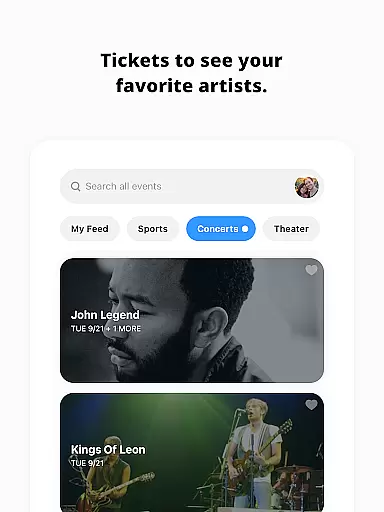
TickPick is a leading ticket purchasing app designed for live event enthusiasts, offering tickets to sports games, concerts, and theater performances. The app stands out by providing the same seats as competitors but without service fees, making prices 10% cheaper. With its user-friendly interface, TickPick ensures a seamless experience for buying tickets with just a few taps.
The app's core features include a patented Score Report for finding the best deals, a Seat Rating system for optimal seating, and 360-degree seat views for major sports events. It also offers tools like event tracking and favorite artist options, ensuring users never miss out on their preferred events. Whether you're looking for NFL, NBA, MLB, NHL, or concert tickets, TickPick provides a comprehensive solution for all your ticketing needs.
For users seeking both affordability and reliability, TickPick guarantees a secure transaction backed by its BuyerTrust Guarantee. This ensures that all tickets are valid and cancellations result in full refunds. Its practicality shines through in scenarios where users need last-minute tickets or wish to explore newly announced events, making it an essential tool for any live event enthusiast.
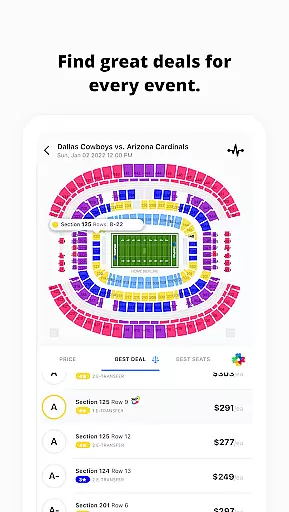
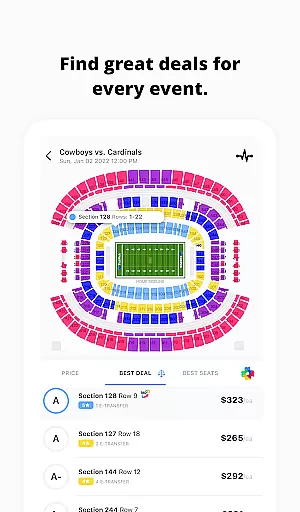
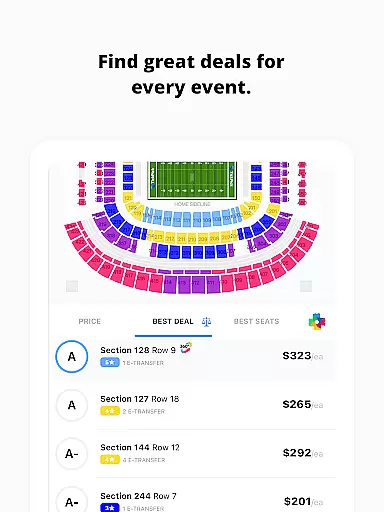
TickPick distinguishes itself through innovative features tailored to enhance the ticket-buying experience. One standout feature is the patented Score Report, which ranks tickets based on price and seat location, helping users find the best value for their money. Additionally, the proprietary Seat Rating system allows users to sort tickets from the best to worst seats, ensuring they secure ideal seating arrangements.
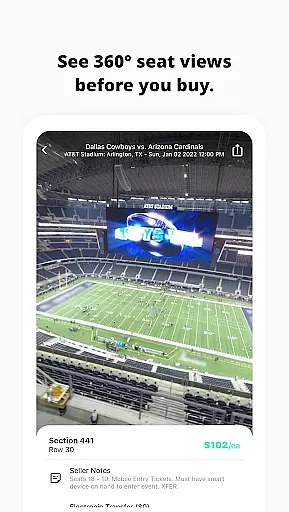
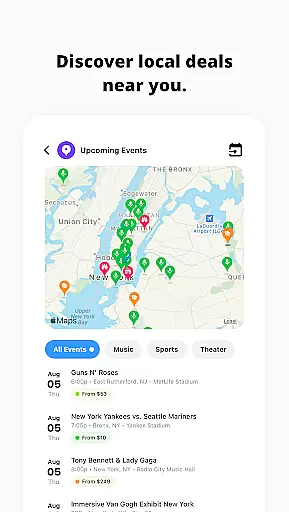
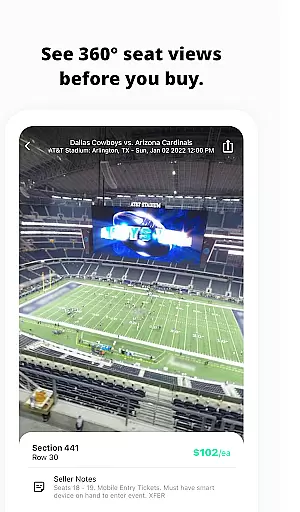
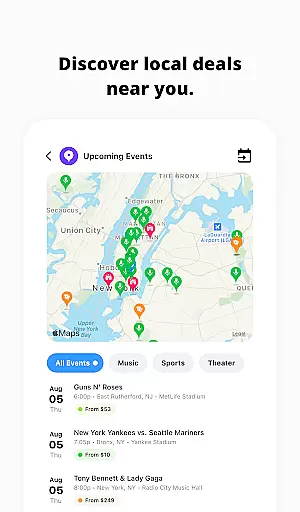
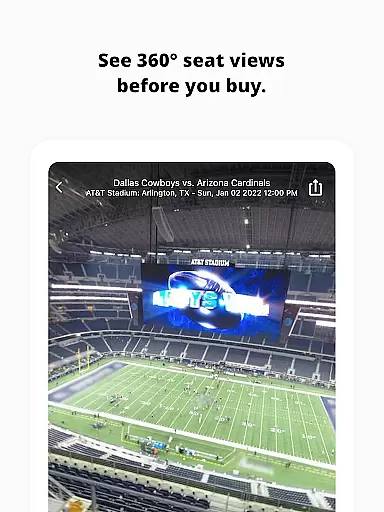
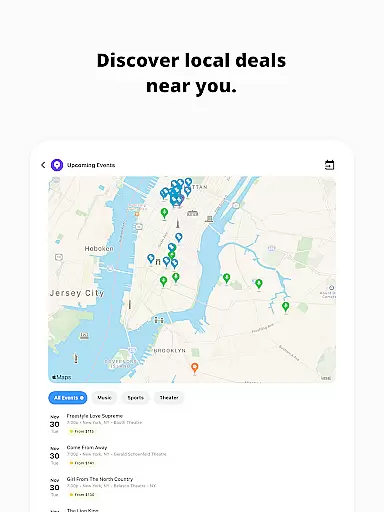
Another remarkable aspect of TickPick is its 360-degree seat view functionality, available for major sports events. This immersive experience lets users virtually preview their seats before purchasing, adding a layer of confidence to their decisions. Furthermore, the app includes discovery tools for finding last-minute events and tracking average ticket prices, empowering users to make informed choices.
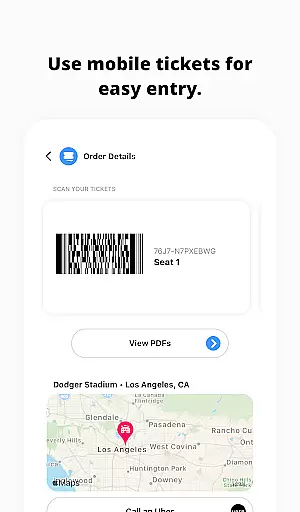
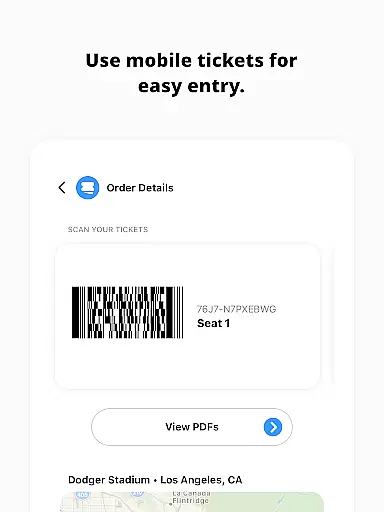
TickPick also supports various payment methods, including Apple Pay, PayPal, and major credit cards, alongside flexible payment plans. After purchase, users can easily manage their tickets, share e-tickets with friends, and even order rides through Uber. These features collectively ensure a smooth, secure, and enjoyable ticket-buying journey, setting TickPick apart from other ticketing platforms.
Task creation and detail customization are essential features for any event management app like TickPick. This functionality allows users to create personalized event tasks with specific details, ensuring a tailored experience for each user. By offering customizable options, TickPick empowers users to define their preferences, such as seat location, price range, and event type.
TickPick implements this feature by providing various tools that enhance the ticket purchasing process. Users can utilize the Best Deal and Best Seats features to sort tickets based on patented algorithms that consider both price and seat location. This ensures that users get the best value for their money while also securing the most desirable seats available.
The benefit of this feature is significant for users who want to have control over their event planning. With TickPick's detailed customization options, users can easily find and book tickets to a wide array of events including sports, concerts, and theater performances. The ability to favorite artists and track events adds another layer of personalization, making it easier for users to stay updated on their preferred events.
Ultimately, the task creation and detail customization features provide immense value by streamlining the event discovery and ticket purchasing process. Users can save time and effort while ensuring they get the best possible tickets that meet their specific needs and preferences. This level of customization not only enhances user satisfaction but also encourages repeat usage of the TickPick app.
Reminder settings in an event application like TickPick play a crucial role in ensuring users never miss an important event or deadline. This feature allows users to set up timely reminders for upcoming events, ticket sales, or special promotions, thereby enhancing their overall event management experience.
TickPick offers robust reminder functionalities that cater to diverse user needs. Whether it's tracking newly announced concerts, monitoring ticket prices, or receiving alerts for when to purchase tickets, the app provides comprehensive tools to keep users informed. These reminders can be customized according to user preferences, ensuring they receive notifications at the most convenient times.
For users, the advantage of having flexible reminder settings is clear. It helps them stay organized and up-to-date with their favorite events and artists. By leveraging TickPicku2019s reminder system, users can plan their schedules more effectively, secure the best tickets at optimal prices, and never miss out on last-minute opportunities. This proactive approach to event management significantly improves the user experience.
In summary, TickPick's reminder settings offer substantial value by keeping users engaged and informed. The ability to customize reminders ensures that users can tailor the notification system to fit their lifestyle, ultimately leading to a more personalized and efficient event planning process. This feature not only boosts user satisfaction but also fosters loyalty and continued use of the TickPick platform.
No service fees
User-friendly interface
Patented Score Report
360-degree seat views
BuyerTrust Guarantee
Limited international events
Occasional app glitches
Restricted customization
Fewer discounts
Complex refund process

Greeting card maker with photos best app| Birthday cards| All wishes eCards FREE
 4.50
4.50
Create invitation cards for birthdays, weddings, Christmas and more.
4.80
Track birthdays, habits & goals. Unlimited countdowns and count-ups
4.20
The world's largest selection of tickets is now at your fingertips
3.90
The official app for Sched events! View your event schedule here.
4.20
Events, Meetings, Photo Shoots
4.50
Meet people over dinner
4.40
Plan your wedding for free on the go: vendors, budget, website and checklists!
4.80
Buy and sell tickets to sports, concerts, theater, festivals, and comedy events
4.10
Fantasy of Lights Event App
5.00
CUE Live utilizes ultrasonic sound waves to sync devices at CUE enabled events
4.80
Discover events & experiences in NYC, LA, Chicago, DC, Miami and more!
4.70
Wedding planner app with wedding venues, wedding checklist, countdown & budget.
4.60
Microsoft Build is an annual developer conference hosted by Microsoft
4.20
Local events, contests, and giveaways for local dads
3.70
The Official App
3.70
TV Garden - World Live TV : Play & cast your videos seamlessly!
3.20
Mobile Event Guide for Greater NY Dental Meeting
4.2
Buy event tickets easily with our user-friendly App. Stay updated on hot events
4.0


User Reviews