
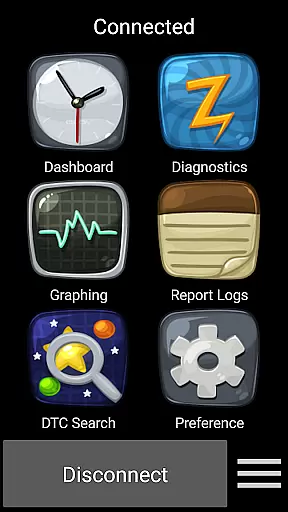
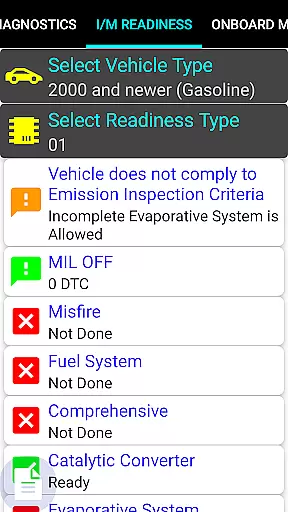
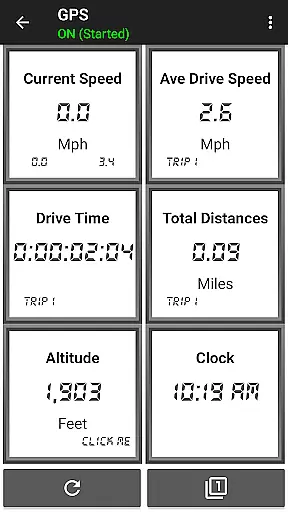
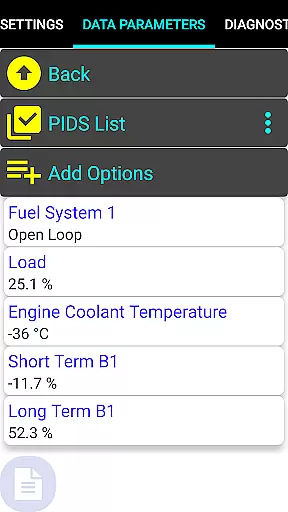
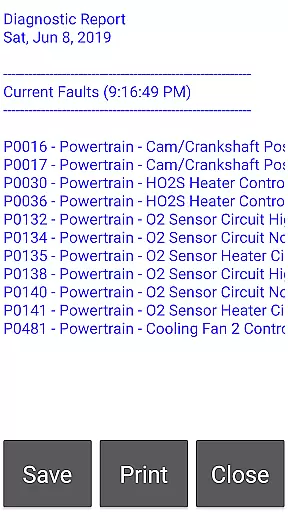
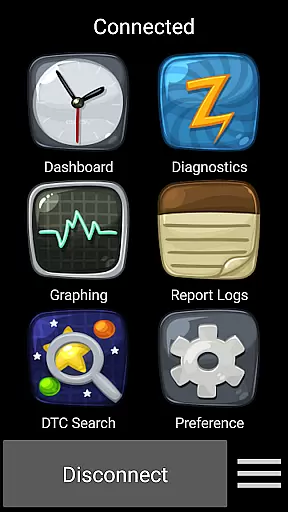
Car Gauge Pro is a comprehensive OBD2 diagnostic tool designed for all OBD2 compliant vehicles, with specialized support for Ford and Nissan. The app provides users with access to enhanced diagnostic data and active testing capabilities similar to factory scan tools. It connects via a 16-pin OBD2 port using an Elm 327 or STN Bluetooth adapter, allowing both generic OBD2 functions and manufacturer-specific enhanced features.
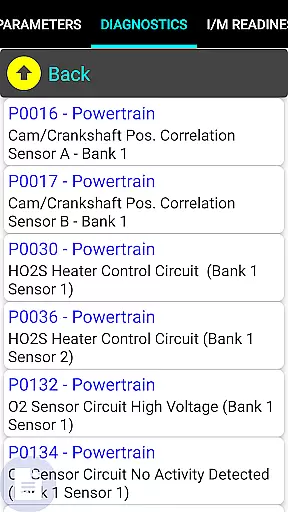
The application supports a wide range of functionalities including reading and clearing fault codes, performing sensor tests, and retrieving vehicle information such as VIN numbers and ECU details. With its extensive parameter IDs (PIDs), it offers detailed insights into vehicle performance and emissions testing results. This makes it suitable for professional mechanics and car enthusiasts who require in-depth diagnostics.
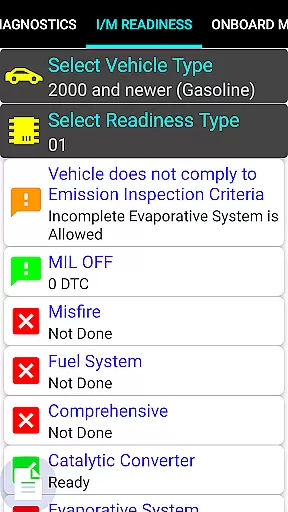
By offering advanced diagnostic options like Mode 5 O2 Sensor Tests and Mode 6 Emission On-board Tests, Car Gauge Pro ensures that users can effectively monitor their vehicle's health and readiness for inspections. Its compatibility with multiple brands and models underlines its versatility, making it an essential tool for maintaining modern automobiles.
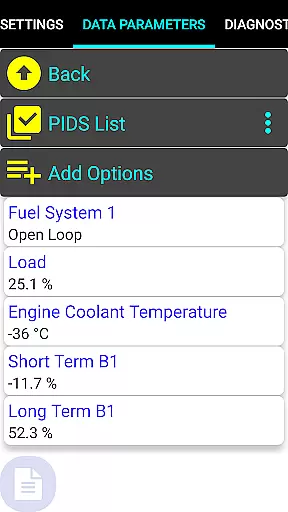
Car Gauge Pro stands out with its robust feature set tailored for automotive diagnostics. It includes all standard OBD2 modes such as Data Parameters, Freeze Frame Data, Fault Code Reading and Clearing, and various tests including O2 Sensor and Emission On-board Tests. These features enable users to diagnose issues ranging from engine performance to emission system integrity.
In addition to generic OBD2 functions, the app provides enhanced diagnostic capabilities specific to certain manufacturers. For instance, Ford owners can perform Self Tests, KOEO/KOER checks, while Nissan users benefit from Ignition Timing Adjustments and Active Tests. Such specialized functions are supported by thousands of PIDs ensuring precise and detailed diagnostics.
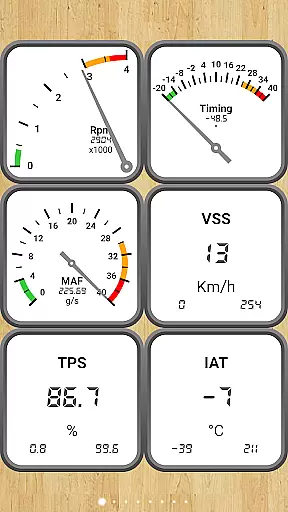
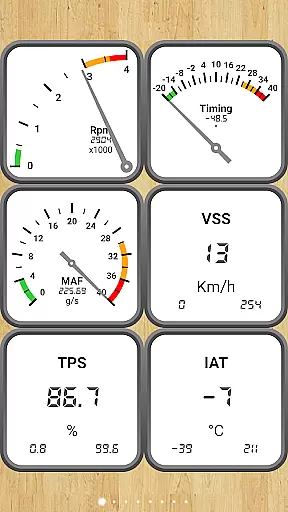
Furthermore, Car Gauge Pro facilitates customization through interactive dashboards where users can visualize real-time data streams. This flexibility not only enhances user experience but also empowers them to tailor the interface according to their preferences. Whether you're conducting routine maintenance or troubleshooting complex problems, this app equips you with the necessary tools to keep your vehicle running smoothly.
Real-time messaging speed and reliability are crucial for any communication app, including Car Gauge Pro (OBD2 + Enhance). This app provides instant feedback from your vehicle's onboard diagnostics system, ensuring that you receive real-time data about your car's performance.
The app communicates with the vehicle's computer through a 16 Pin OBD2 diagnostic connector, using Elm 327 or STN Bluetooth devices. This setup guarantees fast and reliable transmission of diagnostic information directly to your mobile device, allowing you to monitor your vehicle's health in real time.
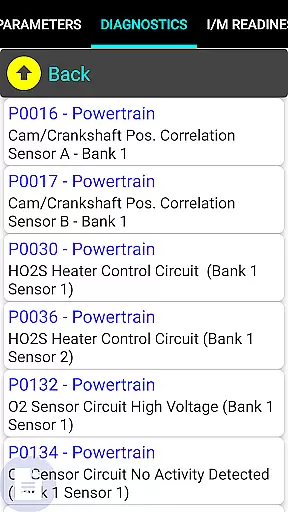
With features like Mode 3 - Check Current Faults and Mode 7 - Check Pending Faults, users can quickly identify issues as they arise. The ability to clear faults and run various tests on sensors ensures that the communication between the app and the vehicle is both rapid and dependable.
Overall, Car Gauge Pro offers an exceptional level of reliability and speed in delivering critical vehicle data, making it an indispensable tool for anyone looking to maintain their vehicle efficiently.
Media sharing support is another vital aspect of modern applications, even those primarily focused on diagnostics like Car Gauge Pro (OBD2 + Enhance). While this app doesn't deal with traditional media such as images or videos, it excels in sharing complex diagnostic data seamlessly across different platforms.
Car Gauge Pro supports extensive OBD2 functions, including multiple modes that provide detailed insights into your vehicleu2019s performance parameters. Users can share these diagnostic reports via email or other messaging apps, facilitating easy collaboration with mechanics or car enthusiasts.
In addition to standard OBD2 functions, the app also offers enhanced diagnostic capabilities for specific brands like Ford, Nissan, GM, Toyota, and KIA. These enhanced functions allow users to generate comprehensive reports that include advanced data sets, which can be shared effortlessly.
This robust media sharing capability ensures that users can easily distribute important diagnostic findings, enhancing the overall utility and collaborative potential of Car Gauge Pro.
User-friendly interface
Comprehensive diagnostic tools
Wide vehicle compatibility
Real-time data visualization
Detailed fault code explanations
Requires compatible adapter
No Mini Elm 327 v2.1 support
Limited model coverage
Occasional connectivity issues
Premium version costs extra

Quickly and easily identify and block unknown callers
 3.70
3.70
Fast Dialer & Contact Manager with Caller ID and Spam Protection
4.00
Create a secure hotspot on-the-go with Portable WiFi - Mobile hotspot.
4.40
Caller ID App! Add names & photos to unknown calls & Call Recording
4.40
Manage Phone Calls, call history, and contacts easily with Phone Pro.
4.3
Read OBD2 data and DTCs Create custom dashboards Enhanced diagnostics available
4.70
Stay in touch with the people who matter most.
4.60
A browser that does more than load page, like keeping your privacy safe.
4.70
BE PRIVATE
Anonymous. No Trace. Fast.
4.20
We’re taking the yada yada out of wireless—now we’ve taken it out of your app.
4.70
Messenger for SMS - texting message app, faster, simpler & safer, for you.
4.70
Enhance browsing with AI-powered features and Copilot.
4.70
Build your web browser around you with private search, and more.
4.60
Talk & text free with a second phone number plus unlimited 5G data, no fees.
4.50
Simple tool for businesses to talk to their customers.
4.40
Group Chat That’s Fun & Games
4.30
Fast and simple walkie talkie app
4.20
A softphone app with seamless SIP calling and an intuitive VoIP dialer
3.50
Watchgram for Telegram: Experience seamless Telegram messaging on your watch
1.80


User Reviews