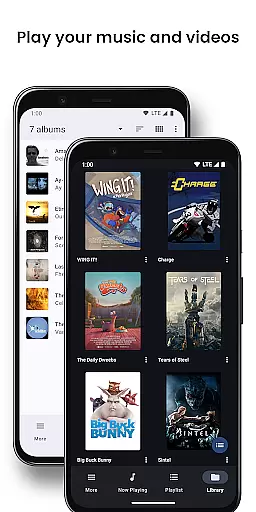
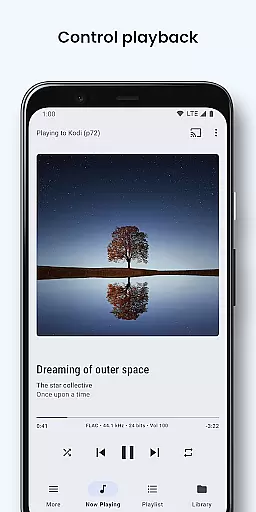
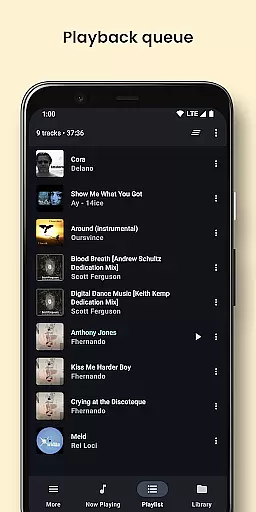
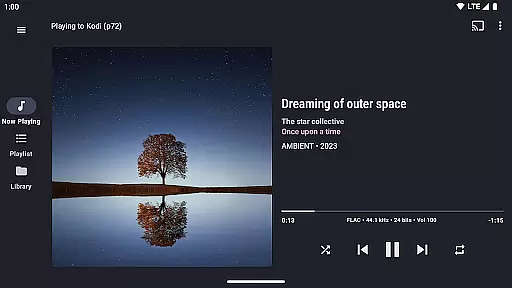
BubbleUPnP UPnP/DLNA License is a premium unlock for the BubbleUPnP app, eliminating ads and limitations of the free version. This license enhances your media streaming experience by allowing uninterrupted access to all features of BubbleUPnP. Once installed, the license is automatically recognized by the main app, providing an ad-free interface and unlocking full functionality.
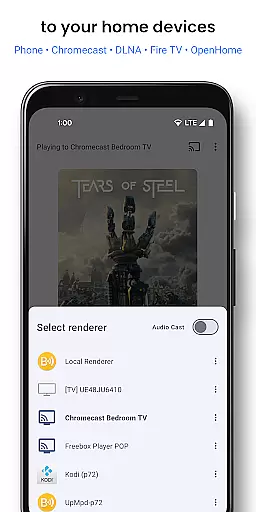
This app itself does not have a user interface and works in conjunction with the main BubbleUPnP application. It enables users to stream music, videos, and photos to various devices including Chromecast, DLNA TVs, gaming consoles, and more. The license ensures seamless integration with BubbleUPnP's extensive feature set, making it an essential purchase for those seeking an unrestricted media streaming solution.
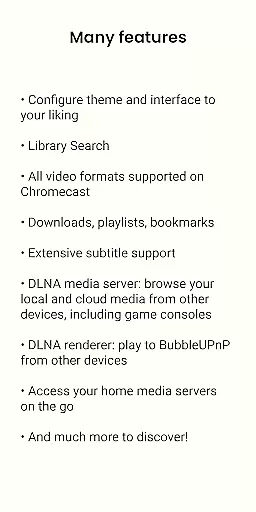
BubbleUPnP UPnP/DLNA License unlocks the complete potential of the BubbleUPnP app, offering advanced features for an enhanced media streaming experience. With this license, users can enjoy smart transcoding for incompatible media formats, custom subtitle appearance, and audio/video track selection when casting to Chromecast devices.
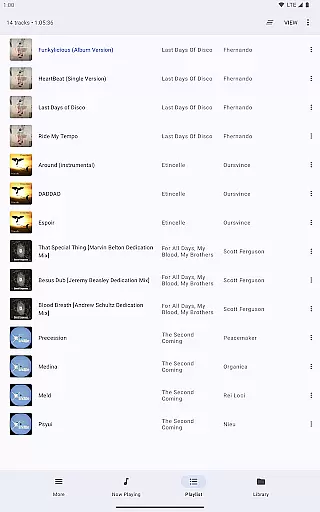
The license also enables fast and secure internet access to home media while on the go, supporting playback from local and cloud sources. Additional functionalities include editable playlists, scrobbling, sleep timer, shuffle modes, and DLNA media server capabilities. These features collectively provide a versatile and comprehensive media management solution, catering to both casual listeners and audiophiles alike.
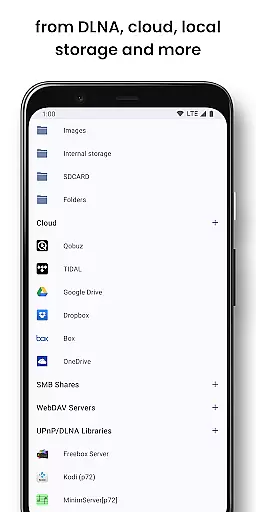
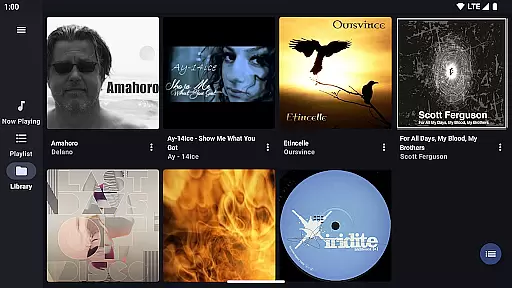
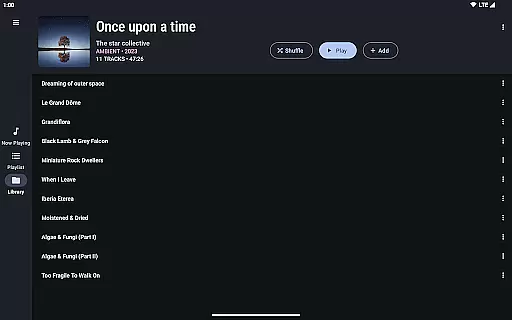
BubbleUPnP offers an extensive music library that includes local media stored on your Android device as well as popular cloud media storage providers like Google Drive Dropbox and OneDrive. This ensures users have access to a vast array of music options.
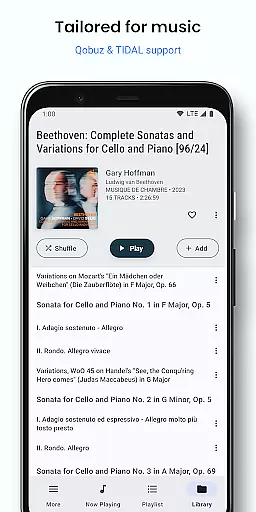
In addition to local and cloud sources BubbleUPnP supports music services such as TIDAL and Qobuz providing high-quality audio streaming for audiophiles who demand the best in sound fidelity.
The app's ability to stream media from UPnP/DLNA servers on your local network further expands the potential size and diversity of your music library ensuring that you can enjoy all your favorite tracks without limitations.
With its commitment to copyright authenticity BubbleUPnP provides peace of mind by allowing users to legally enjoy their music collections while also exploring new content through verified channels.
BubbleUPnP stands out with its advanced audio quality options which include smart transcoding capabilities. This feature allows for the playback of incompatible Chromecast media ensuring that audio tracks within videos are played back without issues.
Users can customize subtitles and select audio/video tracks enhancing their listening experience according to personal preferences or requirements for different types of content.
The app supports high-fidelity audio playback making it compatible with music receivers from popular HiFi brands thus catering to audiophiles seeking premium sound experiences at home.
Furthermore BubbleUPnP's support for various formats and its integration with BubbleUPnP Server provide additional layers of flexibility when it comes to optimizing audio settings for any environment or setup.
Unlimited media streaming
No ads or interruptions
Full feature access
Seamless Chromecast support
Secure remote access
Separate app required
No standalone use
Premium cost
Complex setup
Limited device compatibility

 4.70
4.70
The Skullcandy App Experience
3.20
Full-featured, High-Quality Groovebox Workstation, perfect for Live Performance!
4.80
The best music and audio player, with beautiful UI, music search and equalizer.
4.60
Listen radio AM / FM Stations. Live AM / FM Radio App Station. Radio Com.
4.70
The official Sonos app
4.10
Simple mp3 and mp4 player with advanced features.
3.40
A complete sound package for the sound engineer or enthusiast
4.60
Travel To The Music Universe
3.40
Offline Music Player & MP3 Player.Powerful equalizer, Lyrics, Themes, Tag Editor
4.80
Your song collections with lyrics and chords on Android smartphones and tablets.
4.80
Performance-Synthesizer & Multi-Track-Sequencer, polyphonic + multi timbral!
4.70
Listen to live FM radio stations, sports, music and news on global radios online
4.70
Visualize the guitar fretboard, master scales & play through changes like a pro!
4.50
10-Band Audio Equalizer, Sound / Bass Booster for Spotify Users & Music Players
4.40
Play KORG’s revolutionary touch-based instrument on a variety of devices.
4.40
Your HD audio recorder on the go for music, meetings, ambience, animal sounds…
4.30
Network/Cloud Streaming, Visualization, Graphic Equalizer and Sound Effects.
4.20
The only true audiophile music player with Hi-Fi audio rendering and DSP engine
3.90


User Reviews