
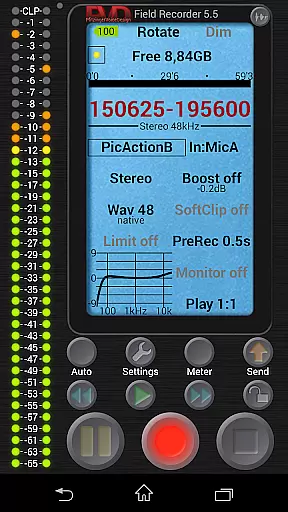
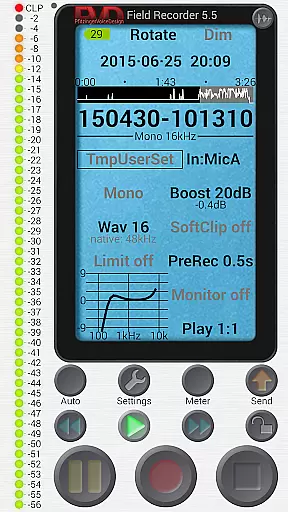
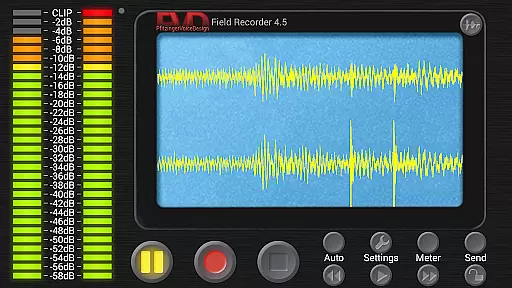
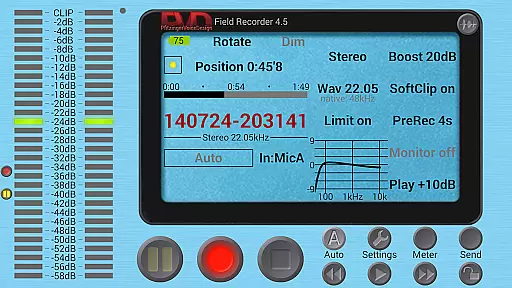
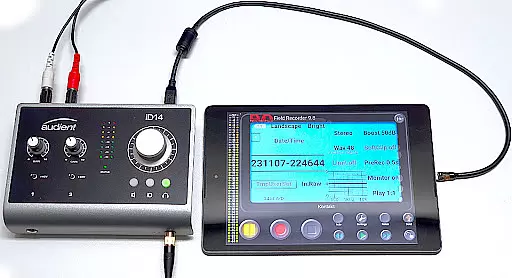
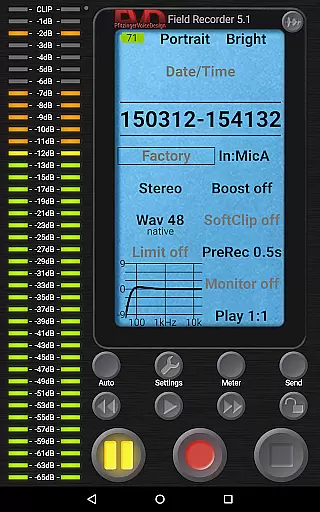
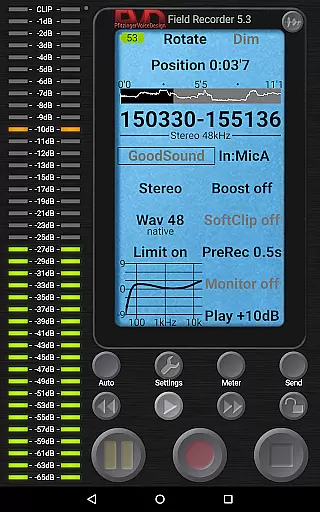
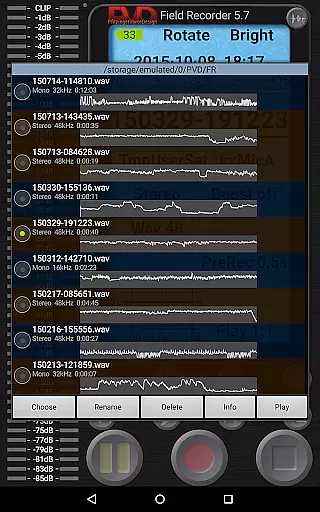
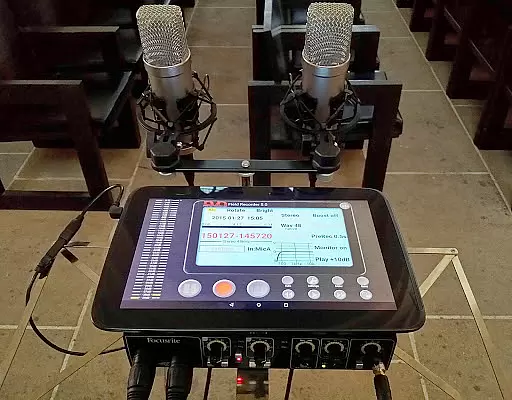
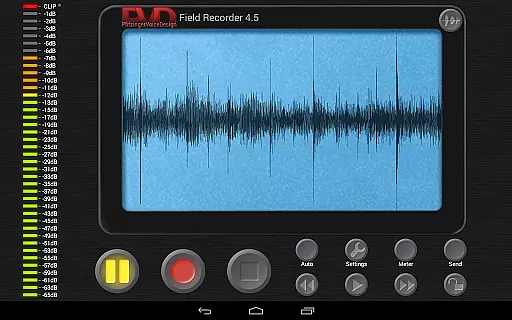
Field Recorder transforms your mobile device into a versatile audio recording tool, perfect for capturing high-quality sound on the go. With support for built-in and external microphones as well as USB sound cards, it offers professional-grade recording capabilities in a portable package.
The app provides extensive control over audio parameters, allowing users to adjust settings with precision and save them as presets for quick access. Whether you're recording concerts, interviews, meetings, or ambient sounds, Field Recorder ensures you never miss an important moment.
Ideal for musicians, journalists, and audio enthusiasts, this app enables immediate sharing of recordings via email or direct uploads to the web. Its advanced features like auto-start, parametric equalizers, and real-time monitoring make it an indispensable tool for all your audio recording needs.
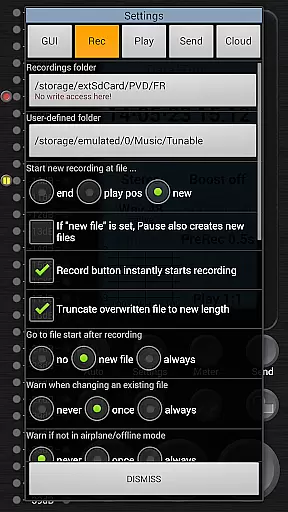
Field Recorder stands out with its comprehensive feature set designed for both casual users and audio professionals. The app supports various recording formats from efficient mono/16kHz/16-bit to professional stereo/192kHz/24-bit WAV files, with options to convert recordings to MP3, AAC, or FLAC using helper apps.
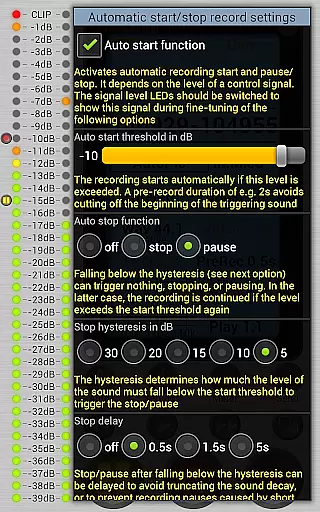
Advanced functionalities include automatic recording start/stop based on volume thresholds, pre- and post-recording buffers, and sophisticated audio processing tools. Users can apply low-cut filters, parametric equalizers, and stereo balance corrections during recording, ensuring optimal sound quality in any situation.
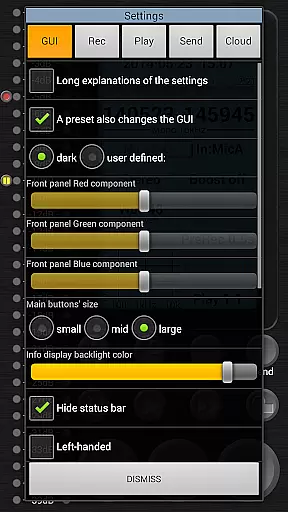
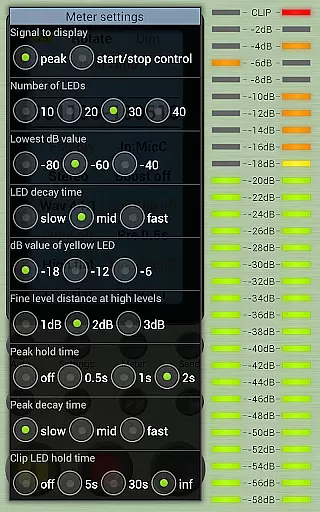
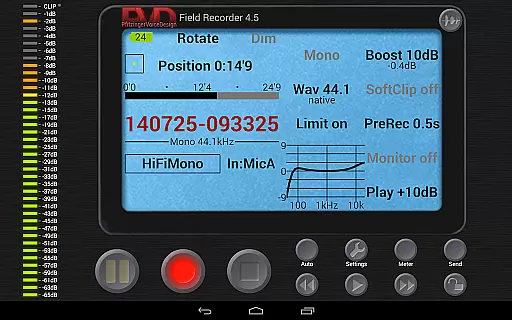
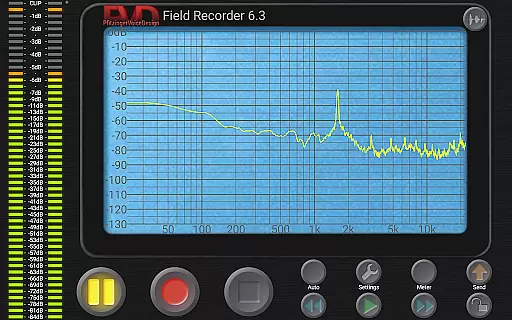
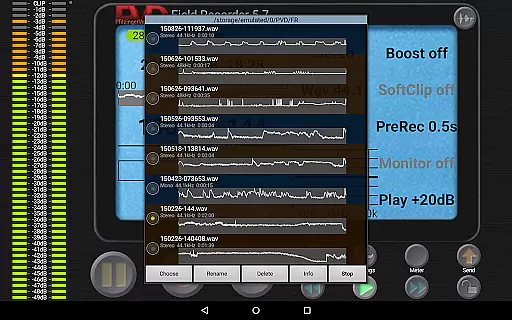
The intuitive interface offers customizable GUI elements, spectrum visualization, and precise playback controls. Features like HD monitoring with minimal latency, adjustable volume maximization, and loop play functionality provide users with professional-grade tools in a mobile application, making Field Recorder a complete solution for all audio recording requirements.
Field Recorder offers an extensive range of audio recording capabilities that can cater to various needs, from casual to professional use. The app supports a multitude of recording formats and qualities, ensuring that users have the flexibility to capture audio in a way that best suits their requirements.
With the ability to record in mono or stereo, at sample rates up to 192kHz, and bit depths of 16-bit or 24-bit, Field Recorder provides options for high-quality audio capture. This vast array of settings allows users to create a personal music library with recordings that maintain the integrity and authenticity of the original sound.
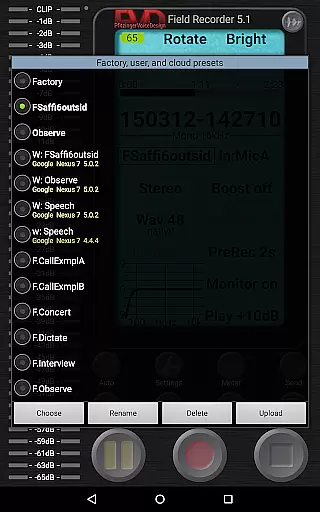
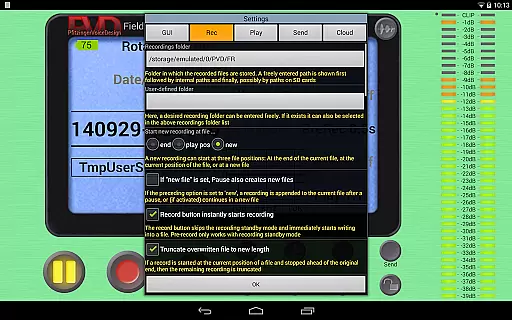
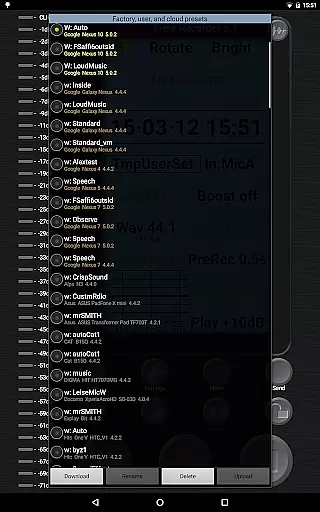
The app also includes features such as pre-defined presets for typical tasks, which can be customized and saved by the user. These presets ensure that whether you're recording band rehearsals, lectures, or ambient sounds, you can quickly switch to a configuration that's optimized for your specific scenario.
Furthermore, Field Recorder respects copyright by enabling users to record only content they have the right to capture, thus maintaining legal compliance while building their audio collection.
Audio quality is paramount when capturing sound, and Field Recorder excels in providing users with numerous options to ensure the best possible recordings. The app allows adjustments of audio parameters far beyond what is typically available, giving users control over every aspect of their recording setup.
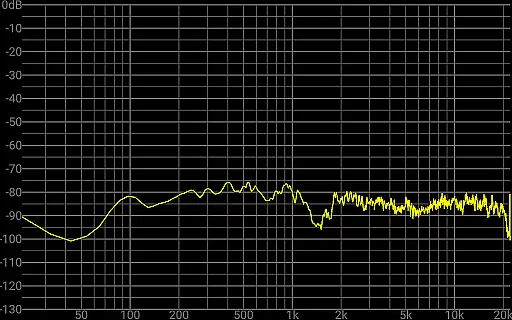
Field Recorder stands out with its advanced audio processing features, including low-cut filters, parametric and shelving equalizers, and stereo balance correction. These tools help mitigate common recording issues and enhance the clarity and fidelity of the captured audio, making it suitable for professional applications.
In addition to its robust recording capabilities, the app facilitates post-recording actions. Users can convert their WAV files into other formats like MP3, AAC, or FLAC using helper apps, ensuring compatibility across different platforms and devices while preserving audio quality.
Whether you're a musician, podcaster, journalist, or simply someone who appreciates high-quality audio, Field Recorder's comprehensive suite of features ensures that your recordings will meet the highest standards of audio excellence.
User-friendly interface
High-quality recording
Extensive format support
Advanced audio processing
Customizable settings
Complex for beginners
Requires helper apps
Consumes storage space
Limited free features
Occasional bugs

Equalizer, Bass Booster and Volume Booster (Eq & Bass) improve sound quality
 4.30
4.30
10-Band Audio Equalizer, Sound / Bass Booster for Spotify Users & Music Players
4.40
Background pads for your band
3.80
Network/Cloud Streaming, Visualization, Graphic Equalizer and Sound Effects.
4.20
Guzheng Master supports many playing techniques as an acoustic Guzheng
4.50
Learn and play 2M+ music tabs & chords on guitar, ukulele, bass, and more
4.30
Simple mp3 and mp4 player with advanced features.
3.40
A complete sound package for the sound engineer or enthusiast
4.60
Turn Every Moment into Music
3.60
Your song collections with lyrics and chords on Android smartphones and tablets.
4.80
Save hundreds of dollars for a physical strobe tuner and instead use this app.
4.50
DJ Music Mixer - DJ Remix: remix songs, make beat music & record mix of DJ.
4.40
Master Salsa Rhythm quickly and with a lot of fun!
4.30
The alternative folder based music player.
4.20
Smart piano keyboard, Classical to Pop, Real-time multiplayer connection!
4.20
PowerAudio is a powerful offline music player.
4.20
VB-AUDIO Software / VBAN-Receptor allows listening to any VBAN Streams
4.10
Turn your Android phone into a professional audio analyser with up to 120 bands.
4.00
The iconic iOS metronome app is now on Android.
3.70


User Reviews