
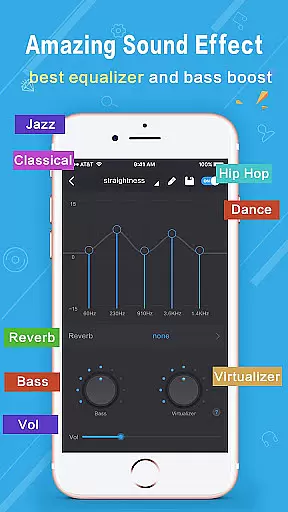
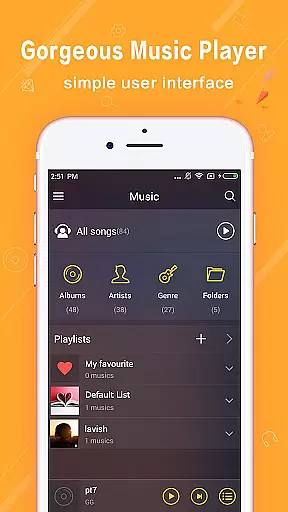
Music Player Plus is a feature-rich audio player designed to enhance your music listening experience. This app supports all popular music file formats and offers an intuitive interface for organizing and playing your music library. With its powerful equalizer, you can choose from over 22 pre-set music tone styles or customize your own sound settings.
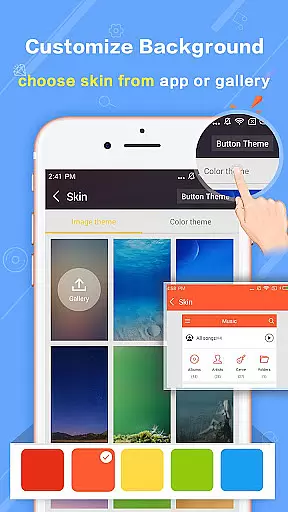
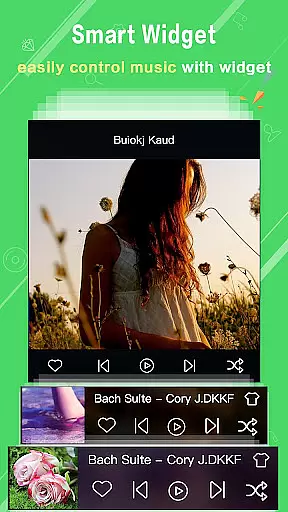
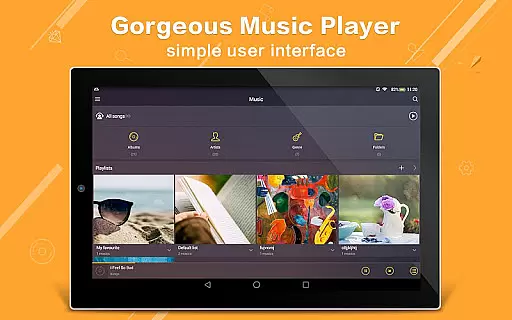
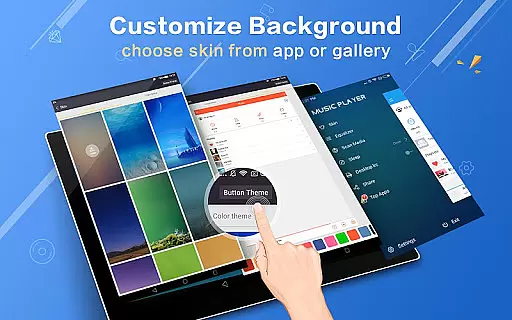
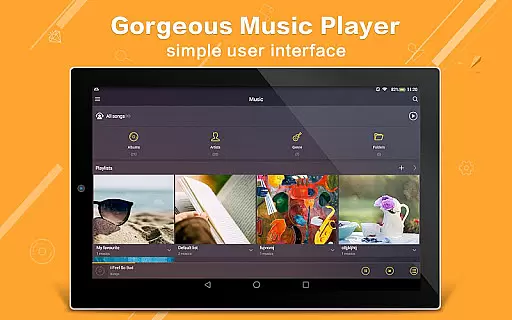
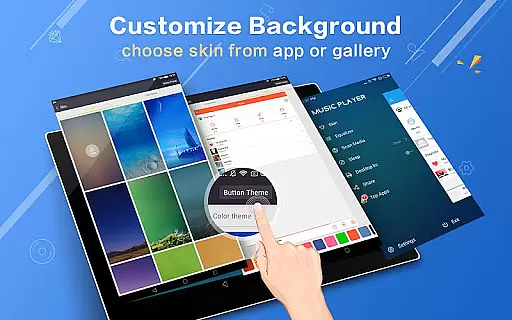
The app stands out with its unique folder-based navigation system that allows users to browse music by albums, artists, songs, playlists, and folders. The replaceable background skins, including 22 built-in options and the ability to use personal gallery photos, make the interface visually appealing. Music Player Plus also includes practical features like shake control to change tracks, widgets for quick access, and support for lyrics files.
Ideal for audiophiles who want complete control over their music playback, this app provides professional-grade tools in an easy-to-use package. Whether you're commuting, working, or relaxing at home, Music Player Plus delivers high-quality audio with customizable options tailored to your preferences.
Music Player Plus boasts an impressive array of features that cater to every music lover's needs. The app's powerful equalizer offers more than 22 preset styles including Classic, Dance, Folk, Hip Hop, Jazz, Pop, and Rock, allowing users to fine-tune their listening experience. Additionally, manual adjustment options provide complete control over audio output.
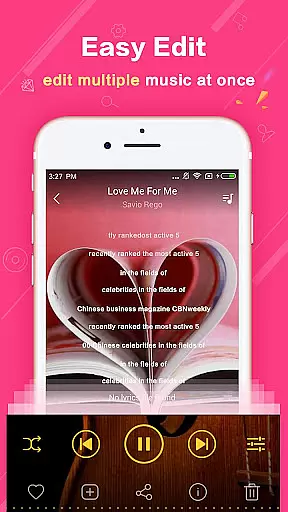
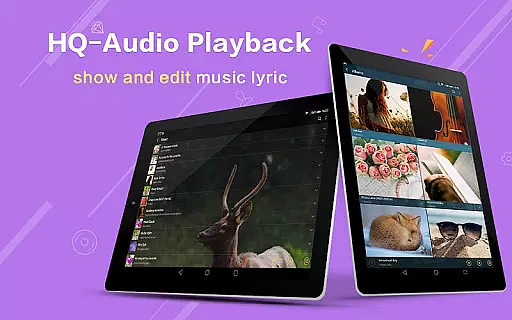
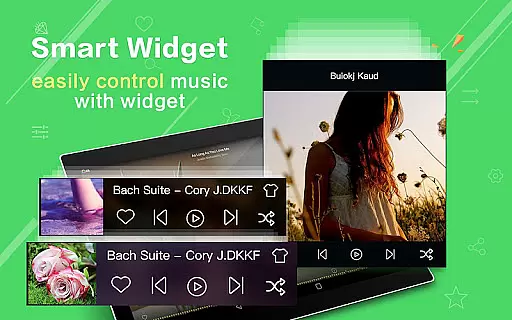
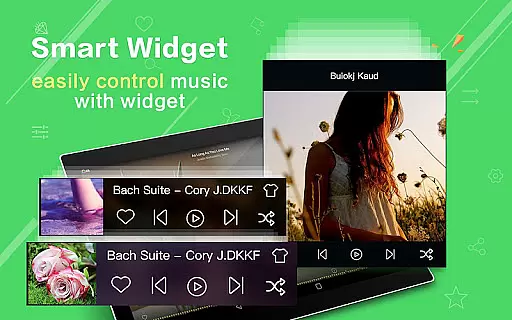
One of the standout features is the app's ability to organize music based on folder structure, alongside traditional artist and album views. This makes managing large music libraries effortless. The inclusion of 3 home screen widgets (4x1, 2x2, 4x1) ensures quick access to playback controls. Automatic lyric matching and display enhance the karaoke experience while notification status shows album artwork and playback controls.
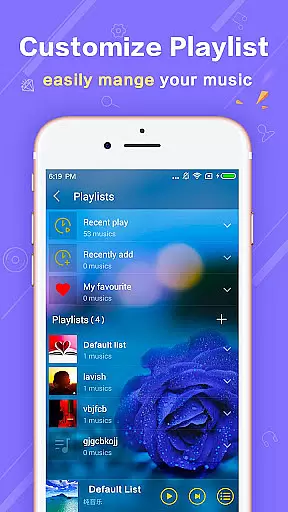
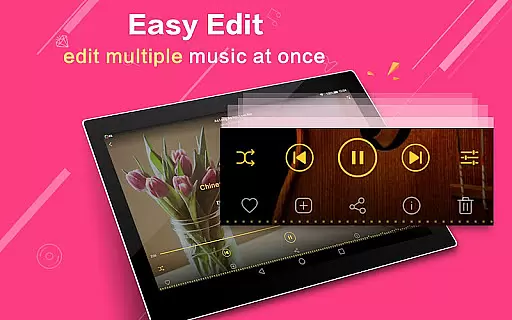
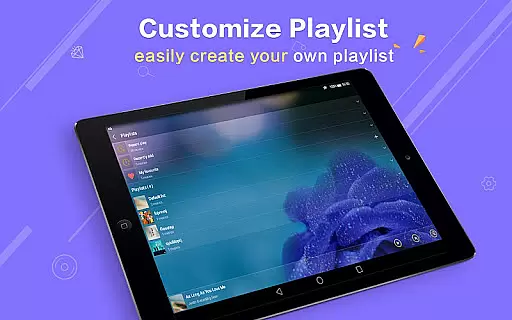
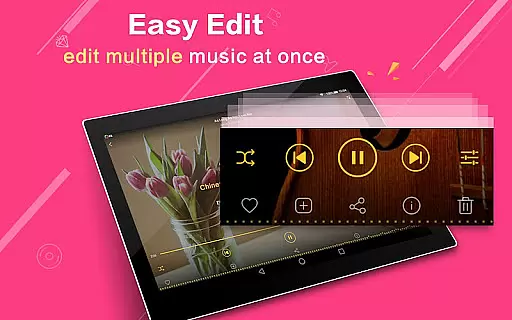
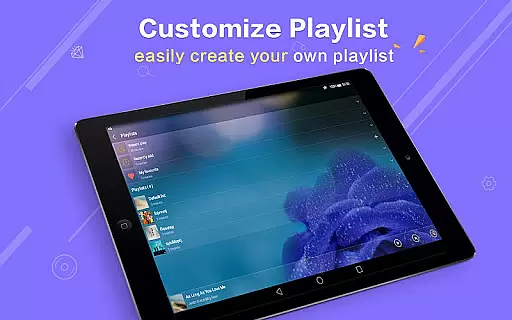
Other notable features include shake gesture support for track skipping, multi-select operations for managing music files, and customizable playlist creation. The app also supports various headset controls and Bluetooth devices, making it versatile for different usage scenarios. These comprehensive features make Music Player Plus a top choice for Android users seeking a premium music playback solution.
Music Player Plus offers an extensive music library that supports all the most popular music file formats, ensuring users can access and enjoy a wide variety of audio content without compatibility issues. The application's ability to browse and play music by albums, artists, songs, playlists, folders, and genres further enriches the user experience by providing multiple ways to organize and discover music.
In terms of copyright authenticity, Music Player Plus respects intellectual property rights by allowing users to manage and play their legally acquired music files. It does not provide or promote unauthorized music content, thus ensuring that artists and producers are fairly compensated for their work. This approach not only aligns with legal standards but also fosters a trustworthy environment for music enthusiasts.
The app's powerful equalizer, with more than 22 preset music tone styles, enhances the listening experience by letting users customize their sound according to personal preferences. This feature, combined with the ability to manually adjust the equalizer, allows for a personalized audio journey through a diverse music library while maintaining respect for copyright laws.
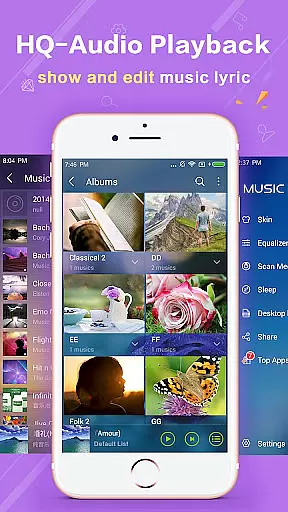
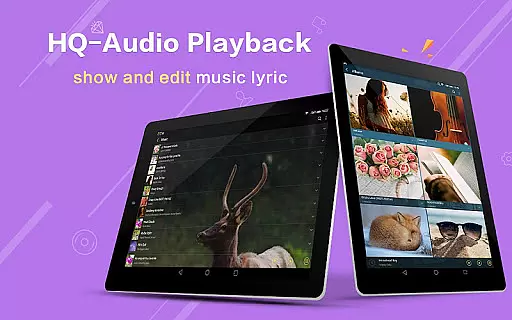
One of the standout features of Music Player Plus is its dedication to superior audio quality options. With support for high-quality audio playback, users can enjoy their music in the best possible fidelity, making it an ideal choice for audiophiles who demand the highest standards in sound reproduction. The player's customizable equalizer provides over 22 preset styles, including Normal, Classic, Dance, Folk, Heavy, Hip Hop, Jazz, Pop, and Rock, catering to various musical tastes and genres.
Moreover, the option to manually adjust the equalizer settings empowers users to fine-tune their listening experience, ensuring that every note and beat matches their exact preferences. This level of control over audio output significantly enhances the overall enjoyment and engagement with music, setting Music Player Plus apart from other media players on the market.
Additionally, the inclusion of advanced functionalities such as lyric file support, widgets for quick access, and notification controls for album artwork and playback management underscores the app's commitment to delivering a comprehensive and high-quality music experience. These features collectively contribute to an immersive and satisfying auditory adventure, affirming Music Player Plus's position as a top-tier audio player in the realm of digital music consumption.
User-friendly interface
Powerful equalizer options
Customizable background skins
Comprehensive file format support
Intuitive folder-based navigation
No cloud streaming service
Limited social sharing options
Occasional compatibility issues
Advanced features may overwhelm beginners
Notification bar controls could be improved

Offline and always ad-free - stream in the highest quality available.
 4.10
4.10
JBL PartyBox APP works with 110/310/710/120/320/520/Encore/Encore 2/Encore Ess 2
4.80
Visualize the guitar fretboard, master scales & play through changes like a pro!
4.50
USB audio recording and playback finally possible on Android 3.1 or higher!
3.90
24,000 free audio books and no ads!
4.90
Music, News & Sports Radio Tuner App. Tune in Live FM & AM Radio Stations.
4.80
Learn and play 2M+ music tabs & chords on guitar, ukulele, bass, and more
4.30
Simple mp3 and mp4 player with advanced features.
3.40
Responsive piano with great sounds, graphics, and songs
4.80
More downloads than any other metronome. Includes drum machine & tempo trainer.
4.80
Brian Eno and Peter Chilvers’ acclaimed music app Bloom, radically reinvented.
4.80
Walkout Song DJ is the most intuitive app to manage your sports music.
4.70
Over 100 million tracks available for high quality streaming and download
4.60
AI Music Maker: Generate And Compose AI Tunes & AI Songs & AI Music & AI Melody!
4.60
A synth that really lets you shape your sounds!
4.50
Your HD audio recorder on the go for music, meetings, ambience, animal sounds…
4.30
A sleek, no-frills player designed for true music lovers.
4.20
Sheet music reader, piano & music note player. Play music score & learn to read.
3.90
The iconic iOS metronome app is now on Android.
3.70


User Reviews