
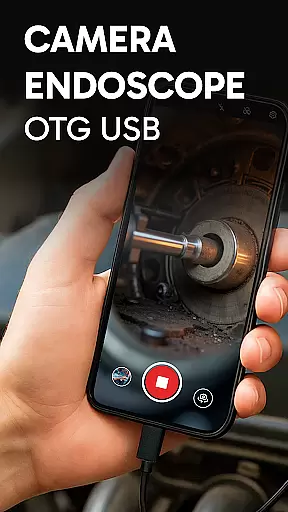
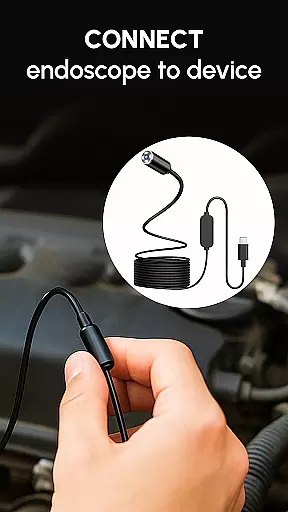
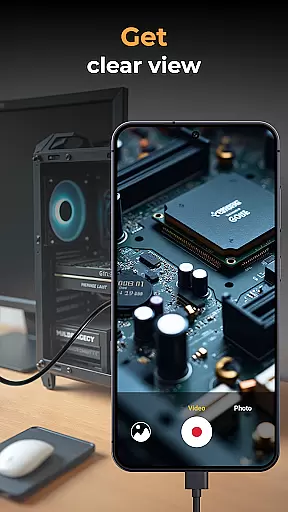
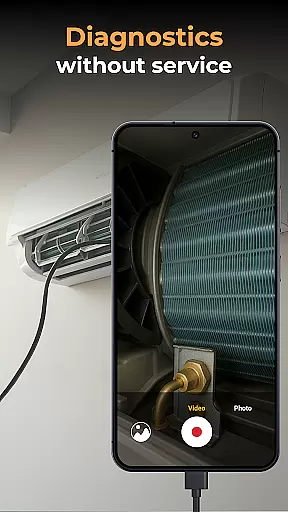
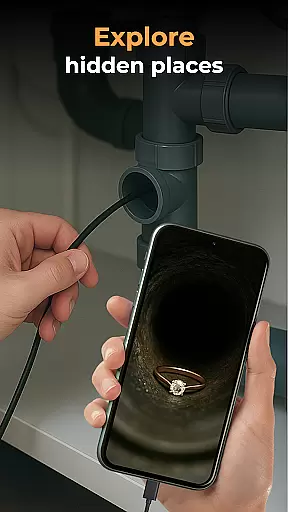
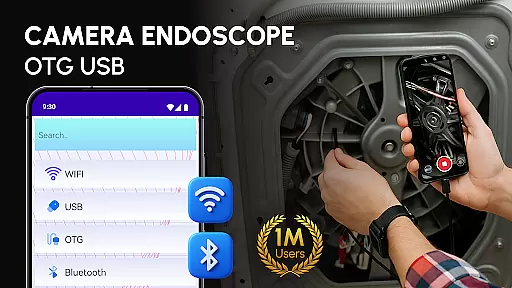
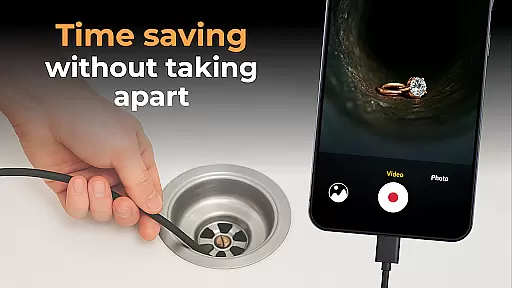
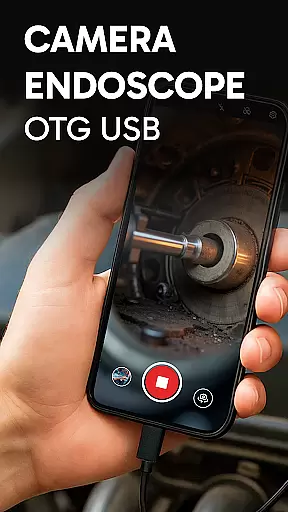
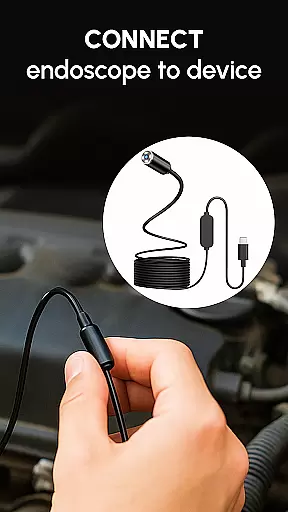
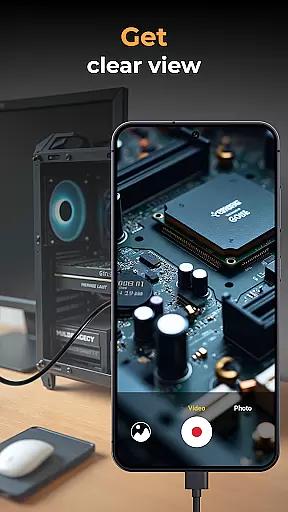
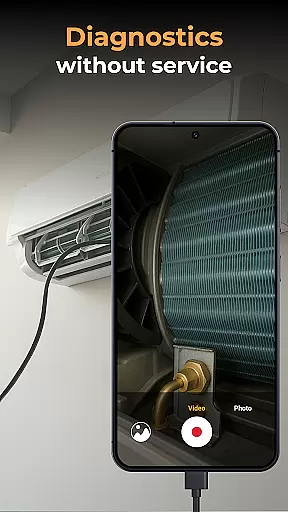
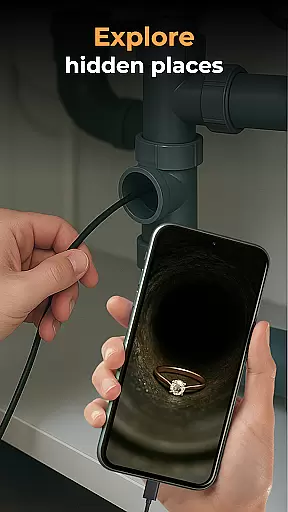
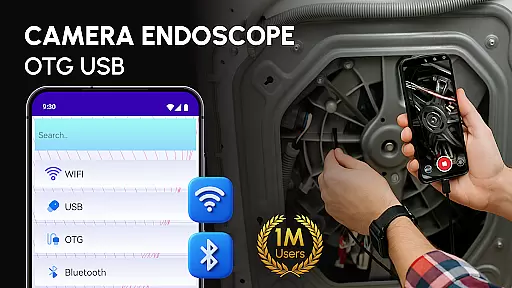
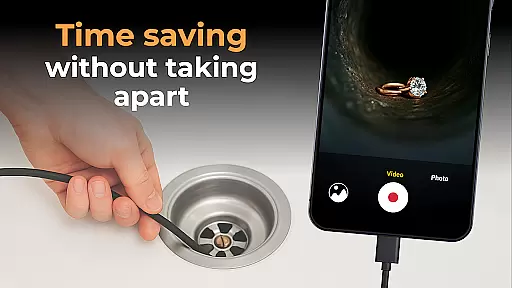
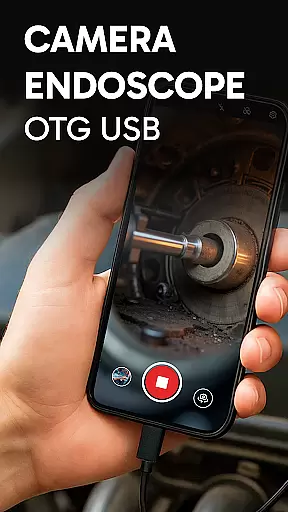
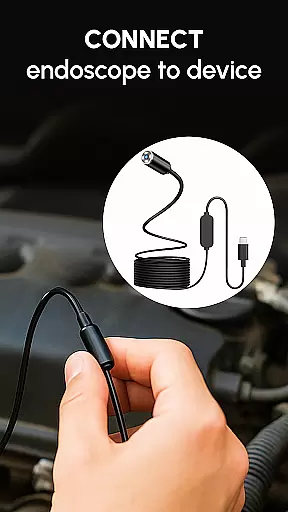
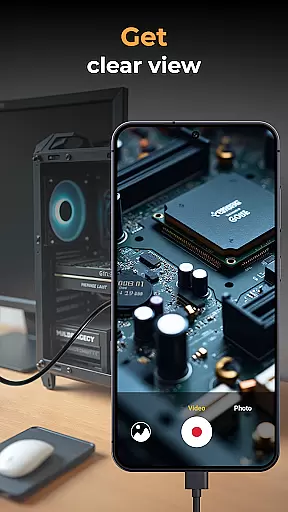
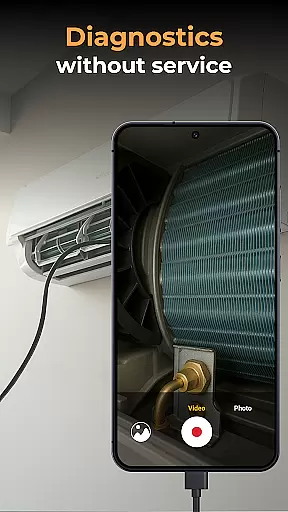
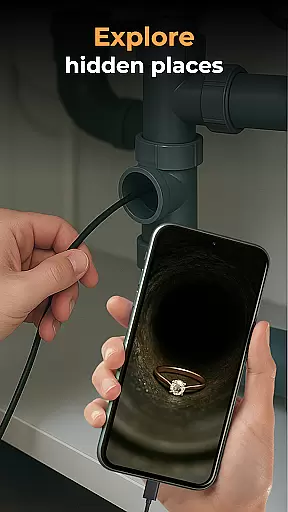
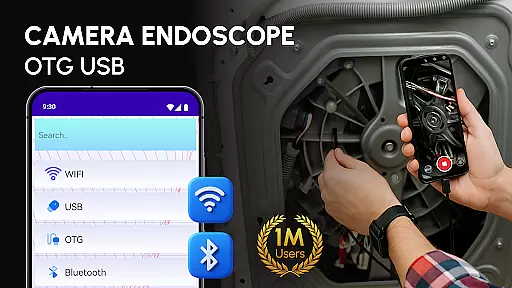
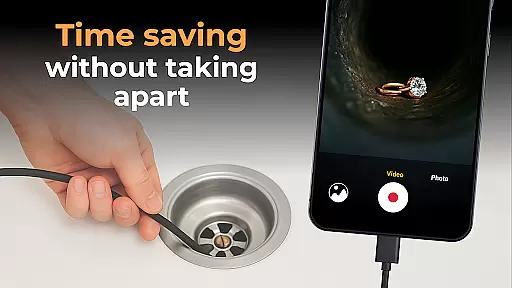
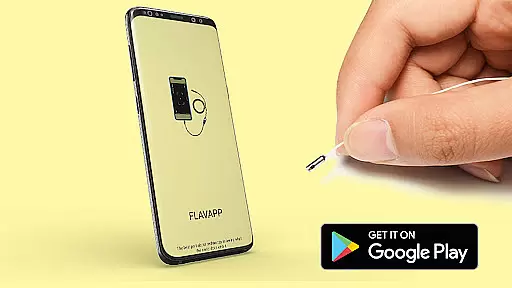
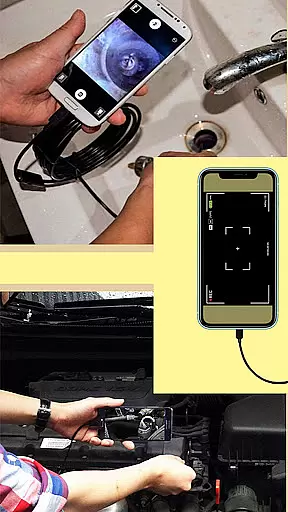
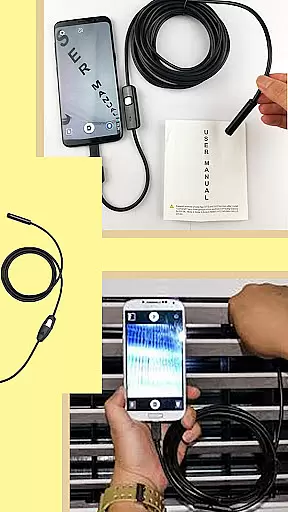
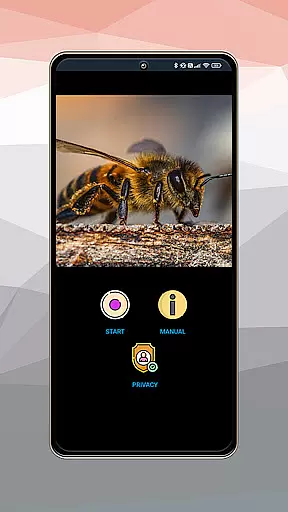
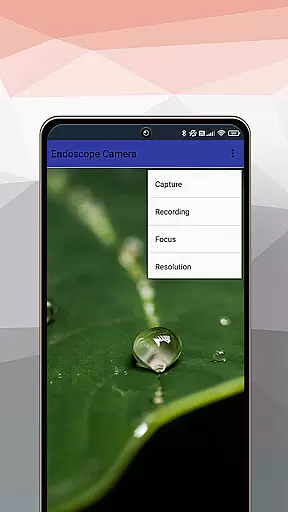
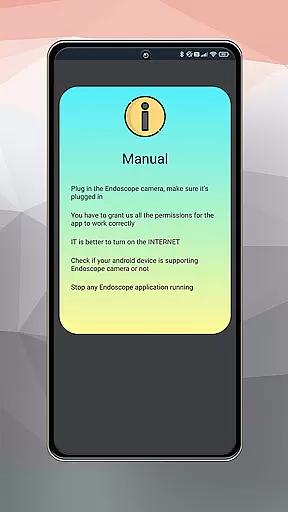
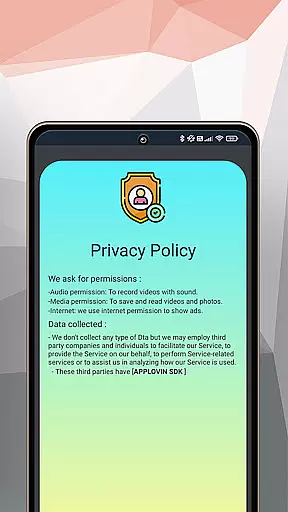
Camera endoscope / OTG USB is an innovative inspection tool that transforms your Android device into a professional-grade inspection system. Designed for both professionals and DIY enthusiasts, this app allows users to connect external cameras such as borescopes, microscopes, and other USB OTG-compatible devices seamlessly.
The app supports real-time video capturing, high-quality image recording, and media management functions like viewing, deleting, and sharing files. Its intuitive interface ensures ease of use while providing advanced features such as plug-and-play functionality with various external tools. Whether you're inspecting plumbing systems, diagnosing car issues, or examining tiny machine parts, this app provides the clarity and precision needed for detailed inspections.
One of the standout features of Camera endoscope / OTG USB is its ability to support real-time video streaming from external cameras. This functionality enables users to capture live footage from borescopes, microscopes, or other compatible devices directly on their Android phones. The app also offers high-quality video and photo recording capabilities, ensuring every detail is captured with precision.
In addition to its robust capture features, the app includes a built-in gallery for organizing and managing media files. Users can easily delete unwanted files, view stored images and videos, and share content via social media or messaging apps. The app's compatibility with multiple devices and its optimized performance for Android make it a versatile solution for various inspection needs.
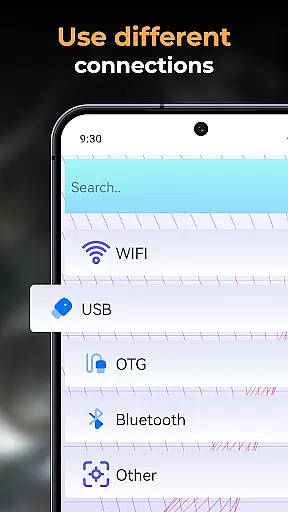
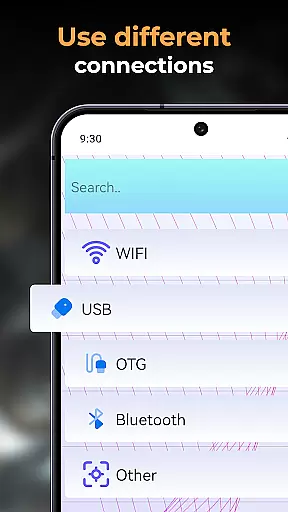
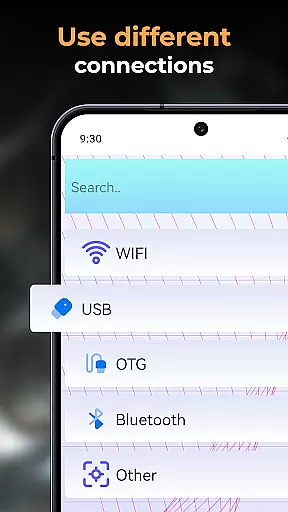
When evaluating an application like Camera Endoscope / OTG USB, functionality completeness is a critical aspect that defines its utility. This app offers a comprehensive suite of features designed to transform your Android device into a versatile inspection tool. With support for USB OTG interface, it enables users to connect various external cameras effortlessly.
The app's feature set includes real-time video image capturing, compatibility with multiple devices, and easy setup through OTG Connector Software. These capabilities ensure that whether you're inspecting tight pipes or examining tiny machine parts, the app provides the necessary tools to get the job done efficiently.
For users, this means access to high-quality video recording, photo capture, and seamless media management. The built-in gallery allows for storing and organizing all captured media files, offering functions such as viewing, deleting, and sharing. Such extensive functionality coverage ensures that users have everything they need within a single application.
Ultimately, the completeness and coverage of Camera Endoscope / OTG USB's functionality empower users to perform detailed inspections without requiring additional software or tools. This makes it an invaluable asset for DIY enthusiasts, technicians, and professionals who require reliable inspection capabilities on the go.
Usability and operational smoothness are crucial factors that determine how effectively users can interact with an application. For Camera Endoscope / OTG USB, these aspects are meticulously addressed to provide a seamless user experience. The app is optimized for performance, ensuring stable and fast connections when using external cameras for various inspection tasks.
Setting up the app is straightforward, thanks to its plug-and-play features compatible with endoscopes, borescopes, and microscopes. Users simply need a compatible device with a USB OTG cable to load the app and start exploring with a live camera view. This ease of use significantly reduces the learning curve and enhances overall usability.
Moreover, the app simplifies file management by organizing photos and videos in a built-in media gallery. Intuitive options such as delete, view, and share are readily accessible, making media handling efficient and hassle-free. Such operational smoothness ensures that users can focus on their inspection tasks without being hindered by complex operations.
In summary, the usability and operational smoothness of Camera Endoscope / OTG USB make it an ideal choice for anyone needing reliable inspection tools. By combining user-friendly features with robust performance, the app delivers a superior experience that meets both professional and everyday needs.
User-friendly interface
Real-time video streaming
High-quality image capture
Seamless OTG connectivity
Versatile device compatibility
Limited to Android devices
Requires compatible hardware
No iOS version available
Dependent on OTG cable
Some features may need premium access

SmartCast mirrors Android phone to TV screen With Cast Screen, Chromecast.
 4.80
4.80
Enjoy Minecraft Mod Scary Neighbor Granny for Minecraft PE.
4.30
You can remote control and play much easier.
4.10
Demo version of the mcpro24fps manual video camera. Try and buy a full version!
4.00
MirrorLink for connecting your Android phone to your car’s infotainment screen.
4.50
An impressive collection of tools, characters, weapons, skins and more!
4.30
Game booster GFX may reduce interruptions and improve gaming experience.
4.50
A Pydroid Quick Install repository provider.
4.00
Simulator of real black light
3.50
TV USB connector app provides you a seamless cast option from your phone to tv.
4.70
Popular mods fnaf mods for melon playground
4.50
Al QURAN-القرأن الكريم app to read Quran offline just like an actual Quran book
4.30
Manage apps & elevate your gaming experience with Game Launcher: Gaming Hub app.
4.30
Do you want to drive easy ? do you wanna full mirror link Mobile with your car
4.10
Easily evaluate the performance of Scandit's barcode and ID scanning SDK
4.10
Connect and find your Smarttag devices through our app.
4.00
The best PS2 games from your childhood come to life in their mobile version!
4.00
Connect and find your Smart Tag 2 devices through our app.
3.60
CloudEye 365 is a easy-handling APP
3.60


User Reviews