
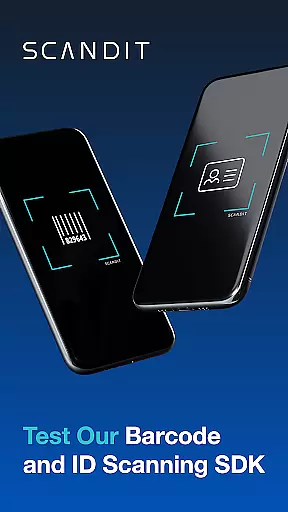
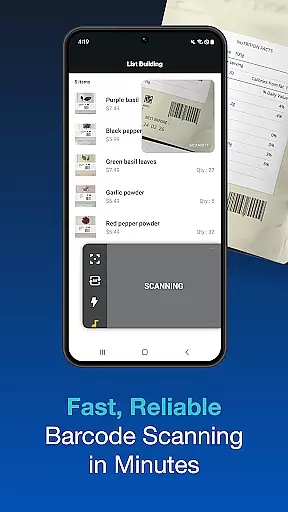

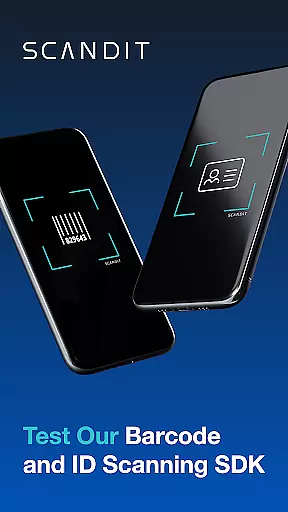
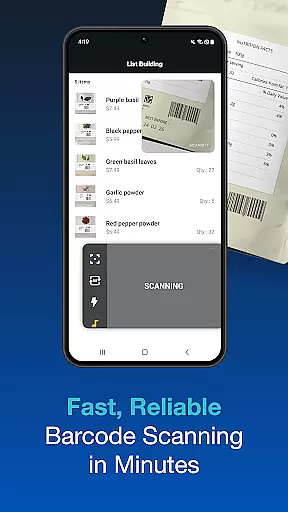

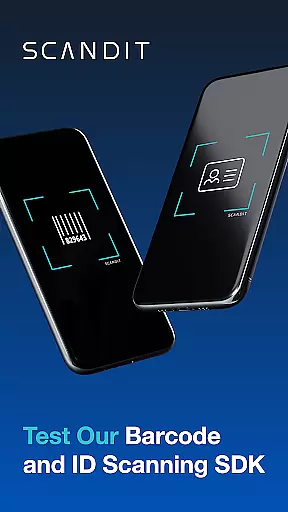
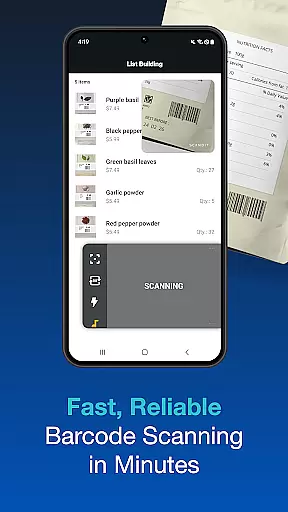

Scandit SDK Showcase is a powerful demonstration tool designed for developers and businesses to explore the cutting-edge capabilities of Scandit's data capture technology. This app allows users to evaluate multiple smart data capture features without writing any code.
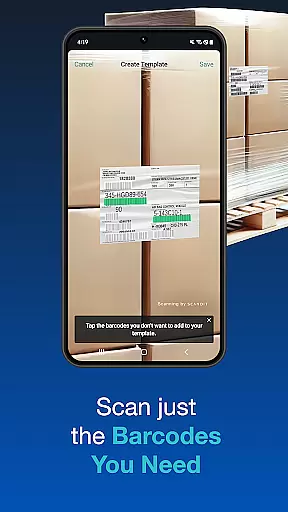
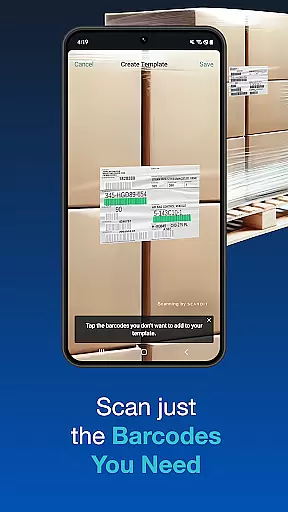
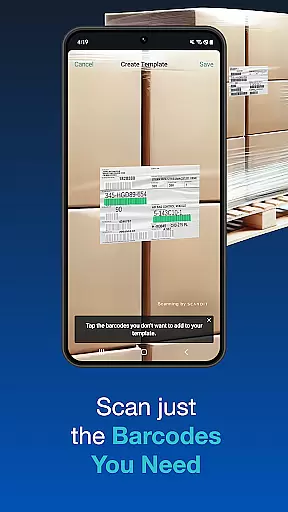
Key functionalities include high-performance barcode scanning for over 30 common barcode types, secure ID document scanning for more than 2500 global IDs, batch scanning of multiple codes simultaneously, and augmented reality (AR) overlays. It also provides pre-built user interfaces for faster integration and supports scanning multiple barcodes on a single label or selecting one from many.
Ideal for enterprises looking to enhance their data capture processes, Scandit SDK Showcase serves as a practical evaluation platform for Fortune 100 companies and developers seeking robust scanning solutions.
The Scandit SDK Showcase offers an array of advanced features that cater to diverse scanning needs. One of its standout capabilities is the high-performance barcode reader, which supports over 30 common barcode formats, ensuring fast and accurate data capture across various industries.
In addition to barcode scanning, the app provides fast and secure ID scanning for more than 2500 ID documents worldwide. Its batch scanning functionality allows users to scan multiple codes at once, while the AR overlays enhance the scanning experience by providing real-time information. The app also includes pre-built scanning UIs for quick integration and supports complex scanning scenarios like reading multiple barcodes on a single label or selecting specific ones from a crowded environment.
These features collectively enable businesses to streamline their operations, improve efficiency, and reduce manual data entry errors, making Scandit SDK Showcase a versatile tool for developers and enterprises alike.
Functionality completeness is a critical aspect of any software development kit, and Scandit SDK Showcase excels in this area. The app provides a comprehensive suite of smart data capture capabilities that are essential for businesses looking to integrate barcode and ID scanning functionalities. With support for over 30 common barcodes and the ability to scan more than 2500 ID documents worldwide, Scandit ensures that developers have access to a wide range of scanning options without needing to write additional code.
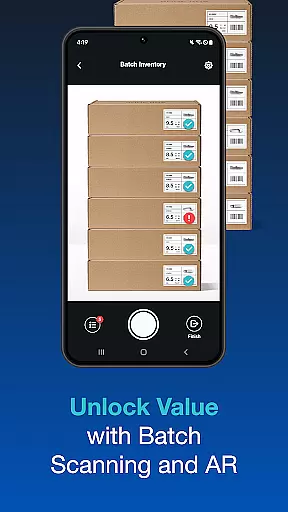
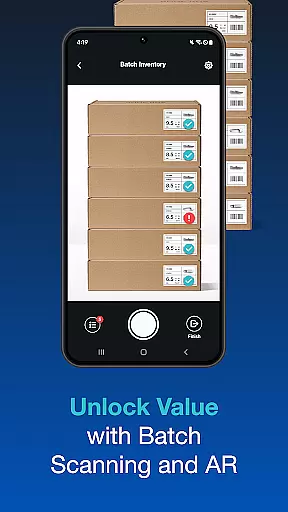
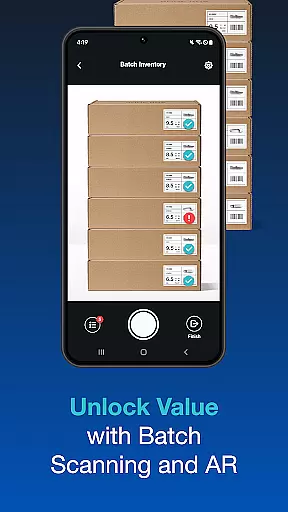
The SDK's batch scanning feature allows multiple codes to be scanned simultaneously, streamlining inventory management and checkout processes. Its unique capability to scan multiple barcodes on a single label or select one out of many adds another layer of versatility. This extensive functionality coverage means that whether you're managing retail stock, processing IDs, or implementing augmented reality overlays, Scandit SDK has the tools necessary to meet diverse business needs.
For developers, the pre-built scanning user interfaces significantly reduce integration time and effort. These ready-to-use components ensure that even those new to Scandit can quickly incorporate advanced scanning features into their applications. Overall, Scandit SDK Showcase stands out by offering an all-encompassing solution that empowers businesses with efficient and reliable data capture technologies.
Usability and operational smoothness are key factors that determine the success of any development tool, and Scandit SDK Showcase sets a high standard in these areas. The app is designed to allow users to evaluate its smart data capture capabilities effortlessly, without the need to write a single line of code. This approach not only simplifies the evaluation process but also makes it accessible to users with varying levels of technical expertise, ensuring that everyone from novice developers to seasoned professionals can benefit from its features.
One of the standout usability features is the high-performance barcode reader, which supports over 30 common barcode formats. This ensures fast and accurate scanning, reducing the time and effort required for data capture tasks. Additionally, the secure ID scanning function supports more than 2500 ID documents globally, providing a seamless experience for verifying identities. The inclusion of augmented reality overlays further enhances operational smoothness by enabling interactive and informative user experiences.
Scandit SDK Showcase also offers batch scanning and the ability to scan multiple barcodes on a single label, which greatly improves efficiency in environments like warehouses or retail stores. By focusing on intuitive design and robust performance, Scandit ensures that its SDK delivers a smooth and reliable operational experience, empowering businesses to implement sophisticated scanning solutions with ease.
High-performance scanning
Wide barcode support
Secure ID scanning
Batch processing
AR integration
Limited free trial
Complex setup
Premium pricing
Advanced features
Requires license

Enjoy Minecraft Mod Scary Neighbor Granny for Minecraft PE.
 4.30
4.30
Demo for Key Attestation feature of the Android system.
4.80
Sad ringtones full of feeling, sad music ringtones
3.90
Connect and Find your smart tag via our app.our app is compatible with smarttag.
3.30
Mobs maker Minecraft help MCPE creators make their own mob by using Blockbench
3.50
MirrorLink for connecting your Android phone to your car’s infotainment screen.
4.50
Al QURAN-القرأن الكريم app to read Quran offline just like an actual Quran book
4.30
Turn your phone into a wireless Xbox controller – play, stream & control anytime
4.2
Expo is a free & open source platform to build apps using JavaScript and React.
4.70
Read Holy Quran Feel Like Real Quran & Listen Al Quran Mp3 Audio Online Offline.
4.70
Tune your game graphics with our GFX optimizer for optimal gaming experience
4.50
Android secret code for smart phone, mobile codes, with secret codes app
4.20
Unlock the hidden menus of your phone with our mobile secret codes app.
4.20
You can remote control and play much easier.
4.10
A Pydroid Quick Install repository provider.
4.00
Mobile Connect To TV - HDMI USB & WiFi Screen Mirroring
3.70
Ps2 plugins for 64 bit artitechture
3.70
Now Available on Android ™
3.40
Read Quran pak offline & listen online mp3 Quran in Al Quran Majeed app
4.2


User Reviews