
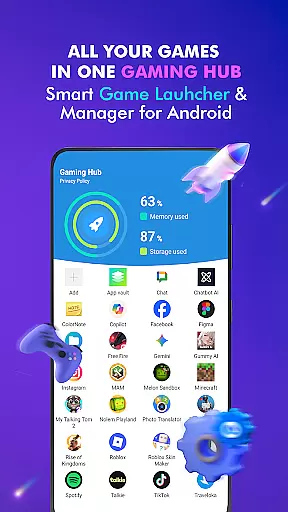
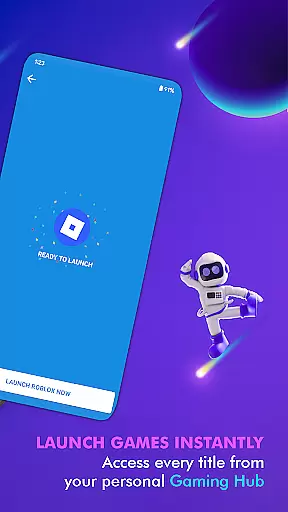
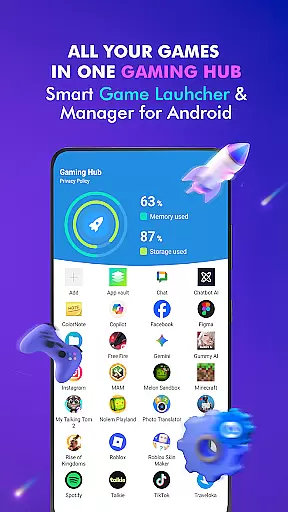
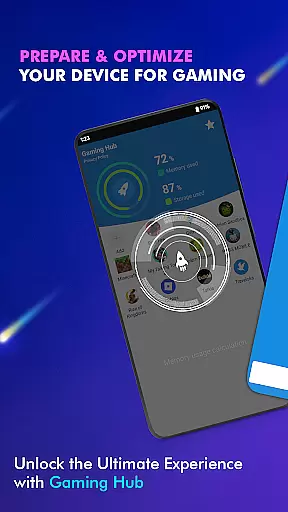

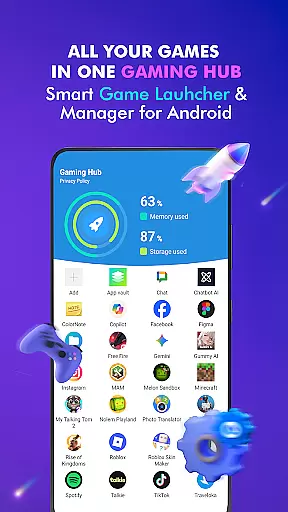
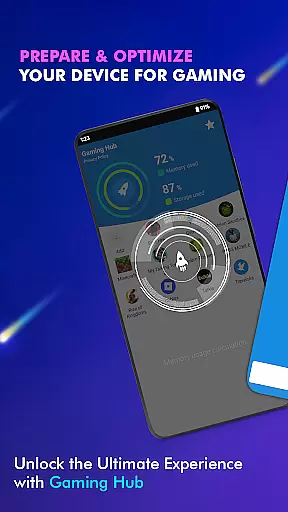
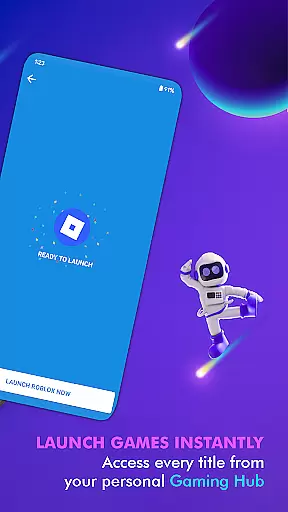
Gaming Hub is a comprehensive app management solution designed to simplify the way you organize and access your favorite games and applications on Android devices. The app serves as a centralized hub, allowing users to effortlessly manage their gaming library while providing essential device monitoring features.
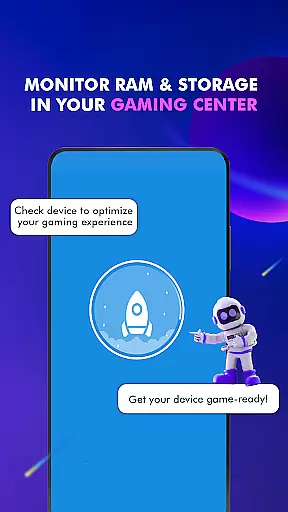
With its intuitive Game Launcher interface, Gaming Hub automatically detects popular titles from major publishers and lets users manually add their preferred apps. The built-in performance monitoring tools help track RAM usage and storage capacity, ensuring optimal device functionality for an enhanced gaming experience. Whether you're a casual or hardcore gamer, this app provides a streamlined approach to app organization and system optimization.
This application is particularly useful for Android users who maintain multiple gaming apps and require efficient ways to manage their digital content. By keeping all your favorite apps in one place, Gaming Hub eliminates clutter and saves time when launching your games, making it an essential tool for smartphone gaming enthusiasts.
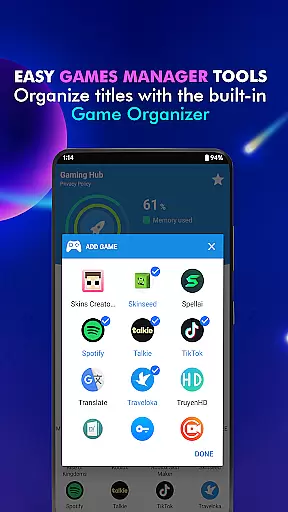
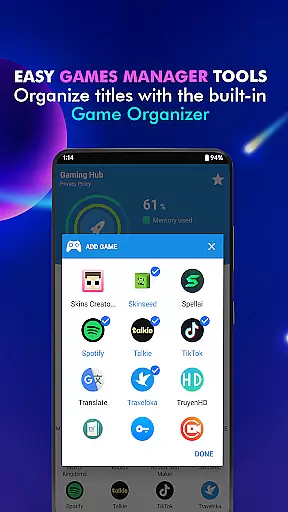
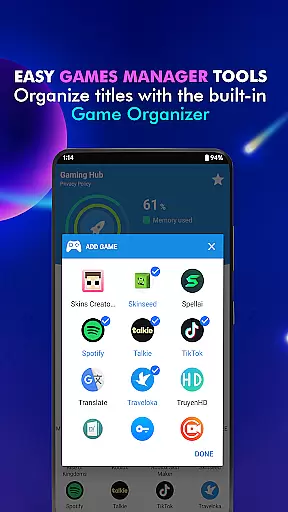
Gaming Hub stands out with its robust feature set tailored specifically for gamers and app enthusiasts. The Android Game Launcher provides a dedicated space to manage both games and utility apps, creating a personalized user experience. Its intelligent Organizer Master function automatically detects and categorizes popular games from top publishers, while still allowing manual additions for complete customization.
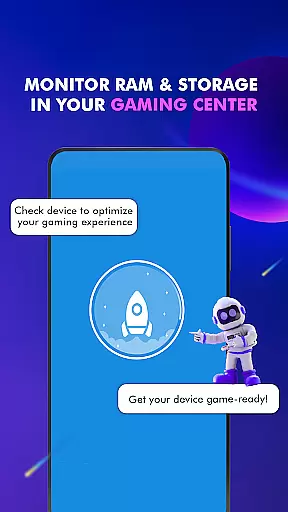
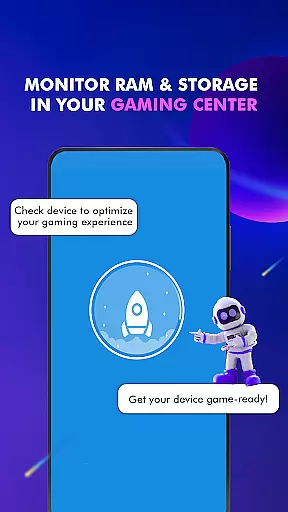
The app's Performance Monitoring capabilities give users real-time insights into their device's RAM usage and storage capacity. This feature helps maintain optimal system performance by identifying resource-heavy applications that may affect gaming sessions. Additionally, the Launcher feature enables quick access to apps through an intuitive interface, eliminating the need to search through multiple folders or screens.
While primarily functioning as an app management tool, Gaming Hub also serves as a valuable information center. It provides essential details about device performance without claiming to boost game performance or increase FPS. This makes it a reliable companion for users seeking better organization and system awareness without artificial performance enhancement claims.
In the realm of app management tools, functionality completeness is paramount. Gaming Hub App offers a comprehensive suite of features that cater to both casual and hardcore gamers alike. The Android Game Launcher not only simplifies access to your favorite games but also extends its utility to other apps, ensuring that all your digital needs are centralized.
The app's Organizer Master takes care of categorizing popular games from well-known publishers automatically, saving you time and effort. This feature demonstrates the app's commitment to providing extensive coverage across various gaming titles, making sure no game is left behind. Additionally, users have the option to manually add their preferred apps, giving them complete control over their digital library.
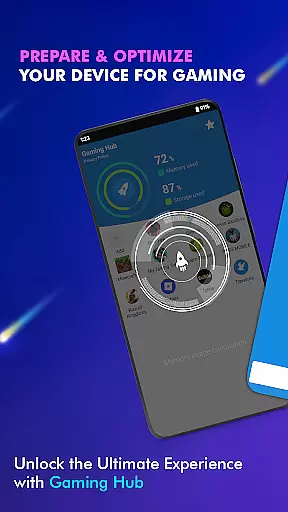
Performance Monitoring adds another layer of functionality by allowing users to keep an eye on critical system resources like RAM usage and storage capacity. This ensures that device performance is always optimized for the best gaming experience possible. By offering these robust features, Gaming Hub App establishes itself as a versatile tool in the Libraries & Demo category.
Usability is a cornerstone of any successful application, and Gaming Hub App excels in providing a seamless user experience. Its intuitive interface makes it easy for anyone to manage their apps and games without a steep learning curve. The design philosophy focuses on simplicity and efficiency, enabling users to organize their digital content effortlessly.
Operational smoothness is evident in how the app handles tasks such as launching games or monitoring system resources. With just a few taps, users can activate the Game Launcher feature, which streamlines the process of opening apps and games. This operational fluidity enhances the overall user experience, making daily interactions with the app pleasant and hassle-free.
Furthermore, the app's dedication to being a reliable Smartphone Gaming Center means that users can trust it to deliver consistent performance. While it doesn't promise to boost game performance directly, its ability to provide valuable insights into storage and RAM usage contributes to maintaining an optimal operating environment. This focus on usability ensures that Gaming Hub App remains a top choice for those seeking efficient app management solutions.
User-friendly interface
Automatic game detection
Real-time performance tracking
Customizable app library
Centralized app management
No direct game boosting
Limited FPS optimization
Android-only support
Manual app addition required
Basic UI design

Game Booster GFX for smoother gaming experience. Enjoy 120 FPS and 4x Game Space
 4.20
4.20
Demo for Key Attestation feature of the Android system.
4.80
Easily evaluate the performance of Scandit's barcode and ID scanning SDK
4.10
Read Quran pak offline & listen online mp3 Quran in Al Quran Majeed app
4.4
Recite Quran Majeed القران with special 16 line real Kuran page in hand
4.30
Looking to connect your phone to your car screen? Mirror Link is the solution.
3.20
A Pydroid Quick Install repository provider.
4.00
Ps2 plugins for 64 bit artitechture
3.70
The best PS2 games from your childhood come to life in their mobile version!
4.00
TV USB connector app provides you a seamless cast option from your phone to tv.
4.70
Block and secure the microphone and protect from secret listening and recording.
4.50
Game booster GFX may reduce interruptions and improve gaming experience.
4.50
An impressive collection of tools, characters, weapons, skins and more!
4.30
use your smartphone as Remote control drones .
4.20
Test DPC is a sample device policy controller for use with Android Enterprise.
4.20
With Endoscope Camera Connector you can connect your phone with endoscope cam
3.70
Connect and Find your smart tag via our app.our app is compatible with smarttag.
3.30
DamonSx2 is the open Source LGPL Emulator
3.20
Zlink Carplay Android a mirror link app with a Carplay interface style
4.2


User Reviews