
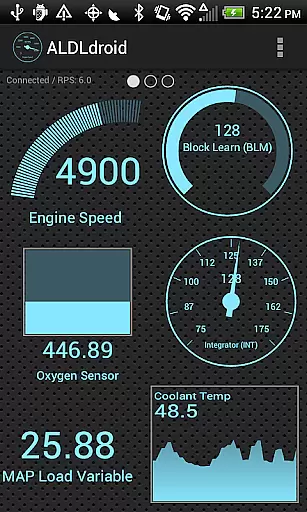
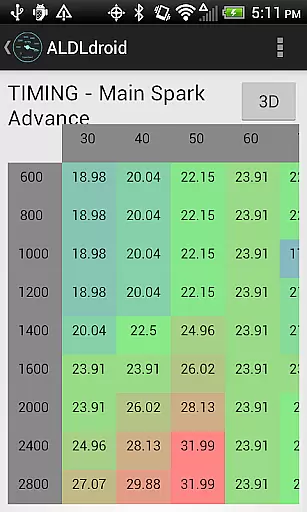
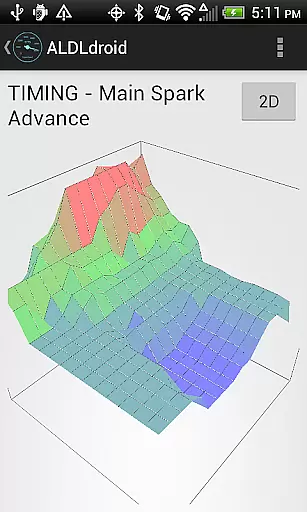
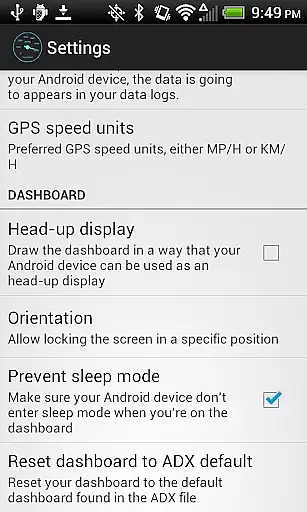
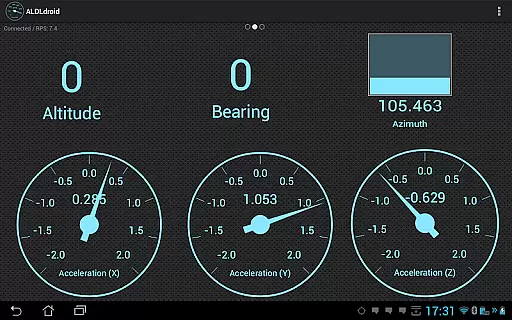
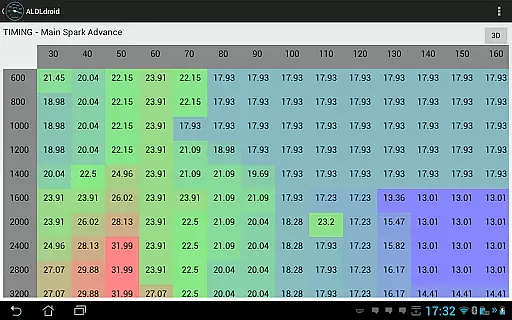
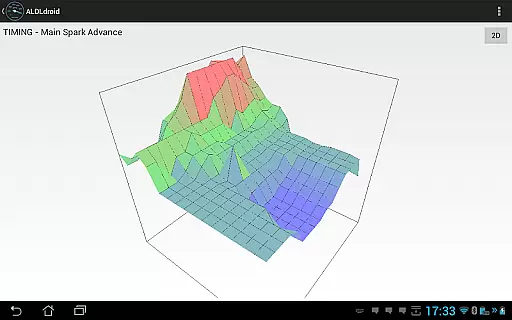
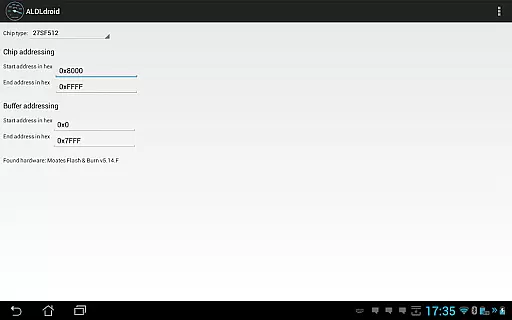
ALDLdroid is a specialized application designed for OBD1 GM ECMs, compatible with both 160 baud and 8192 baud protocols. This app allows users to perform data logging using TunerPro files (ADX) and extends its functionality beyond GM ECMs with the proper XDF file, supporting tuning file editing for various car brands.
With real-time tuning capabilities supported by Moates hardware and chip programming options, ALDLdroid offers advanced features for vehicle enthusiasts. The app supports connection via Bluetooth or USB (FTDI), ensuring flexibility in device compatibility. Its dashboard customization and log viewers provide users with an interactive experience for monitoring and analyzing vehicle performance data.
ALDLdroid stands out with its compatibility with TunerPro files for extensive data logging and tuning file editing across multiple vehicle brands. It facilitates real-time tuning with Moates Ostrich and AutoProm hardware, along with NVRAM based ECUs, and enables chip programming using Moates BURN1/BURN2 hardware.
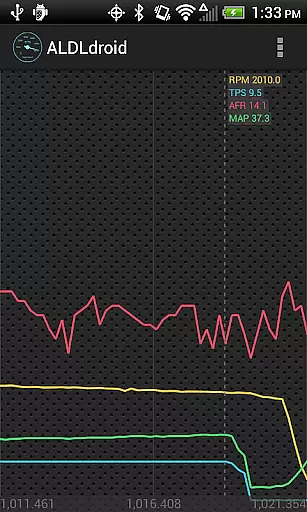
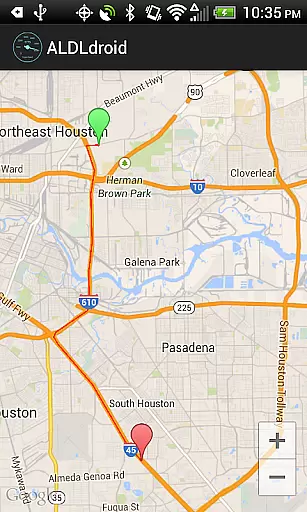
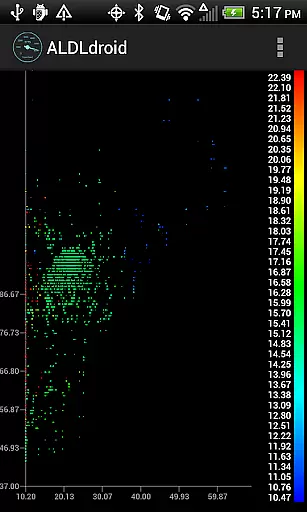
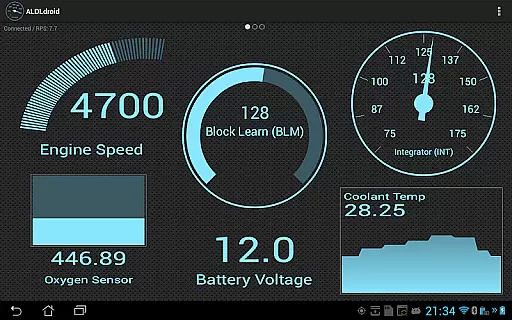
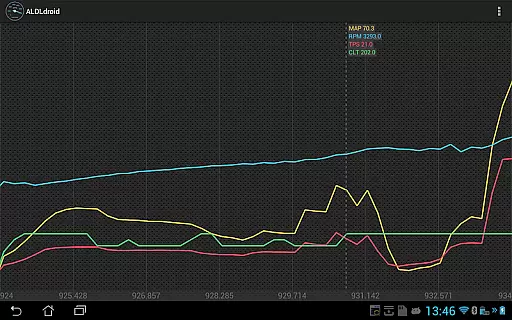
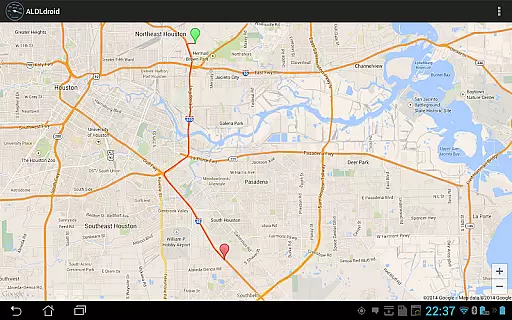
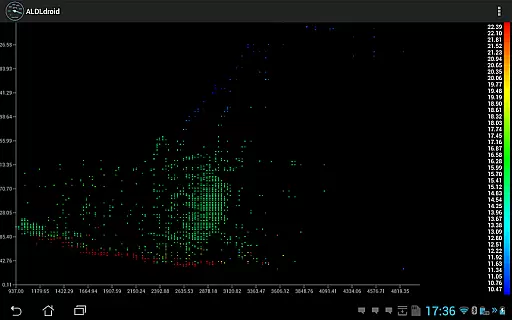
The app's dashboard edit mode allows full customization of indicators, offering display formats such as gauge, basic readout, bar graph, or histogram. With alarm settings and vibration alerts, users can efficiently monitor critical parameters. Additionally, its log viewers support scatter plot visualization, GPS data mapping, and time-series analysis, enhancing data interpretation.
ALDLdroid provides comprehensive access to detailed vehicle information by interfacing with OBD1 GM ECMs and other supported brands. The application supports both 160 baud and 8192 baud protocols, ensuring compatibility with a wide range of vehicles.
Through the use of TunerPro files (ADX), users can log data specific to their vehicle's ECM. This allows for an in-depth analysis of engine parameters and performance metrics. If the required ADX file is not pre-packaged, users can easily add it to the appropriate directory on their Android device.
Beyond GM ECMs, ALDLdroid extends its functionality to other car and motorcycle brands such as BMW N54, Buell, DSM, Ducati, Ford, Holden, Nissan, Porsche, Volvo, Fiat, and Renault. With the correct XDF file, users can edit tuning files for these various applications, enhancing the scope of vehicle information accessible through the app.
ALDLdroid maintains price transparency by offering a clear purchase process and detailing any additional hardware requirements that may incur extra costs. Before purchasing the app, users are advised to ensure they have the necessary ADX or XDF files for their specific ECM, avoiding unexpected expenses.
The app itself is available for purchase on Google Play, with no hidden fees. However, users may need to acquire compatible ALDL adapters for Bluetooth or USB connections if they do not already own them. Links to purchase these adapters are provided within the app description, allowing users to make informed decisions regarding additional purchases.
Furthermore, ALDLdroid offers support for real-time tuning and chip programming using Moates hardware, which might represent an additional investment for users seeking advanced functionalities. By providing this information upfront, ALDLdroid ensures users are fully aware of potential costs associated with maximizing the appu2019s capabilities.
User-friendly interface
Wide protocol compatibility
Customizable dashboard
Advanced tuning capabilities
Comprehensive log analysis
Limited to specific hardware
No iOS version available
Requires technical knowledge
Potential compatibility issues
Refund policy restrictions

Ultimate OBD2 Car Scanner: Diagnostics, Service and Modification Tool
 4.30
4.30
The Smarter Way Forward
3.30
Take Control of Your Car
4.80
OBDII - ELM327 Terminal tool for 96-00 Volvos
4.50
DIY Vehicle Wheel Alignment
4.5
Oil change service & coupons for car maintenance at Valvoline Instant Oil Change
4.70
AI Powered - Automotive Mechanic Assistant
4.30
Car Sounds Engine Sounds app welcomes Auto Lovers to feel Car Simulator Sound
4.20
Find Your Local Store or Shop Online for the Car, Truck, or SUV Parts You Need
4.70
Marathon ARCO Rewards members earn rewards & apply the rewards for fuel savings!
4.80
The ExtraMile App allows you to pay for fuel from the comfort of your car!
4.70
1M+ high-quality auto parts at your fingertips. Fitment guaranteed.
4.70
DMV practice test 2025: Driver License permit test & written test for all states
4.70
Secure mobile payments & fuel savings at Phillips 66®, Conoco® and 76® stations
4.40
ODB2 based monitoring application for the Chevy Bolt (2017-2021)
4.00
OBD diagnostics, Live Data, DPF regeneration for BMW
4.00
Available in select states.
4.00
BlueDriver® is a Premium Diagnostic OBD2 Scan Tool. www.BlueDriver.com
3.90
O'Reilly Pro will streamline your parts lookup and ordering process!
3.20


User Reviews