
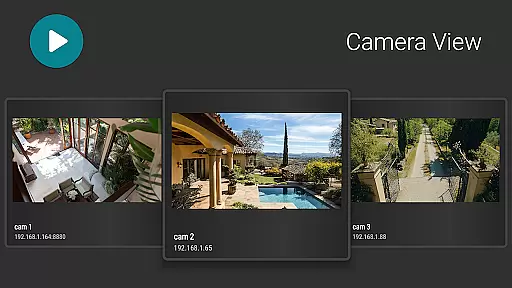
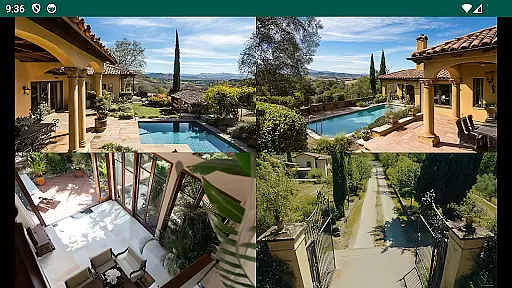
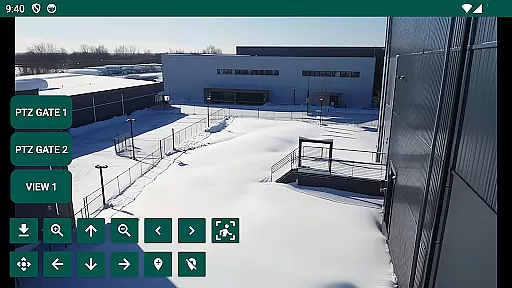
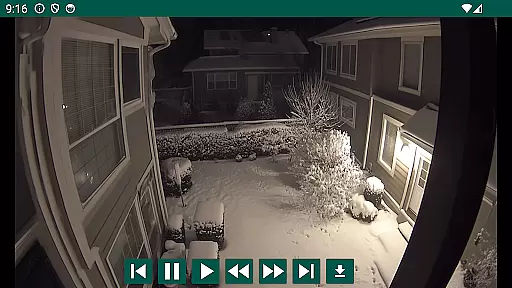
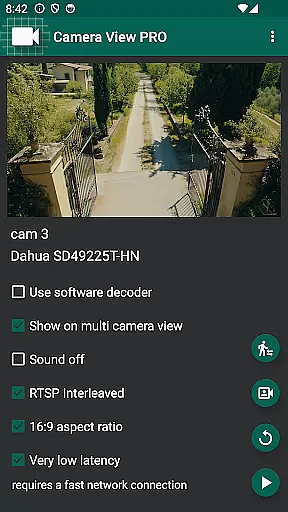
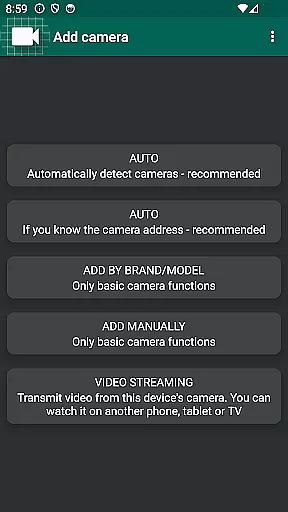
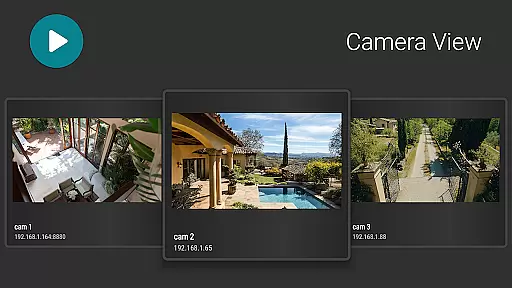
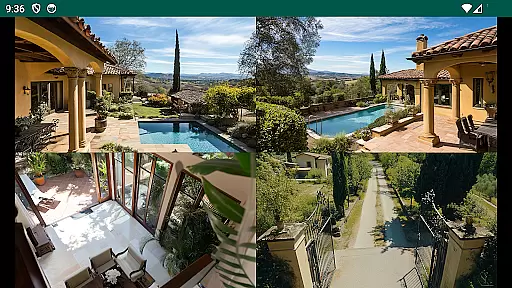
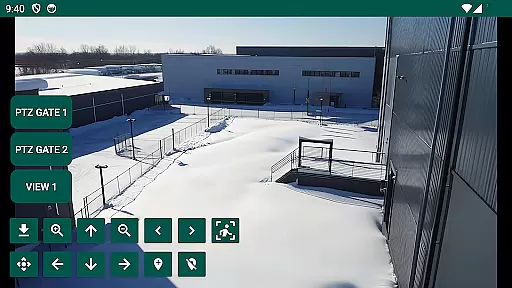
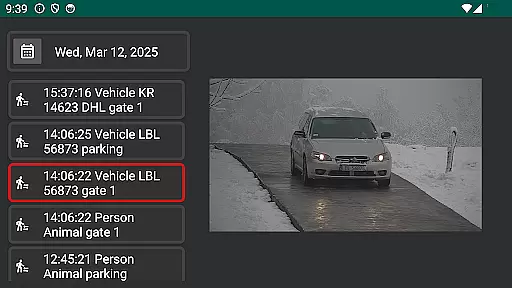
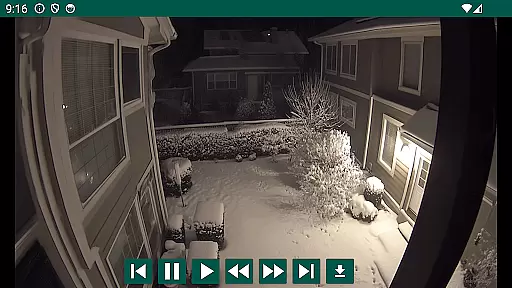
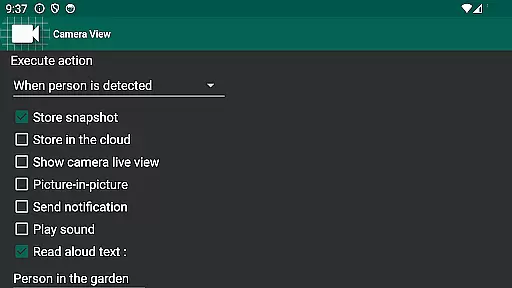
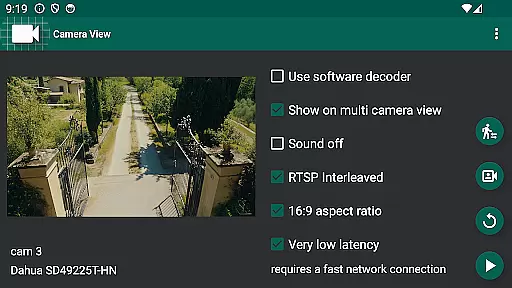
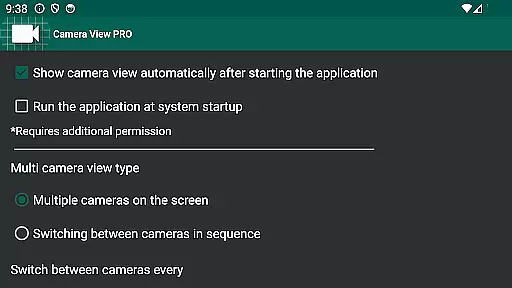
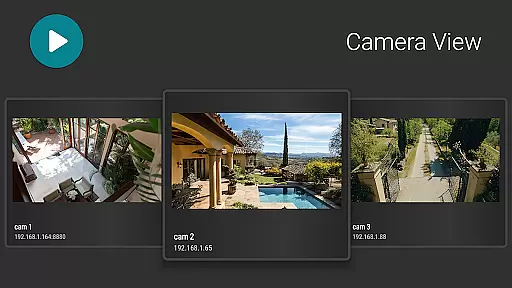
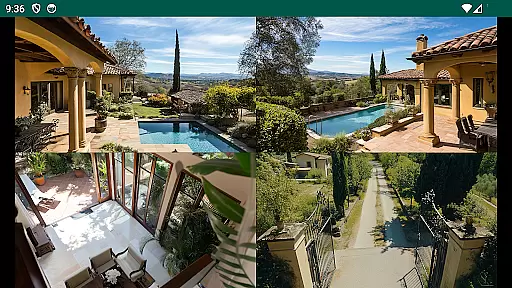
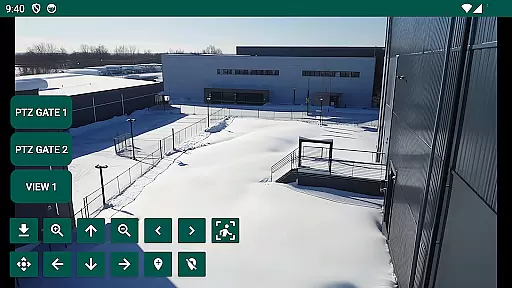
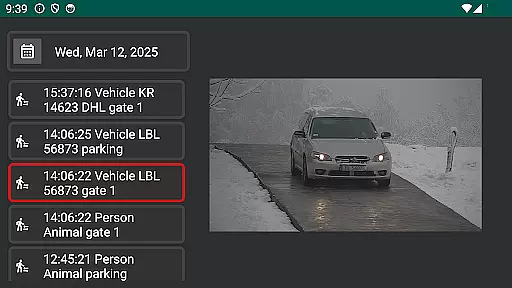
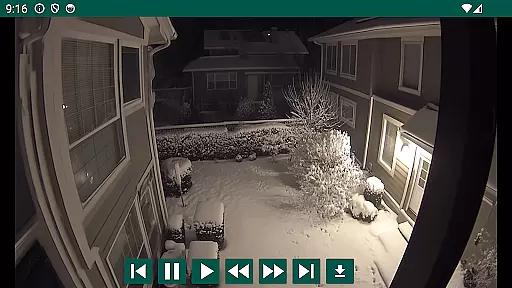
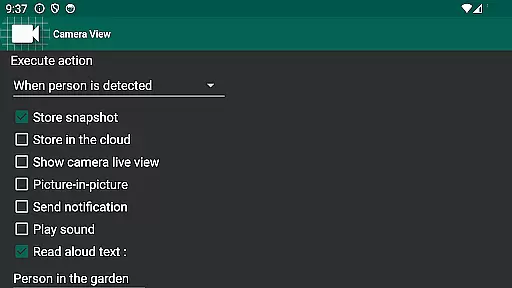
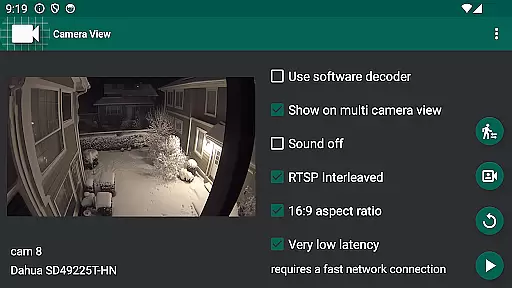
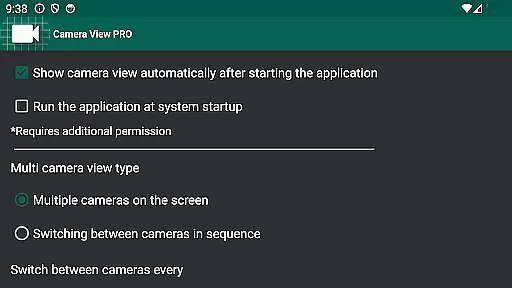
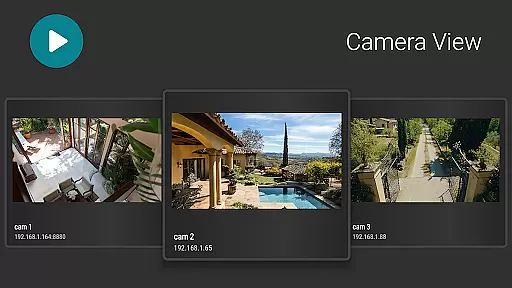

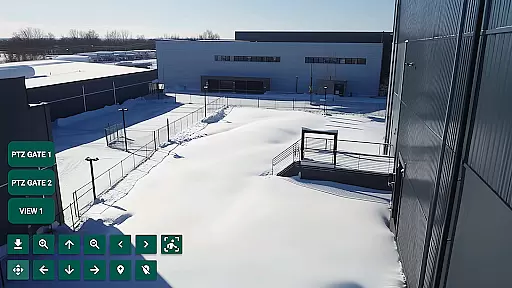
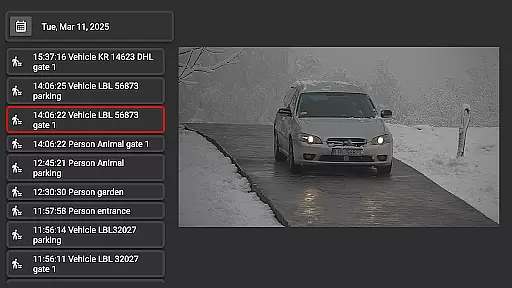
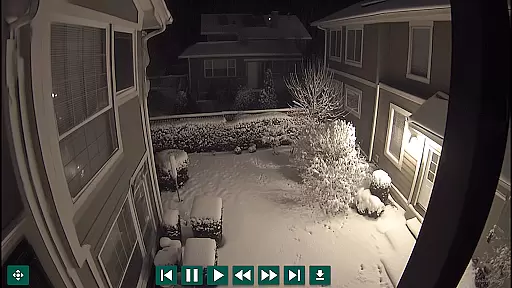
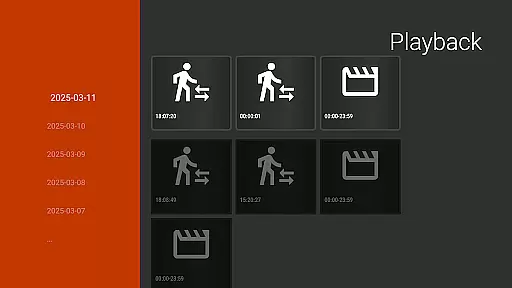
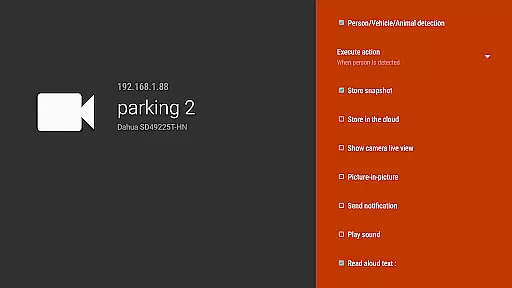
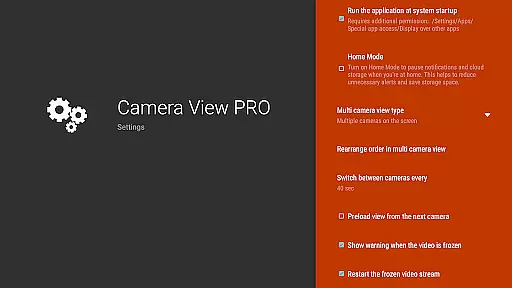
IP Camera Viewer is a versatile application that allows users to comfortably watch live views from their network IP cameras on various devices including big TV screens, phones, or tablets. The app supports playback of video recordings and event notifications from cameras or NVR recorders.
Compatible with most IP cameras, WiFi cams, and entire home security CCTV systems, it works exceptionally well with Hikvision and Dahua devices. Whether for home security or professional surveillance needs, this app provides an optimized viewing experience across phones, tablets, TVs, and TV boxes with the Android system.
The standout feature of IP Camera Viewer is its broad compatibility with a wide range of IP cameras and devices, ensuring that users can connect and view footage regardless of their setup. It offers seamless integration with popular brands like Hikvision and Dahua, enhancing its utility for both personal and professional use.
Another notable aspect is its optimization for different screen sizes and resolutions, providing a smooth user experience whether you're on a phone, tablet, or TV. The ability to receive real-time events from your cameras adds another layer of functionality, making sure you never miss important moments captured by your surveillance system.
When it comes to managing your home security system, the authenticity of your property listings is crucial. IP Camera Viewer ensures that every camera connected to your network is accurately represented and verified within the application. This means you can trust that the live views and video recordings you are accessing truly correspond to your actual CCTV setup.
The app meticulously cross-checks each camera's details against its network identity, ensuring there are no discrepancies. This verification process is particularly beneficial for users with extensive home or professional security systems, where multiple cameras are deployed across various locations. By maintaining strict authenticity protocols, IP Camera Viewer provides peace of mind, knowing that the footage you view is genuine and reliable.
For users of Hikvision and Dahua devices, this level of authenticity assurance enhances the overall effectiveness of their security measures. The application's compatibility with a wide range of IP cameras ensures that whether you're monitoring a single property or an entire complex, the integrity of your surveillance data remains uncompromised.
Beyond just viewing live feeds, IP Camera Viewer offers a comprehensive suite of home management features designed to enhance your control over your security system. With the ability to playback video recordings directly from your NVR recorder, users can review past events with ease. This feature is invaluable for identifying security breaches or reviewing incidents without the need for additional software.
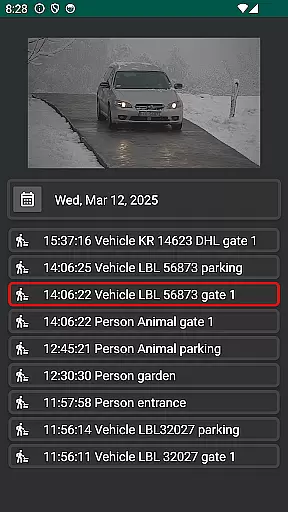
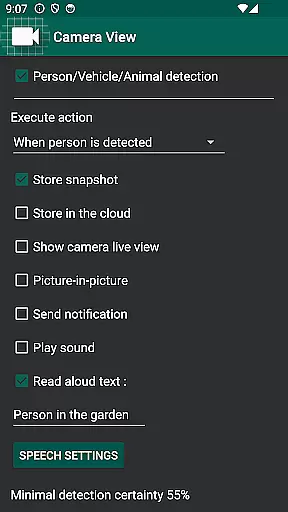
The application also supports event notifications, alerting users to specific activities captured by their cameras. Whether it's motion detection or doorbell rings, these real-time alerts ensure you're always informed about what's happening at your property. For homeowners and professionals alike, this proactive approach to security management allows for quicker response times and better decision-making.
Optimized for a variety of devices including phones, tablets, and TV boxes, IP Camera Viewer brings convenience and flexibility to home management. Its intuitive interface simplifies navigation through different camera views and settings, making it accessible even for non-technical users. By integrating seamlessly with existing home security infrastructures, this app becomes an indispensable tool for modern home and business owners seeking efficient and reliable security solutions.
User-friendly interface
Wide device compatibility
Real-time event notifications
Optimized for various screen sizes
Supports major camera brands
Requires stable internet connection
Limited iOS support
Premium features may require subscription
Occasional connectivity issues
Advanced settings might overwhelm beginners

For all of your Airthings devices
 4.30
4.30
Home Ideas | Renovation Advice | Local Pros. Go From Dream to Home with Houzz.
4.70
Wobble Fix Tool
4.40
Turn your phone into a wifi cam with smart features and umlimited reach.
4.20
Convert your Phone to HiSense Smart TV Remote Control
4.70
Control Fire TV & mirror your phone screen instantly over Wi-Fi.
3.30
Smart AI plant care schedules, Real plant experts, support & Thriving community!
4.20
The only mappable smart lights for custom decoration.
4.50
Apartment finder for apartments for rent. Compare prices, amenities & rentals.
4.50
Find your next home, house, apartment, condo, casa, flat, rental, studio, or bed
4.70
Download today to join the community to help bring lost pets home faster.
4.70
Search for Homes, Rentals, Agents & Schools
4.70
AI-powered home design, interior design, home decor, and room design solutions
4.50
Resident Center, powered by Buildium, is designed with simplicity in mind.
4.50
Fire & Power Safety
4.50
Find contractors for all home renovation projects. Remodeling, repair, and more.
4.20
Technology powering many in-home services for residents across the United States
3.80
Use Home by ShowingTime to easily manage showings, tours, feedback and more
3.60
Calculate baluster spacing with ease and precision.
4.2


User Reviews