
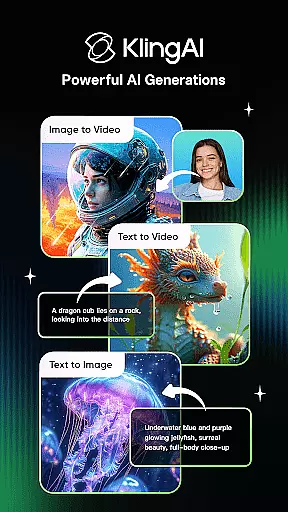
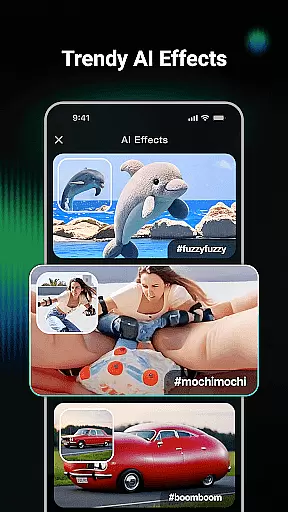
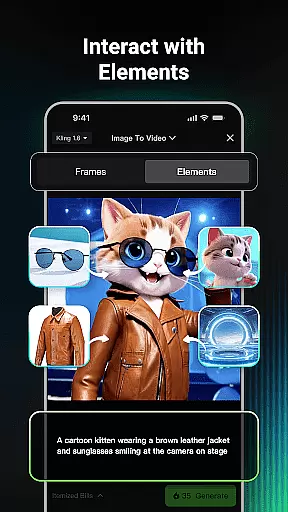
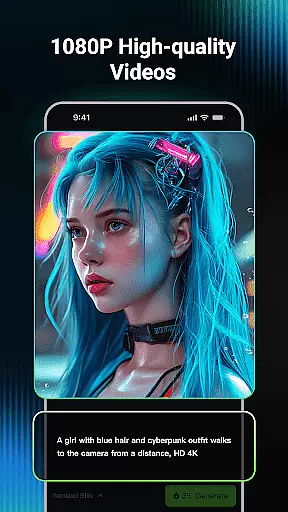
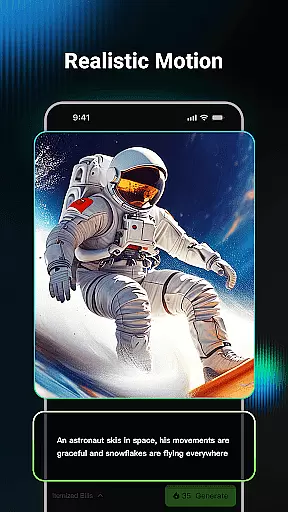
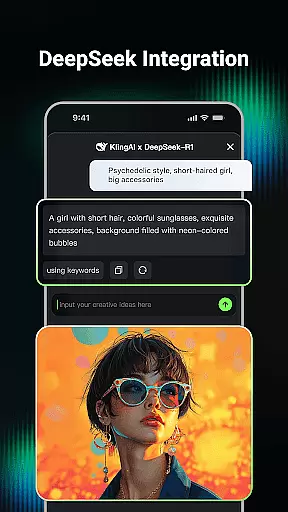
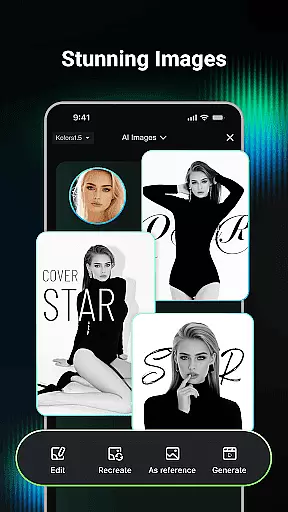
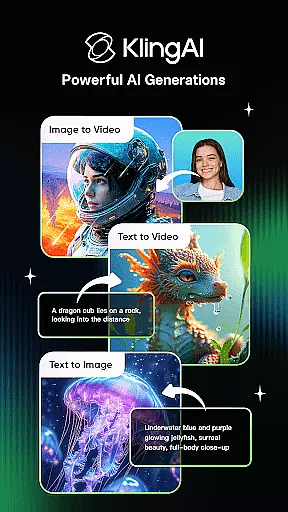
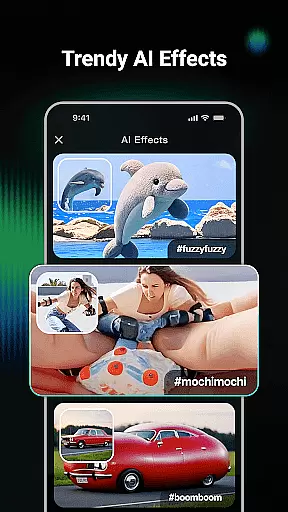
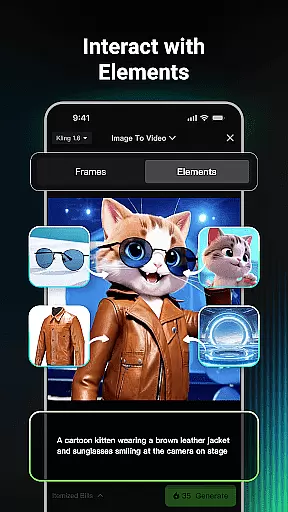
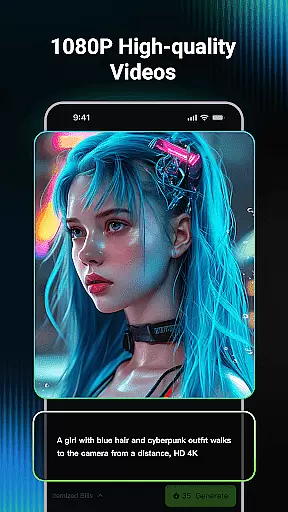
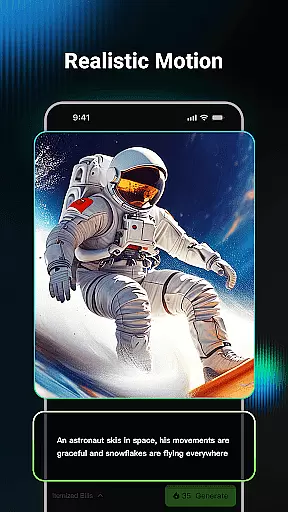
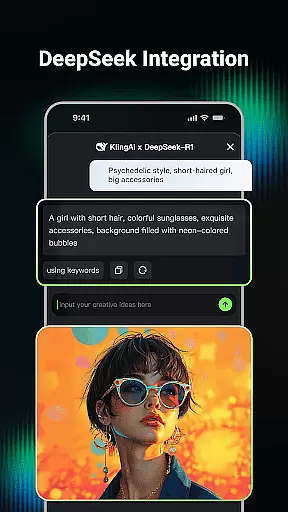
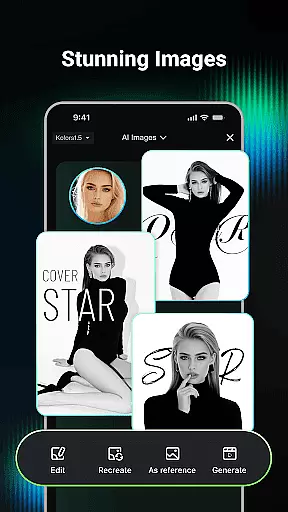
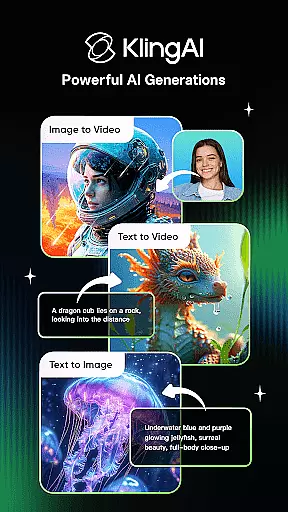
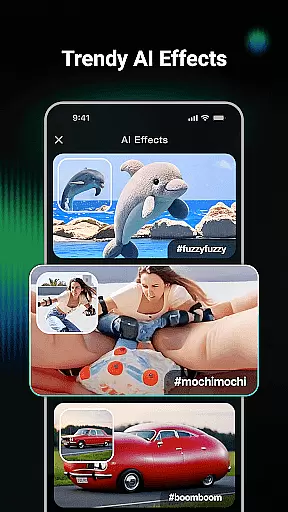
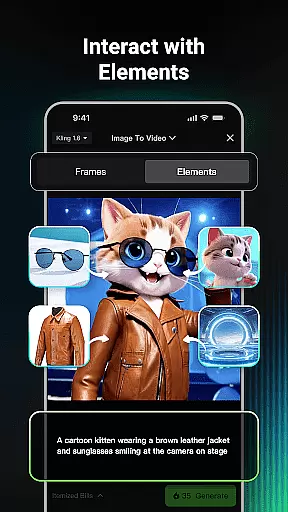
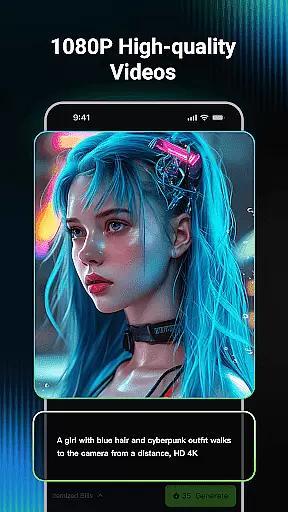
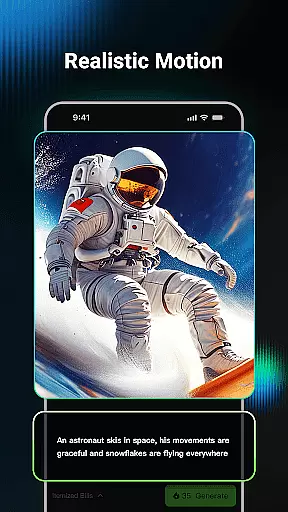
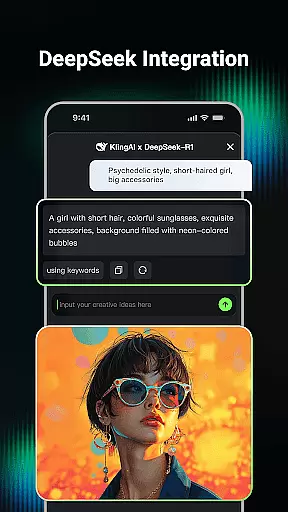
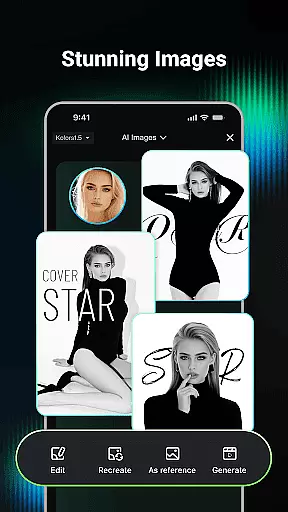
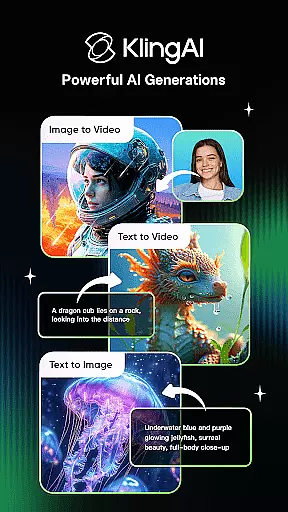
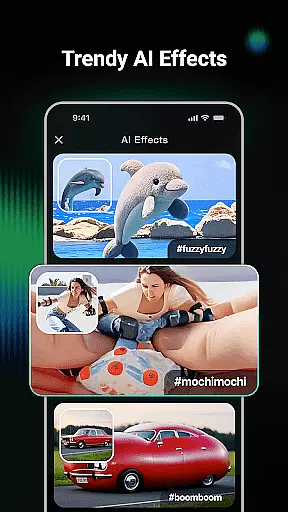
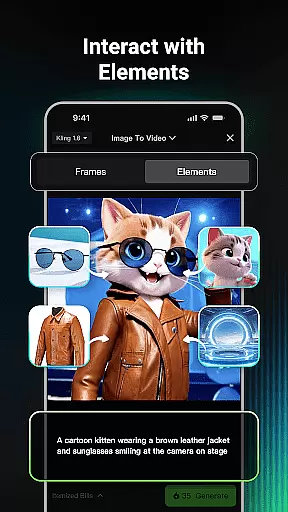
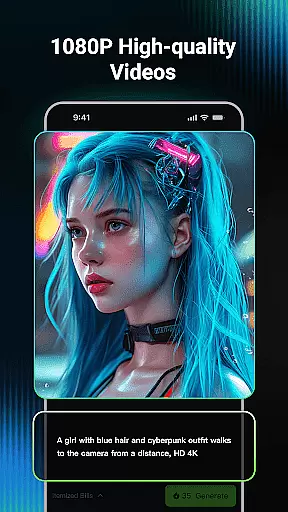
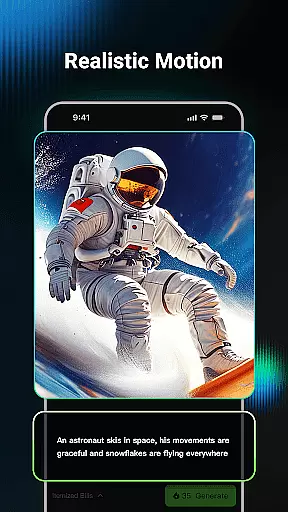
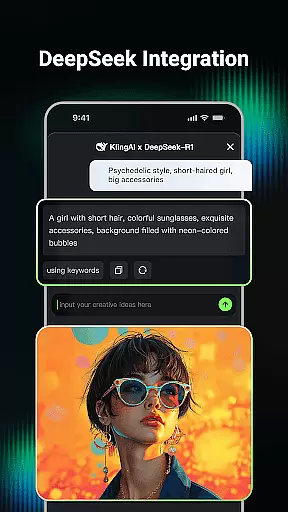
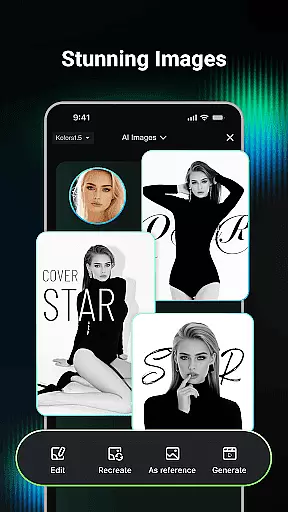
Kling AI is a cutting-edge creative studio powered by advanced AI models, designed for creators who seek innovative ways to produce video and image content. The app supports both text-to-video and image-to-video generation, enabling users to transform simple prompts into high-quality videos up to 1080P resolution. Additionally, its AI image generation feature allows for versatile creation in various styles and dimensions.
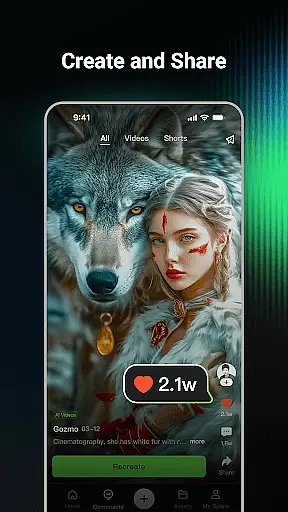
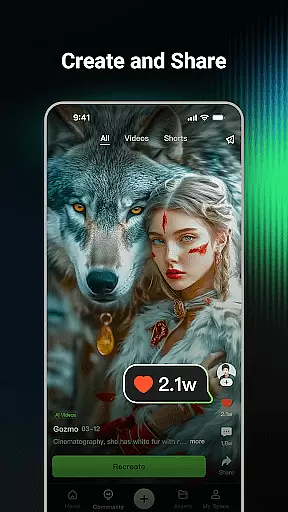
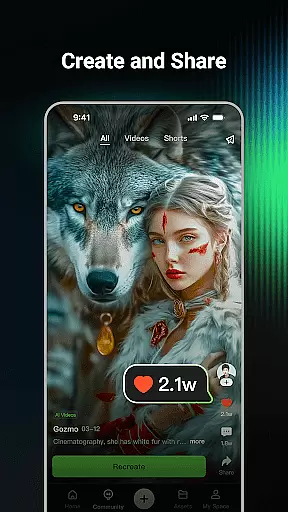
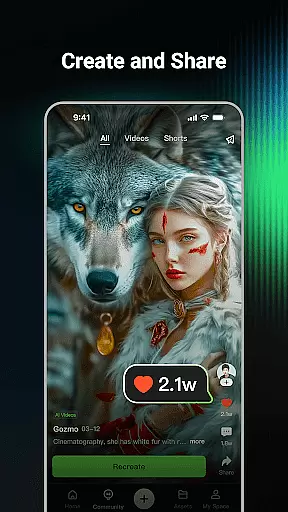
One of the standout features is the community-driven inspiration platform, where users can browse works from fellow creators, collaborate on ideas, and even clone projects to customize them further. Whether you're an artist, marketer, or hobbyist, Kling AI provides tools that streamline your creative process while offering professional-grade results.
This app is particularly useful for digital artists and content creators looking to enhance their workflow with AI-powered solutions. By combining powerful generative tools with a collaborative ecosystem, Kling AI empowers users to bring their imaginative concepts to life efficiently and effectively.
Kling AI stands out due to its robust integration of large AI models like Kling and Kolors, which power its core functionalities such as Text-to-Video, Image-to-Video, and Text-to-Image generation. These capabilities allow users to create visually stunning content with minimal effort. For instance, inputting just a short text description can result in a fully rendered video or image tailored to specific requirements.
The app also includes practical features like video extension, which enables the generation of longer content up to 3 minutes, making it ideal for storytelling or marketing campaigns. Furthermore, the Clone & Try functionality lets users experiment with existing community projects, fostering a culture of shared creativity and continuous improvement.
With its intuitive interface and seamless performance across devices, Kling AI ensures accessibility without compromising on quality. This makes it suitable for both beginners exploring AI-generated art and professionals seeking advanced creative control.
In the realm of digital creativity, having a comprehensive suite of tools is paramount. Kling AI stands out by offering an all-encompassing platform that supports both video and image generation and editing. This is made possible through its powerful Kling large model and Kolors large model technologies.
Users can effortlessly transform their ideas into reality with features like Text-to-Video, Image-to-Video, Text-to-Image, and Image-to-Image generation. These capabilities ensure that whether you start with a simple text prompt or an existing image, your creative visions can be expanded into diverse dimensions and styles.
The inclusion of a vibrant community further enhances the creative toolkit by allowing users to browse works from fellow creators. This not only serves as a source of inspiration but also enables collaboration with renowned AI creators, sparking new ideas and possibilities.
With these robust tools at your disposal, Kling AI empowers creators to push the boundaries of their imagination, making it an indispensable asset for anyone involved in art and design.
Flexibility in canvas and format options is crucial for unleashing artistic potential. Kling AI addresses this need by providing versatile solutions that cater to various creative requirements. Whether you're working on videos or images, the platform ensures adaptability and ease of use.
For video projects, Kling AI supports high-quality outputs up to 1080P resolution and extends creative freedom with the ability to generate content up to 3 minutes long. This feature allows creators to experiment with extended narratives and complex visual stories without compromising on quality.
When it comes to images, Kling AI offers multiple dimensions and styles, accommodating different artistic visions. The platform's one-click conversion feature from image to video adds another layer of convenience, enabling seamless transitions between formats.
This level of flexibility ensures that artists and designers can focus on their creative process without being constrained by technical limitations, making Kling AI a go-to solution for flexible and dynamic art creation.
User-friendly interface
High-quality outputs
Versatile content creation
Active creator community
Innovative cloning feature
Limited free usage
Requires learning curve
Premium subscription costs
Dependent on internet connection
Occasional rendering delays

Learn how to draw with step-by-step tutorials, fun lessons & multiplayer drawing
 4.70
4.70
Design your dream room with AI. Get decor ideas & plan home interiors
3.90
Image/ Text to Video Generator
4.40
Draw anime & manga drawing, art with templates to create stunning picture!
4.50
Logo Generator powered by AI: Create stunning logos effortlessly!
4.70
Create stunning art with AI.
4.80
Your AI soulmate — meaningful chats, and unique emotional moments
4.70
Art of Combination Wear OS Watch faces (for Wear OS 5+ devices)
3.90
Explore future self face age filter & remove background image for a unique look.
3.50
Minecraft & Roblox Clothes
4.70
Castle is social media for creating and playing games!
4.60
Share the joy of painting with ibis Paint! Drawing anime and manga art.
4.50
AI generated images & photos, turn your words into drawing, painting & pictures.
4.30
Text to Image, Image to Video & AI Chat
4.20
Unleash Your Creativity with Draw Cartoon - AR Drawing App
4.10
Design unique, funny and adorable cat stickers that reflect your own style!
3.80
AI Face Swap, Video Effects Editor, Realtime Morph, Funny Video FX,AI Filters
3.70
Inky runs Inkscape on Android devices and Chromebooks
2.90
Art of Combination Wear OS Watch Faces
4.2


User Reviews