
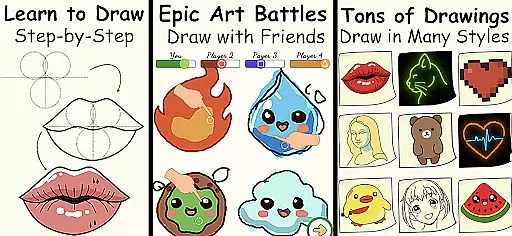
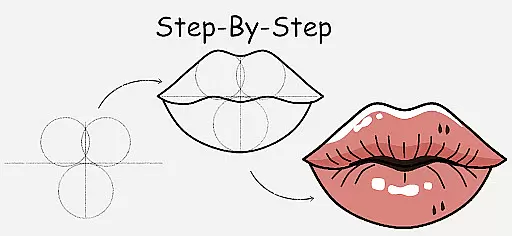
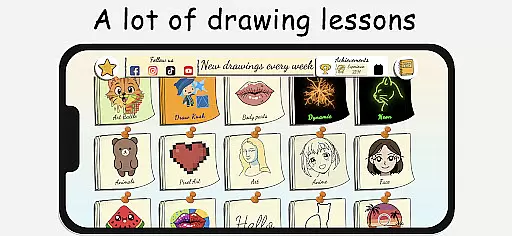
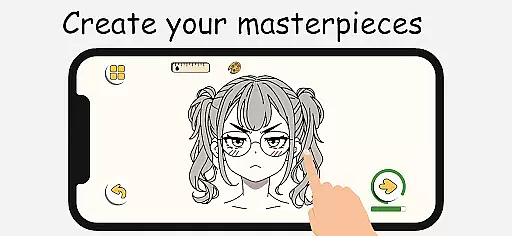
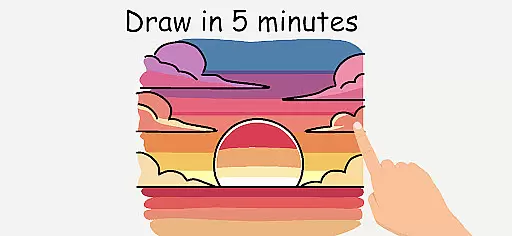
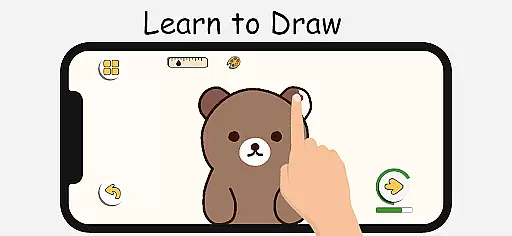
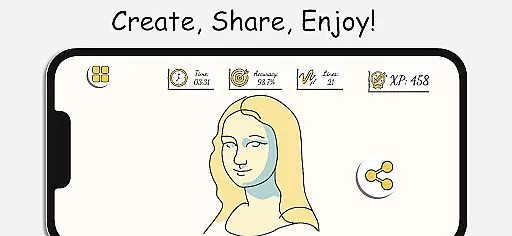
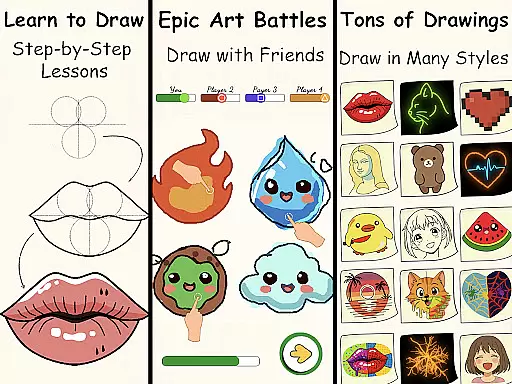
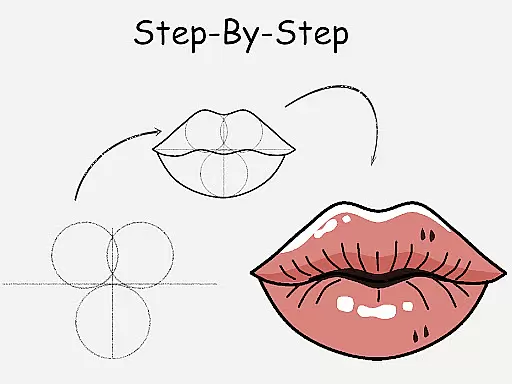
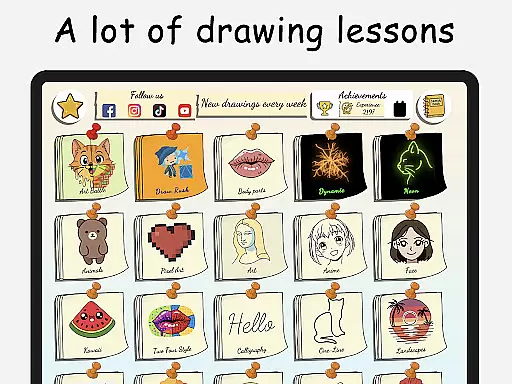
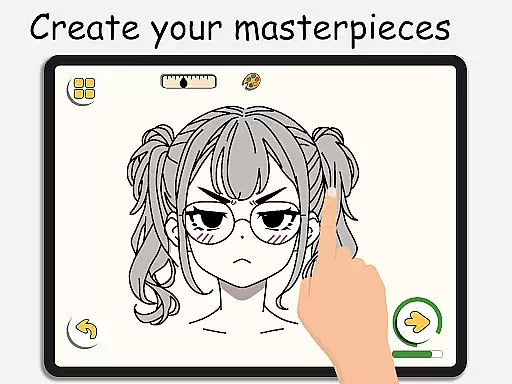
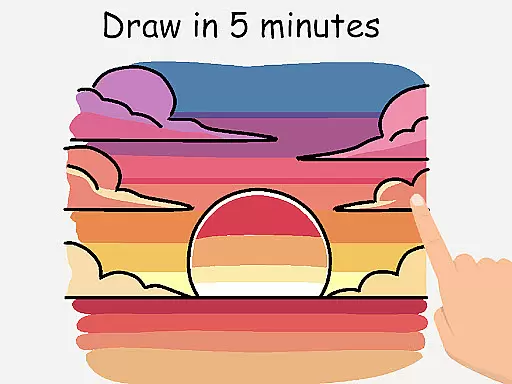
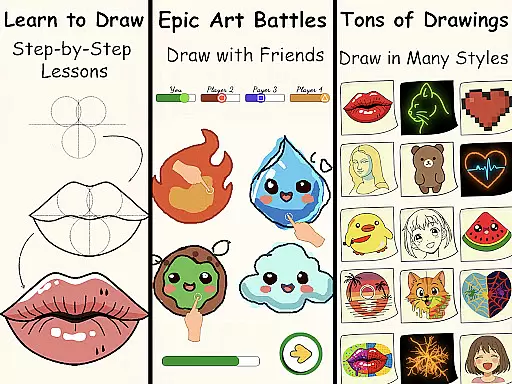
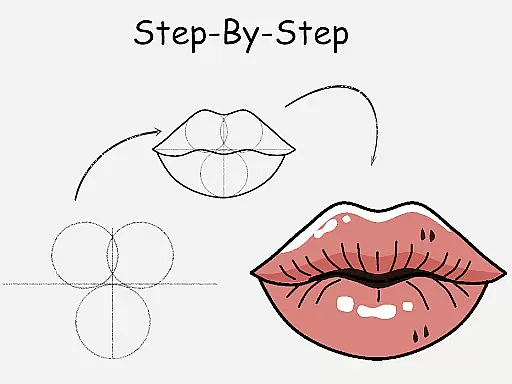
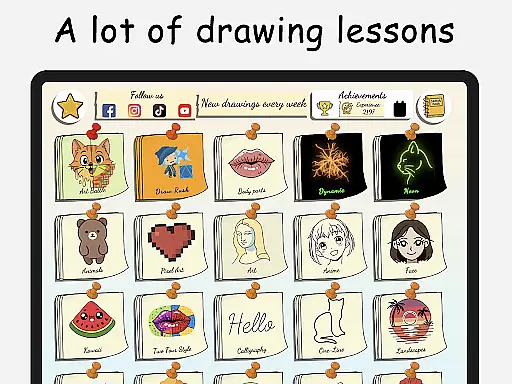
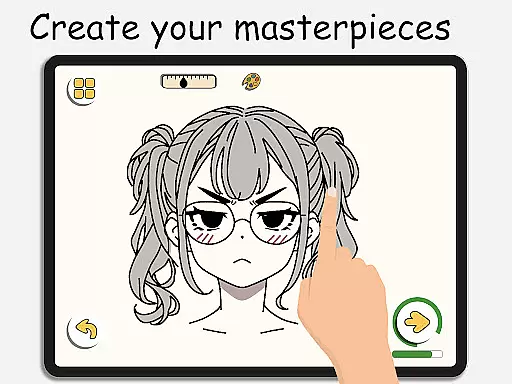
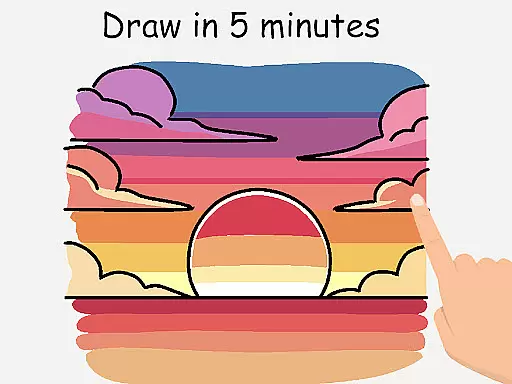
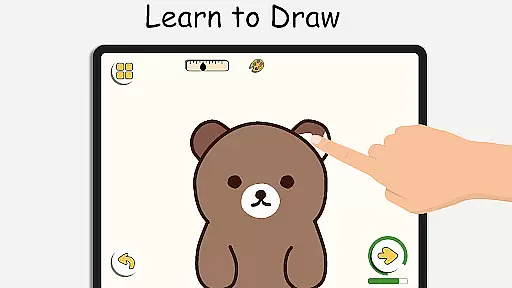
ArtLoop is a comprehensive drawing app designed to help users learn and improve their art skills through step-by-step tutorials, interactive challenges, and multiplayer drawing games. Whether you are a beginner or an experienced artist, ArtLoop offers structured lessons covering various topics such as sketching, anime, cartoon drawing, and more.
The app features tailored learning paths with categories ranging from cute animals to pixel art, ensuring there's something for everyone. With intuitive drawing tools, offline capabilities, and smart evaluation features, ArtLoop provides artistic freedom and convenience for users of all ages. Its unique combination of educational content and engaging activities makes it one of the best free drawing apps available today.
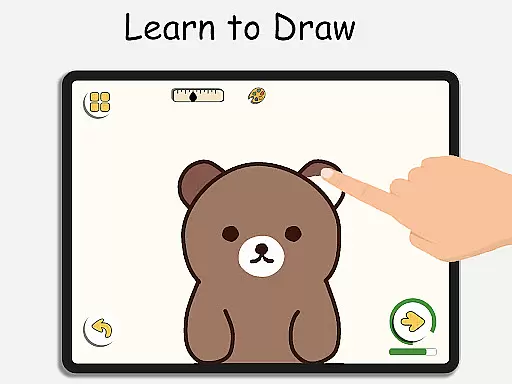
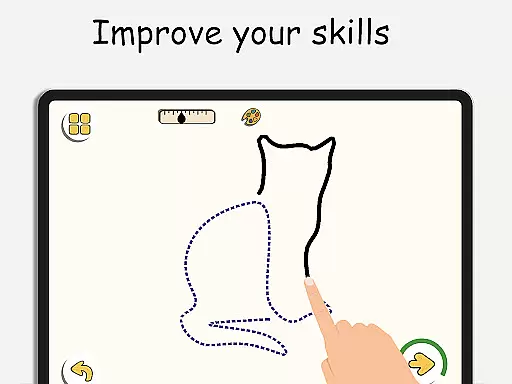
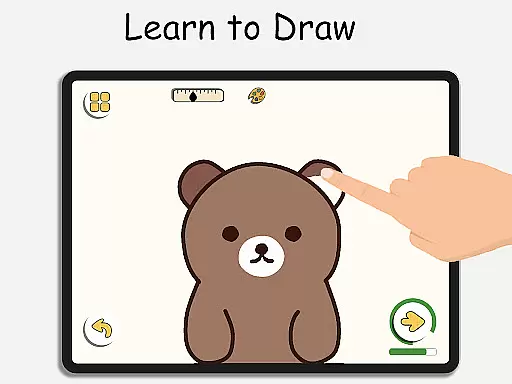
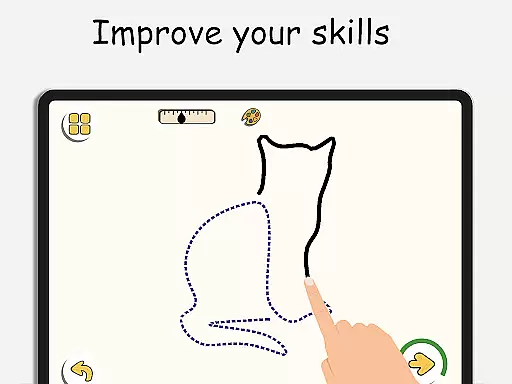
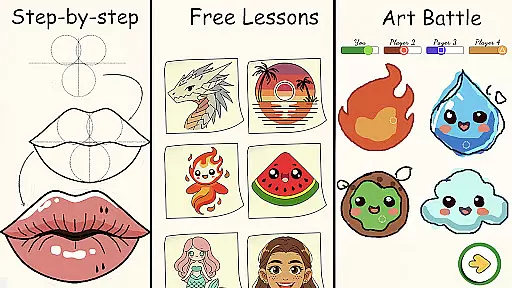
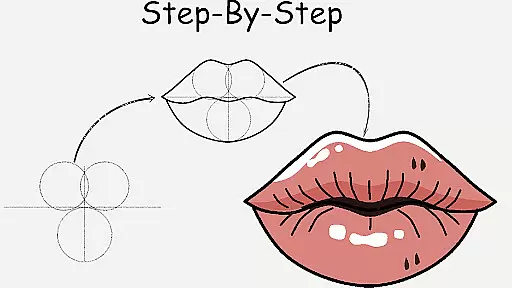
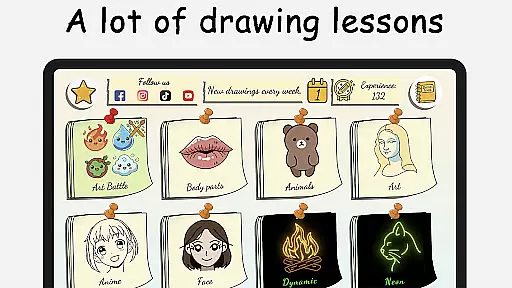
ArtLoop stands out with its rich set of features designed to enhance the drawing experience. The app includes step-by-step drawing lessons that cover a wide range of subjects, including characters, animals, food, people, emojis, and anime. Each lesson is crafted to guide users from basic shapes to complex artworks, making it suitable for all skill levels.
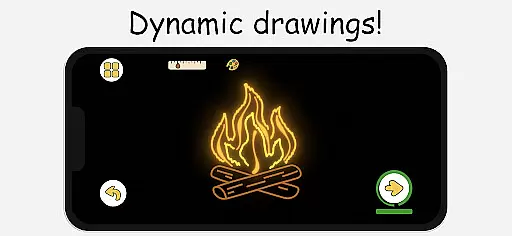
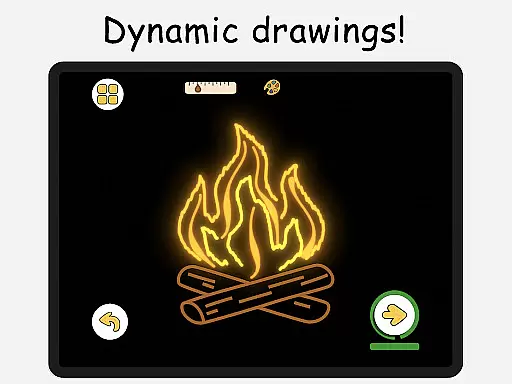
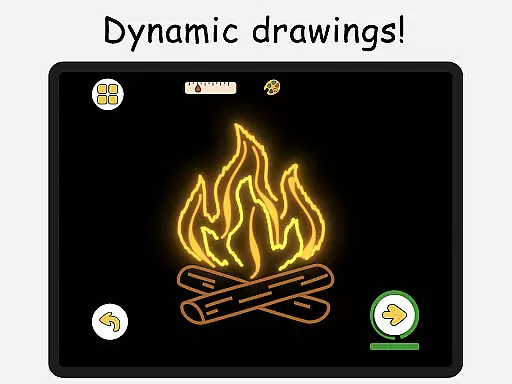
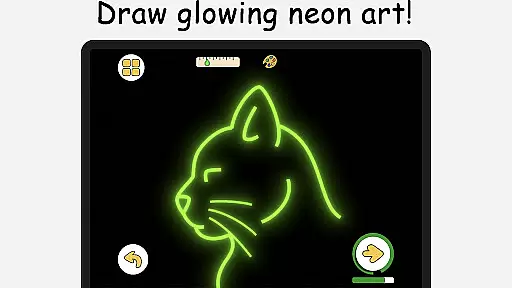
In addition to tutorials, ArtLoop offers exciting multiplayer drawing battles where users can challenge friends or random players. These battles not only make learning fun but also motivate users to improve their speed and accuracy. The app also supports offline drawing, pixel art mode, neon drawing effects, and quick draw challenges, providing diverse ways to practice and refine artistic abilities.
ArtLoop offers a comprehensive suite of creative tools that cater to both beginners and advanced artists. The app includes step-by-step drawing lessons, multiplayer drawing battles, and various tutorials covering different art styles such as anime, cartooning, and sketching.
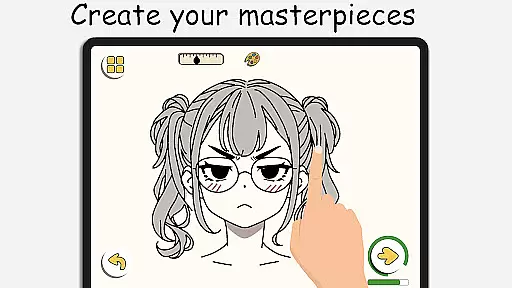
Users can explore an array of features including smooth responsive drawing tools, pixel art mode with snap-to-grid functionality, neon drawing effects, quick draw challenges, and collaborative drawing rooms. These diverse options ensure that artists have everything they need to create amazing digital artwork within one platform.
The inclusion of offline drawing capabilities adds another layer of convenience for users who want to practice their skills without needing an internet connection. This feature-rich environment supports artistic growth by providing all necessary instruments in a single application.
By offering tailored learning paths across multiple categories like animals, food, flowers, and anime eyes, ArtLoop ensures personalized progression through focused lessons suitable for all ages. Such variety not only enhances user engagement but also fosters continuous improvement over time.
Flexibility in canvas size and format is crucial for any artist looking to express themselves fully. ArtLoop addresses this need by allowing users to customize their workspace according to individual preferences or project requirements.
With intuitive editing features and detailed control options, artists can easily adjust settings to match their desired output whether it's creating retro sprites using pixel art mode or designing glowing masterpieces with neon brushes. The ability to switch between formats seamlessly encourages experimentation and innovation.
Moreover, the appu2019s support for private collaborative sessions enables real-time interaction among peers on shared projects regardless of geographical location. This fosters community building while maintaining high standards of quality assurance throughout each session.
Overall, ArtLoop empowers its users with unparalleled freedom when it comes to choosing how they wish to present their creations digitally u2013 making it an ideal choice for aspiring artists seeking versatility alongside robust functionality.
User-friendly interface
Comprehensive drawing lessons
Multiplayer drawing games
Offline drawing capability
Smart evaluation tools
Limited advanced tools
Occasional ads
Basic social features
Few premium options
Interface can be cluttered

Convert image to JPG PNG HEIC PDF, support almost all kinds of image formats
 4.70
4.70
Castle is social media for creating and playing games!
4.60
Create stunning video, photo & magic from text with FlixAI GPT video generator.
3.10
Nano Banana AI Image Generator, Anime Filter, AI Portrait, AI Photo Generator
4.30
Powerful home decoration & house design that allows you to design dream home.
3.80
Get creative and make art with your Sesame Friends!
4.00
Your homescreen as an elegant glass with customized blur, lighting, and visuals.
3.70
Create cute cat emojis & PFPs! Fun, custom avatars for cat lovers.
3.70
Draw, fidget, and spin glow art! Relax and express your creativity with a finger
4.60
Passport size photo maker, create ID photo and visa photo in seconds
4.80
Make your phone cooler and have a fantastic experience
4.80
Your AI soulmate — meaningful chats, and unique emotional moments
4.70
Photo editor for art, avatars, filters & fun transformations.
4.60
Turn your drawings into flipbook-style animations with simple creative tools
4.60
Draw Trace image sketch by, AR art projector app, Easy to trace any image.
4.50
Bring One UI 8.5 Icons to life -elegant dark icons with a modern, premium touch.
4.30
Easy 3D drawing design maker & creator. Model designing, Sculpting. Create&paint
4.00
Resize photos and print photos in exact size with our powerful photo printer!
3.80
Create trending AI photos & videos with powerful effects and 3D styles.
3.20


User Reviews