
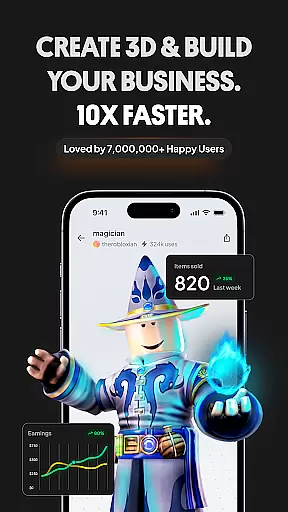
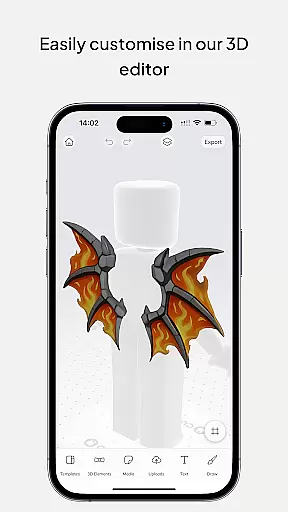
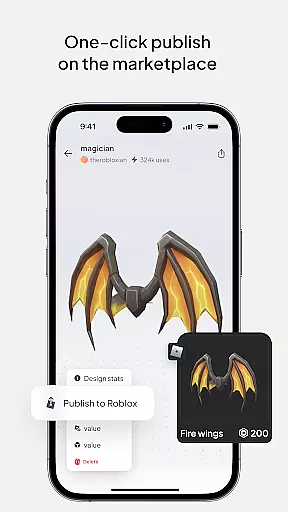
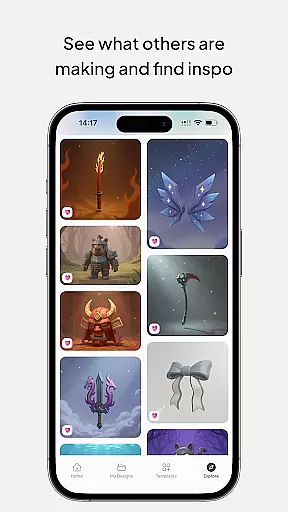
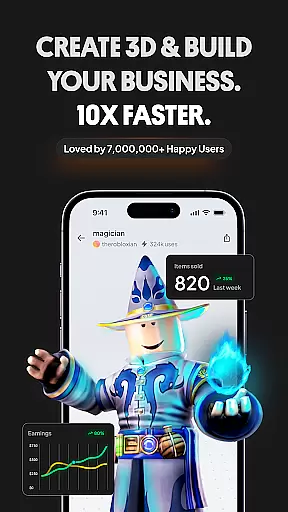
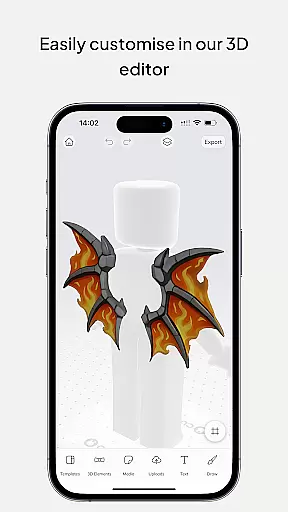
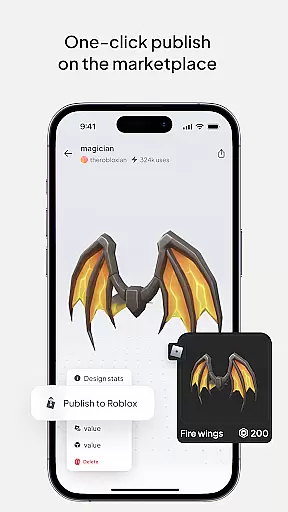
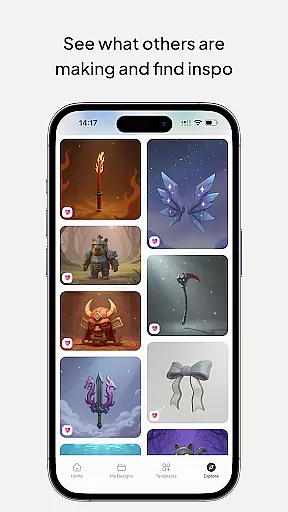
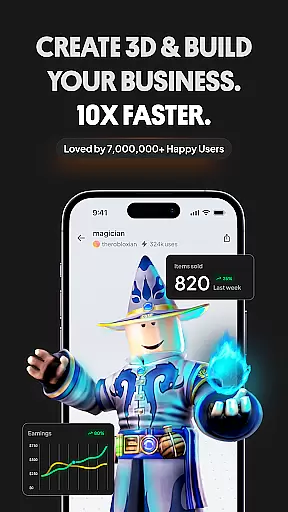
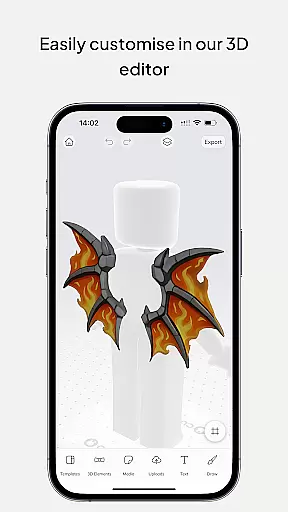
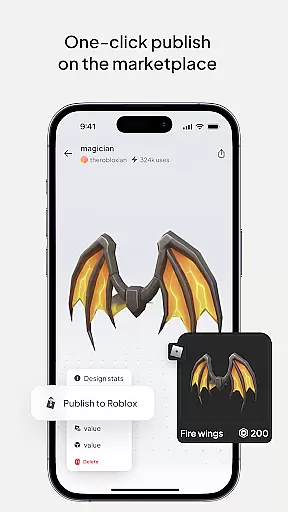
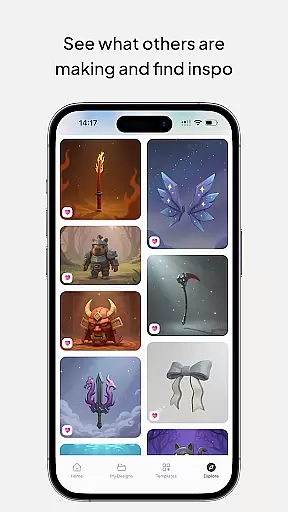
Customuse is a premier 3D design tool tailored for designers and creators, boasting a community of over 2 million users. It specializes in crafting unique digital content such as Roblox skins, Zepeto clothes, Minecraft avatars, and custom AR filters for social media platforms like TikTok, Snapchat, and Instagram. The app also offers virtual try-ons and clothing mockups, making it an all-in-one design suite.
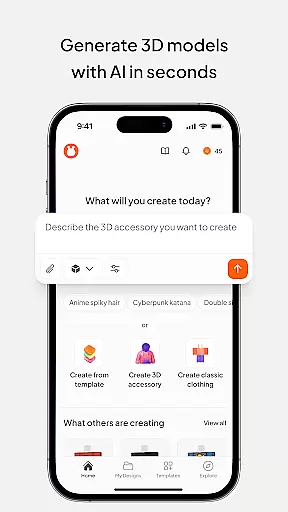
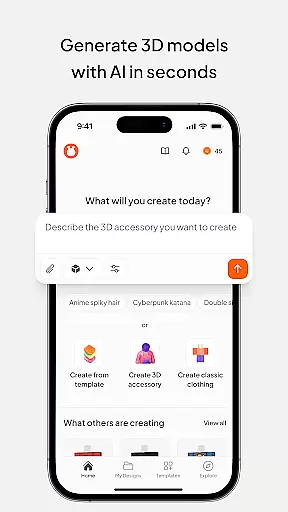
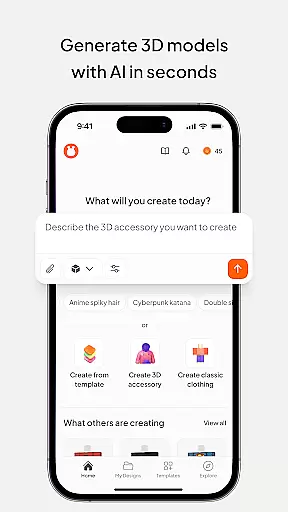
With advanced AI tools, Customuse simplifies the design process by allowing users to generate skins and outfits through simple prompts. Whether you're a beginner or a professional, the platform provides versatile features that cater to various skill levels, ensuring a comprehensive and engaging design experience across multiple devices.
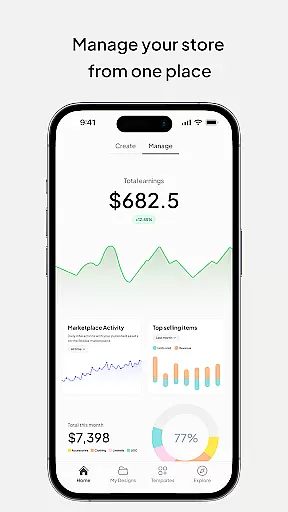
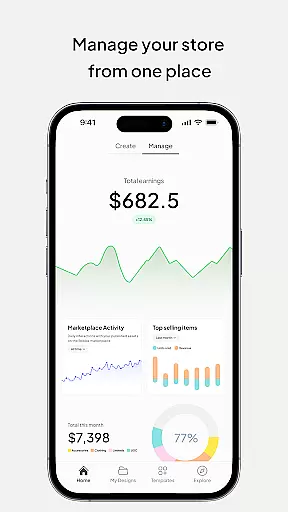
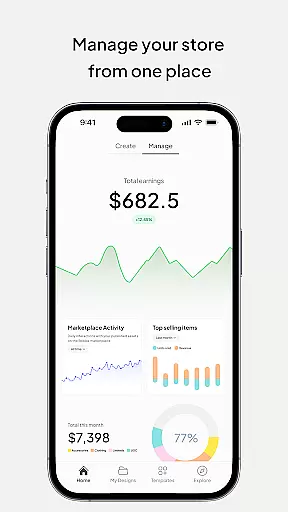
The application's value extends beyond personal use; it enables creators to monetize their designs on marketplaces, earn virtual currencies, and build a presence in the digital fashion world. By integrating with popular gaming and social platforms, Customuse empowers users to turn creative ideas into profitable ventures while fostering a vibrant community of digital artists.
Customuse stands out with its extensive range of innovative features designed to enhance creativity. Users can create bespoke Roblox skins using thousands of templates or starting from scratch, publish directly to Roblox, and even monetize their designs by earning Robux. Similarly, the app allows for the creation of unique Minecraft skins and Zepeto outfits, which can be shared across platforms to boost visibility and earnings.
One of the key highlights is the ability to design custom AR filters for social media, utilizing AI tools to craft face filters that capture attention. These filters can be tested and shared instantly, adding dynamic elements to social media posts. Additionally, the AI generator aids in producing designs based on user prompts, offering tailored suggestions and boosting productivity for both novices and experts.
Other notable features include multi-device compatibility, enabling seamless use on iPhone, desktop, or iPad, and a variety of graphic design tools for creating custom prints and logos. This versatility ensures that Customuse remains a top choice for anyone interested in 3D modeling, digital fashion, or enhancing their social media presence.
In the realm of digital design, having a comprehensive suite of creative tools is essential for unleashing one's full artistic potential. Customuse positions itself as an ultimate 3D design tool that caters to a wide array of design needs, from creating unique Roblox skins and Minecraft avatars to designing Zepeto clothes and customizing AR filters for social media platforms.
With thousands of templates at your disposal or the option to start from scratch, this application empowers designers and creators with the flexibility and resources needed to bring their visions to life. The inclusion of AI tools further enhances the creative process, offering tailored design suggestions and enabling users to explore new realms of design through AI-driven insights and analytics.
The true value of Customuse lies in its ability to cater to both beginners and professionals in 3D modeling. Whether you're looking to publish your designs directly to Roblox, share your creations on Minecraft, or monetize your fashion designs on the Zepeto marketplace, Customuse equips you with the necessary tools to succeed. This versatility not only boosts creativity but also opens up avenues for earning through various platforms by turning your design dreams into reality.
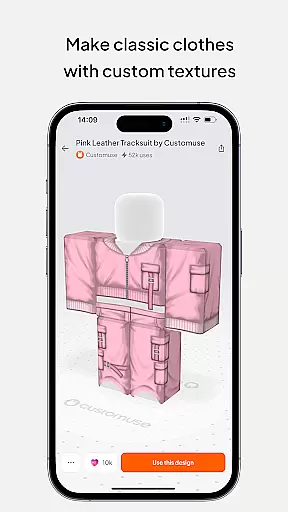
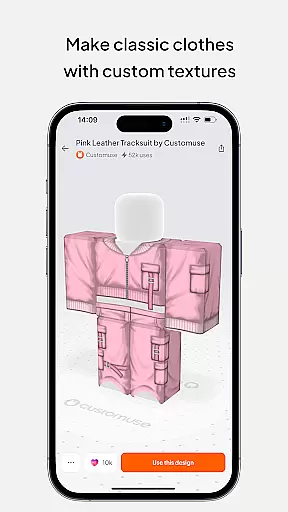
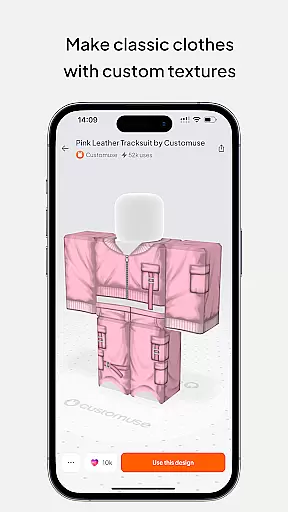
Flexibility in canvas and format options is crucial for designers who wish to express their creativity without limitations. Customuse offers unparalleled canvas/format flexibility, allowing users to seamlessly design across different mediums and platforms. From creating bespoke clothing mockups with virtual try-on features to crafting dynamic social media posts enriched with AR elements, the possibilities are vast.
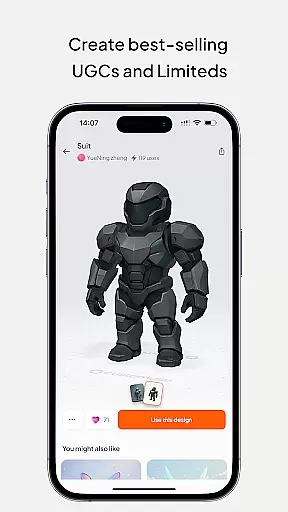
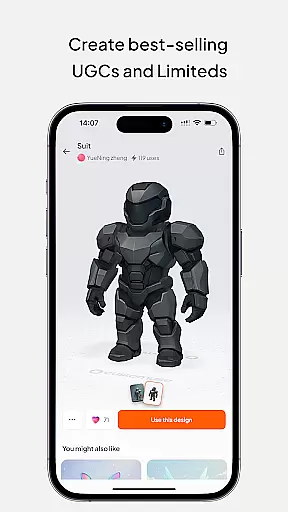
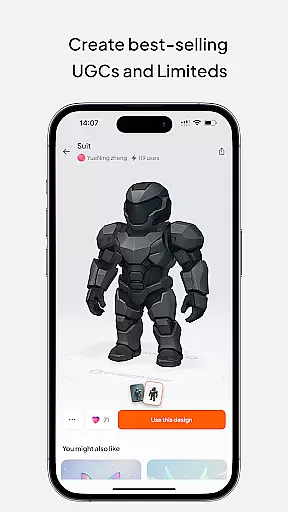
This platform supports an extensive range of formats suitable for aspiring fashion designers and 3D modeling enthusiasts alike. By providing the capability to add 3D accessories, incorporate branding, or make custom prints using graphic design tools, Customuse ensures that every creation can be tailored to meet specific requirements and preferences.
Moreover, the ability to use Customuse across multiple devicesu2014including iPhone, Desktop, or even as a portable Roblox Studio for iPadu2014enhances accessibility and convenience. Such cross-device compatibility underscores the applicationu2019s commitment to offering a flexible and adaptive design environment where creativity knows no bounds. Users can effortlessly switch between devices while maintaining their workflow continuity, thus maximizing productivity and creative output.
User-friendly interface
Extensive template library
Multi-platform integration
AI-driven design tools
Monetization opportunities
Requires learning curve
Premium feature costs
Limited free templates
Device compatibility issues
Occasional bugs

Stylish letters, Stylish Keyboard, Symbols, Emojis, Cool nickname
 4.40
4.40
Sketch, trace and master AR drawing with awesome anime art!
3.30
Apply cartoon, caricature, and portrait effects to make your photos stand out!
3.60
Digital Drawing: Draw & Paint
4.10
Art of Combination Wear OS Watch Faces
4.3
Get creative and make art with your Sesame Friends!
4.00
Everything you need to create hand drawn animation, anywhere you go!
4.40
Create and Design Custom Logos in Seconds with AI-Powered Tools!
4.40
Create amazing pictures and unleash your creative genius with AR Drawing Sketch
4.40
Photo stitcher for automatically screenshot stitching into a long screenshot
4.70
Draw beautiful mandala's very easily
4.60
The ultimate tool for creating animations
4.60
Image resizer to resize, crop, rotate, flip, change dpi photo or picture in bulk
4.60
Beauty Camera - Selfie Camera is the ultimate beauty camera and selfie app
4.30
Easy 3D drawing design maker & creator. Model designing, Sculpting. Create&paint
4.00
Design your dream room with AI. Get decor ideas & plan home interiors
3.90
Paint with oils and sketch with natural tools on a realistic virtual canvas.
3.80
AI Assistant, powered by ChatGPT GPT-4 & GPT-4o. Your intelligent companion.
3.50
Art of Combination Wear OS Watch faces
4.4


User Reviews