
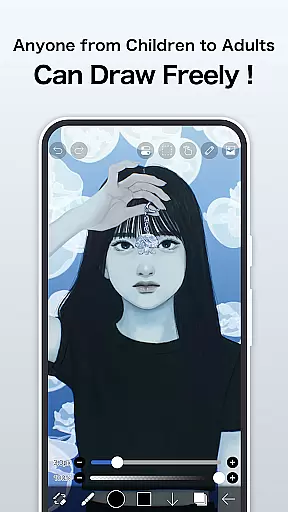
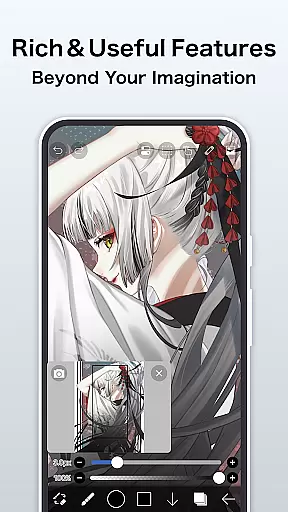
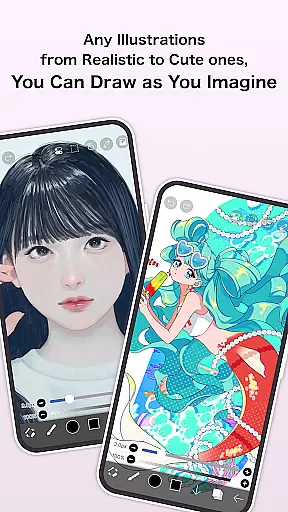
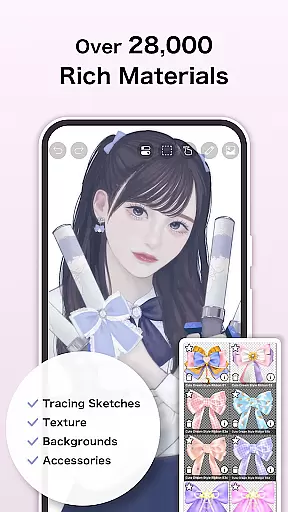
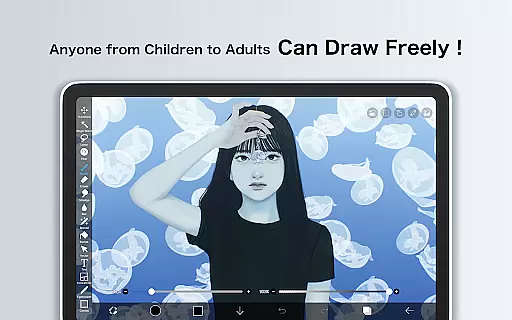
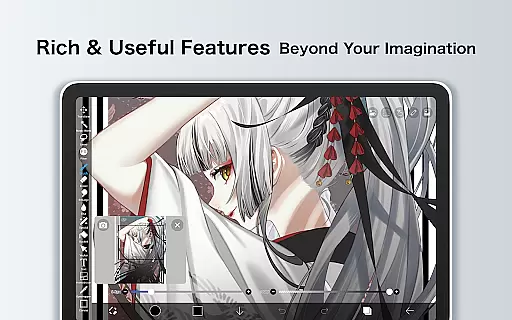
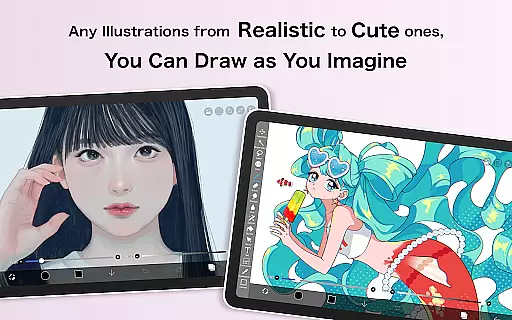
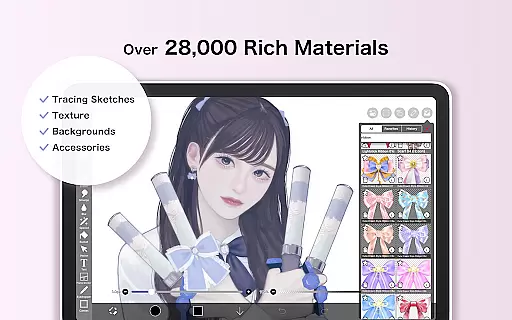
ibis Paint is a premier digital art application designed for both amateur and professional artists. This app offers an extensive suite of drawing tools, including over 47000 brushes, 27000 materials, and 2100 fonts, enabling users to create intricate artwork on their mobile devices. With advanced features such as stroke stabilization, various rulers, and blending modes, it caters to the needs of detailed-oriented creators.
The app also includes unique functionalities like screentones, filters, and a feature to record drawing processes, which can be shared with other users. Its versatility extends to manga creation, thanks to an advanced text tool. For those seeking an uninterrupted creative process, a Prime Membership unlocks additional capabilities, including cloud storage and exclusive content, enhancing productivity and artistic exploration.
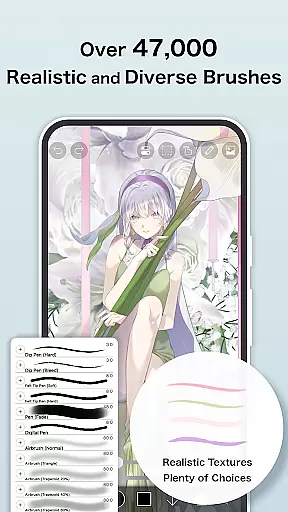
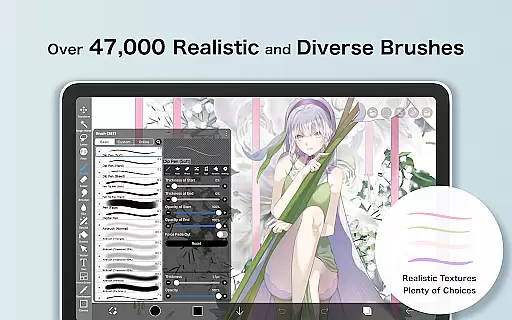
One of the standout aspects of ibis Paint is its impressive brush library, offering everything from dip pens to oil brushes, ensuring that every artist can find their preferred style. The app supports high-performance drawing at up to 60 fps, providing a seamless experience. Layer management is robust, allowing unlimited layers and individual parameter settings, which include opacity adjustments and blending options.
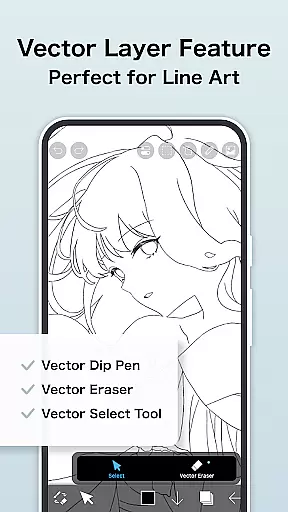
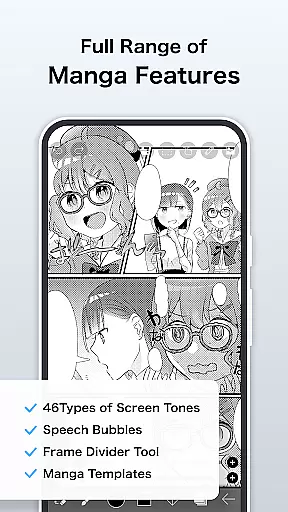
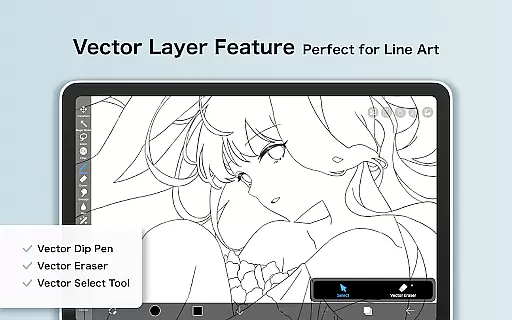
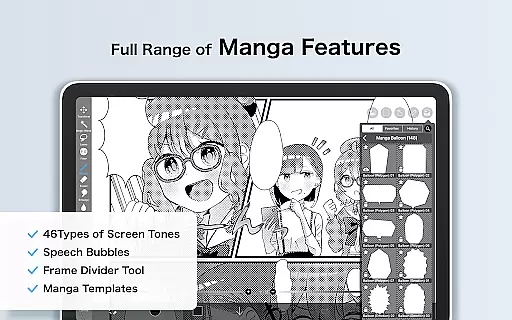
For manga enthusiasts, ibis Paint provides comprehensive text tools and screentones, facilitating professional-quality manga production. The Prime Membership enriches the user experience by granting access to vector tools, exclusive materials, and enhanced filters. Additionally, the app fosters a community of artists by letting them share their drawing processes, thus inspiring and educating fellow users, making it more than just a drawing app but a platform for learning and growth.
In the realm of digital art, having a comprehensive suite of creative tools is paramount. ibis Paint excels in this area by offering over 47000 brushes, which include everything from dip pens to oil brushes, catering to a wide array of artistic styles and preferences. This vast selection ensures that artists can find the perfect brush to bring their visions to life.
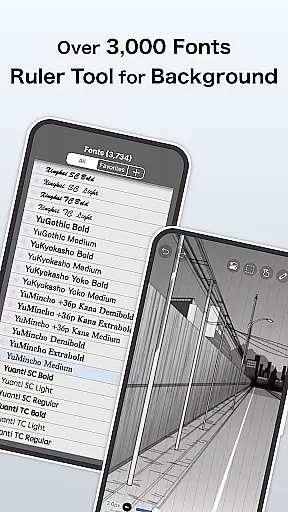
Moreover, the app provides more than 27000 materials and over 2100 fonts, alongside 84 filters and 46 screentones. These resources empower users to experiment with textures, typography, and visual effects without limitations. The inclusion of advanced features such as stroke stabilization, various ruler functions, and clipping masks further enhances the creative process, allowing for precision and innovation in every piece created.
The true value of these extensive tools lies in the freedom they offer to the artist. Whether crafting detailed manga pages using the sophisticated text tool or exploring abstract concepts with unique brush strokes, ibis Paint's complete toolkit supports both traditional techniques and experimental approaches. This versatility not only meets but exceeds the needs of modern digital artists.
Flexibility in canvas and format options is crucial for digital artists who require adaptability in their workflow. ibis Paint addresses this need by providing unlimited layer addition, each with customizable parameters such as opacity, blending modes, and individual layer names. This allows artists to organize complex artworks efficiently and maintain clarity throughout the creative process.
In addition to robust layer management, the application offers diverse import and manipulation capabilities. Users can import images from their photo library, apply transformations like horizontal and vertical inversions, rotate layers, and adjust zoom levels. Such functionalities ensure that artists can seamlessly integrate external elements into their work and refine compositions with ease.
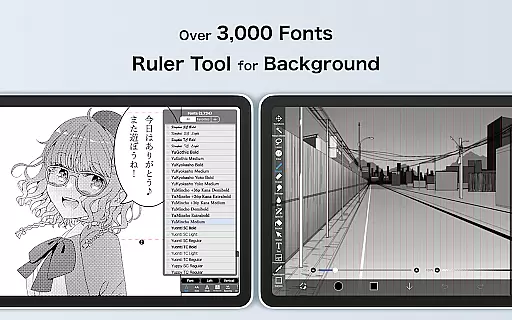
For those focused on manga creation, ibis Paint includes specialized tools like the advanced text tool, which supports vertical, horizontal, stroke-based, and multiple text functions. This level of detail enables precise control over lettering and layout, essential for professional-quality manga production. By combining flexible canvas settings with powerful formatting options, ibis Paint empowers creators to produce high-caliber artwork across various genres and styles.
User-friendly interface
Extensive brush library
Versatile layer management
Advanced manga tools
Active artist community
Prime Membership cost
Initial learning curve
Limited free features
In-app purchases needed
Occasional bugs reported

The ultimate tool for creating animations
 4.60
4.60
Create trending AI photos & videos with powerful effects and 3D styles.
3.20
AI Assistant, powered by ChatGPT GPT-4 & GPT-4o. Your intelligent companion.
3.50
Remove Background, Magic Eraser, Photo Enhancer, Story Templates, Collage Maker
4.30
Photo blender app to create overlay photos & double exposure.
4.40
Draw anime easily with AR guidance, sketch templates & trace tools!
3.10
Draw glowing spinners, relax, and spin your creative art
4.60
Art of Combination Wear OS Watch Faces
3.30
A luxurious gold watch face for an elegant and refined look.
4.1
See Color, Paint Color
4.90
2D animation studio for Android tablets - unlimited layers, infinite timeline
4.70
Digital, Abstract, Classic - all types of color wheels in one app!
4.60
Draw, fidget, and spin glow art! Relax and express your creativity with a finger
4.60
OneUI 8.5 icons ✨ Smooth, modern & based on the latest Play Store design ??
4.10
Easy 3D drawing design maker & creator. Model designing, Sculpting. Create&paint
4.00
AI Art Generator transforms your words into AI generated art & paintings.
3.70
Transform photos into amazing monochrome dither art with professional algorithms
4.5
Art of Combination Wear OS Watch faces
4.2
Art of Combination Wear OS Watch Faces
4.3


User Reviews