
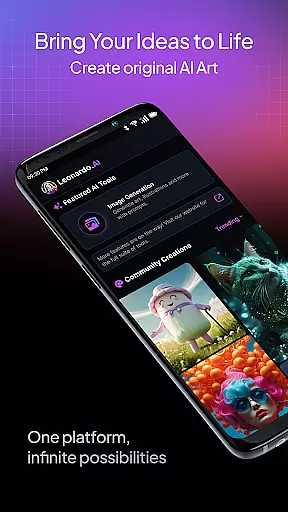
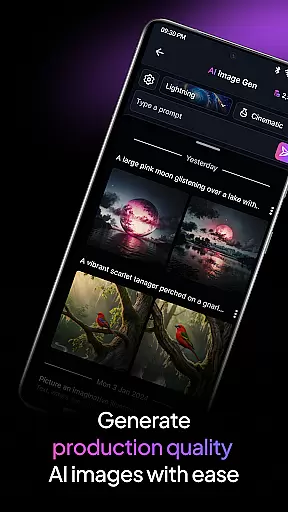
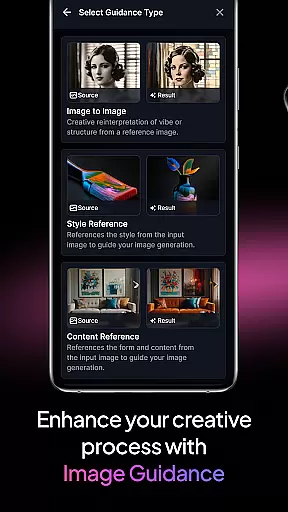
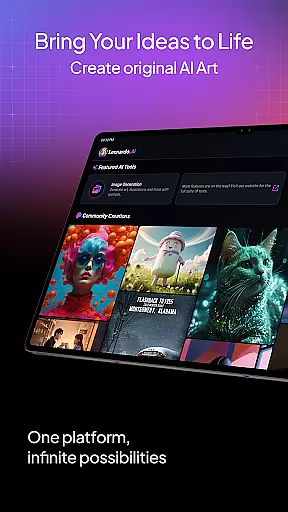
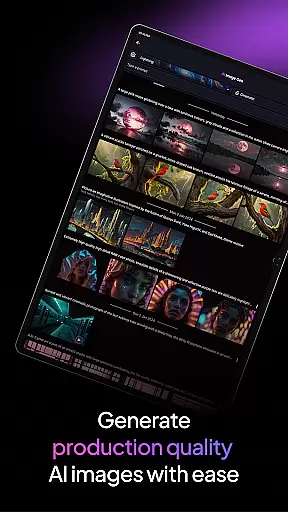
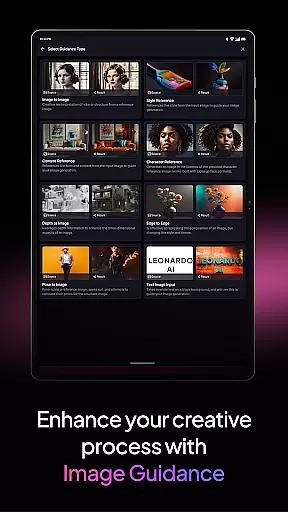
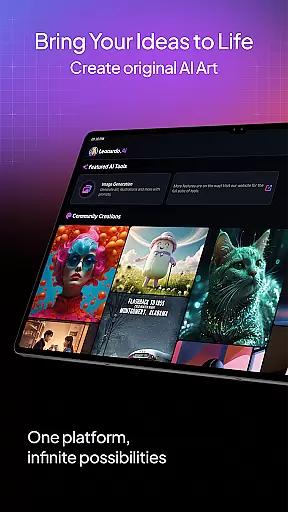
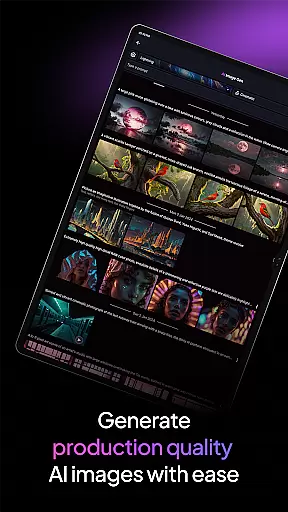
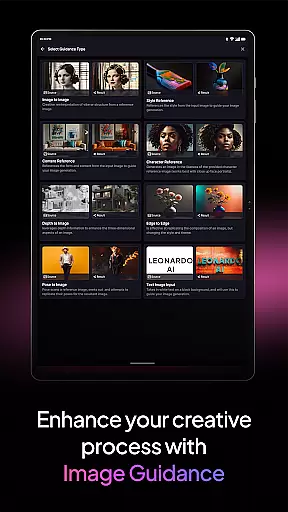
Leonardo.Ai is a cutting-edge AI art image generator designed for creative professionals and enthusiasts alike. Available on Android, this app empowers users to generate high-quality digital art with remarkable precision. By offering control over prompts, negative prompts, tiling, and more, Leonardo.Ai ensures that every aspect of the creative process can be fine-tuned to meet individual artistic needs.
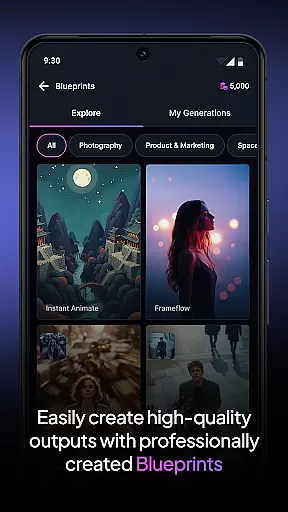
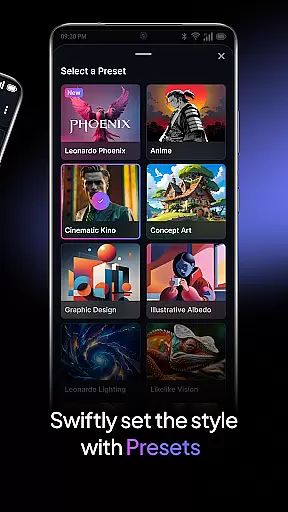
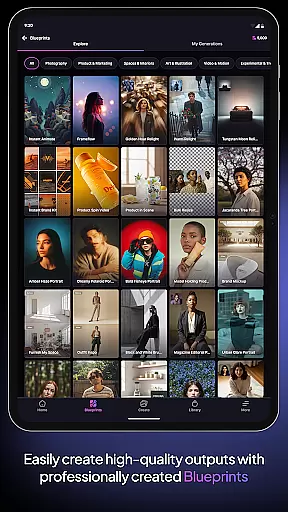
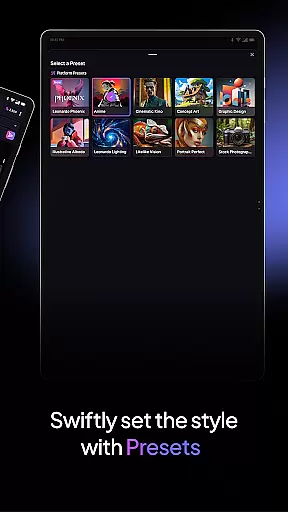
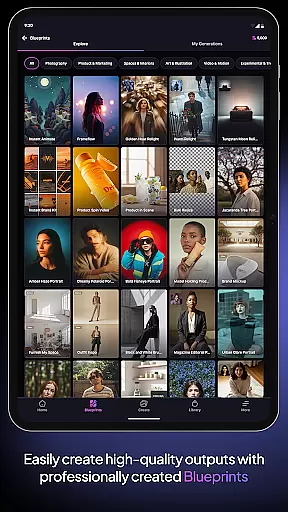
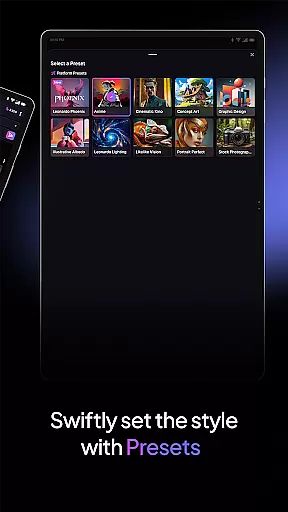
The app includes general-purpose and finetuned presets, enabling effortless creation of production-ready art and design assets. With Leonardo Phoenix, its foundational model, users experience next-level prompt adherence and rapid ideation through iterative prompting. Whether exploring diverse styles or maintaining consistency in projects, Leonardo.Ai provides tools to unleash imagination and create breathtaking art within minutes.
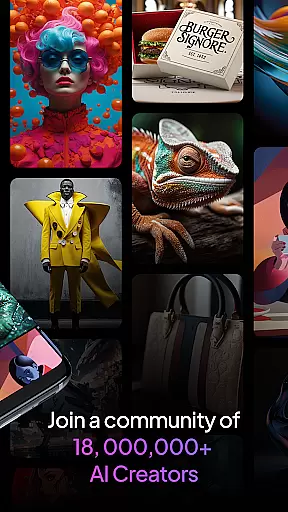
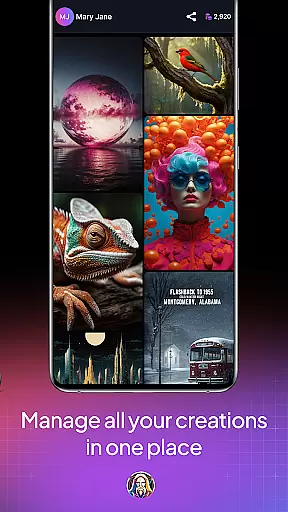
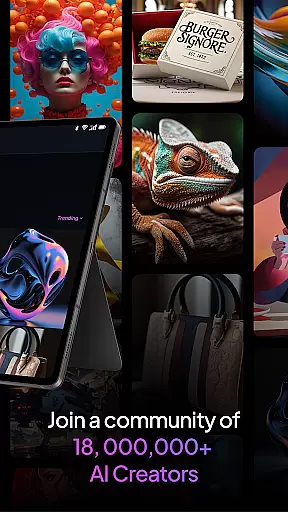
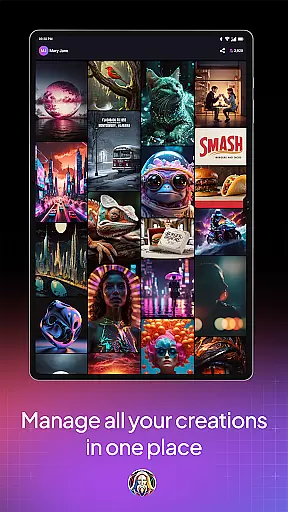
Joining a vibrant community of over 21 million creatives, users gain access to more than 1.7 billion images generated using Leonardo.Ai. This platform is ideal for artists seeking innovative ways to enhance their creative workflows while producing professional-grade designs on mobile devices.
Leonardo.Ai stands out with its robust feature set tailored for digital artists. The app's precise control options include customizable prompts, negative prompts, and tiling features, allowing users to refine outputs according to specific requirements. These controls ensure that each piece of art aligns perfectly with the creator’s vision.
One of the key highlights is the availability of both general-purpose and finetuned presets. These presets cater to various artistic needs, from generating quick concept art to producing detailed design assets ready for professional use. Additionally, Leonardo Phoenix enhances the creative process by providing superior prompt adherence and coherent text-to-image capabilities, making it easier to iterate concepts rapidly.
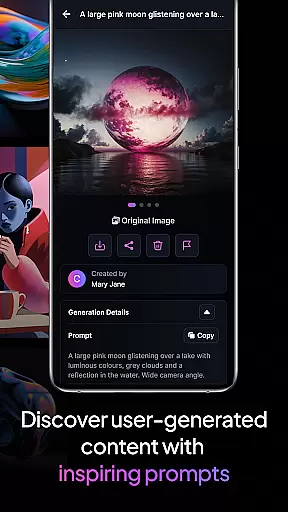
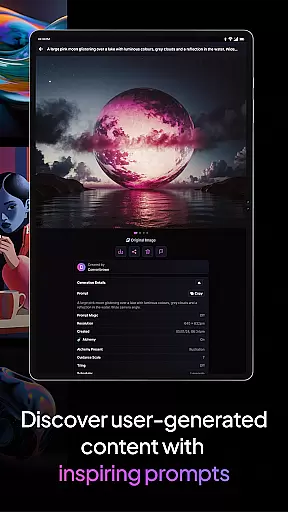
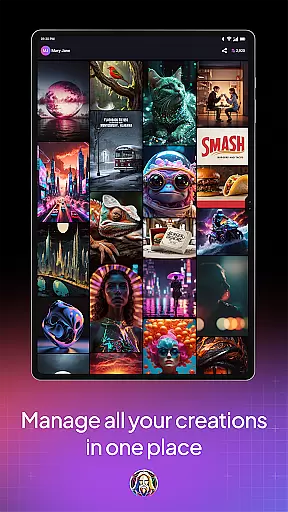
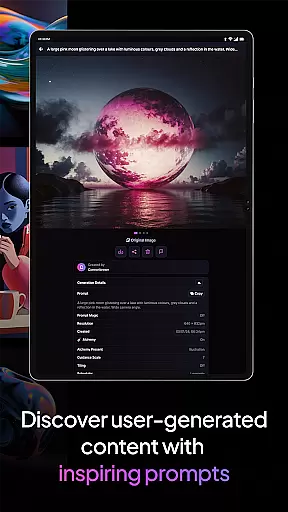
Furthermore, Leonardo.Ai fosters a collaborative environment where users can explore an extensive gallery of over 1.7 billion images created by a community of 21 million creatives. This vast repository serves as inspiration and reference, helping users expand their artistic horizons while ensuring consistent quality across projects.
Creative tools are the backbone of any art and design application, and Leonardo.Ai stands out with its comprehensive suite of features. This app provides artists with precise control over every aspect of digital art generation, including prompts, negative prompts, tiling, and more. Such detailed control ensures that creators can fine-tune their results to match their vision perfectly.
Leonardo.Ai also offers general-purpose and finetuned presets, enabling users to generate production-ready art and design assets effortlessly. Whether you're a professional designer or an amateur artist, these presets help in producing high-quality AI-generated art that meets industry standards. The versatility of these tools allows for a wide range of artistic expressions, from simple sketches to complex designs.
The inclusion of Leonardo Phoenix, the foundational model, takes creativity to the next level. With superior prompt adherence and coherent text-to-image capabilities, this model supports rapid ideation through iterative prompting. Artists can explore various styles while maintaining consistency across their work, making it easier to iterate concepts quickly and efficiently.
Flexibility in canvas and format options is crucial for artists who need to adapt their work to different mediums and platforms. Leonardo.Ai excels in providing users with the ability to customize their canvas size and format, ensuring that their creations fit perfectly into any project requirement. This flexibility allows artists to experiment with diverse dimensions without compromising on quality.
The app's support for multiple formats means that users can export their artwork in various file types, suitable for both digital and print media. Whether you're designing for social media, websites, or physical prints, Leonardo.Ai has got you covered. This adaptability ensures that your creative output remains versatile and ready for any use case.
Moreover, the app's seamless integration with Android devices enhances its usability. Artists can harness the power of Leonardo.Ai on their phones or tablets, taking advantage of the flexible canvas options wherever they go. This mobility empowers creators to capture inspiration as it strikes, ensuring that no idea goes unexplored due to technical limitations.
User-friendly interface
High-quality art generation
Precise customization options
Vibrant creative community
Extensive preset library
Requires learning curve
Limited offline functionality
Subscription fees apply
Dependent on internet connection
Advanced features may overwhelm beginners

The ultimate tool for creating animations
 4.60
4.60
Art of Combination Wear OS Watch faces
4.4
Castle is social media for creating and playing games!
4.60
Minecraft & Roblox Clothes
4.70
Get an overview over all your embroidery threads, projects and more.
4.60
Bring One UI 8.5 Icons to life -elegant dark icons with a modern, premium touch.
4.30
Beauty Camera - Selfie Camera is the ultimate beauty camera and selfie app
4.30
Create Logos, Tattoos, AI Art & more with our AI Photo Generator & Design Editor
4.20
Multiplayer Drawing game, Coloring, Painting・Sketch, Handwriting・Paint, draw
4.30
Kling AI is an image and video generation and editing studio powered by AI.
4.50
AI Tattoo Generator: Create Tattoo Designs & Get Ideas! Ink & Stencil Maker
4.50
Stylish letters, Stylish Keyboard, Symbols, Emojis, Cool nickname
4.40
Remove Background, Magic Eraser, Photo Enhancer, Story Templates, Collage Maker
4.30
Customizable Outlined Fonts. Watch Face Format. Battery friendly Digital Clock.
4.20
Create stylish invitation cards using templates for weddings, birthdays & RSVP.
4.20
Design unique, funny and adorable cat stickers that reflect your own style!
3.80
Download now for a stylish and functional timepiece
4.4
Transform photos into amazing monochrome dither art with professional algorithms
4.1
Your Essential Color Theory Guide: Red, Yellow, Blue (RYB)
4.1


User Reviews