
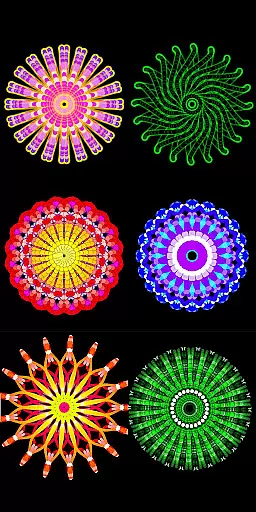
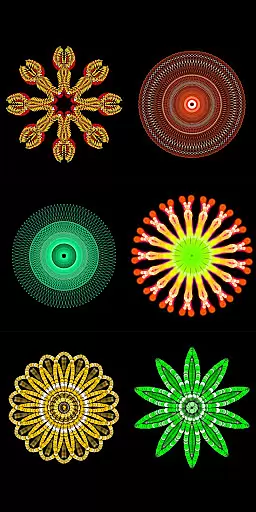
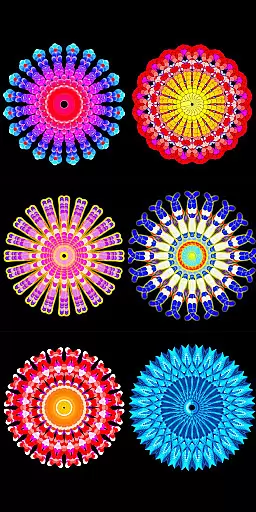
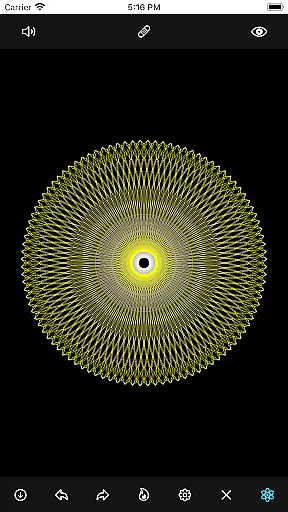
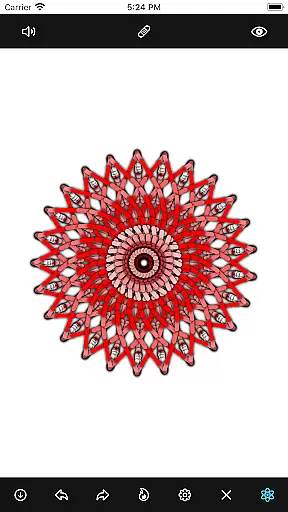
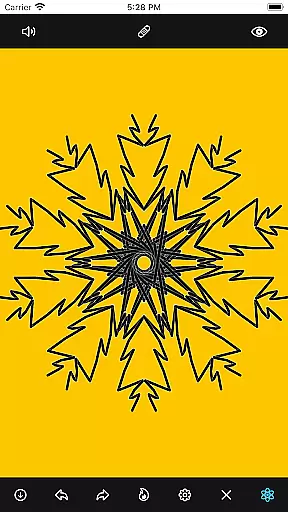
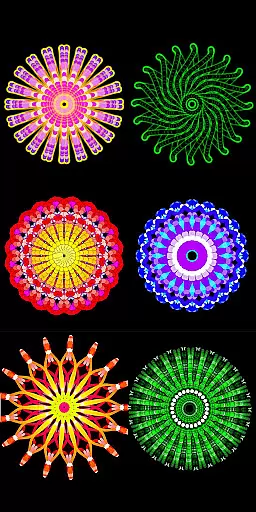
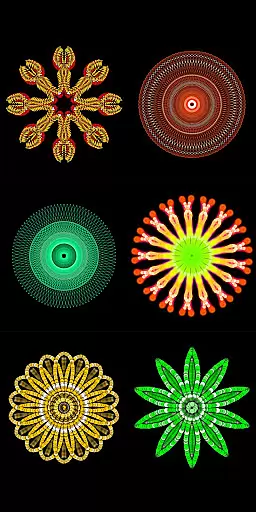
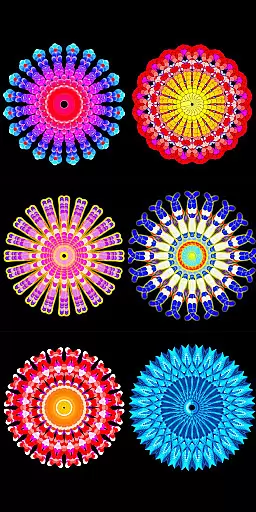
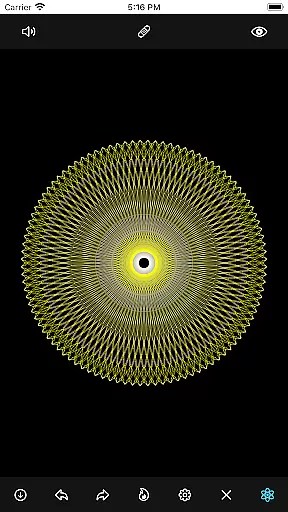
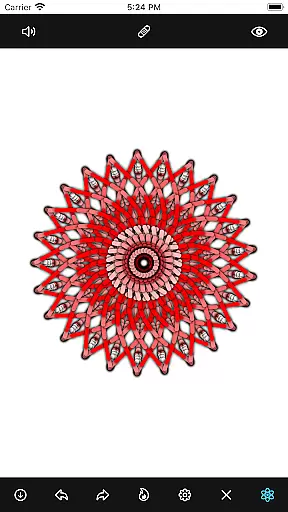
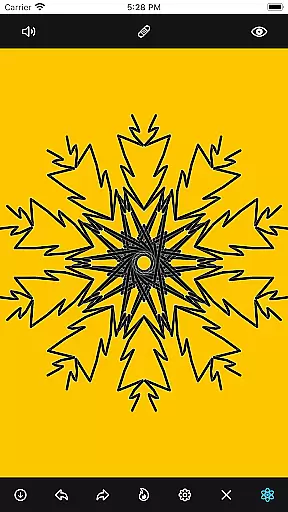
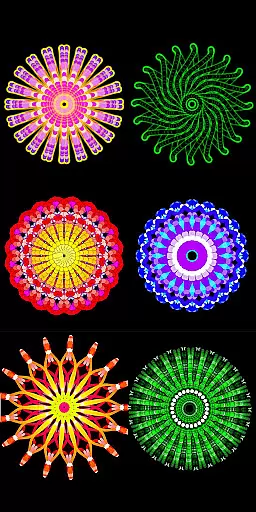
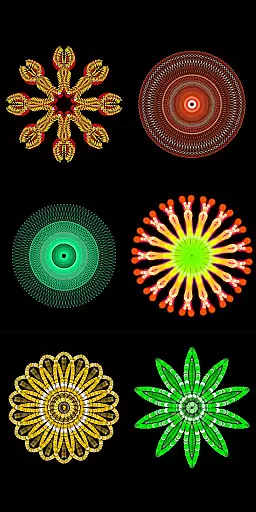
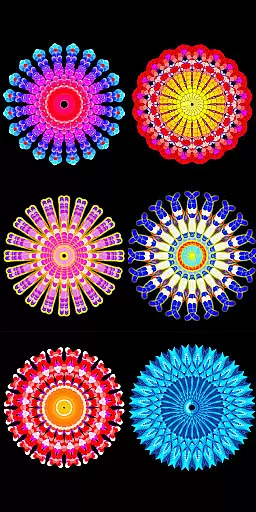
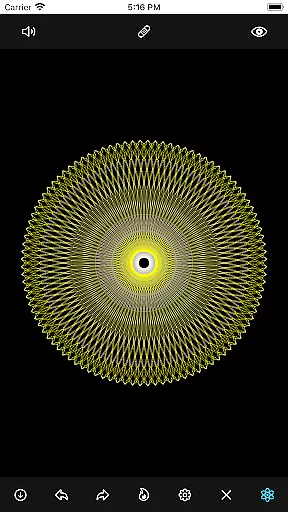
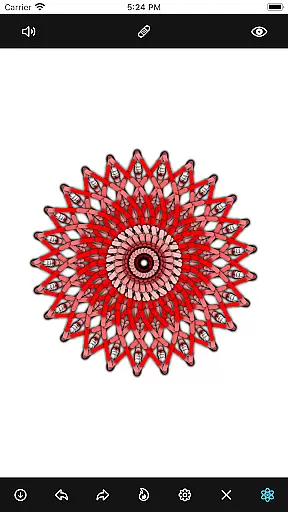
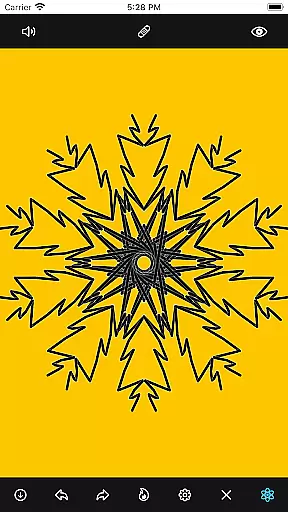
Mandala Maker 360 is a creative tool designed for both beginners and experienced artists to create intricate mandala drawings with ease. The app offers an intuitive interface that allows users to generate beautiful mandalas in just a few steps, making it perfect for art projects or mindfulness exercises.
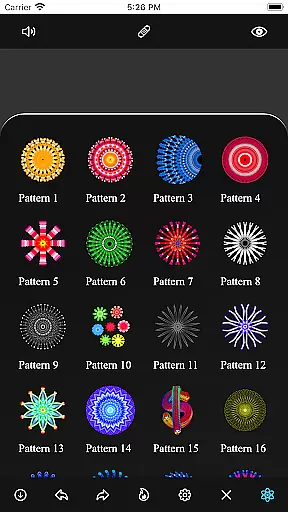
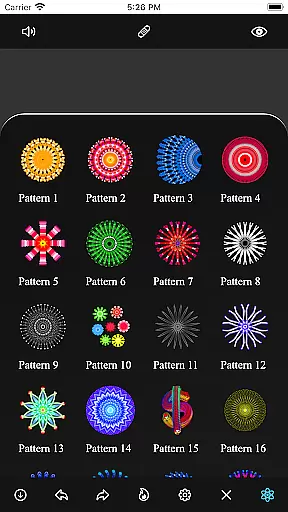
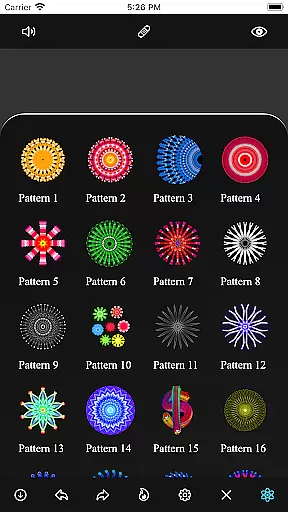
With extensive customization options, users can modify canvas symmetry, background colors, brush settings, and even apply shadows. The app also includes over 50 predefined patterns and images, providing a versatile platform for artistic expression. Whether you're looking to enhance your design skills or simply relax through drawing, Mandala Maker 360 delivers a comprehensive solution for creating stunning mandala artwork.
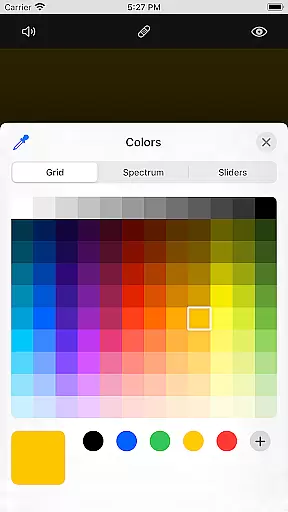
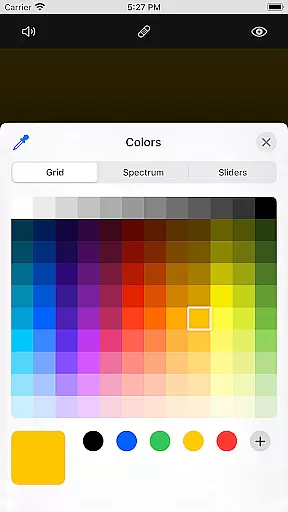
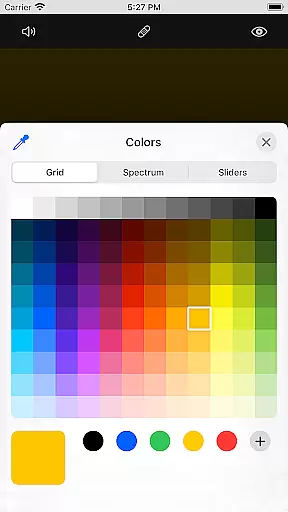
Mandala Maker 360 stands out with its robust set of features tailored for mandala creation. Users can customize every aspect of their canvas, including symmetry settings, background color, and center alignment. The app's brush customization options offer multiple styles, sizes, and random color selections, allowing for endless creativity.
In addition to canvas and brush adjustments, the app provides advanced image customization tools. With over 50 images available for drawing, users can modify dimensions and sizes to fit their designs perfectly. Shadow properties add depth to creations, while predefined patterns offer ready-to-use templates for quick starts. These features collectively ensure that Mandala Maker 360 meets diverse artistic needs.
Mandala Maker 360 offers a comprehensive suite of creative tools that cater to both beginners and advanced artists. The application provides extensive customization options, allowing users to modify canvas symmetry, background color, brush settings, and even apply shadows.
With features like canvas mirroring, multiple brush styles, and the ability to change brush sizes and types, users can create highly personalized mandala drawings. Additionally, the app includes over 50 images and predefined patterns which can be used as foundations for your artwork.
The inclusion of shadow properties and image customization options adds another layer of depth to your creations. Users can adjust image sizes, dimensions, and experiment with different shadow sizes and colors, ensuring each piece is unique.
One of the standout features of Mandala Maker 360 is its exceptional canvas and format flexibility. Users have the freedom to change the canvas center and apply it at the touch, providing unparalleled control over their drawing space.
The app supports various customization options such as altering the background color and canvas mirroring, which are crucial for creating balanced and aesthetically pleasing mandalas. This flexibility ensures that users are not constrained by traditional canvas limitations.
Moreover, the ability to work with more than 50 images and predefined patterns allows for diverse artistic expressions. Whether you're looking to create simple designs or complex masterpieces, Mandala Maker 360's adaptable canvas and format settings make it possible to bring any vision to life.
Easy-to-use interface
Extensive customization
Over 50 images included
Versatile pattern options
Perfect for mindfulness
Limited free features
Some tools are complex
Occasional bugs
Ads can be intrusive
Learning curve for new users

AI generated images & photos, turn your words into drawing, painting & pictures.
 4.30
4.30
Floor Plan Creator lets you create, edit and share floor plans.
4.00
Art of Combination Wear OS Watch faces (for Wear OS 5+ devices)
3.00
Image/ Text to Video Generator
4.40
Easy 3D drawing design maker & creator. Model designing, Sculpting. Create&paint
4.00
Create stylish invitation cards using templates for weddings, birthdays & RSVP.
4.20
Novices can also easily complete diamond painting masters
4.70
Get creative and make art with your Sesame Friends!
4.00
Bring One UI 8.5 Icons to life -elegant dark icons with a modern, premium touch.
4.30
Digital, Abstract, Classic - all types of color wheels in one app!
4.60
Photo editor for art, avatars, filters & fun transformations.
4.60
Draw glowing spinners, relax, and spin your creative art
4.60
Discover Cartoon Dream : Unleash Your Creativity with CuttingEdge AI
4.50
The perfect place to start sketching! Use Sketchbook to draw and paint sketches.
4.50
Design your dream room with AI. Get decor ideas & plan home interiors
3.90
Create cute cat emojis & PFPs! Fun, custom avatars for cat lovers.
3.70
Apply cartoon, caricature, and portrait effects to make your photos stand out!
3.60
Meet the magic aı 3d photo generator and smart AI video generator app.
3.20
Premium version of Shimeji-ee app with no ads & no limit active shimeji
4.4


User Reviews